

Garage 0.1.2: Now It Knows What’s on Your Shelf

By Titanium in Home Server Projects
· 12 views
Garage 0.1.2: Now It Knows What’s on Your Shelf
Anyone who’s changed oil on a Cummins knows the routine. You get under the truck, drain it, and then find out you’re out of filters. Or you stand in the parts store and can’t remember the part number.
Today’s Garage build is aimed at that problem.
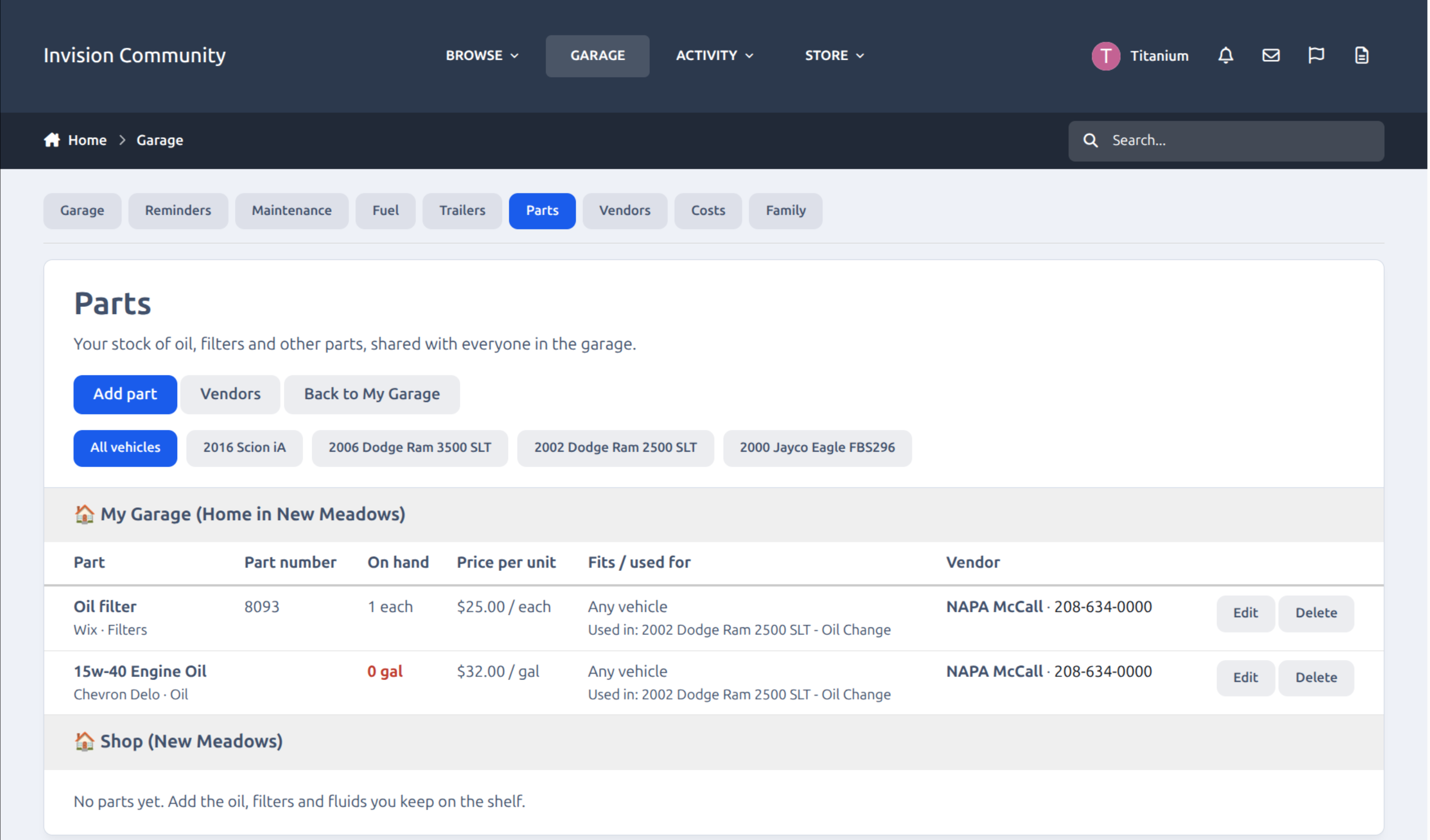
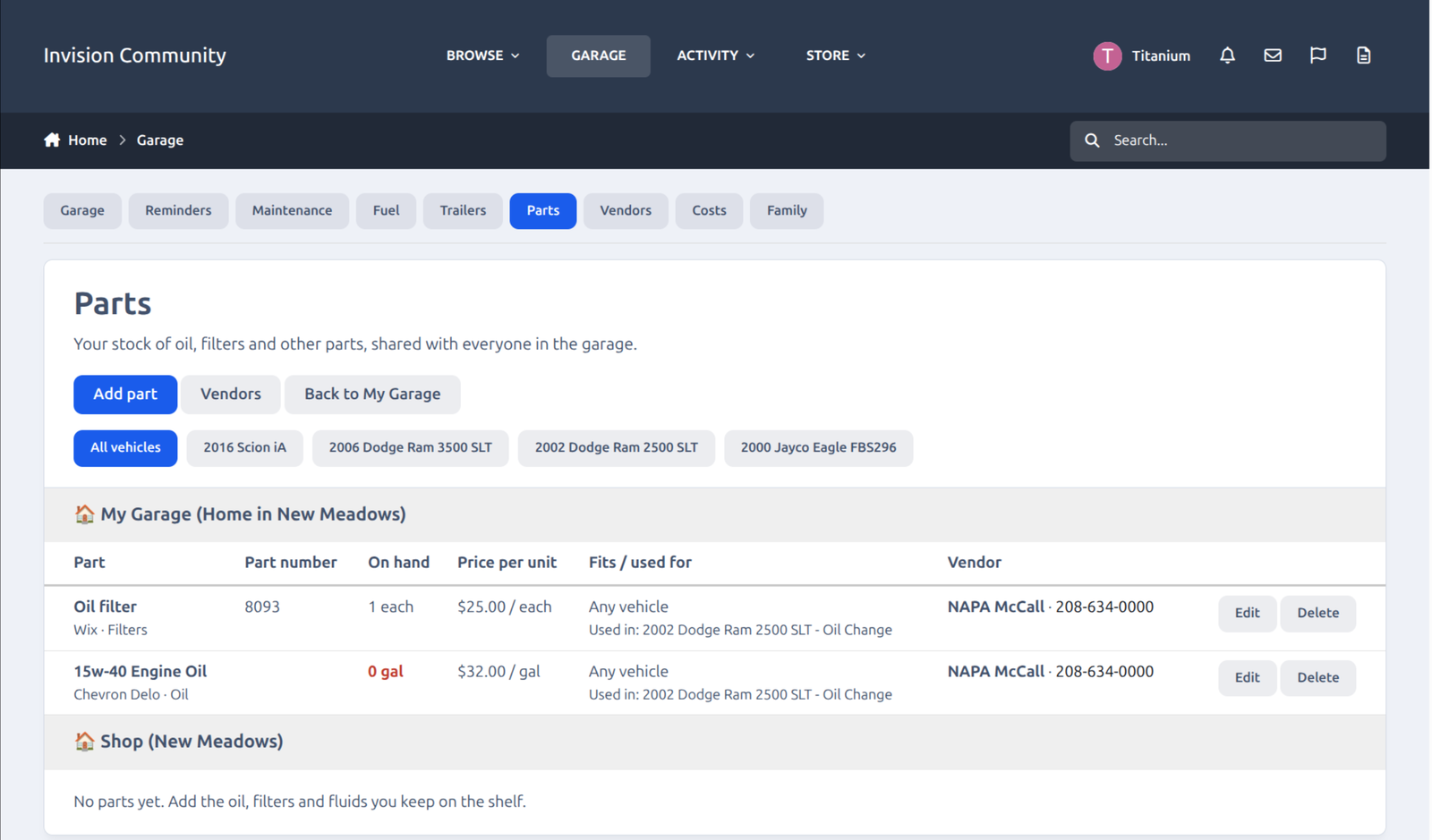
Parts inventory
Keep a stock list of oil, filters, coolant and everything else on your shelf. Oil is measured in quarts, gallons or 5-gallon buckets, and filters and other countable parts in “each”. Add part numbers, brands and prices. You can also tag a part to the vehicles it fits, so the 15W-40 and the oil filter for the Ram don’t show up as Scion parts.
Parts on every reminder
Attach parts to a service, for example 3 gallons of oil and a filter on an oil change. When the reminder gets close, you get a short notice with a link to a Parts needed page. It shows what you have, what you’re short, and what it’ll cost to fill the gap.
Vendors
Keep a list of where you buy things: phone, address, website and social links, and a rep with an extension if you deal with a specific person. Some of your parts come from the corner store and some come in a box from Amazon or PartsGeek. So each vendor can carry a sales tax rate, and each part can carry shipping per unit. The estimates use what you actually pay.
Less typing when you log a service
Pick a reminder and the cost fills in from your parts prices. The Parts / vendor box fills in with the vendor name. “Service performed” is optional, since the reminder is the service. For a one-off repair like a blown hose, leave the reminder blank and type what you did. When you save, you can have the parts come out of your stock automatically.
Easier to get around
A menu bar on every Garage page: Garage, Reminders, Maintenance, Fuel, Trailers, Parts, Vendors, Costs and Family.
All your vehicles’ reminders, maintenance and fuel on single pages, so you don’t have to open each truck.
A “needs attention” panel on My Garage that shows what’s overdue or coming up soon.
A red Do not drive button on the daily odometer page, so a down vehicle gets flagged right where you check in.
Still in beta
The Garage is open to subscription members while I work out the bugs. If something looks wrong, or you want a feature, reply here and tell me. Screenshots help. Most of what’s in this build started as a suggestion.
Wrench safe,
Titanium
Recommended Comments