Skip to content
View in the app

A better way to browse. Learn more.

Mopar1973Man.Com

A full-screen app on your home screen with push notifications, badges and more.

To install this app on iOS and iPadOS
  1. Tap the Share icon in Safari
  2. Scroll the menu and tap Add to Home Screen.
  3. Tap Add in the top-right corner.
To install this app on Android
  1. Tap the 3-dot menu (⋮) in the top-right corner of the browser.
  2. Tap Add to Home screen or Install app.
  3. Confirm by tapping Install.

Titanium

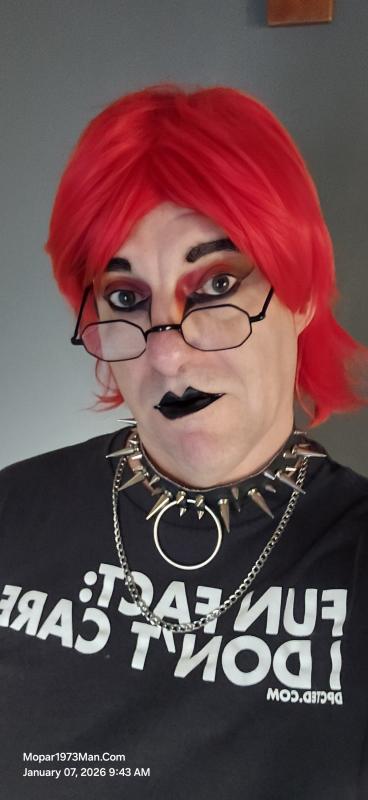
Welcome to Titanium. This is my personal corner of the site: gothic and alternative style, makeup artistry, and the story behind the look. I'm the person who used to go by Mopar1973Man on the diesel side. Come say hello, ask about the makeup and products I use, and register on the site to join the conversation.

This is also where I share how makeup artistry kept me going through cancer twice, and everything that came with it. Coming here from TikTok? Welcome. Just register to post.

Forums

  1. Come say hello to Titanium. This is my journey making my own version of Gothic, Emotional Goth, or alternative dress code and makeup artistry. Ask your questions about my makeup artistry and the products I use. Register on the site to post in the forum.

    • 6 posts

Account

Navigation

Search

Search

Configure browser push notifications

Chrome (Android)
  1. Tap the lock icon next to the address bar.
  2. Tap Permissions → Notifications.
  3. Adjust your preference.
Chrome (Desktop)
  1. Click the padlock icon in the address bar.
  2. Select Site settings.
  3. Find Notifications and adjust your preference.