


The Garage: What's Done and What's Coming

By Titanium in Home Server Projects
· 20 views
The Garage: What's Done and What's Coming
Nov 26, 2026
The Garage is our own vehicle maintenance log, built right into Mopar1973Man.Com. It's something I've wanted for about eight years, and it's my first software project ever. It went live for subscription members on November 14 as a beta, and it has grown fast since.
I spent 23 years as a field mechanic. I wanted one place to answer the questions that matter: what was done, when, at what mileage, what it cost, and what's due next.
What's working today
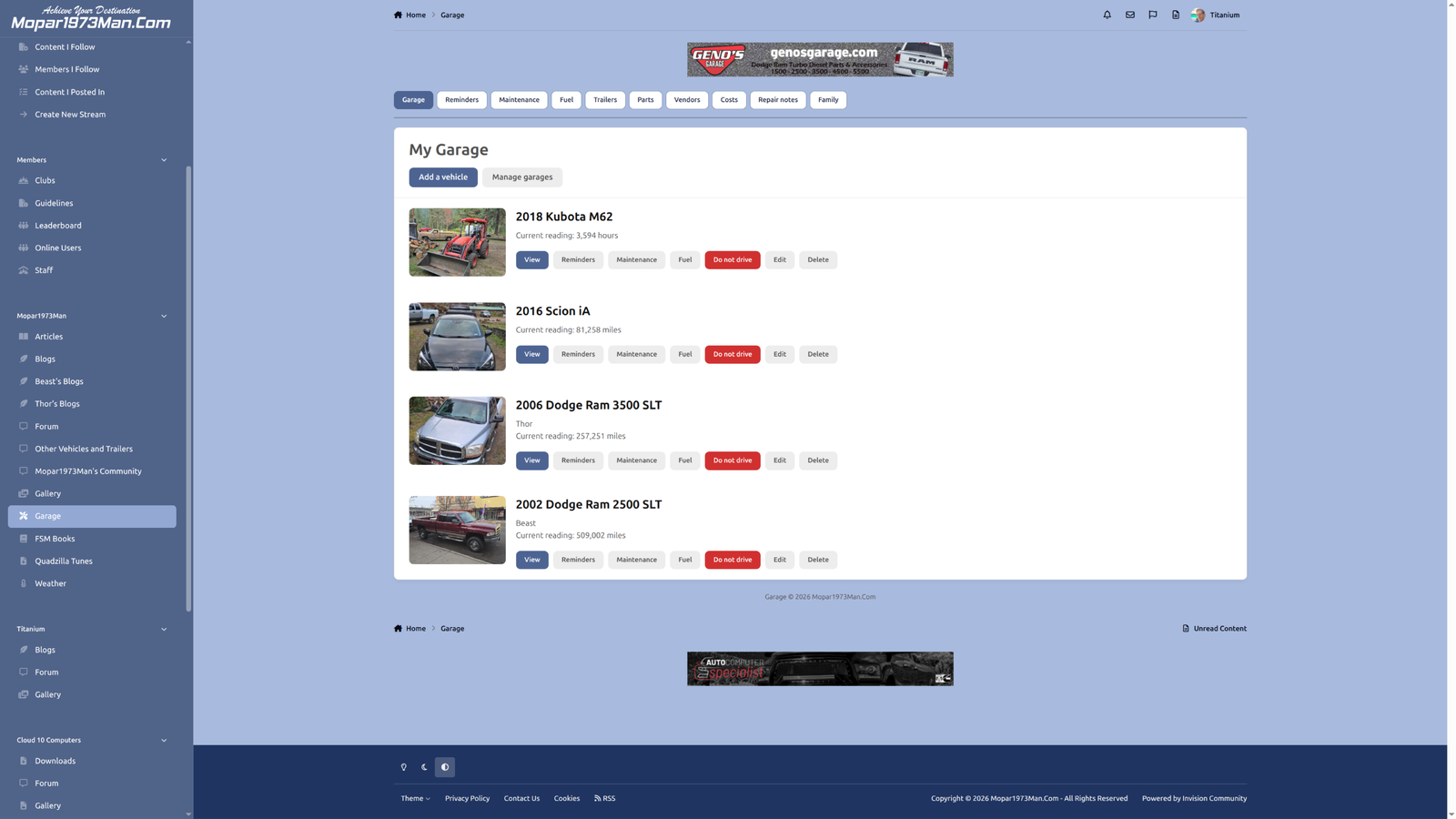
Your vehicles
Your own garages. Keep more than one location, with the vehicles in each.
A page for every vehicle with a main photo, photo gallery, specs, logs and modifications.
Modifications get their own page with photos and details, and can link back to the forum post about the work.
Not just trucks. Equipment that runs on an hour meter works too.
Trailers and attachments. Hitch and unhitch, and the towed miles or hours count toward their own service schedules.
Maintenance and fuel
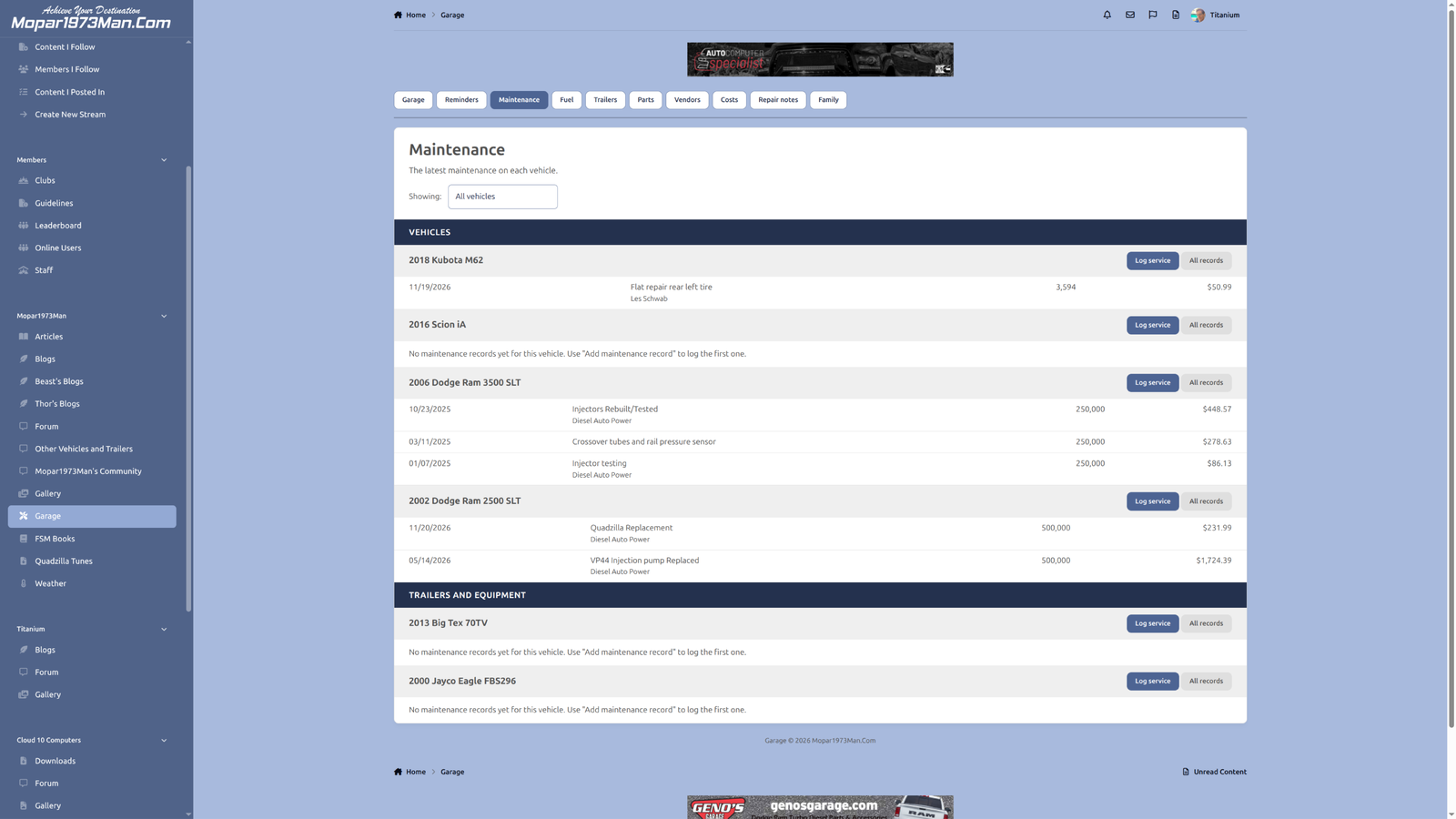
Maintenance records with date, mileage, service, notes, cost, parts and vendor.
Your own reminders, by miles, days or hours. You set the intervals to fit how you use the rig.
Fuel log with pump-style gallons and price, and real fuel mileage figured from your fills.
Costs so you can see what a vehicle really takes to run.
Repair notes, private to the owner, for the jobs still waiting. Track status, priority and photos.
Parts and vendors
Parts inventory tied to your vehicles and services, with a parts-needed list when a job is coming due.
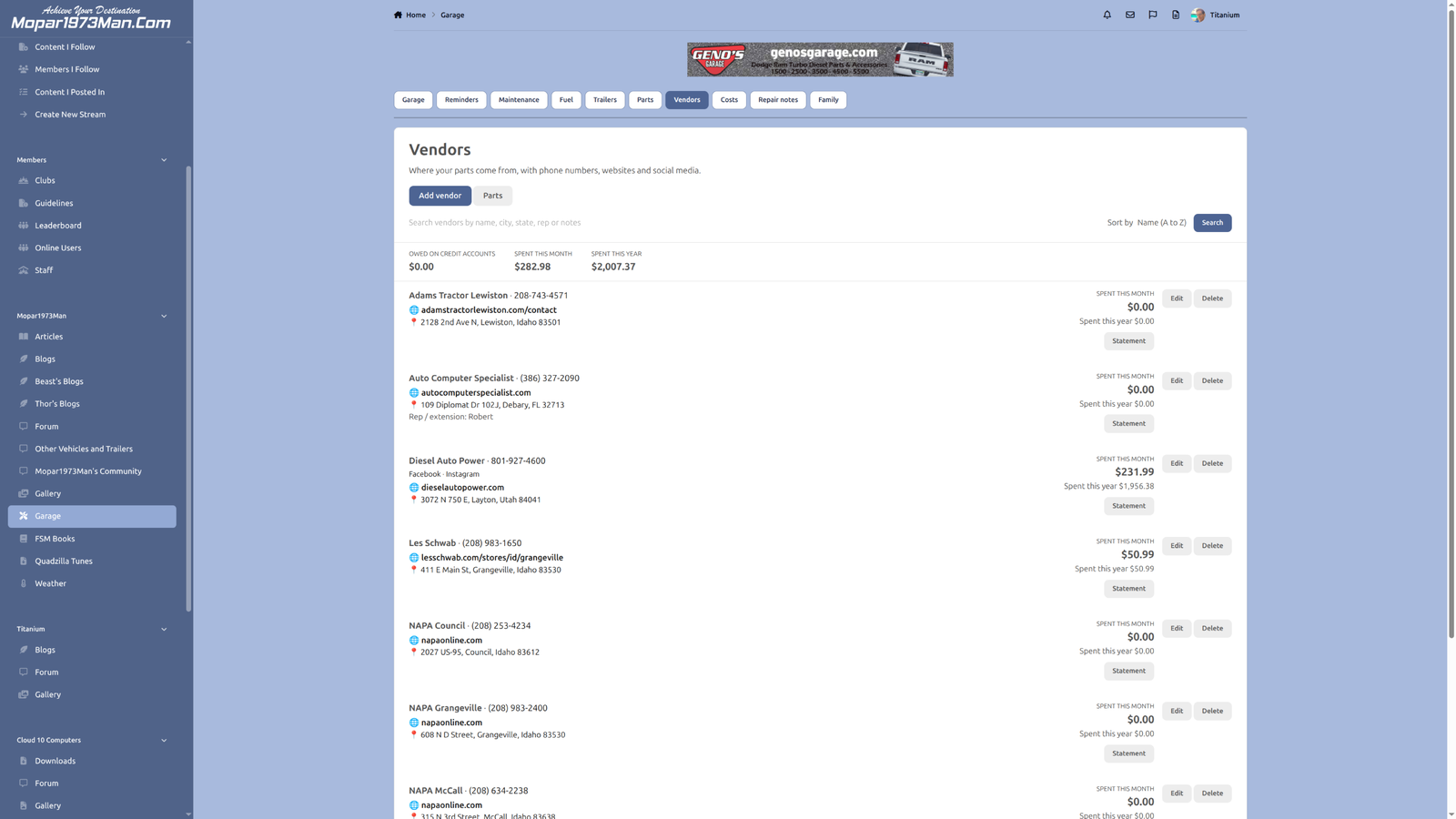
Vendor list with contacts and websites, plus search and sorting.
Vendor accounts for those who run a tab: balances, charges, payments, check numbers and statements.
How was this paid? Charge it to the account, or mark it paid by cash, card or check, so balances stay honest.
Family and safety
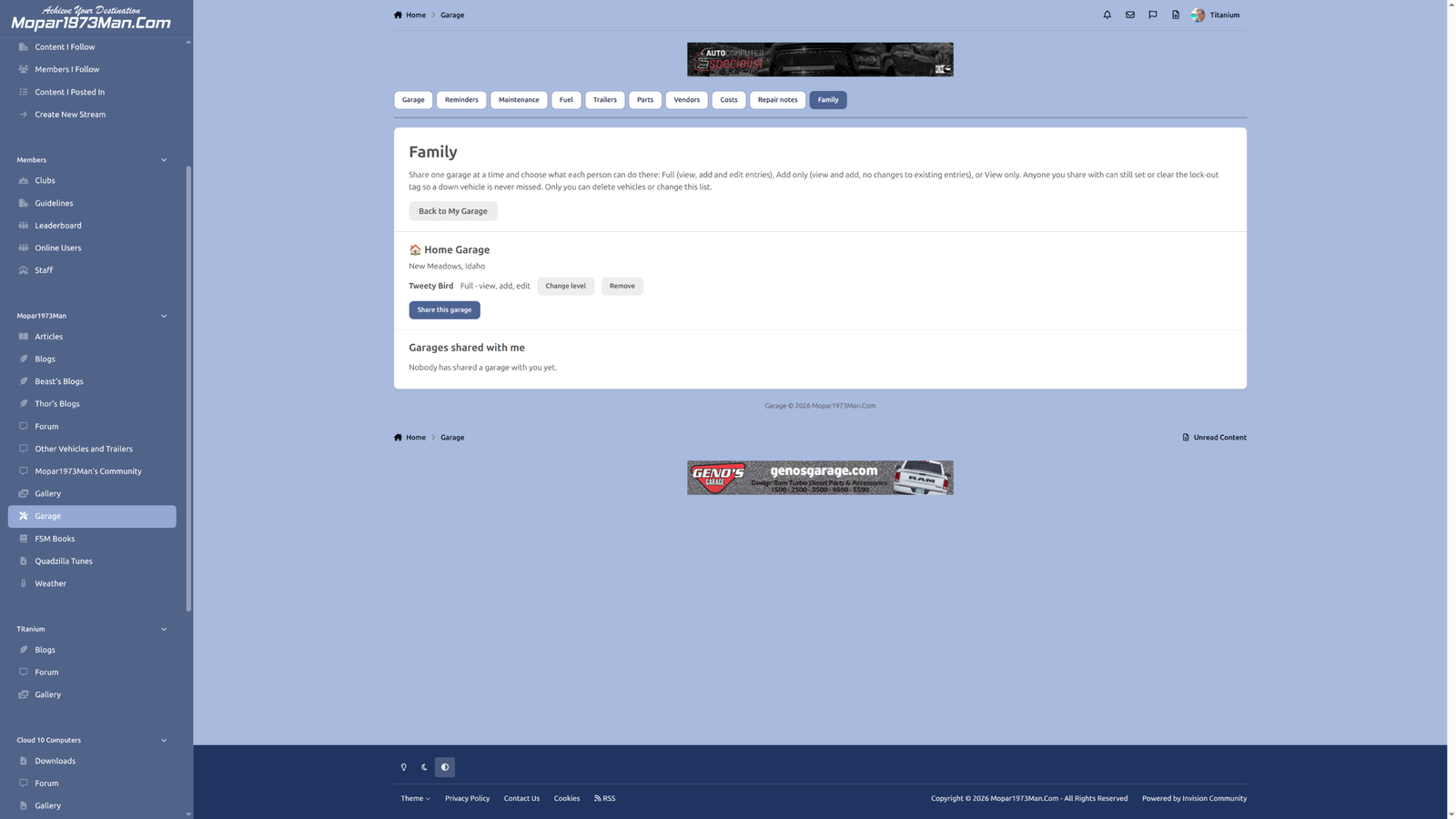
Household sharing. Family members use their own logins and see the same logs, with the access you give them.
Do not drive tag. Flag a down or unsafe vehicle with a reason. It takes a logged repair to clear it.
Phone friendly. It's built to be used on your phone from the road or the shop floor.
In testing now
These are on my test copy and not on the live site yet.
Storage settings fix. Some admin settings, including photo storage by member group, weren't saving.
Staff help tools. When you need a hand, staff will be able to open your garage to help. Changes are logged with a reason you can see, and staff can't delete a vehicle without the owner's approval.
What's coming
These are plans without dates. The order may change as testers tell us what matters.
Next up
Receipt and invoice attachments, including PDFs
Warranty tracking with reminders
Quick fuel and maintenance entry on your phone
Part history: every repair and vehicle a part was used on
Statement reconciliation for vendor accounts
Several forum links on one modification, with a check for broken links
Fuel mileage before and after a modification, to see if it paid off
Getting ready for the next Invision Community release
Further down the road
A line beside your forum posts showing the vehicle you choose, with its fuel mileage and cost per mile
A showcase page for your rig: mods, mileage numbers, and dyno or track results. You choose what guests see.
Public build logs for your projects
Registration, insurance, tolls and other ownership costs
Exporting your own data so you can keep a copy
Quadzilla tune file support, waiting on an app update from Quadzilla
Ideas I'm still chewing on
Trip summaries you can share in a blog entry, without giving away locations
How you can help
The Garage is open to subscription members while we shake out the bugs. Load in a real vehicle, log a few services and fill-ups, and tell me what breaks or what feels clumsy. Screenshots from your phone help a lot.
Whether you drive a Cummins pickup, a semi, an RV or a tractor, your use will show me things mine won't. Thanks for riding along.
Edited by Titanium
Recommended Comments