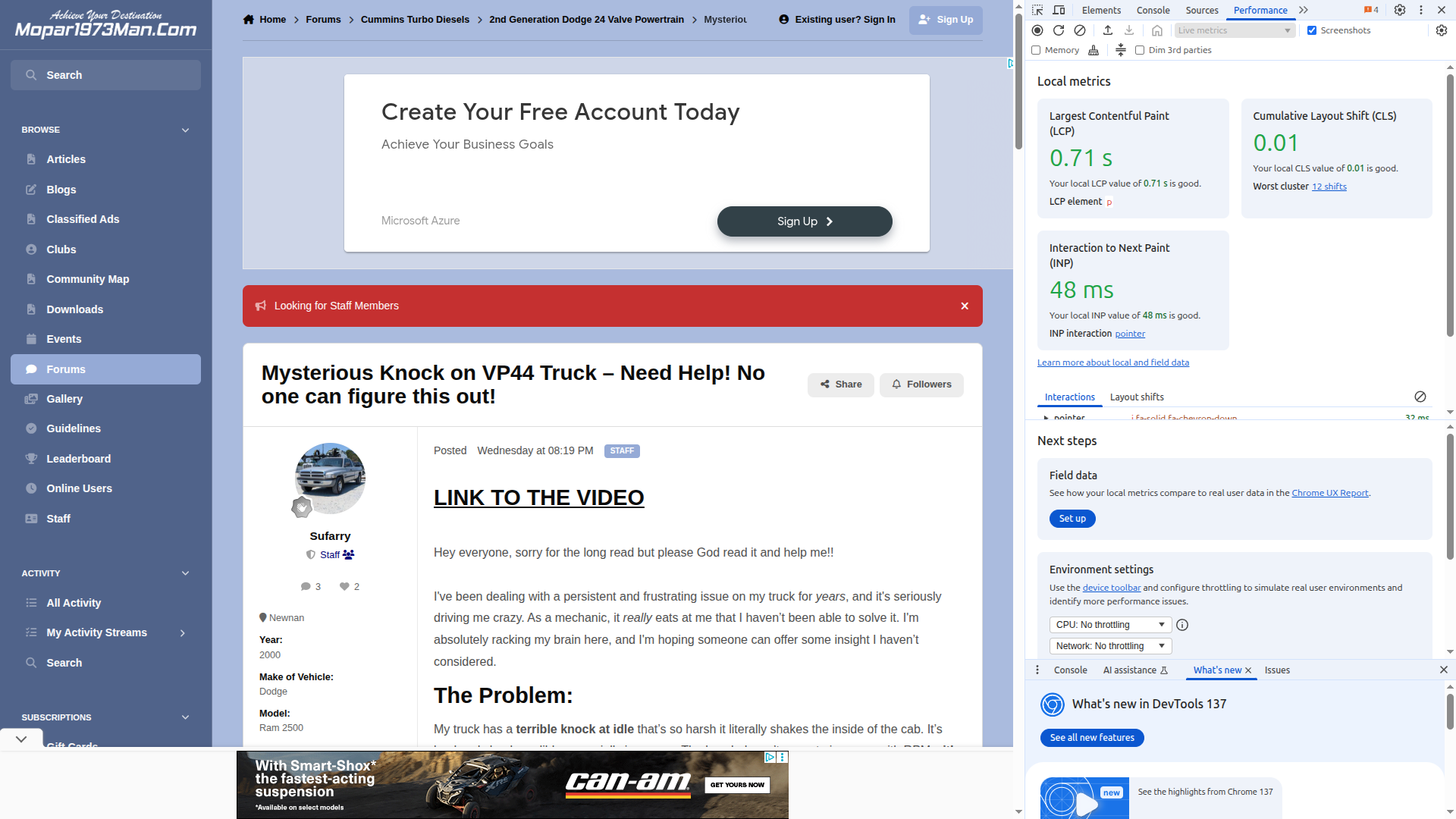
I spent a good part of the day trying to recover from a loss of search engine ranking. Yeah, I have been super busy dealing with insurance agents and people coming and going. Now things are settling down, I jumped back into the website more so. On to the website stuff. My biggest hit was a problem called Content Layout Shift, or CLS for short. We had most of the mobile phone pages were as high as 0.44, which is a huge fail. Now to see this for me I have to logoff and view from a guest level.
First, let me say that for any of you who own your homes, please review your insurance policies. I just found out that the majority of homeowners are not covered for landslides, mudslides, earth movement (earthquakes), etc. Like me, it's a completely lost. The insurance policy doesn't cover this at all, not one dime. For all those religious people who walked up and said they would pray for me. They packed up and left the scene quickly and gave ZERO help at all. Even my neighbor who is part of th
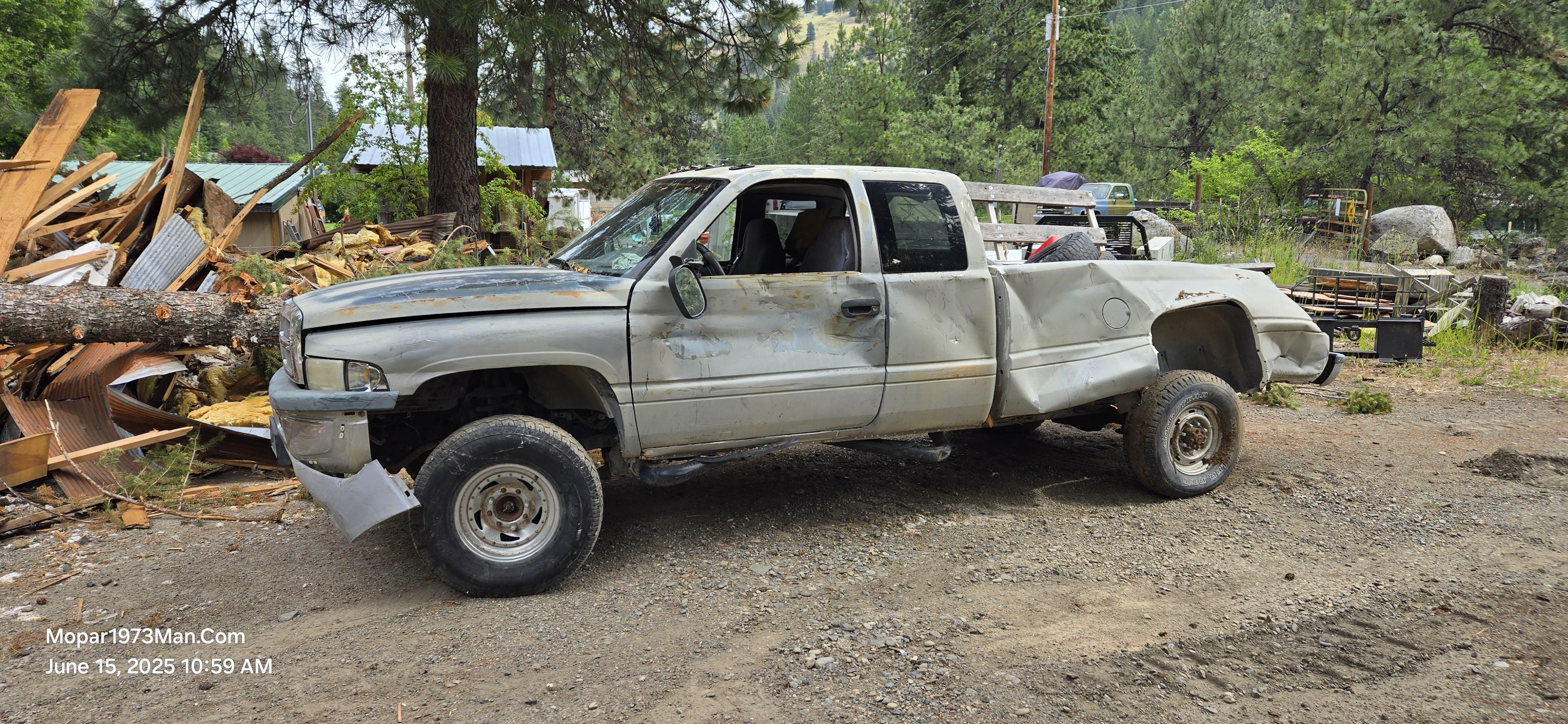
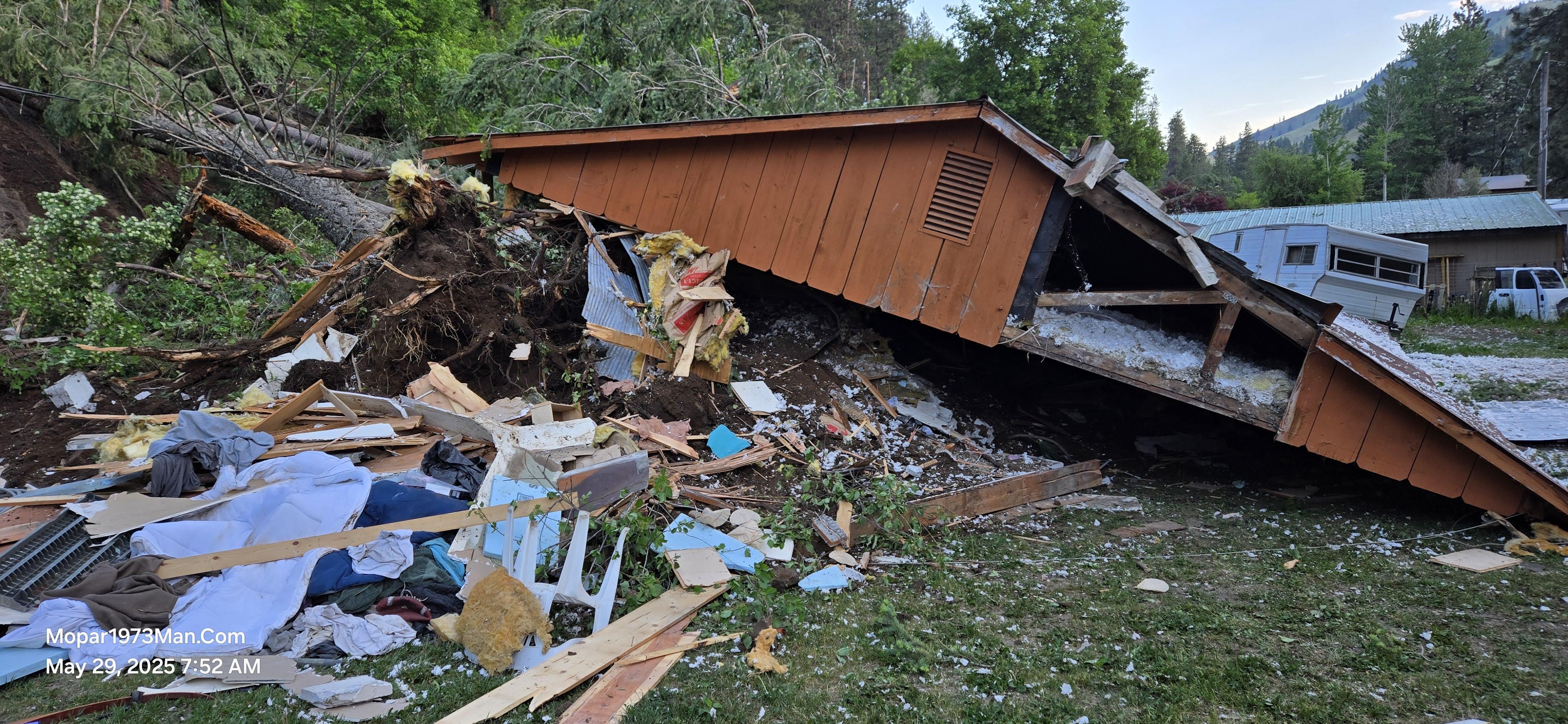
Mopar1973Man.Com Shop was leveled by a landslide. Yeah, with a heavy heart, I lost my entire shop and guest house to a landslide. I won't discuss how this all happened yet. The biggest thing I lost was the entire building. My Best Friend, Mark Hall, was living in my guest house. He was one of the few who helped me out with my cancer. He was protected by a guardian angel. I just saw where his bed landed and what pinned Mark in the house. Mark's Dog Hachi made it too, and no injuries. We managed t
Hey there gang, I'm looking for people who truly want to get involved with the website. I'm adding functions like the Gallery so people can place there truck photos up and show them off to the rest of the world. The Event Calendar is going to be set up for the idea that we might plan travel trip to places and share our location so people can meet up with me. I also want to bring the Zoom meetings together too. I'm going to be building articles on Thor here shortly we are going to have more infor
@Tweety Bird And I have been busy rewriting the terms of use and policies for the website. This is all new website software, and more features now than in the past. We felt that it was time to review the dated policies and realize we need to totally rebuild everything. Here, shortly, there will be a full database of policies for everything on the website for the usage policy. This is being built in a database so that when other issues develop, we can append to the current policies easily. This w
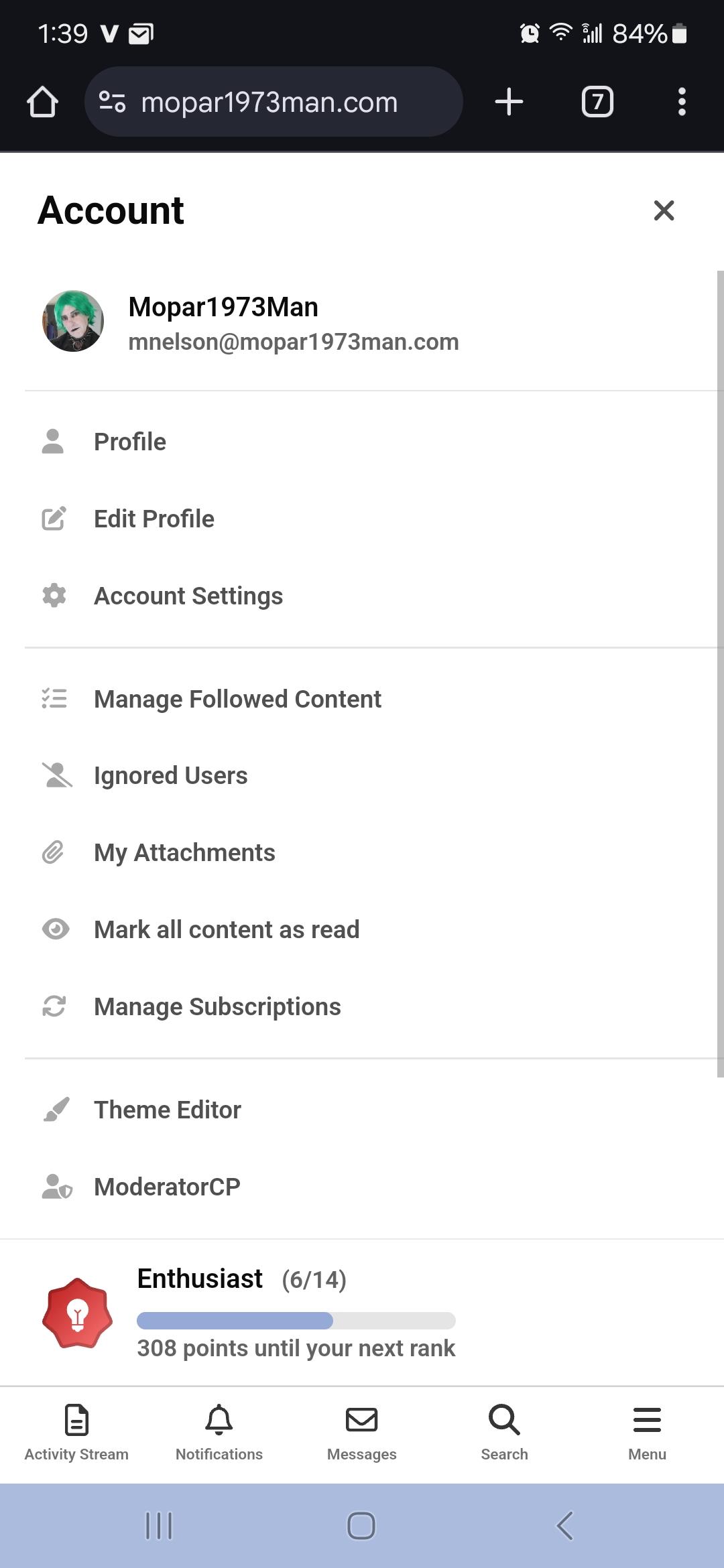
Now subscribing members can see how much other members have contributed to the website. There are several badges that you can earn by just being helpful to other members.
I was attempting to keep you all informed of the work happening here using the Blog system. Sadly, there were bugs in the software, some bugs have been fixed. We made it to the Invision Community Version 5 software. Things have been a bit weird and tough for me to catch up and get everything working correctly. Blogs had an error where the categories couldn't be managed. When I attempted to delete one category, it deleted both of my previous blog posts. Opps. Yeash it sucked but I'll stumble and