

Server and Workstations

By Mopar1973Man
· 148 views
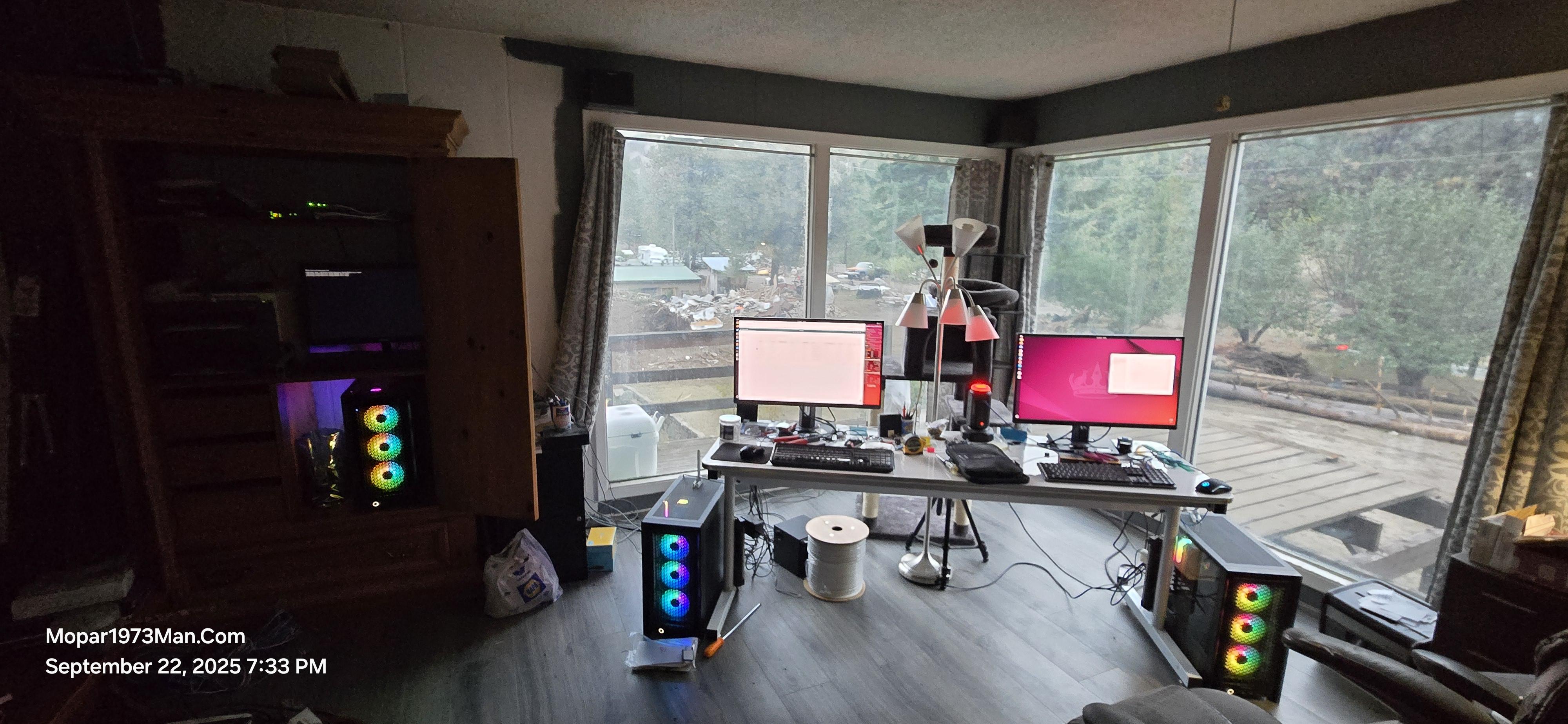
Been a moment. I've been busy building these 3 machines.
SERVER
Now, as for building a server, this is my true first Linux Server I'm building. I've created plenty of desktop and laptop Linux systems. Now, let's roll back the clock to the good old days of Microsoft DOS 5. Starting a server is very interesting. The entire install is very strange, being we are all used to working with a mouse and keyboard. 😋 Now drop the mouse and just a screen and keyboard. Yup, there is no graphical environment here now. No mouse to use or icons to click. You have to know what you are doing to get one fired up. I installed Ubuntu 24.04 LTS Server Edition. Then installing the network management software took a bit to wrap my head around, be we are running a live server here at home. This machine will have several tasks to do in regards to the live website server. Then handle all the security cameras and store the video footage. It will be a large cloud server for backing up all our personal data and business data between workstations, laptops, and even cellphones.
WORKSTATIONS
The two workstations are high-quality machines for handling all the website work, video processing (KDEnLive), photo processing (GIMP), and much more. These workstations will bind to our cellphones. This will allow us to keep right on working, being text messages will display on the monitor. All 3 machines come with 2.5 GBit connection on CAT6 cable or WiFi 7, which is capable of a lot more. The main WiFi in the house was upgraded to WiFi 6. A huge improvement is speed. 4TB M.2 SSD Drive in each workstation. Storage of files and data is no issue now. The server will be tasked with making backups as we sleep at night.
Edited by Mopar1973Man
Recommended Comments