

Beast gets a new radiator!

By Mopar1973Man in Beast
· 344 views
Finally, I'm getting back to doing things with the trucks. Beast has been rolling on a blown radiator for 2 years with a 200℉ with zero pressure. Yeah, I bought time (too much) and just clipped off the vacuum breaker part of the radiator cap. Now I'm getting the radiator installed in Beast and have a 16 PSI pressure once again.
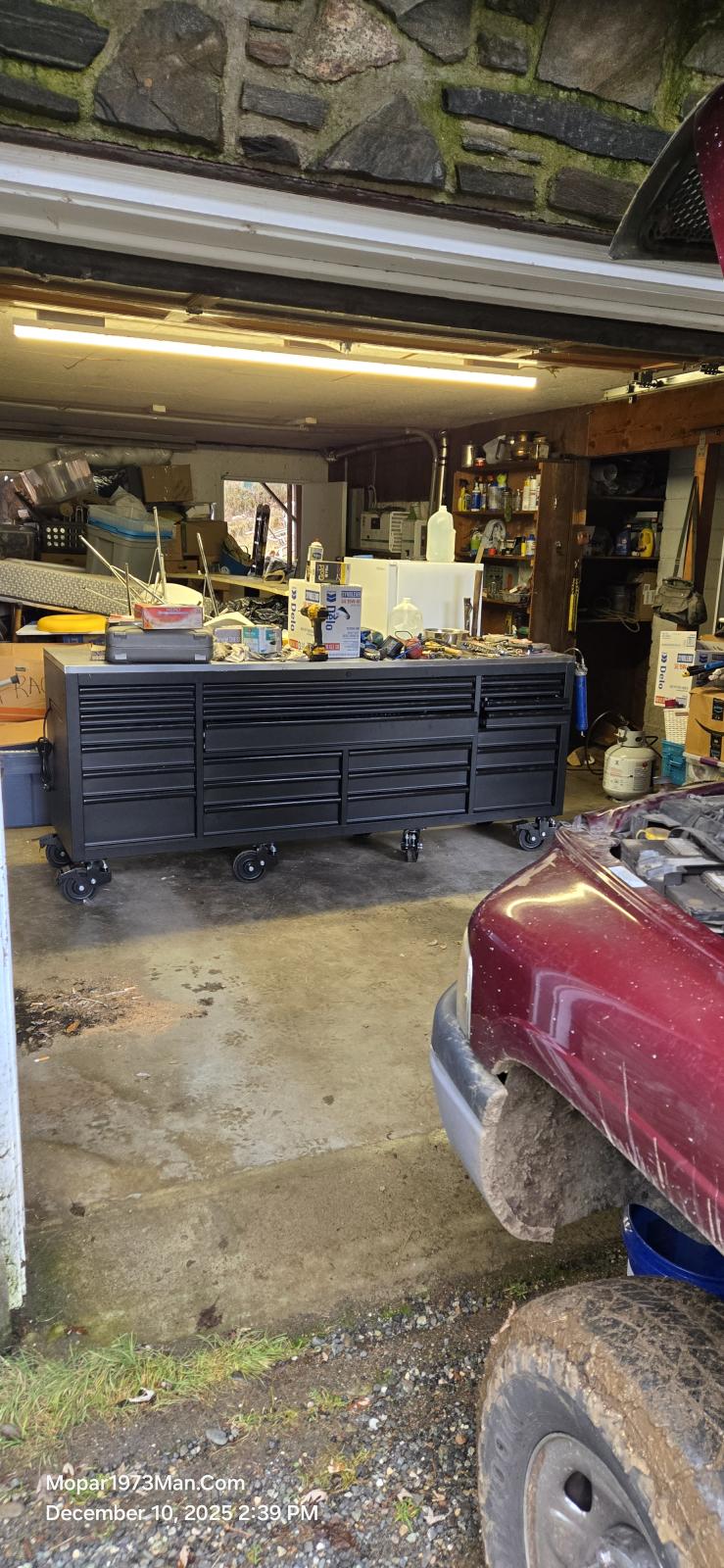
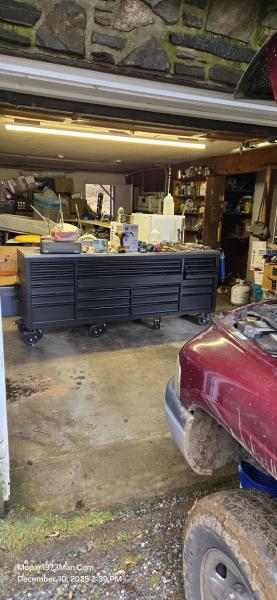
First off I gotta show off my mini shop for now so I can keep our vehicles in working order. It's tiny but its dry space somewhat. We are still sorting out stuff and getting @Tweety Bird moved into the house. The garage here in the main house is small.
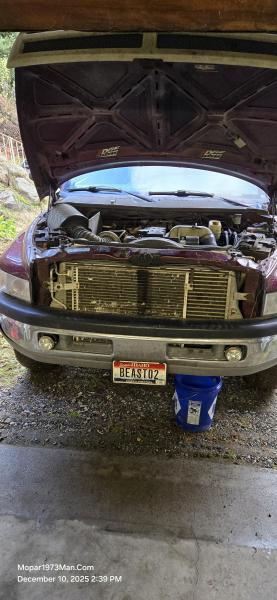
Let's get that coolant drained. Opps! this a screw plug type of drain. Unscrew the drain and then still your hand in front of the stream and deflect the flow into the 5-gallon bucket. Yup, a mess.
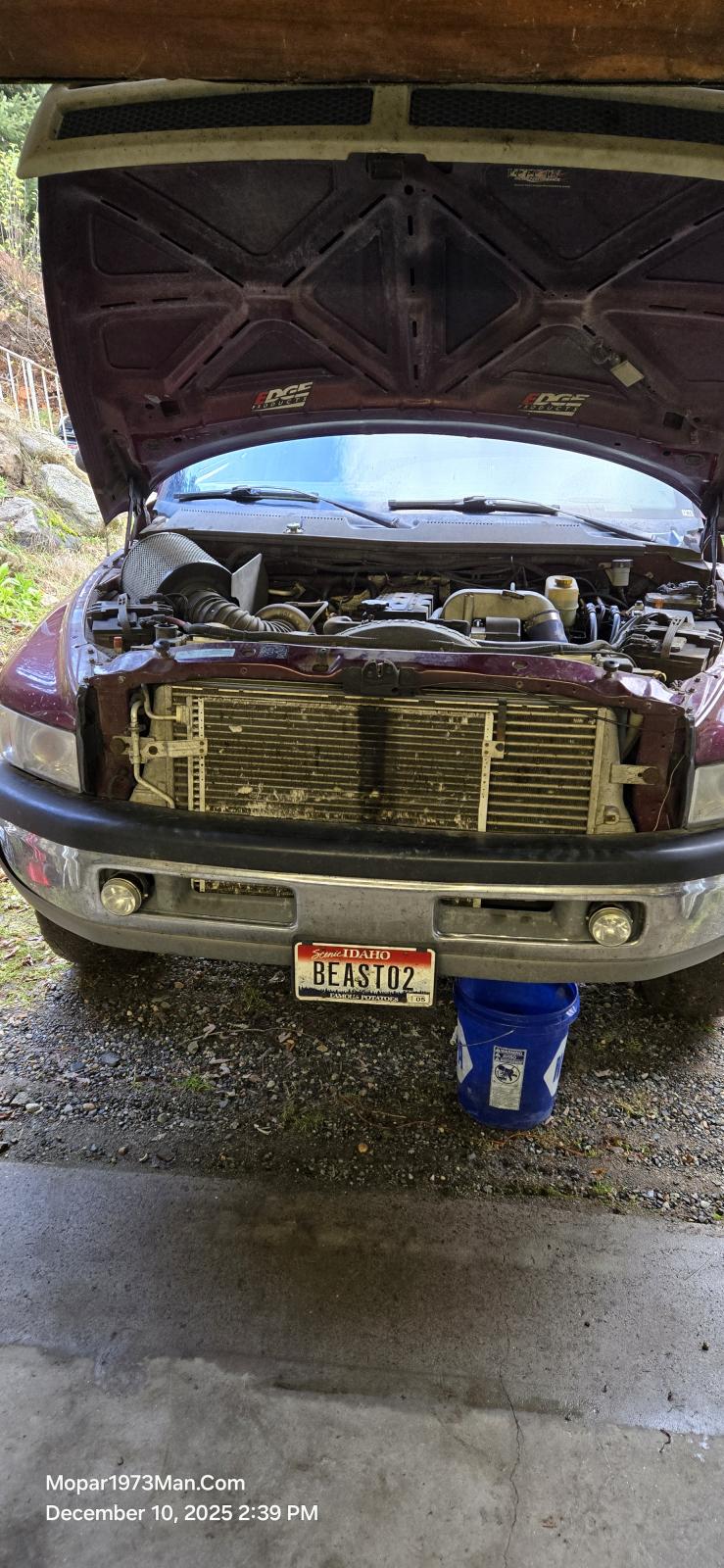
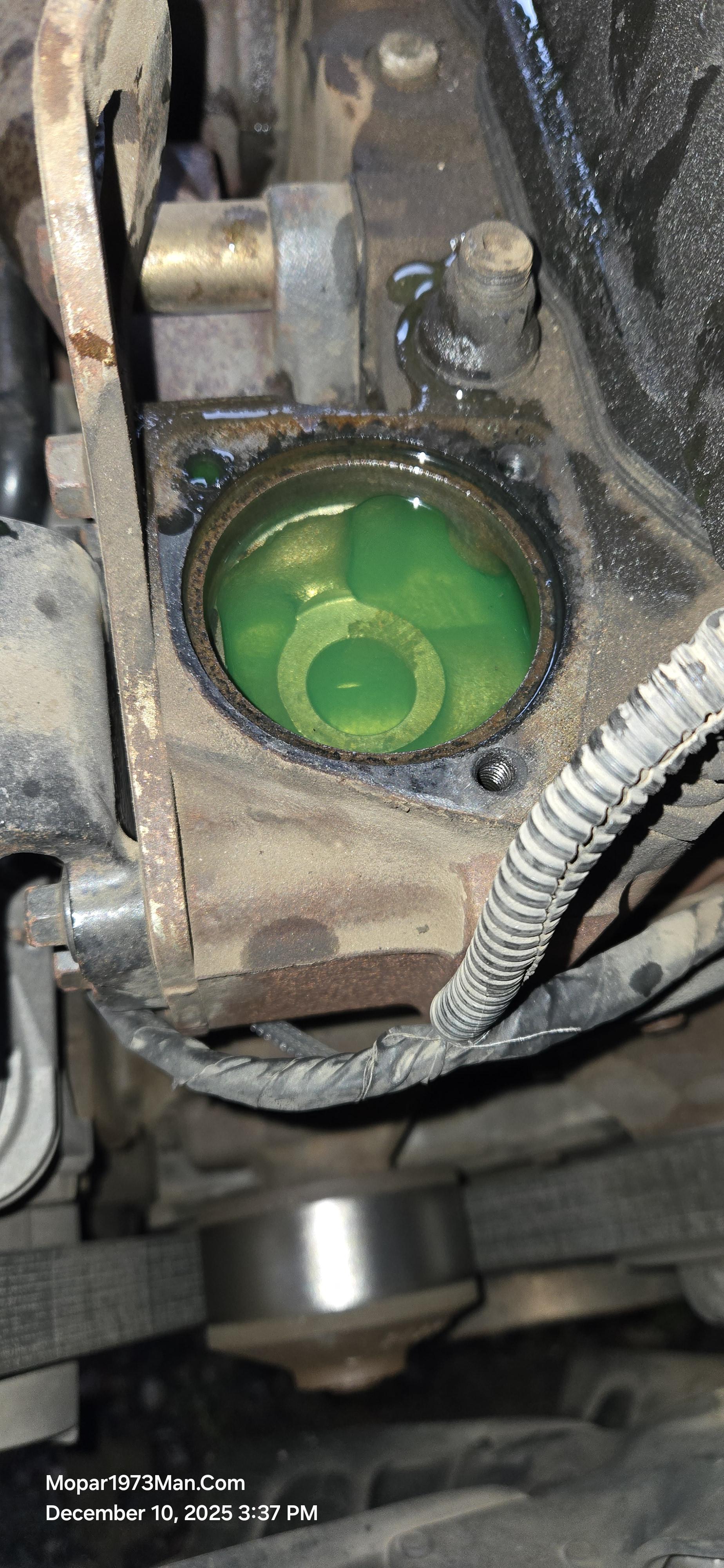
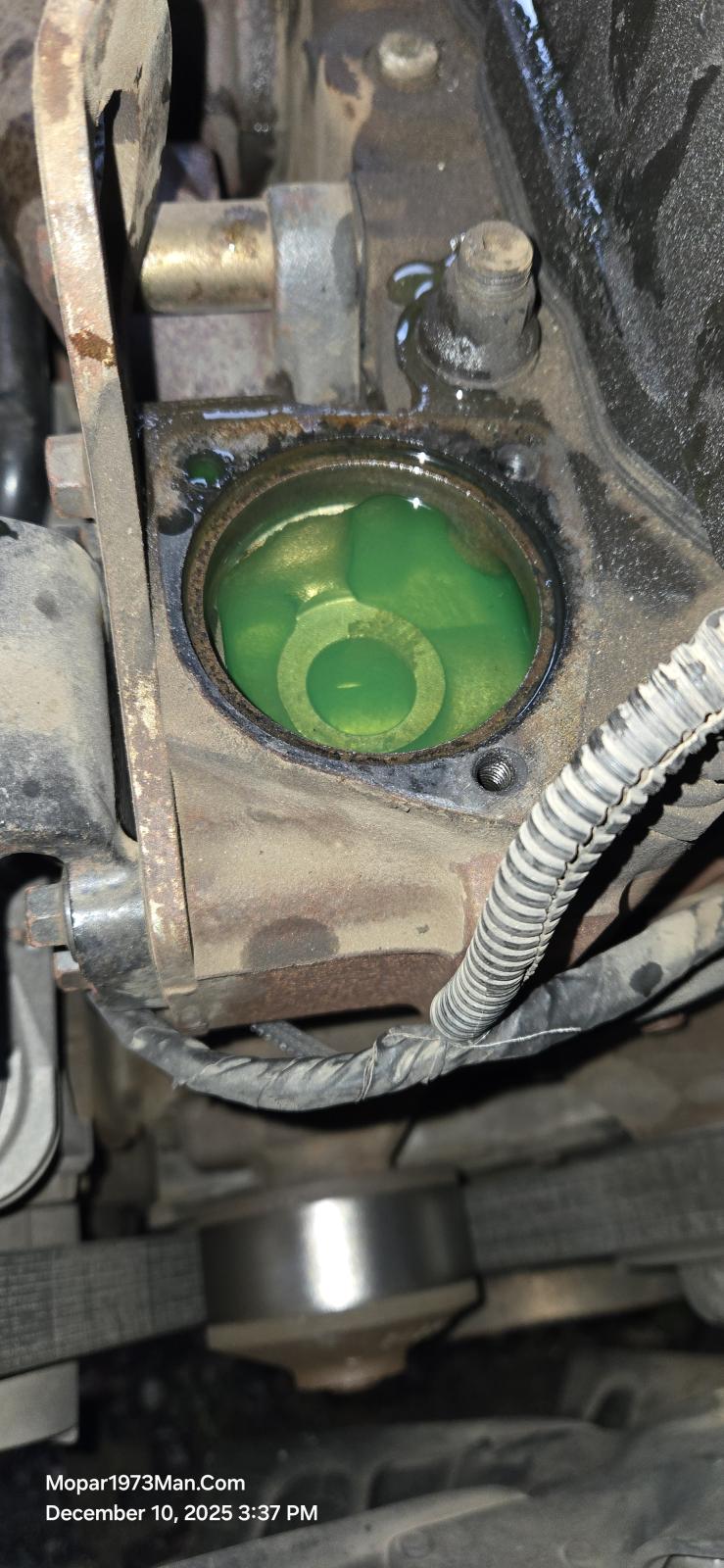
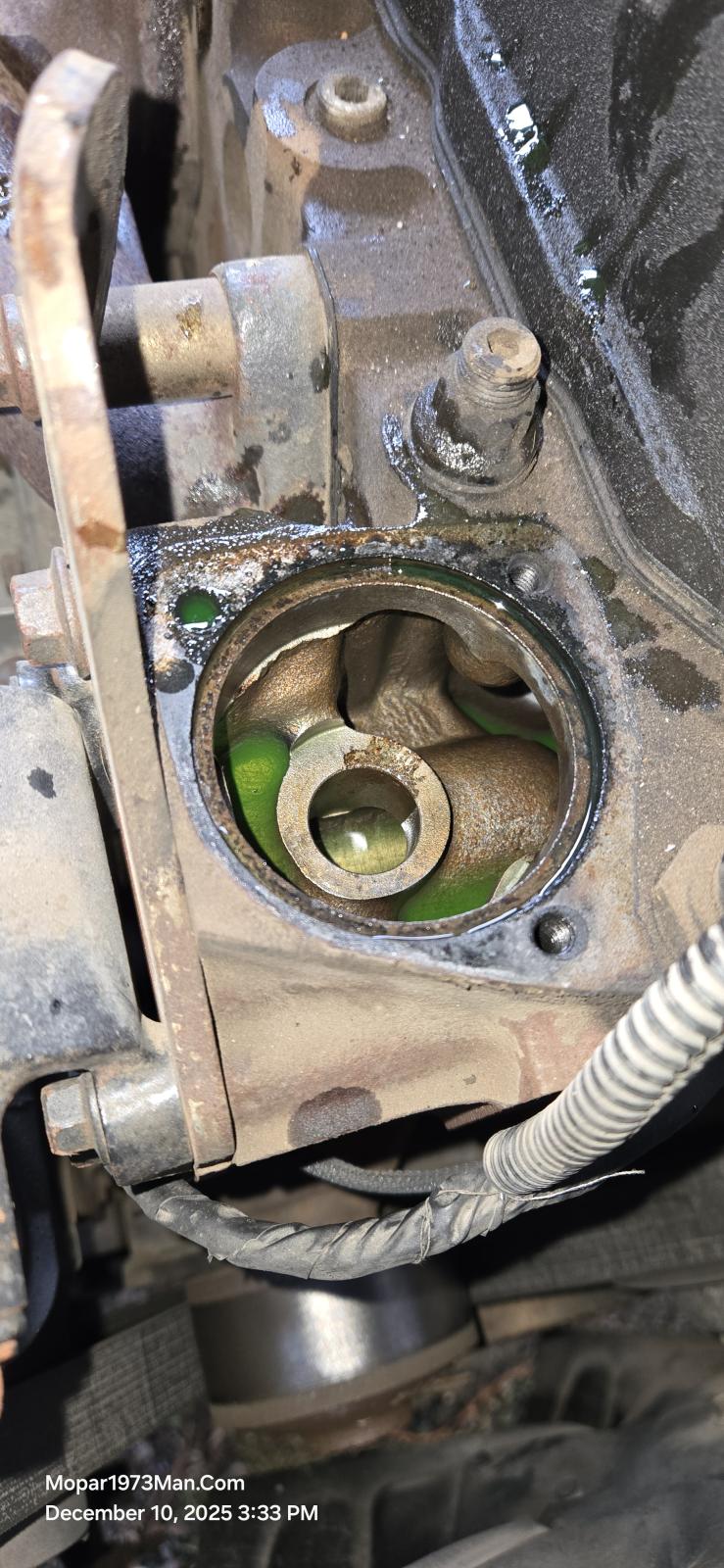
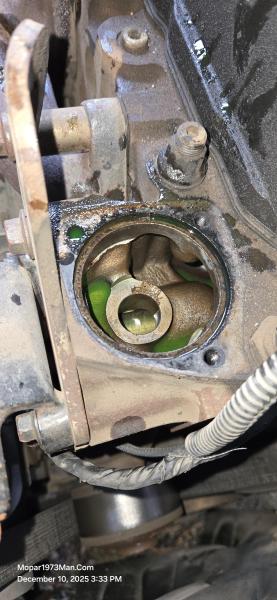
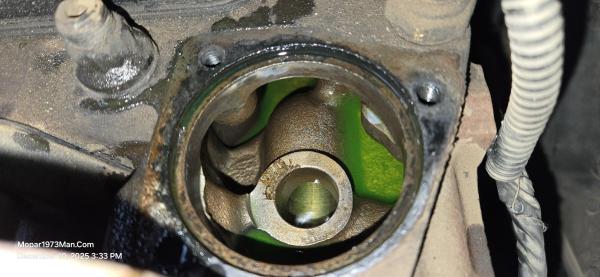
Typical removal, nothing out of the ordinary. The new radiator is fully assembled and ready to drop into the truck. I got the new radiator all installed and pulled the 200℉ thermostat and saw the inside of the block at 501k miles. Well water and coolant is doing awesome, barely any surface rust on the cast block.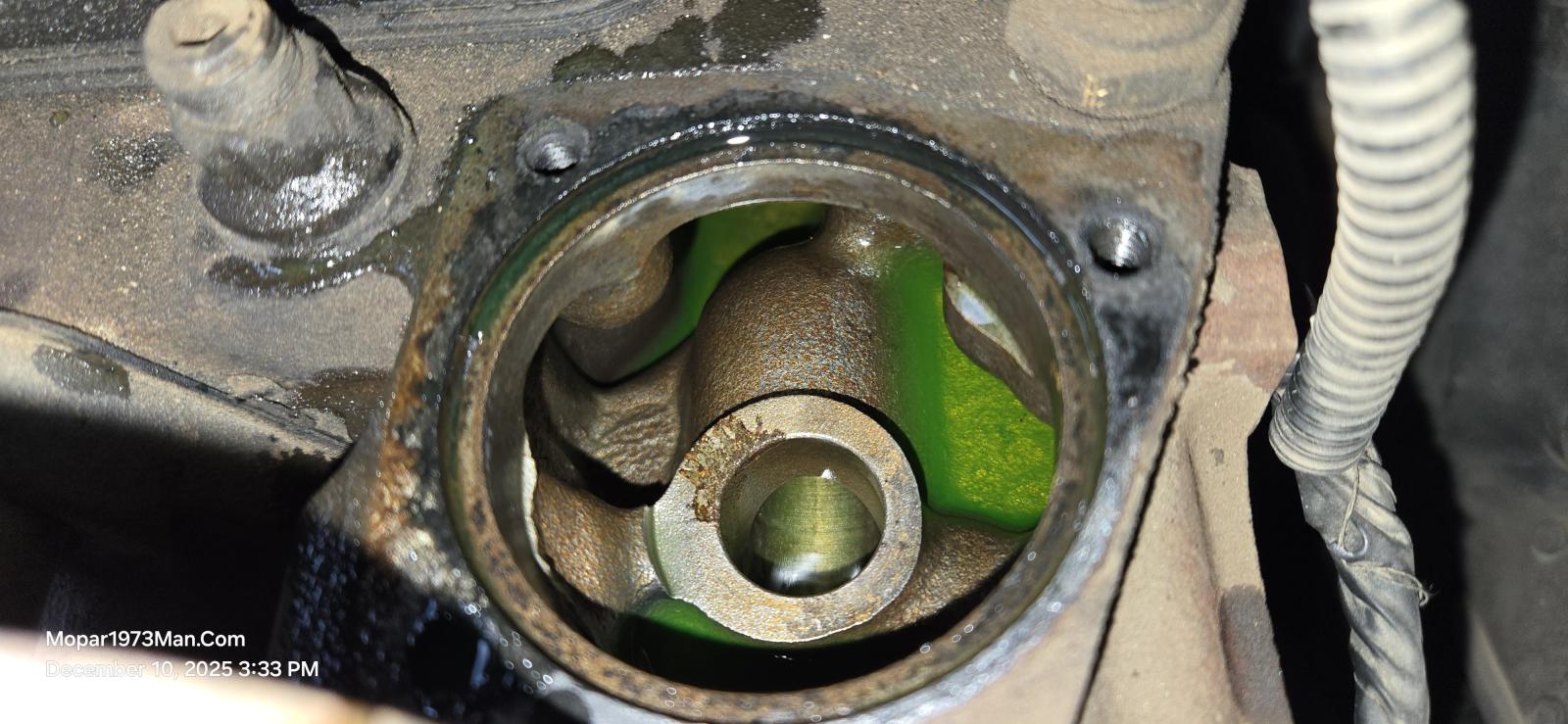
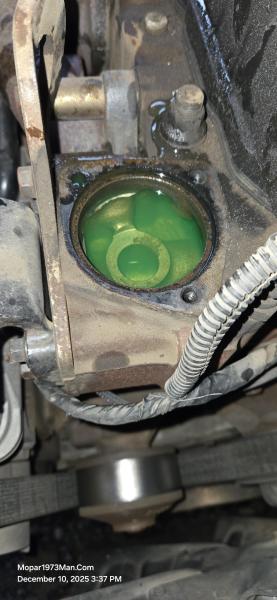
Just a tip to all of you that do a radiator drain and flush, just make sure to pull the thermostat and replace it while you're there. The refill can be done with the thermostat out, so the block can burp air out quickly. Nice green hue with a 50/50 mixture of coolant. Now drop in the thermostat and run the three 8mm bolts back in snug.

Recommended Comments