

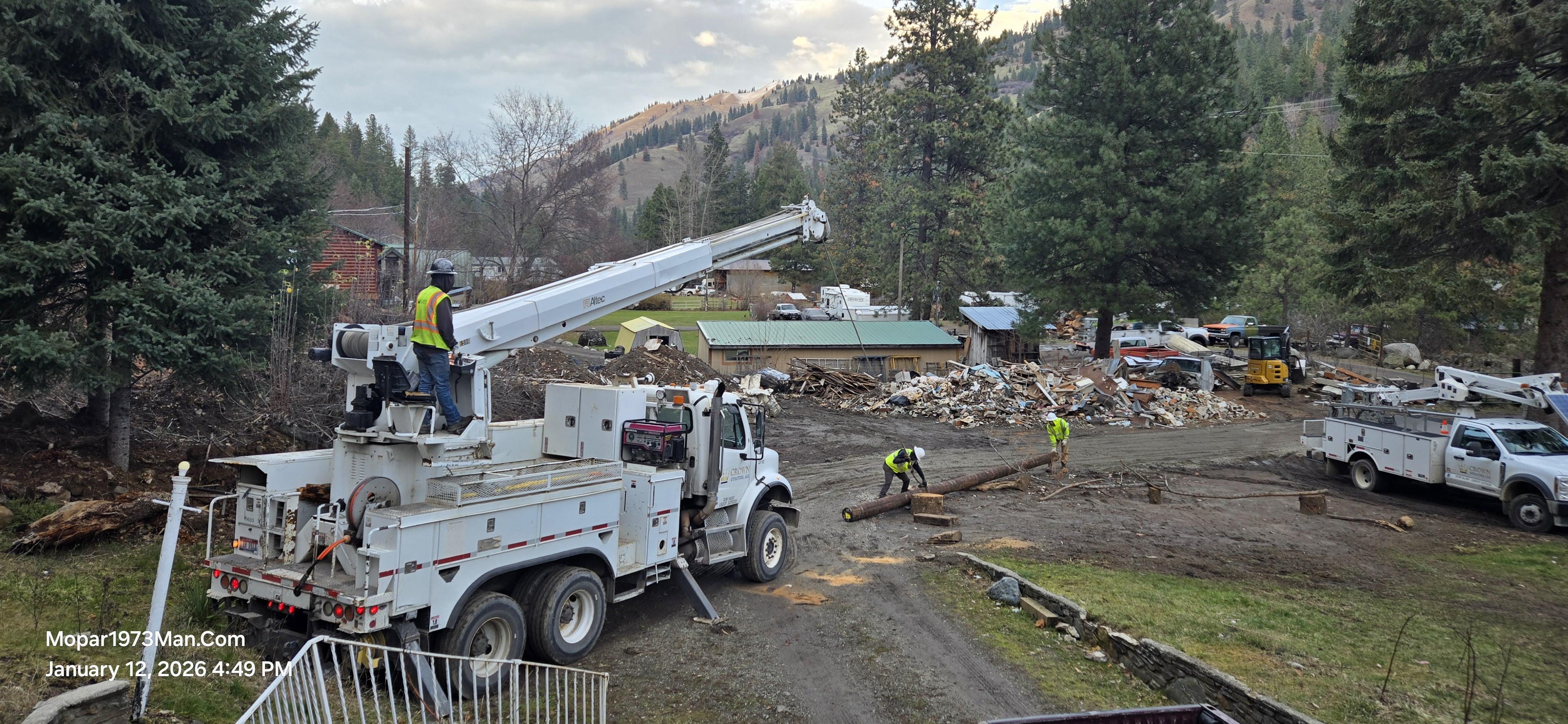
Ziply Fiber finally!

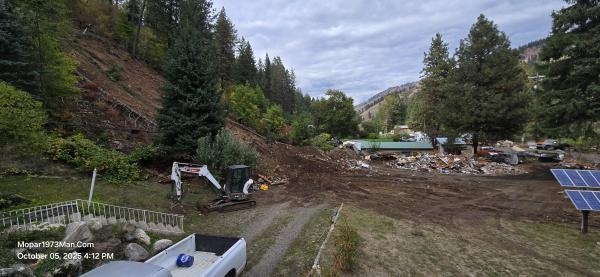
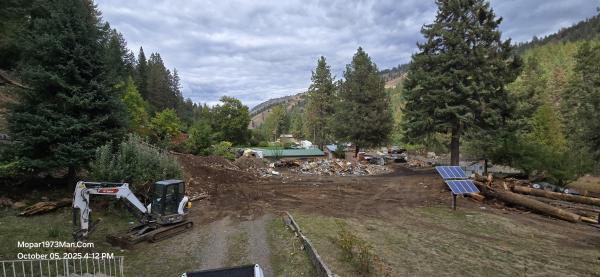
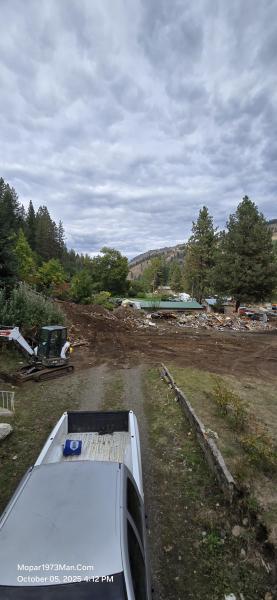
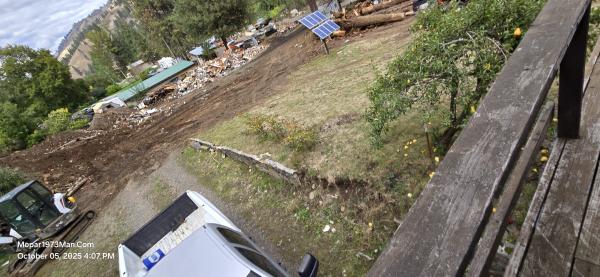
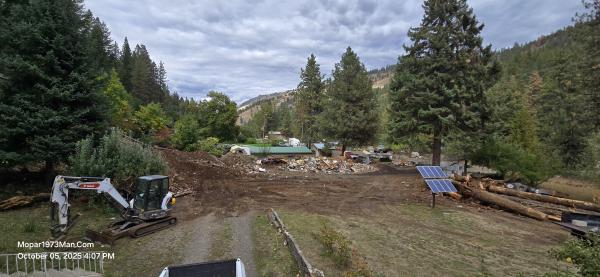
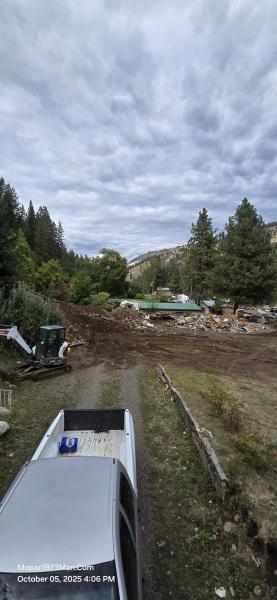
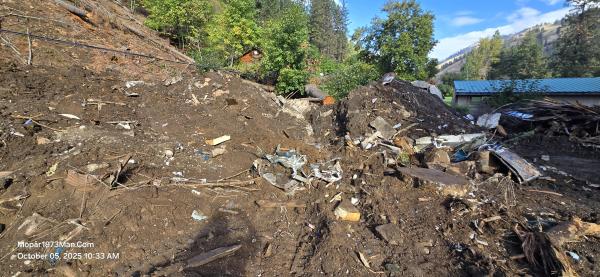
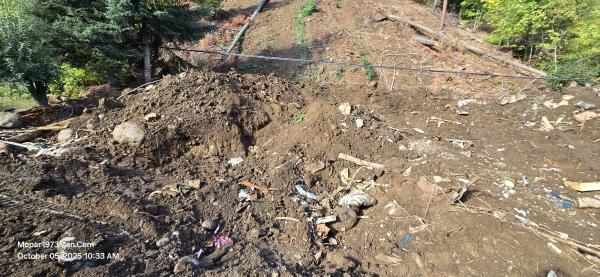
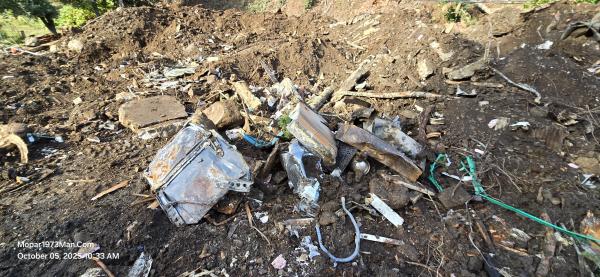
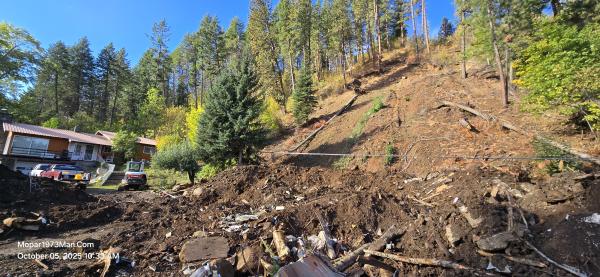
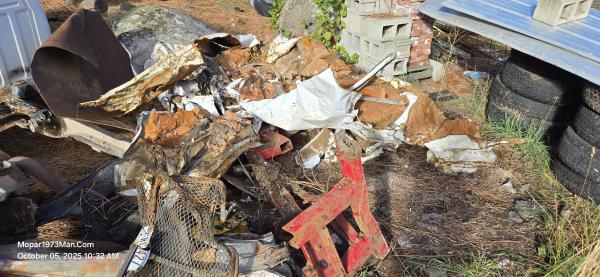
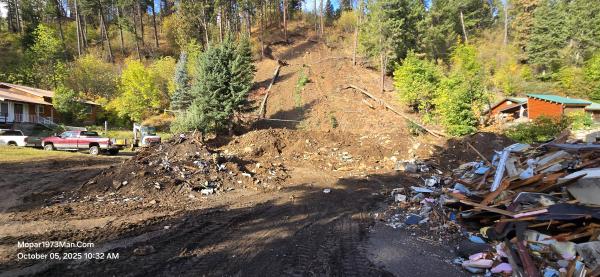
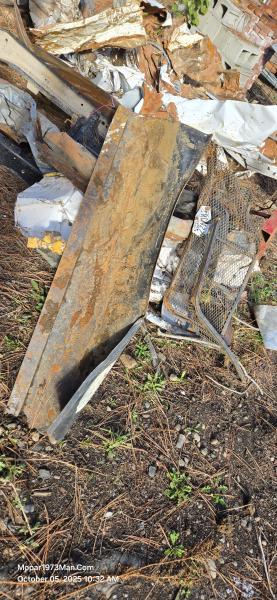
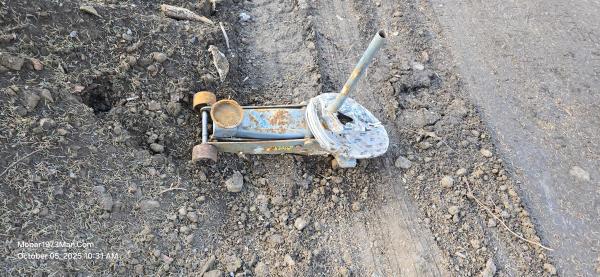
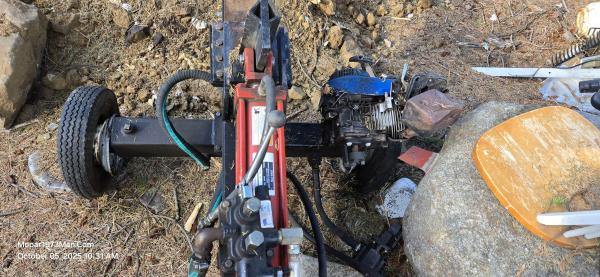
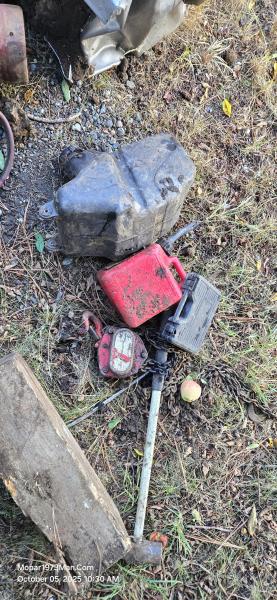
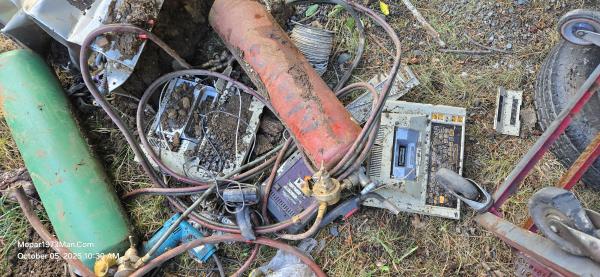
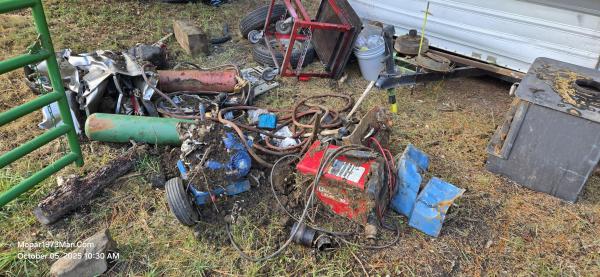
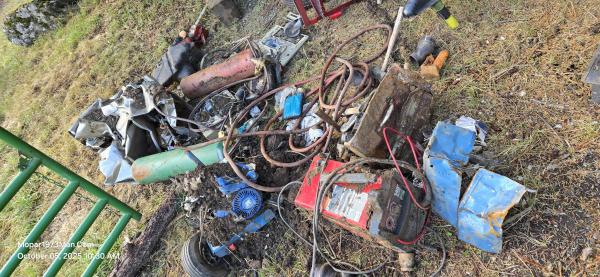
Since May 29, 2025, at 6 am, my yard has been a dirt pile with the remains of my shop and guest scattered across my yard. I ran into a Ziply Fiber staffer parked in Riggins, Idaho, and figured I'd try again to get someone to finally come out and fix the line that has been off the poles since. I informed the tech that this has been reported many times to Ziply Customer Service and nothing has been done.
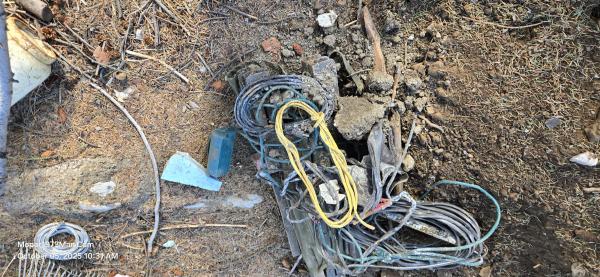
Today, I started seeing trucks pulling up into my neighbor's driveway and into our driveway to look at the lines. I grabbed my slippers and led the guy to where the line goes to the next pole south of me. Come to find out, this is listed as an emergency repair. YEA! FINALLY! Ziply Fiber is going to replace the poles and get the phone line back up on the poles again. Finny part is that Ziply Fiber needs to move the phone line from behind my house to the west, along the highway, which is about 200 feet to the east. So temporarily, they are going to get the poles and lines back up so my neighbors get phone service once again. I'm excluded. I dropped Ziply Fiber services for landline a long time ago. (Starlink / Verizon service here).
Images
Edited by Mopar1973Man
Recommended Comments