

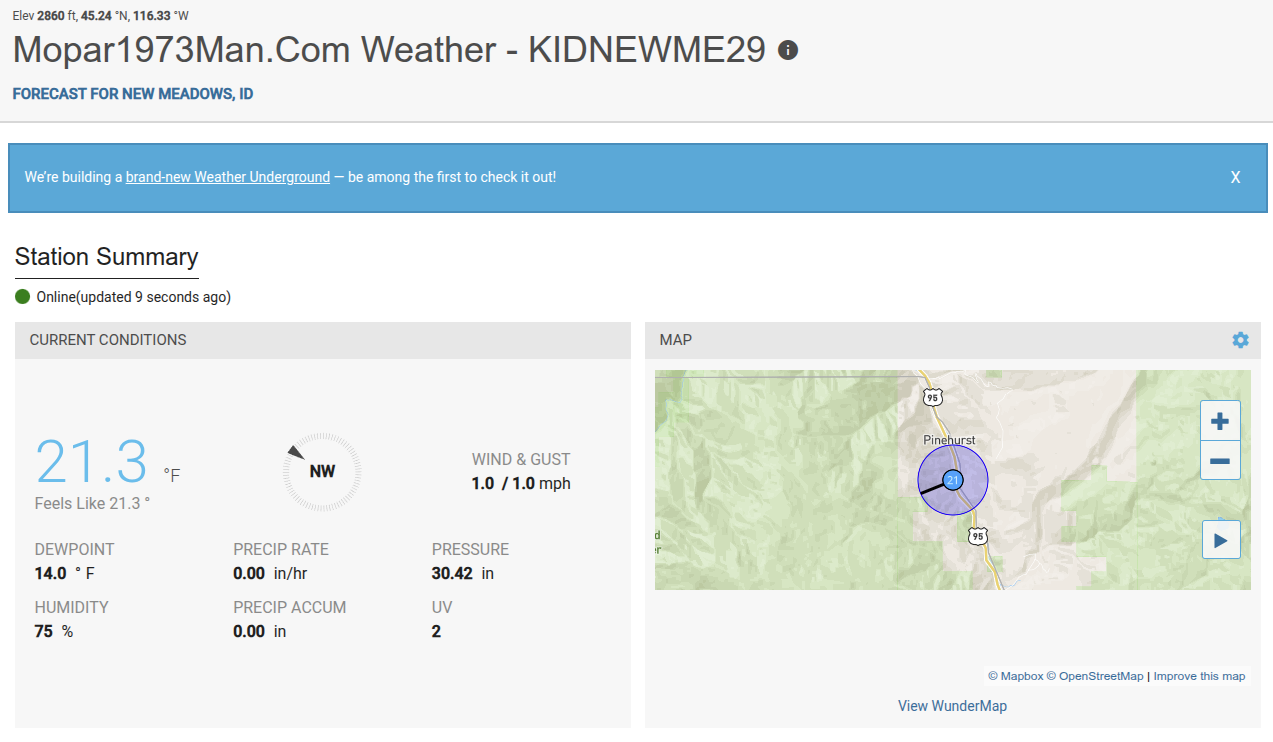
Mopar1973Man.Com Weather Tower (KIDNEWME29)

By Mopar1973Man
· 183 views
Mopar1973Man.Com Weather Tower (KIDNEWME29)
Mopar1973Man.Com now has a public weather tower up in my yard. Being where I live the closest weather tower is at different elevations compared to me. Here in the Pinehurst area, you are about 2,800 feet above sea level. Then McCall is just over 5,000 feet in elevation at the airport and about 35 miles south of me. The next tower is down in Slate Creek and its over 1,000 feet below and 45 miles north. Then looking at NOAA weather the radar can't quite cover my area. My weather data can be found on the internet with Weather Underground. The other reason I'm wanting weather data I'm sick and tried of all this "global warming" and "climate change" nonsense Being to control the narrative you have to hide all weather data from the public I'm going to post my weather data publicly!
https://www.wunderground.com/dashboard/pws/KIDNEWME29
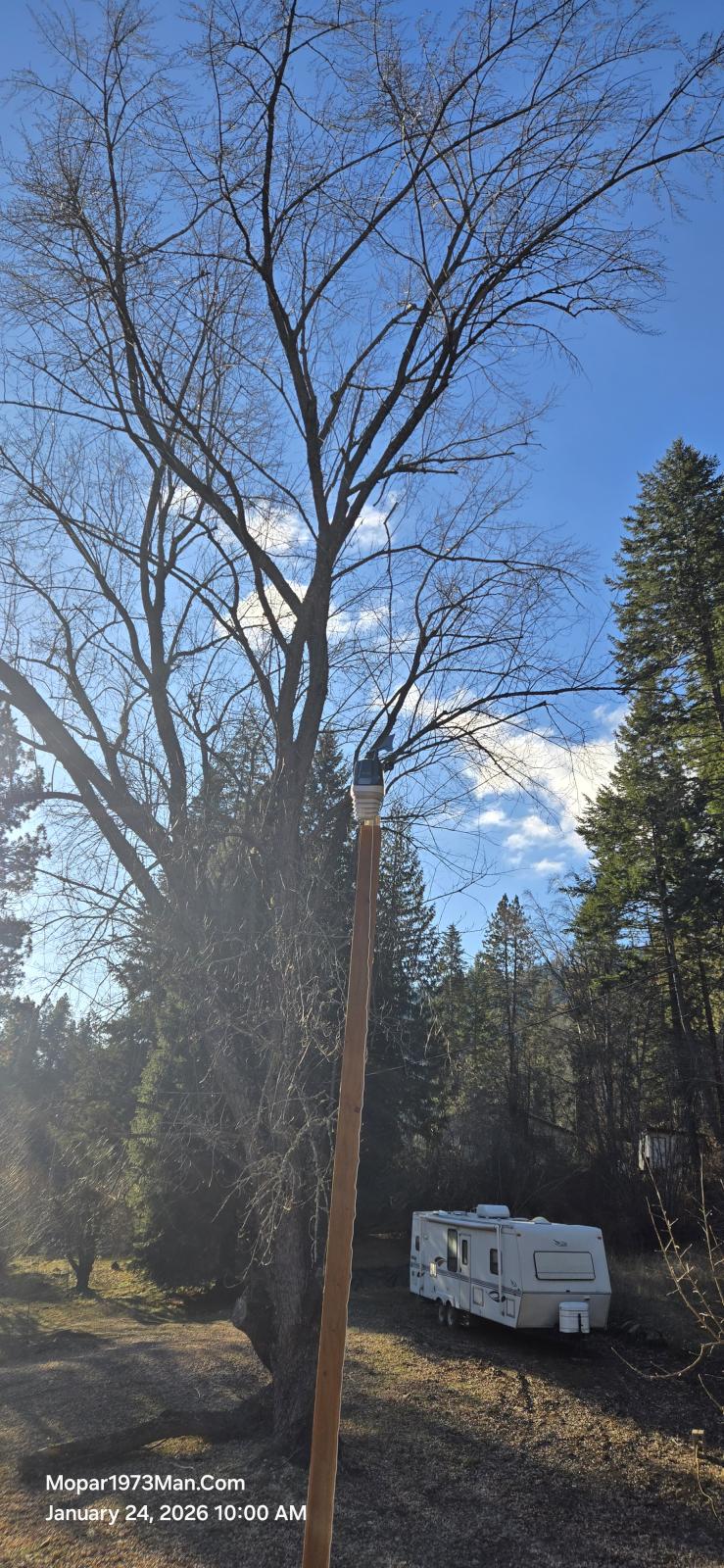
<iframe src="https://www.wunderground.com/dashboard/pws/KIDNEWME29" width="600" height="400" title="Description of content"></iframe>
Edited by Mopar1973Man
Recommended Comments