Jump to content
View in the app

A better way to browse. Learn more.

Mopar1973Man.Com LLC

A full-screen app on your home screen with push notifications, badges and more.

To install this app on iOS and iPadOS
  1. Tap the Share icon in Safari
  2. Scroll the menu and tap Add to Home Screen.
  3. Tap Add in the top-right corner.
To install this app on Android
  1. Tap the 3-dot menu (⋮) in the top-right corner of the browser.
  2. Tap Add to Home screen or Install app.
  3. Confirm by tapping Install.

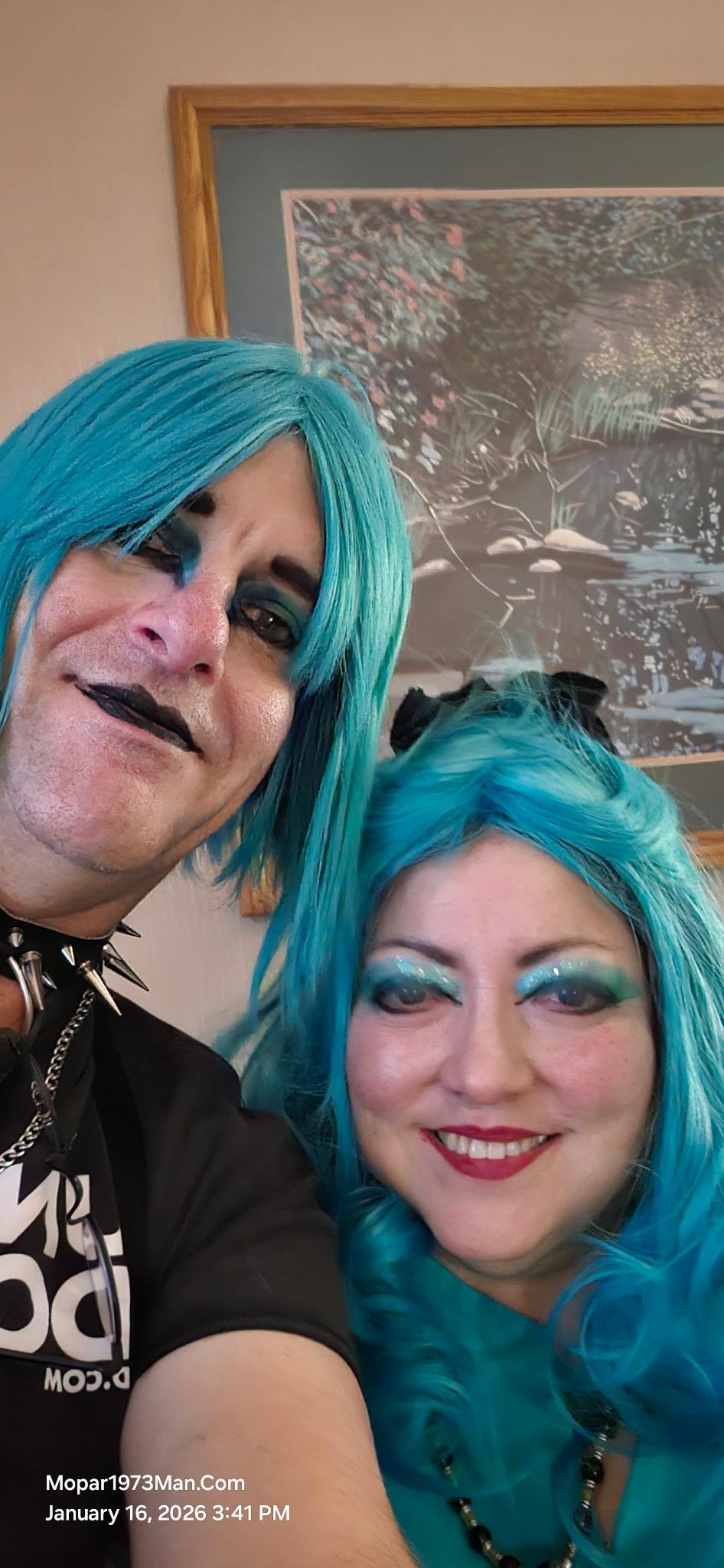
Tidbits about me Suzanna/Tweety Bird, Mrs. Mopar1973man, Mrs. Titanium

(0 reviews)

I became interested in automotive work when I watched my dad work on our family vehicles, then when I had my 1st car...1988 Mitsubishi Precis. I wanted to do some basic maintenance work myself on my car. I had the basic model without most of the electrical features, so it was easier for that car, which lasted until 1998 after finding out my clutch was slipping. Before it went out, I decided to donate the car because it was not worthwhile financially to repair it versus the car's worth. Since then, I have usually taken my cars to a mechanic to do maintenance or repairs on the rest of my vehicles. Now...I have a "personal" mechanic in the family! I married @Mopar1973Man 🥰

Edited by Tweety Bird

1 Comment

Recommended Comments

  • Owner

Such a wonderful woman, very intelligent and well-versed in many different subjects. It is worth it to sit down and just ask @Tweety Bird what she knows! ☺️

Account

Navigation

Search

Configure browser push notifications

Chrome (Android)
  1. Tap the lock icon next to the address bar.
  2. Tap Permissions → Notifications.
  3. Adjust your preference.
Chrome (Desktop)
  1. Click the padlock icon in the address bar.
  2. Select Site settings.
  3. Find Notifications and adjust your preference.