jimmy7mm
Unpaid Member
-
Joined
-
Last visited
-
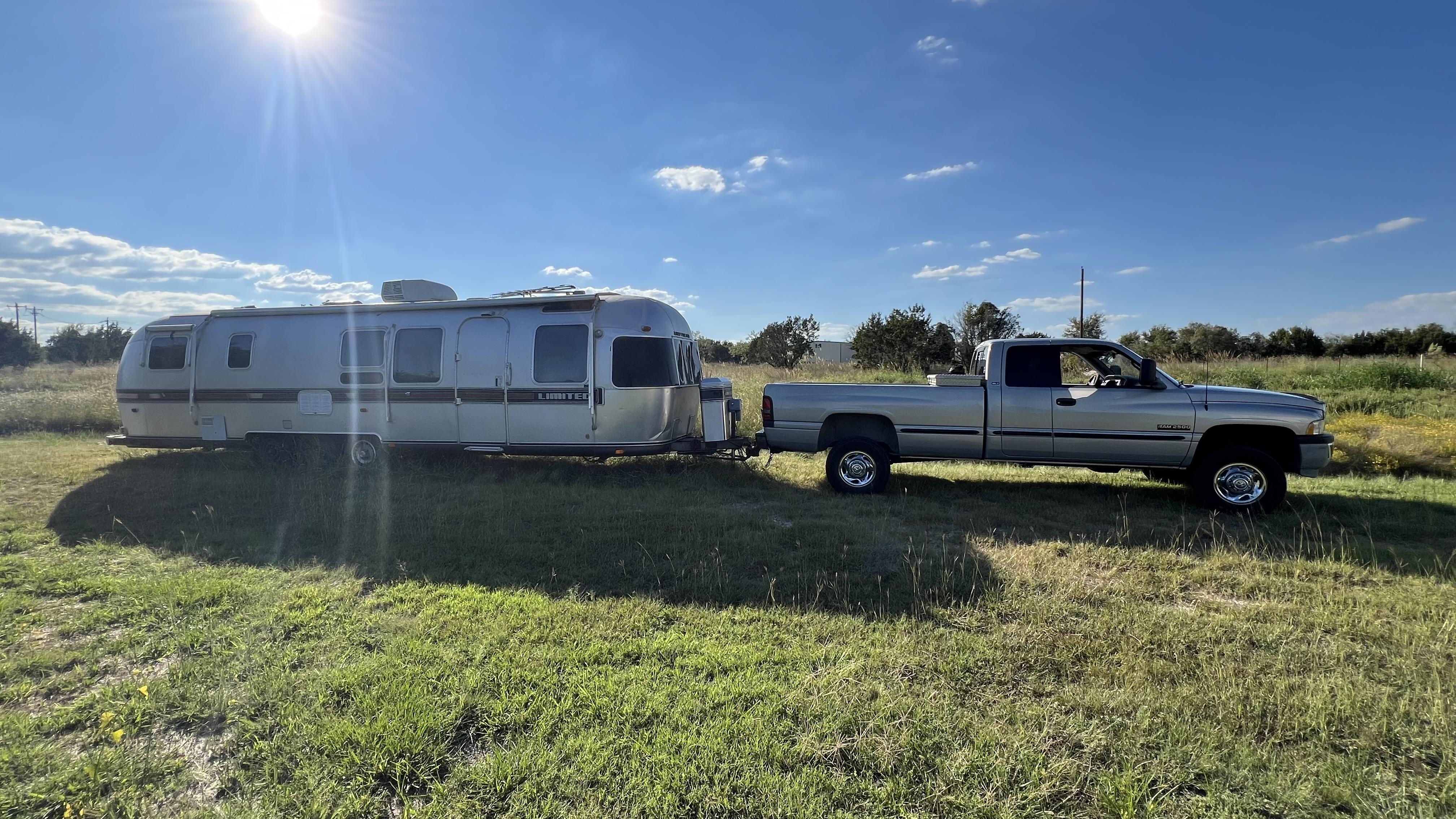
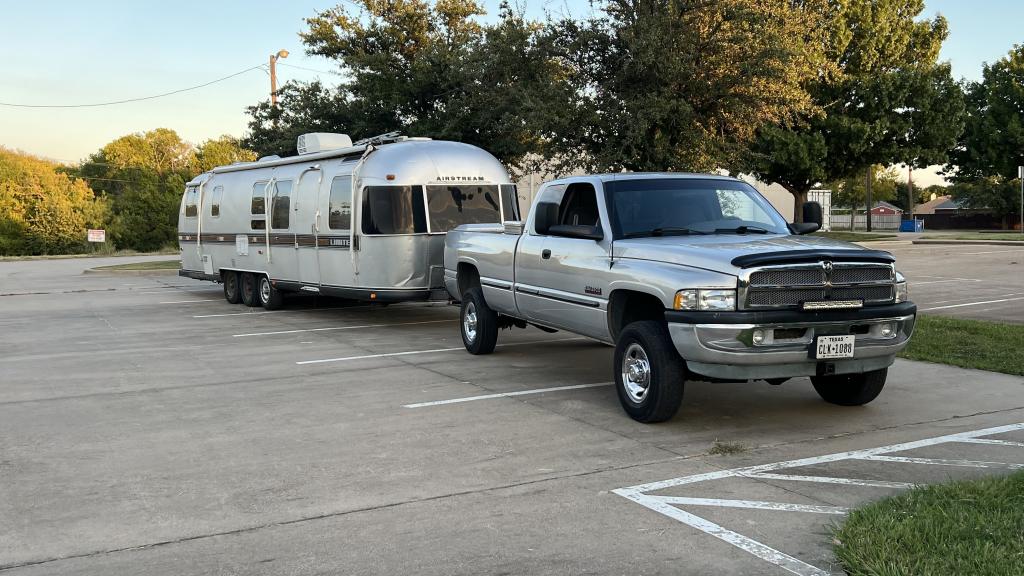
I bought a tow tune from him but it didn’t work. I’m still waiting for him to make the correction so it will work for me. Looking forward to it. Thanks Thank you sir glad to hear from the man himself. I’m not big on power, just like having better mpg and “ unloaded” power while towing my camper. Thanks
-
Ok thank you, that makes it a little easier to understand. i usually have it in 3 or 4, my pump is tapped. when i had my edge on it I kept it tapped and ran it on level 3 most of the time.
-
Just supportive mods. FASS and southbend clutch. I have different power levels on the quad and can feel a difference with it, I was thinking it was a “ factory” tune on it already.
-
jimmy7mm changed their profile photo
-
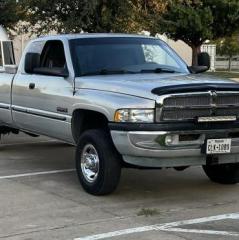
Anyone with a quadzilla use the factory tunes? I’ll be getting a tune from 1badvp44 here soon but in the meantime was gonna use the factory ones. I tow and daily drive and was curious if anyone had a preferred level for it. I’m coming from an edge juice that I usually left on 2 or 3. I picked up the quadzilla after many reads on here and Cummins forum. I have studied the tuning guide and I don’t have much understanding after reading it. My trucks a 98.5 with a 5 speed and stock tires with upgraded clutch and a FASS. With my edge, Level 2 was my tow/daily tune and 3 was when I was around the city, and of course 5 was when I was messing around. I don’t really have a comparison or suggestions on what level I should daily or tow in. Thanks