Skip to content
View in the app

A better way to browse. Learn more.

Mopar1973Man.Com

A full-screen app on your home screen with push notifications, badges and more.

To install this app on iOS and iPadOS
  1. Tap the Share icon in Safari
  2. Scroll the menu and tap Add to Home Screen.
  3. Tap Add in the top-right corner.
To install this app on Android
  1. Tap the 3-dot menu (⋮) in the top-right corner of the browser.
  2. Tap Add to Home screen or Install app.
  3. Confirm by tapping Install.
A group blog by Site News in Mopar1973Man.Com
  • Entries

    33
  • Comments

    31
  • Views

    52,703

Contributors to this blog

About this blog

Announcements, changes and what's coming next on the site. Profiles, new forums, article refreshes and more.
Entries in this blog

Friends, forum members, and fellow grease monkeys, we are gathered here today to say goodbye to a name. Mopar1973Man has been with me a long time. The name goes back to at least 2004, when I hand-coded a little HTML4 website during the Cloud 10 Computers years. On October 4, 2007, it became Mopar1973Man.Com, which started as nothing more than my own notes for fixing Dodge Ram Cummins diesels. I never planned for it to grow. People found those notes, and they kept coming back. Folks have called m
The member profiles have been rebuilt. You can now list your truck and your tech setup so other members know what you're working with when you ask for help. Why the change The most common reply to a question on this site used to be "what truck do you have?" or "what are you running?" Now that information can sit right in your profile, so the answers you get back can be better and faster. My Truck For the Dodge Cummins side of the site, you can add: Generation, year and model Engine and transmis
An update on Mopar1973Man.Com: what happened, what's changing, and what's coming in diesel, Linux and servers, Titanium and Suzanna's jewelry. The landslide on May 29, 2025 took my shop, and it took over my life for much of the year since. Nearly all my time went to cleanup and keeping the vehicles running, and the website got left behind. Thanks to everyone who stuck around and kept checking in, including the guys who called nearly every day. You know who you are. A New Name Mopar1973Man is ret
Hey Gang, Great News! @Tweety Bird and I just got married yesterday! (November 25th, 2025) We both opted to get the legal stuff done now so we can work as a team. Our full ceremony will be July 2026. I have to say, "We had to go through our 'Hell' to find 'Heaven' together." Our actual ceremony will be at 'Heaven Gate' in the Seven Devils' Mountain Range in July, hopefully the road will be passable by then. Suzanna and I met in a waiting room in the Portico West building in Meridian, Idaho. Suz
Ever since the landslide that wiped out my shop, displaced my good friend Mark Hall and his dog Hachi into my basement bedroom. It's been complete hell trying to find tools that remain and attempting to repair vehicles and house repairs, too. It's been a bad summer, and it just seems to get worse here at home, and frustrating. Winter is coming, and snow is not far away now. Just want to close this chapter and attempt a better start in the spring of the year. The last few months have been a pain
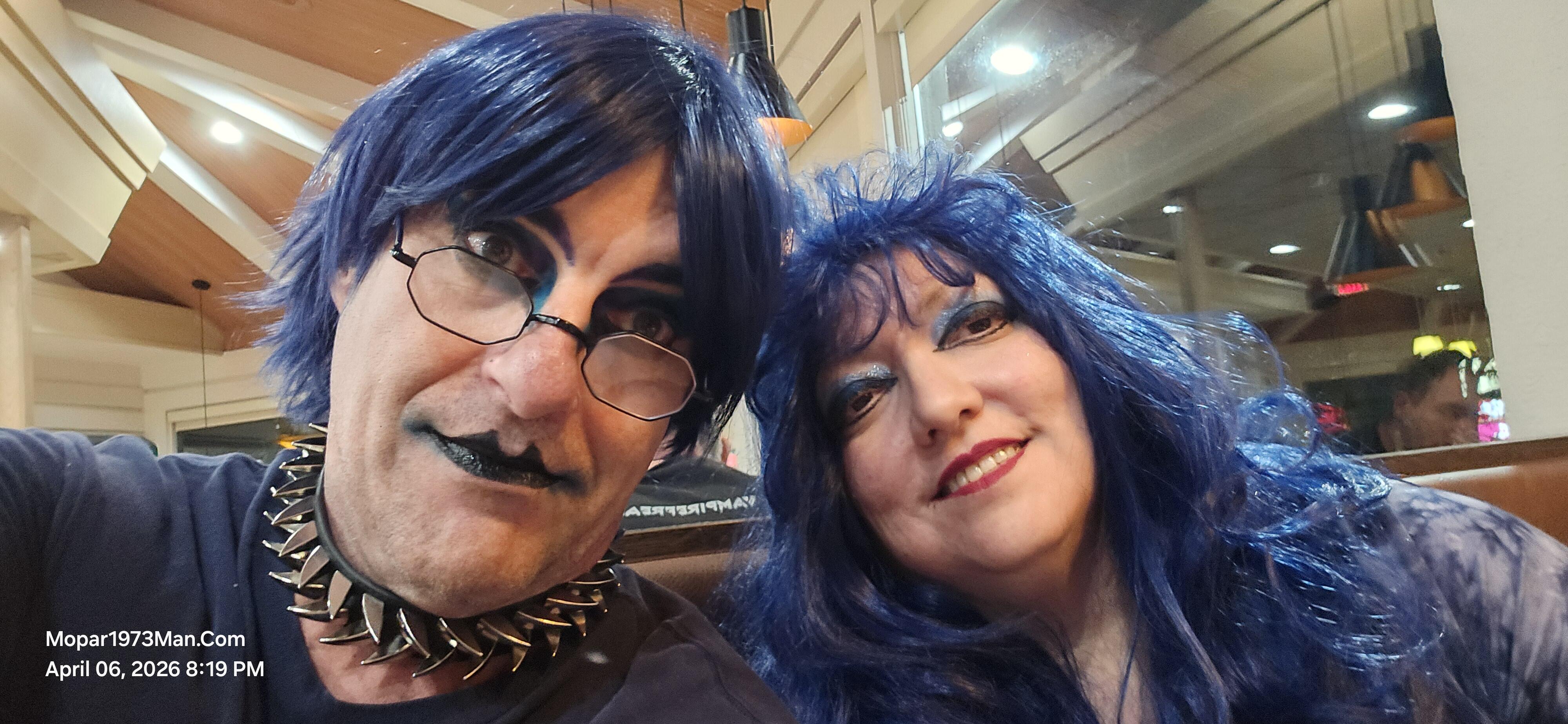
Hey there gang, I'm still here working at the website. I know there are people there that just don't understand why I've changed in appearance and my nature of being. Sadly, the whole aspect of my life was permanently altered when I had my last run of cancer. You have to realize I'm no longer able to work as a mechanic and do Cummins diesel work at a commercial level. I have an ostomy bag hanging on the front of my belly that is a constant reminder of the cancer I fought through alone. I deal w
@Tweety Bird And I had to get out of here and get some downtime. Extremely stressful to get up every day, looking out the living room window at an entire mess of my shop buried under tons of mud and dirt. It was wonderful to just go out north of McCall, ID for about 4 days. We didn't do anything but rest. Now we have returned home and are going to start making moves to clean up the main house with all the unpacking from moving to my place. Lots to do. Then still need to handle the mess in my dri

Account

Navigation

Search

Search

Configure browser push notifications

Chrome (Android)
  1. Tap the lock icon next to the address bar.
  2. Tap Permissions → Notifications.
  3. Adjust your preference.
Chrome (Desktop)
  1. Click the padlock icon in the address bar.
  2. Select Site settings.
  3. Find Notifications and adjust your preference.