Skip to content
View in the app

A better way to browse. Learn more.

Mopar1973Man.Com LLC

A full-screen app on your home screen with push notifications, badges and more.

To install this app on iOS and iPadOS
  1. Tap the Share icon in Safari
  2. Scroll the menu and tap Add to Home Screen.
  3. Tap Add in the top-right corner.
To install this app on Android
  1. Tap the 3-dot menu (⋮) in the top-right corner of the browser.
  2. Tap Add to Home screen or Install app.
  3. Confirm by tapping Install.
A group blog by News in Mopar1973Man.Com
  • Entries

    26
  • Comments

    26
  • Views

    31,476

Contributors to this blog

About this blog

What people post here.

Entries in this blog

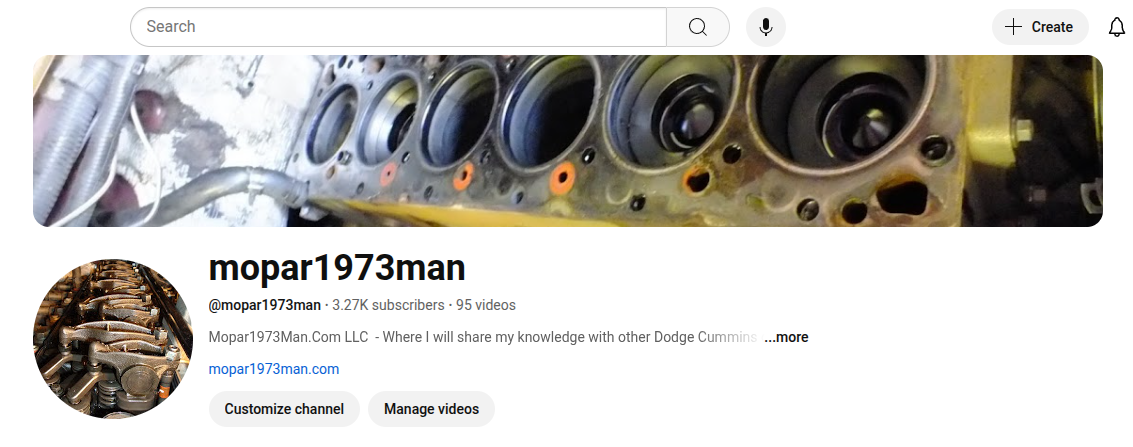
Hey Gang, I just spent some time going back to YouTube and doing some tweaking to my account. Now my Mopar1973Man.Com videos are still there, and I'm going to start building videos in the near future for articles. I'm going to still have to do repairs with what I have so this is going to get interesting working in the yard, doing repairs on Beast and Thor both in the wilderness of Idaho. Currently, the last few days here have been right about 95℉ to 108℉. Yeah, I'm going to be doing brakes on th

Account

Navigation

Search

Search

Configure browser push notifications

Chrome (Android)
  1. Tap the lock icon next to the address bar.
  2. Tap Permissions → Notifications.
  3. Adjust your preference.
Chrome (Desktop)
  1. Click the padlock icon in the address bar.
  2. Select Site settings.
  3. Find Notifications and adjust your preference.