

Skip to content
View in the app

A better way to browse. Learn more.

Mopar1973Man.Com

A full-screen app on your home screen with push notifications, badges and more.

To install this app on iOS and iPadOS
  1. Tap the Share icon in Safari
  2. Scroll the menu and tap Add to Home Screen.
  3. Tap Add in the top-right corner.
To install this app on Android
  1. Tap the 3-dot menu (⋮) in the top-right corner of the browser.
  2. Tap Add to Home screen or Install app.
  3. Confirm by tapping Install.
A group blog by News in Mopar1973Man.Com
  • Entries

    29
  • Comments

    29
  • Views

    45,068

Contributors to this blog

About this blog

What people post here.

Entries in this blog
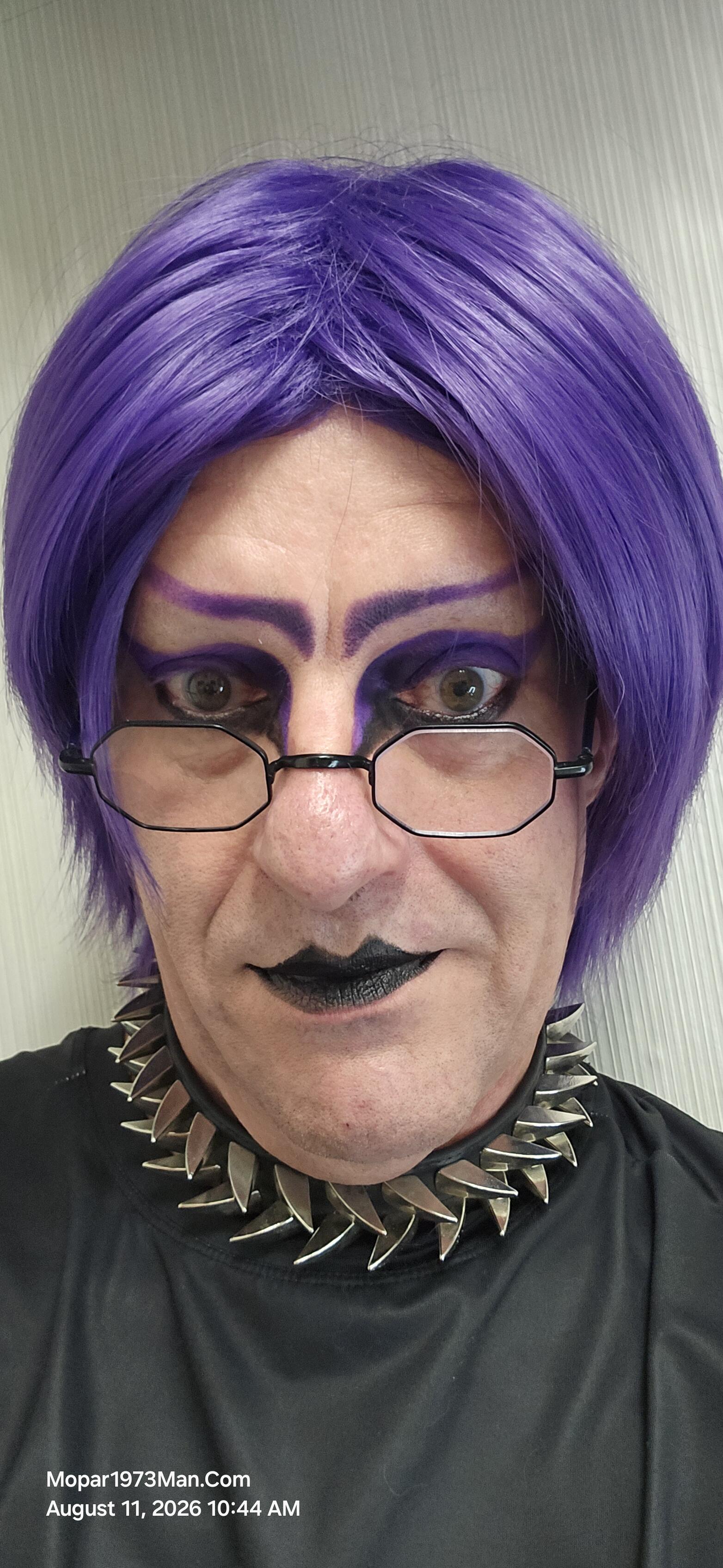
😀COME AND SHARE your Hobbies, Interests, and Talents! Anyone who is interested in sharing what you like to do for crafts or even have a business that you want to spread your marketing of what you make, sell or give as gifts like birthdays, holidays, or just do for fun...Let Us Share our talents or interests! I am extending this Invitation to all of you wives of Diesel owners, all of you Diesel driving ladies...I welcome you to join me in this fun adventure!😏
What's Been Keeping Me Busy It's been a busy stretch around here — more on the home server and infrastructure side than anything under the hood this time, but a lot of it ties back into keeping this site and my home network running smoother. Titanium here, with a rundown of what I've been working on. A Quick Note on the Name Long-time members know me as Mopar1973Man — that name goes back to a different chapter of my life. Since then, I've been through two rounds of bladder cancer, once at Christ

Account

Navigation

Search

Search

Configure browser push notifications

Chrome (Android)
  1. Tap the lock icon next to the address bar.
  2. Tap Permissions → Notifications.
  3. Adjust your preference.
Chrome (Desktop)
  1. Click the padlock icon in the address bar.
  2. Select Site settings.
  3. Find Notifications and adjust your preference.