
Jump to content
View in the app

A better way to browse. Learn more.

Mopar1973Man.Com LLC

A full-screen app on your home screen with push notifications, badges and more.

To install this app on iOS and iPadOS
  1. Tap the Share icon in Safari
  2. Scroll the menu and tap Add to Home Screen.
  3. Tap Add in the top-right corner.
To install this app on Android
  1. Tap the 3-dot menu (⋮) in the top-right corner of the browser.
  2. Tap Add to Home screen or Install app.
  3. Confirm by tapping Install.

Fire in the Eyes

(0 reviews)

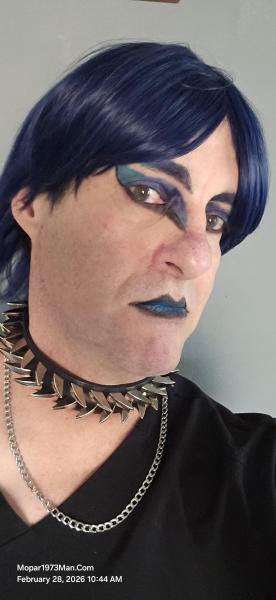
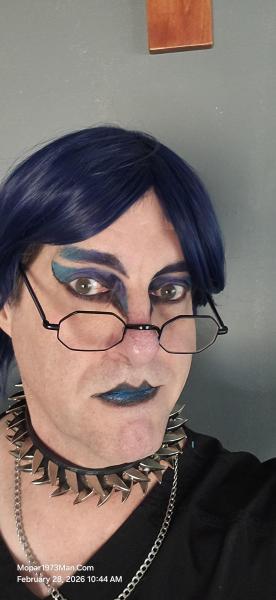
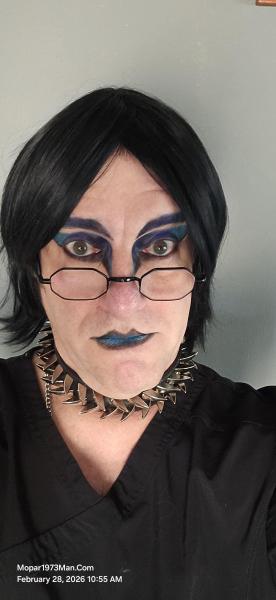
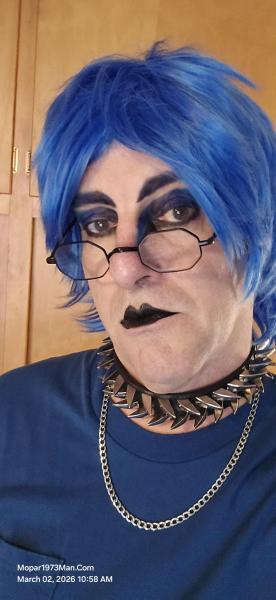
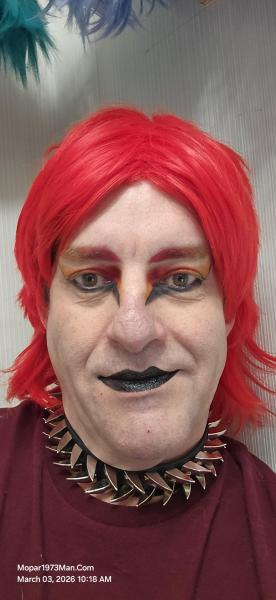
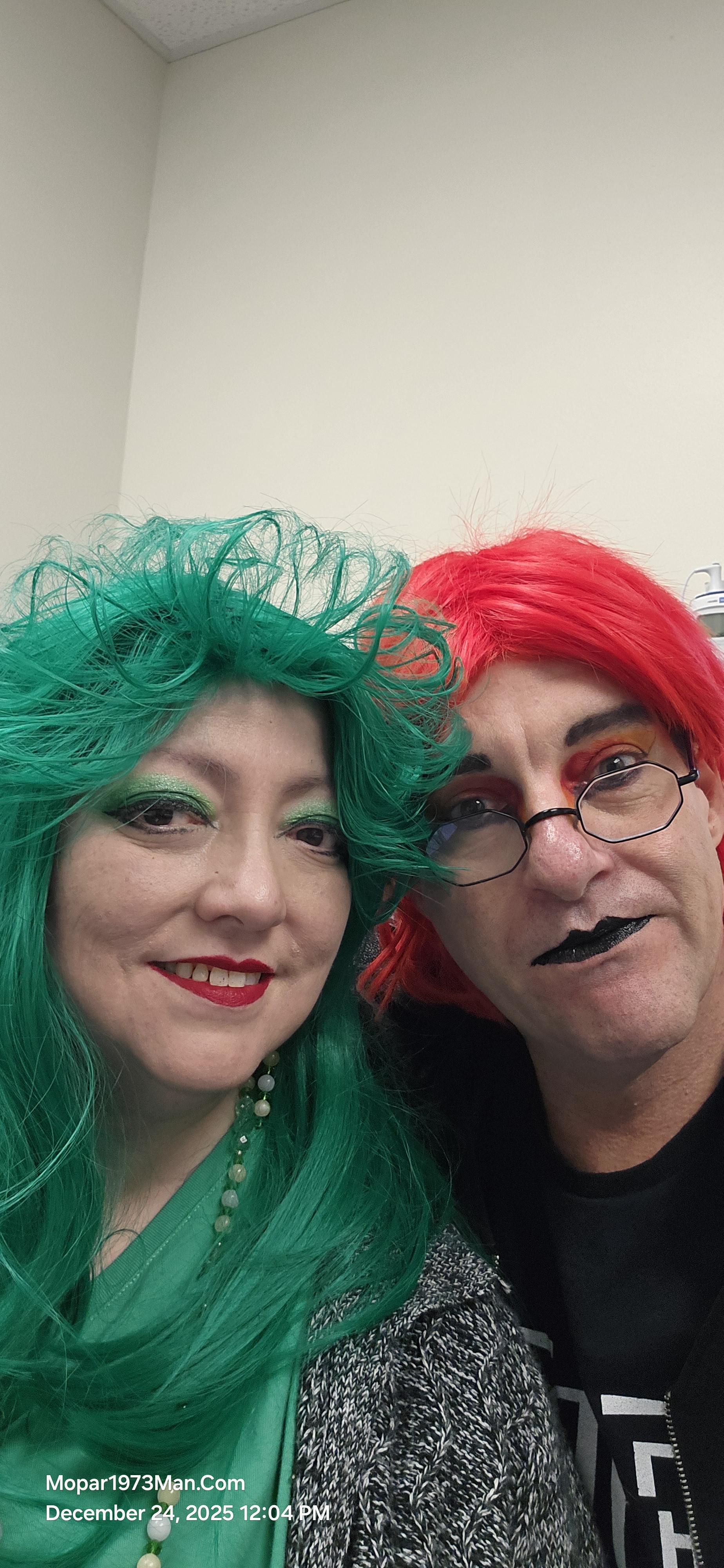
This is one of my first attempts at blending many colors evenly. This case told me she was going to wear green. Christmas colors, so I went to the wild side and took the fire-red wig and makeup to boot. I've been watching several makeup artists explain how they blend colors. Now, I'm combining the artwork I currently do with the tapered color down each side of my nose and outward toward the outside of my eyebrows. Since getting her eye surgery and correcting her vision, that is a huge blessing and makes it fun for her to enjoy her own style of makeup artistry.

We had to be out and about on Christmas Eve. While we were out in McCall, ID, we figured on picking up a few odds and ends for Christmas time, like snack food and such. It was fascinating to see all the people giving us stellar comments about being festive and colorful. I've been enjoying the makeup work for 2 years. Yeah, it's been 2 years since my bladder cancer, when I started. Still, every day I do makeup when I'm out and about. I'm always challenging myself a bit more each time.


Images

  1. 20251222_141741.jpg
  2. 20251222_141748.jpg
  3. 20251222_141901.jpg
  4. 20251222_142235.jpg
  5. 20251222_142324.jpg
  6. 20251222_144105.jpg
  7. 20251224_091850.jpg
  8. 20251224_091902.jpg
  9. 20251224_092019.jpg
  10. 20251224_092028.jpg
  11. 20251224_092203.jpg
  12. 20251224_092212.jpg
  13. 20251224_120433.jpg
  14. 20251224_124229.jpg
  15. 20251224_124230.jpg
  16. 20251219_112847.jpg
  17. 20251219_112732.jpg
  18. 20251219_112657.jpg
  19. 20251219_112641.jpg
  20. 20251219_112628.jpg
View the entire Titanium album

Edited by Mopar1973Man

0 Comments

Recommended Comments

There are no comments to display.

Configure browser push notifications

Chrome (Android)
  1. Tap the lock icon next to the address bar.
  2. Tap Permissions → Notifications.
  3. Adjust your preference.
Chrome (Desktop)
  1. Click the padlock icon in the address bar.
  2. Select Site settings.
  3. Find Notifications and adjust your preference.