
Jump to content
View in the app

A better way to browse. Learn more.

Mopar1973Man.Com LLC

A full-screen app on your home screen with push notifications, badges and more.

To install this app on iOS and iPadOS
  1. Tap the Share icon in Safari
  2. Scroll the menu and tap Add to Home Screen.
  3. Tap Add in the top-right corner.
To install this app on Android
  1. Tap the 3-dot menu (⋮) in the top-right corner of the browser.
  2. Tap Add to Home screen or Install app.
  3. Confirm by tapping Install.

Prospective

(0 reviews)

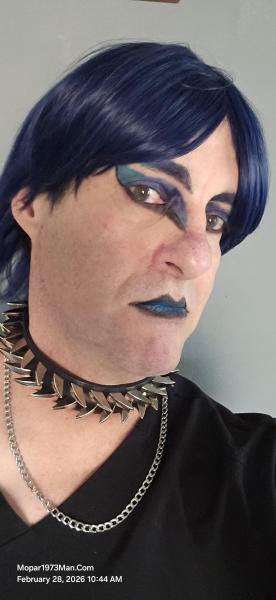
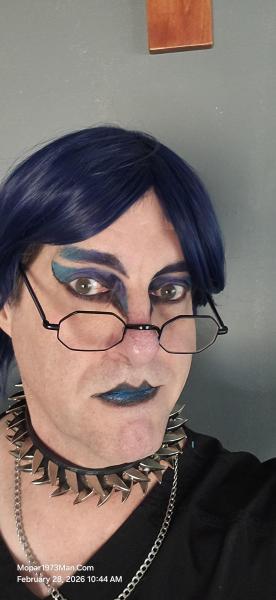
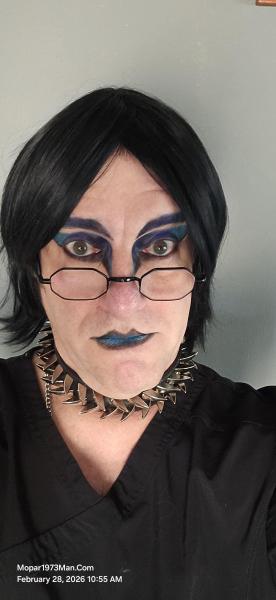
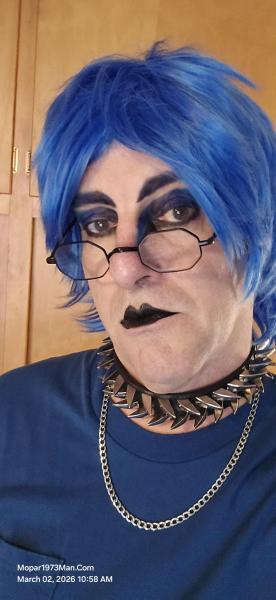
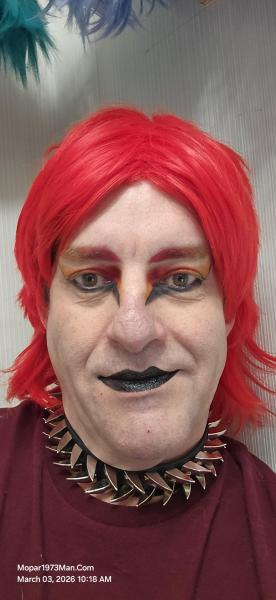
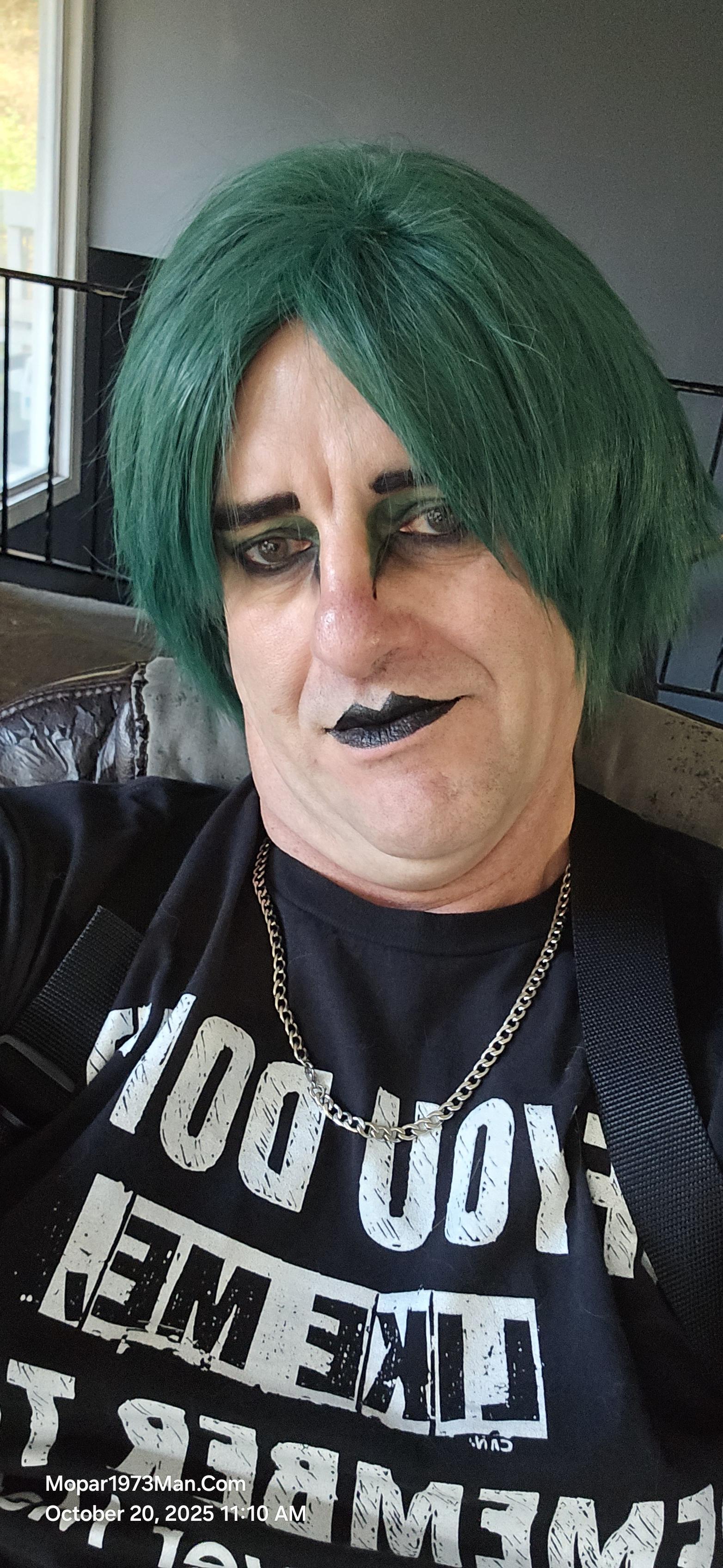
@Tweety Bird I love this woman. ❤️ She said something to me today that change my point of view. Dont let my cancer ruin my Dec / Jan time. Look at it this way Titanium was already created before this date but his birthdate of being is December 31, 2023. Cancer might of created him but ive got to celebrate his life! Titanium is 2 years old already. Like I mention in my previous blog entry im a Phoenix rising from the ashes and going to enjoy what ive created, and what I still have!


Images

  1. 20251222_141741.jpg
  2. 20251222_141748.jpg
  3. 20251222_141901.jpg
  4. 20251222_142235.jpg
  5. 20251222_142324.jpg
  6. 20251222_144105.jpg
  7. 20251224_091850.jpg
  8. 20251224_091902.jpg
  9. 20251224_092019.jpg
  10. 20251224_092028.jpg
  11. 20251224_092203.jpg
  12. 20251224_092212.jpg
  13. 20251224_120433.jpg
  14. 20251224_124229.jpg
  15. 20251224_124230.jpg
  16. 20251219_112847.jpg
  17. 20251219_112732.jpg
  18. 20251219_112657.jpg
  19. 20251219_112641.jpg
  20. 20251219_112628.jpg
View the entire Titanium album

0 Comments

Recommended Comments

There are no comments to display.

Configure browser push notifications

Chrome (Android)
  1. Tap the lock icon next to the address bar.
  2. Tap Permissions → Notifications.
  3. Adjust your preference.
Chrome (Desktop)
  1. Click the padlock icon in the address bar.
  2. Select Site settings.
  3. Find Notifications and adjust your preference.