Jump to content
View in the app

A better way to browse. Learn more.

Mopar1973Man.Com LLC

A full-screen app on your home screen with push notifications, badges and more.

To install this app on iOS and iPadOS
  1. Tap the Share icon in Safari
  2. Scroll the menu and tap Add to Home Screen.
  3. Tap Add in the top-right corner.
To install this app on Android
  1. Tap the 3-dot menu (⋮) in the top-right corner of the browser.
  2. Tap Add to Home screen or Install app.
  3. Confirm by tapping Install.

Mr. & Mrs. Titanium in Eagle Idaho

(0 reviews)

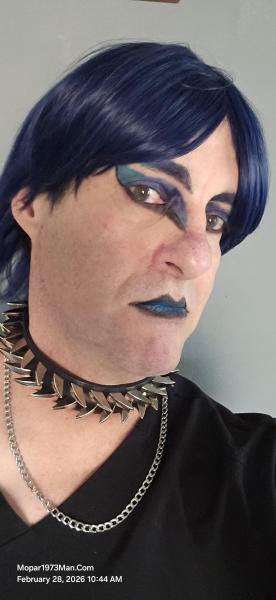
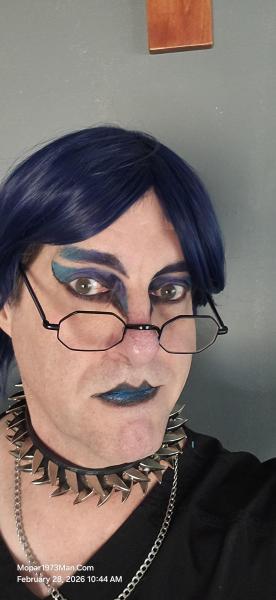
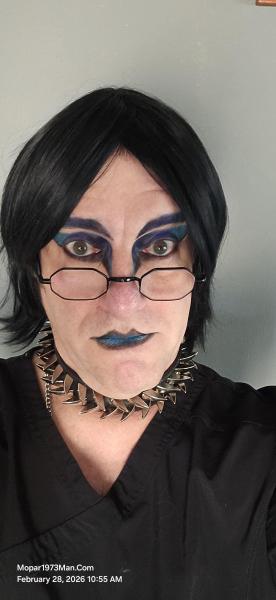
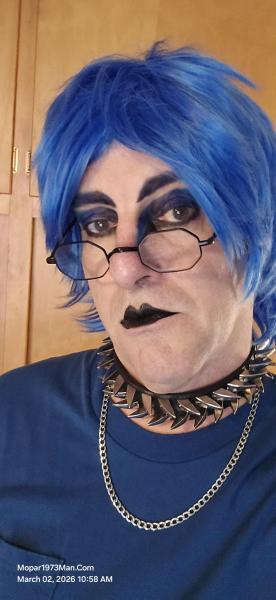
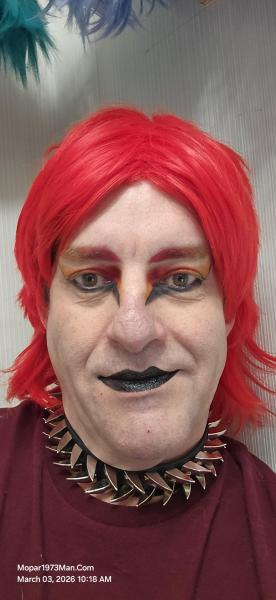
We needed to get some groceries at Albertsons. Just as soon as we entered, we were quickly identified by two nice men who really liked our blue look. Ironically, these guys do construction work, so we got a contact phone number to get their advice on how we might build the new shop in the future.

IMG_2120 (1).jpg

20260127_105343.jpg


Images

  1. 20260126_123749.jpg
  2. 20260126_123813.jpg
  3. 20260126_123819.jpg
  4. 20260126_123900.jpg
  5. 20260126_123902.jpg
  6. 20260126_123907.jpg
  7. 20260126_124011.jpg
  8. 20260126_124028.jpg
  9. 20260126_124042.jpg
  10. 20260126_124055.jpg
  11. 20260126_124316.jpg
  12. 20260126_124330.jpg
  13. 20260126_124338.jpg
  14. 20260126_124342.jpg
  15. 20260127_105343.jpg
  16. 20260128_091053.jpg
  17. 20260128_091103.jpg
  18. 20260128_091118.jpg
  19. 20260128_091119.jpg
  20. 20260128_091120.jpg
View the entire Titanium album

0 Comments

Recommended Comments

There are no comments to display.

Configure browser push notifications

Chrome (Android)
  1. Tap the lock icon next to the address bar.
  2. Tap Permissions → Notifications.
  3. Adjust your preference.
Chrome (Desktop)
  1. Click the padlock icon in the address bar.
  2. Select Site settings.
  3. Find Notifications and adjust your preference.