

Jump to content
View in the app

A better way to browse. Learn more.

Mopar1973Man.Com LLC

A full-screen app on your home screen with push notifications, badges and more.

To install this app on iOS and iPadOS
  1. Tap the Share icon in Safari
  2. Scroll the menu and tap Add to Home Screen.
  3. Tap Add in the top-right corner.
To install this app on Android
  1. Tap the 3-dot menu (⋮) in the top-right corner of the browser.
  2. Tap Add to Home screen or Install app.
  3. Confirm by tapping Install.

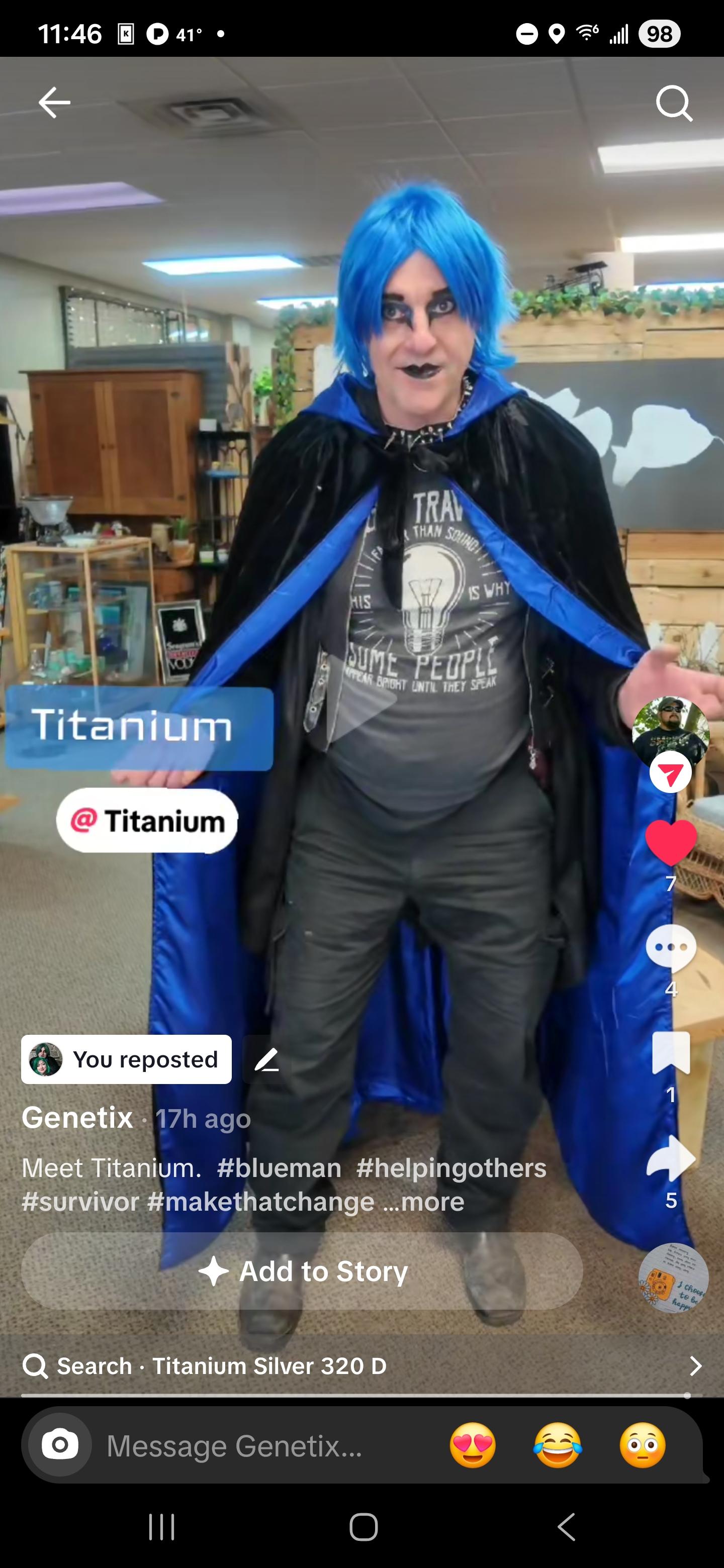
Titanium caught by another TikTok in Ontario, OR

(0 reviews)

The gentleman who made the video of me. I'll just call him by his handle Genetix. He confronted me on the streets of Ontario, OR, as my wife was shopping for jewelry supplies in a small shop. I was in the middle ofa phone call and ended my phone call to see what this gentleman wanted to know about me. Genetix wanted to understand why the appearance and what my story was about. So, for those that have not heard the story of my cancer, here you go. Video form on TikTok. I have to say this gentleman done a super job of telling the story and the whole edit was awesome! Look up Genetix on TikTok to meet this wonderful person!

https://www.tiktok.com/t/ZThfhXKuo/

Edited by Mopar1973Man

0 Comments

Recommended Comments

There are no comments to display.

Account

Navigation

Search

Configure browser push notifications

Chrome (Android)
  1. Tap the lock icon next to the address bar.
  2. Tap Permissions → Notifications.
  3. Adjust your preference.
Chrome (Desktop)
  1. Click the padlock icon in the address bar.
  2. Select Site settings.
  3. Find Notifications and adjust your preference.