Jump to content
View in the app

A better way to browse. Learn more.

Mopar1973Man.Com LLC

A full-screen app on your home screen with push notifications, badges and more.

To install this app on iOS and iPadOS
  1. Tap the Share icon in Safari
  2. Scroll the menu and tap Add to Home Screen.
  3. Tap Add in the top-right corner.
To install this app on Android
  1. Tap the 3-dot menu (⋮) in the top-right corner of the browser.
  2. Tap Add to Home screen or Install app.
  3. Confirm by tapping Install.

Titanium Not Going To Forced

(0 reviews)

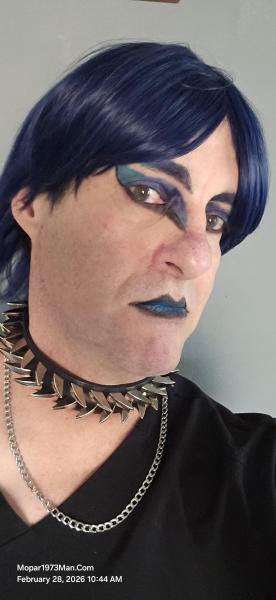
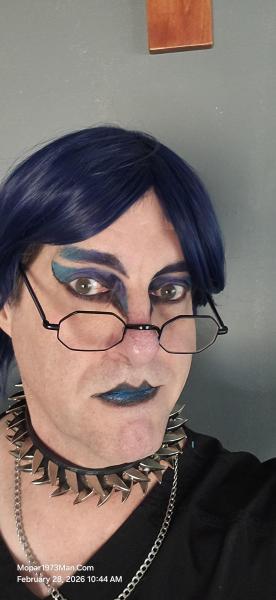
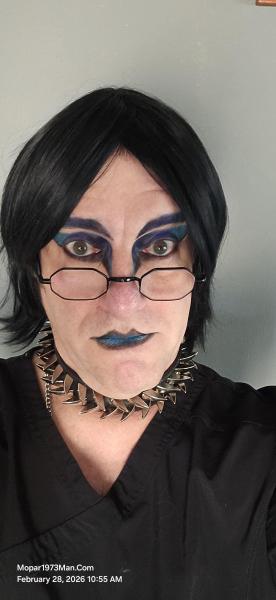
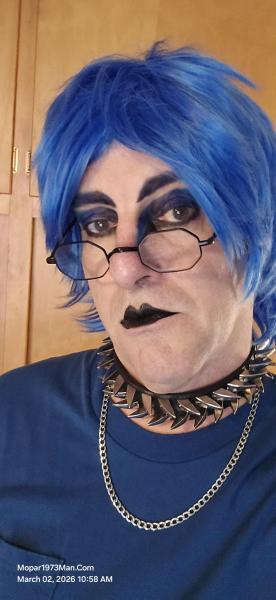
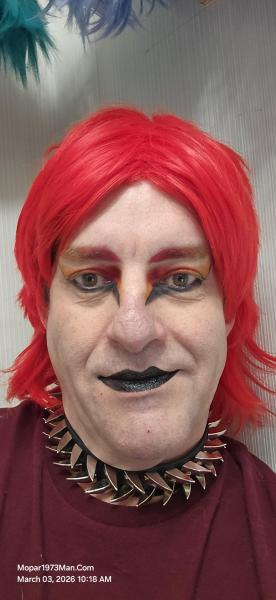
This post is going to get political. There is a small group of Goth/Emo/Alt people claiming that if you want to be part of the group, you have to vote democratic. As for me, I started my Goth/Emo/Alt journey into makeup artistry with my bladder cancer. Then I started to catch flak for posting my Goth/Emo/Alt photos on coments ot artist I liked. One person told me if I don't vote democratic then I'm just a poser. Me. I had to create another photo shoot for new photos to handle the punk kids who are just being mean. Yes, I've got a few more photos of me with my Favorite shirt, "If Don't Like Me... F___ Off Problem Solved." I will not be forced to think a particular way or forced into politics for a dress style. Sorry, I will not comply!

In the meantime, I've crossed 1,000+ followers on TikTok.

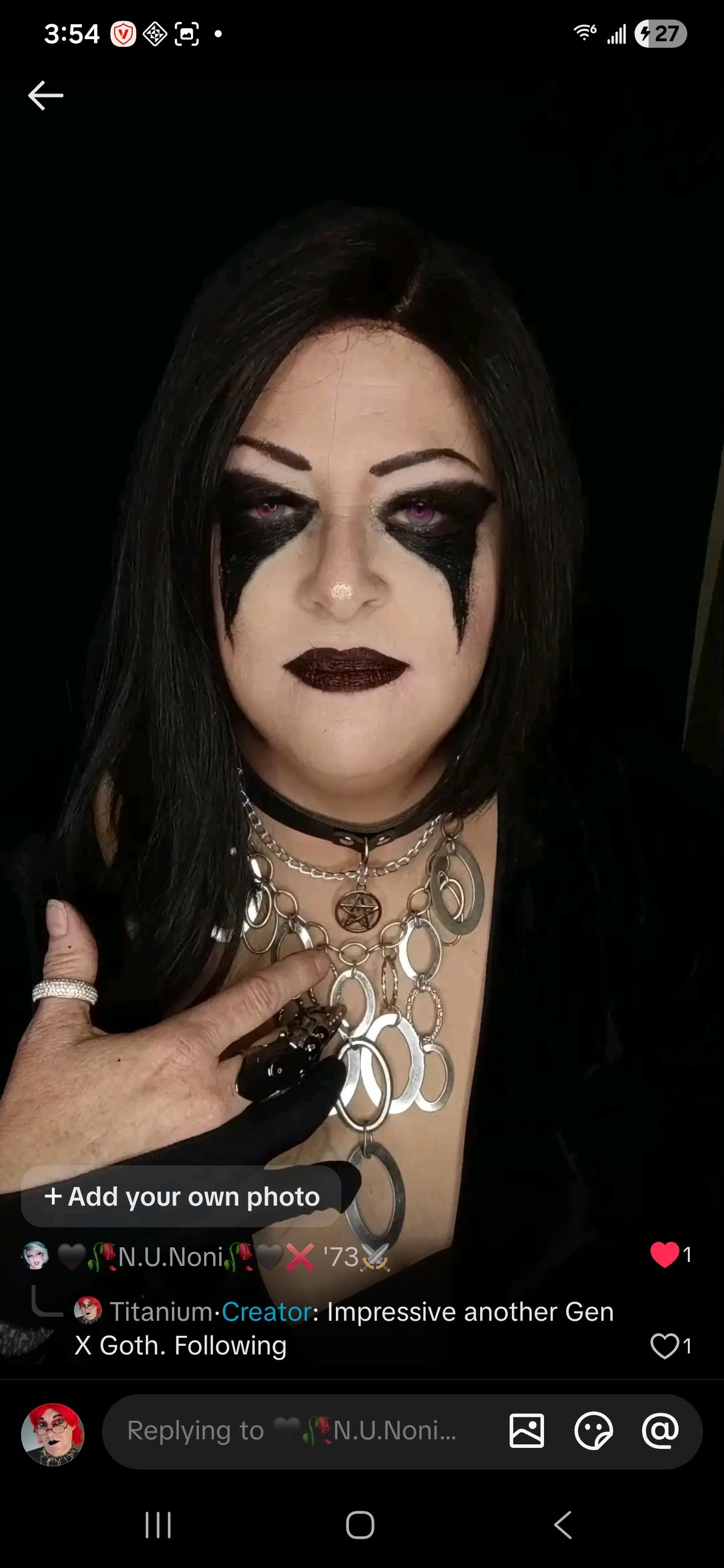
Still making friends all around the world with Goth/Emo/Alt makeup designs. Like my newest follower, I found out is Gen X as well, and that enjoys the same kind of makeup artistry. Say hello to N.U.Noni... (Header photo)
Screenshot_20260223_160510_TikTok.jpg


Images

  1. 20260222_104448.jpg
  2. 20260222_104500.jpg
  3. 20260222_104510.jpg
  4. 20260222_104533.jpg
  5. 20260222_104757.jpg
  6. 20260222_104800.jpg
  7. 20260222_104806.jpg
  8. 20260222_104807.jpg
  9. 20260222_105445.jpg
  10. 20260222_105453.jpg
  11. 20260222_105458.jpg
  12. 20260222_105502.jpg
  13. 20260216_101906.jpg
  14. 20260216_101913.jpg
  15. 20260216_102016.jpg
  16. 20260216_102020.jpg
  17. 20260212_112151.jpg
  18. 20260212_112203.jpg
  19. 20260212_112530.jpg
  20. 20260212_112535.jpg
View the entire Titanium album

Edited by Mopar1973Man

0 Comments

Recommended Comments

There are no comments to display.

Account

Navigation

Search

Configure browser push notifications

Chrome (Android)
  1. Tap the lock icon next to the address bar.
  2. Tap Permissions → Notifications.
  3. Adjust your preference.
Chrome (Desktop)
  1. Click the padlock icon in the address bar.
  2. Select Site settings.
  3. Find Notifications and adjust your preference.