


Skip to content
View in the app

A better way to browse. Learn more.

Mopar1973Man.Com

A full-screen app on your home screen with push notifications, badges and more.

To install this app on iOS and iPadOS
  1. Tap the Share icon in Safari
  2. Scroll the menu and tap Add to Home Screen.
  3. Tap Add in the top-right corner.
To install this app on Android
  1. Tap the 3-dot menu (⋮) in the top-right corner of the browser.
  2. Tap Add to Home screen or Install app.
  3. Confirm by tapping Install.

Time to head back.

(0 reviews)

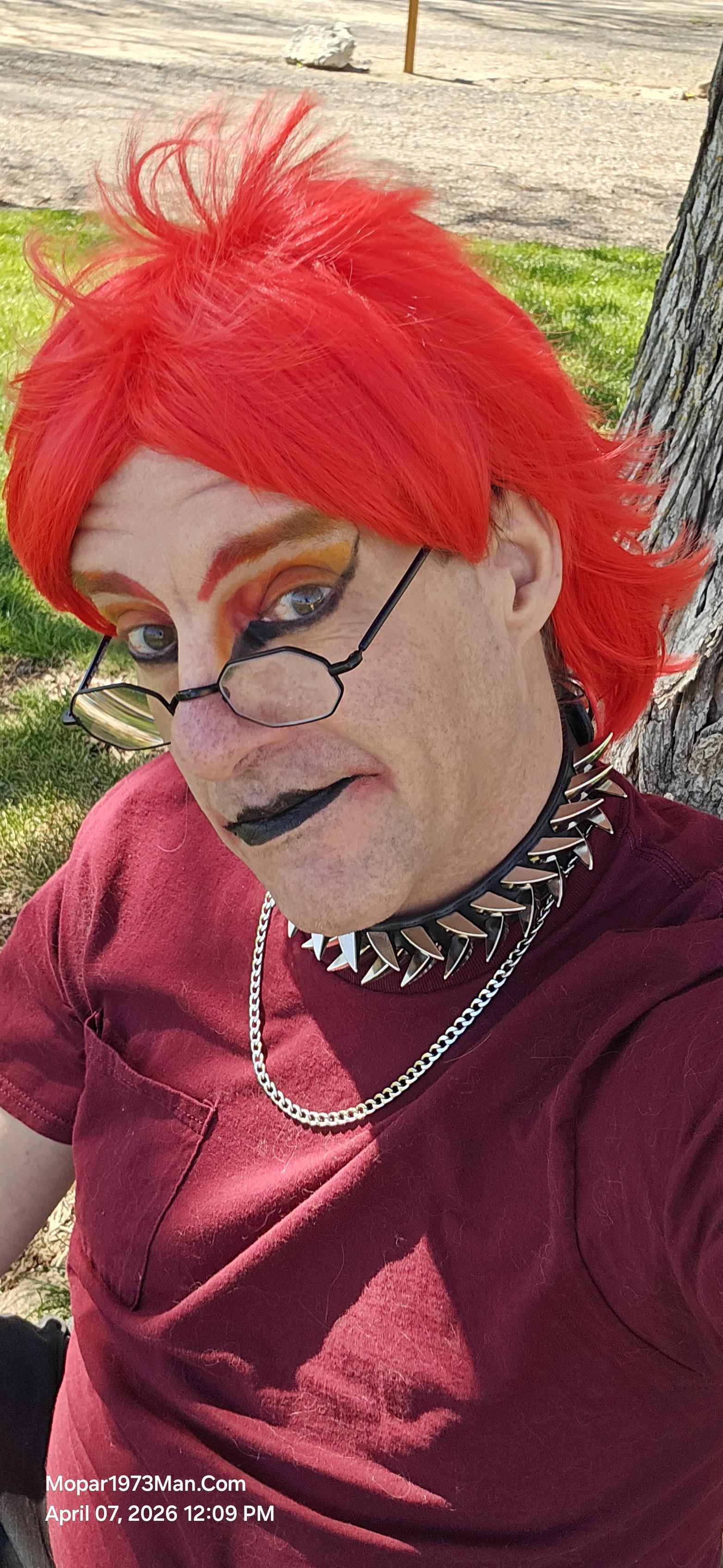
Today we are checking out of our RV space and heading back home with our cache of goodies we picked while in town. This has been a wonderful experience and teaching both of us what we need to travel on the road to see some of you. For a bench test I think we can get started traveling state to stay soon. As for makeup artistry wife and I enjoyed all the great comments as we been in town.

Been nice for both us to escape the mess at home and take a break away from problems, phones, projects, etc.

Edited by Mopar1973Man

0 Comments

Recommended Comments

There are no comments to display.

Account

Navigation

Search

Search

Configure browser push notifications

Chrome (Android)
  1. Tap the lock icon next to the address bar.
  2. Tap Permissions → Notifications.
  3. Adjust your preference.
Chrome (Desktop)
  1. Click the padlock icon in the address bar.
  2. Select Site settings.
  3. Find Notifications and adjust your preference.