Jump to content
View in the app

A better way to browse. Learn more.

Mopar1973Man.Com LLC

A full-screen app on your home screen with push notifications, badges and more.

To install this app on iOS and iPadOS
  1. Tap the Share icon in Safari
  2. Scroll the menu and tap Add to Home Screen.
  3. Tap Add in the top-right corner.
To install this app on Android
  1. Tap the 3-dot menu (⋮) in the top-right corner of the browser.
  2. Tap Add to Home screen or Install app.
  3. Confirm by tapping Install.

Cloud 10 Computers

Are you tired of the commercial realm of Microsoft Windows and the pure cost of software? Join me on an adventure of learning Linux and find a entire new world of computers, networking and even web development that is easy for you to handle. No virus software to worry about, no malware or phishing scams, and software that is free.

Forums

  1. Welcome to an operating system that works and is free. Ubuntu Linux is a very good starting place for people who want to hop over the fence from Microsoft Windows or Mac.

    • 4 posts
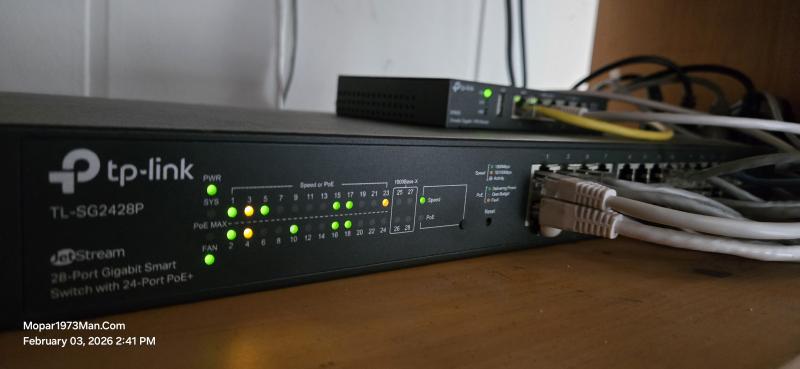
  2. Networking for those of you who wish to use the Internet more efficiently and install and maintain optional network devices like cameras, etc.

    • 5 posts

Account

Navigation

Search

Configure browser push notifications

Chrome (Android)
  1. Tap the lock icon next to the address bar.
  2. Tap Permissions → Notifications.
  3. Adjust your preference.
Chrome (Desktop)
  1. Click the padlock icon in the address bar.
  2. Select Site settings.
  3. Find Notifications and adjust your preference.