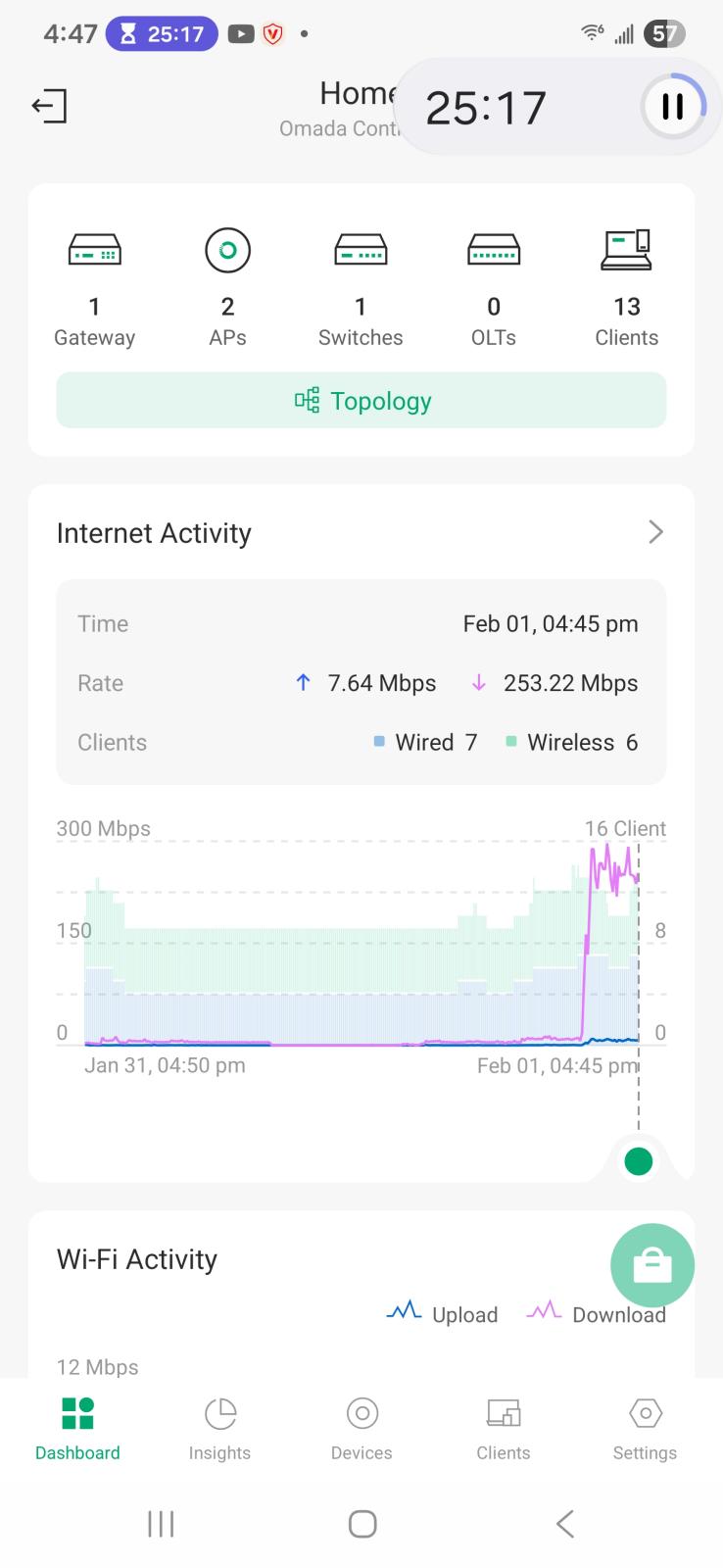
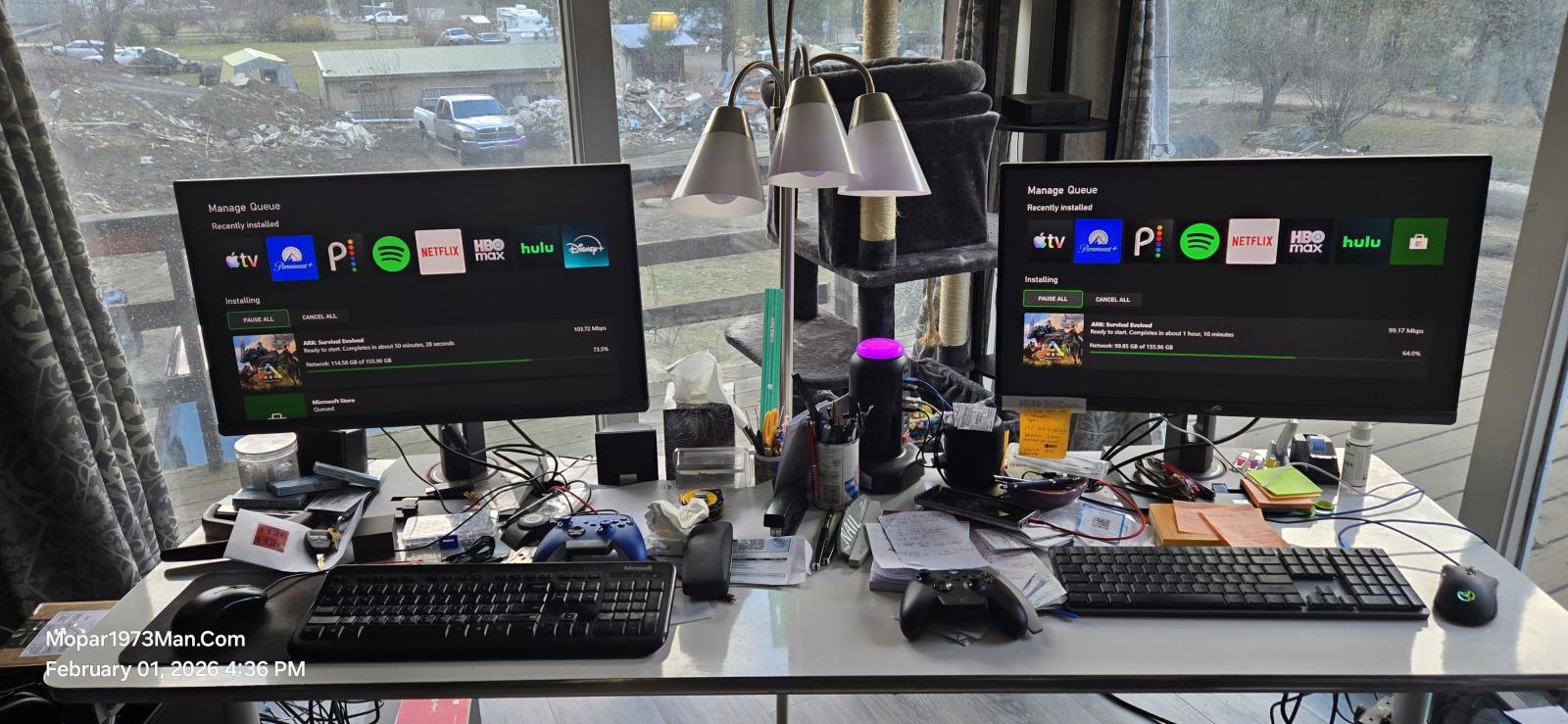
Yeah my desk is a mess but I've hooked up our two XBox to the HDMI ports on the monitors of the Linux PCs they share the monitor great. I was stoked to see both XBoxes just pull over 100 Mbits worth of speed. Starlink reports 250 to 300 Mbit speeds while downloading, TV playing Pandora, TV downstairs Mark is watching TV and surfing his phone. While I post this message on the website with all this happening. Never mind the timer in the screenshot im making bread today.


Yeah my desk is a mess but I've hooked up our two XBox to the HDMI ports on the monitors of the Linux PCs they share the monitor great. I was stoked to see both XBoxes just pull over 100 Mbits worth of speed. Starlink reports 250 to 300 Mbit speeds while downloading, TV playing Pandora, TV downstairs Mark is watching TV and surfing his phone. While I post this message on the website with all this happening. Never mind the timer in the screenshot im making bread today.
Edited by Mopar1973Man