


Busy Man - Titanium

By Mopar1973Man in Titanium
· 421 views
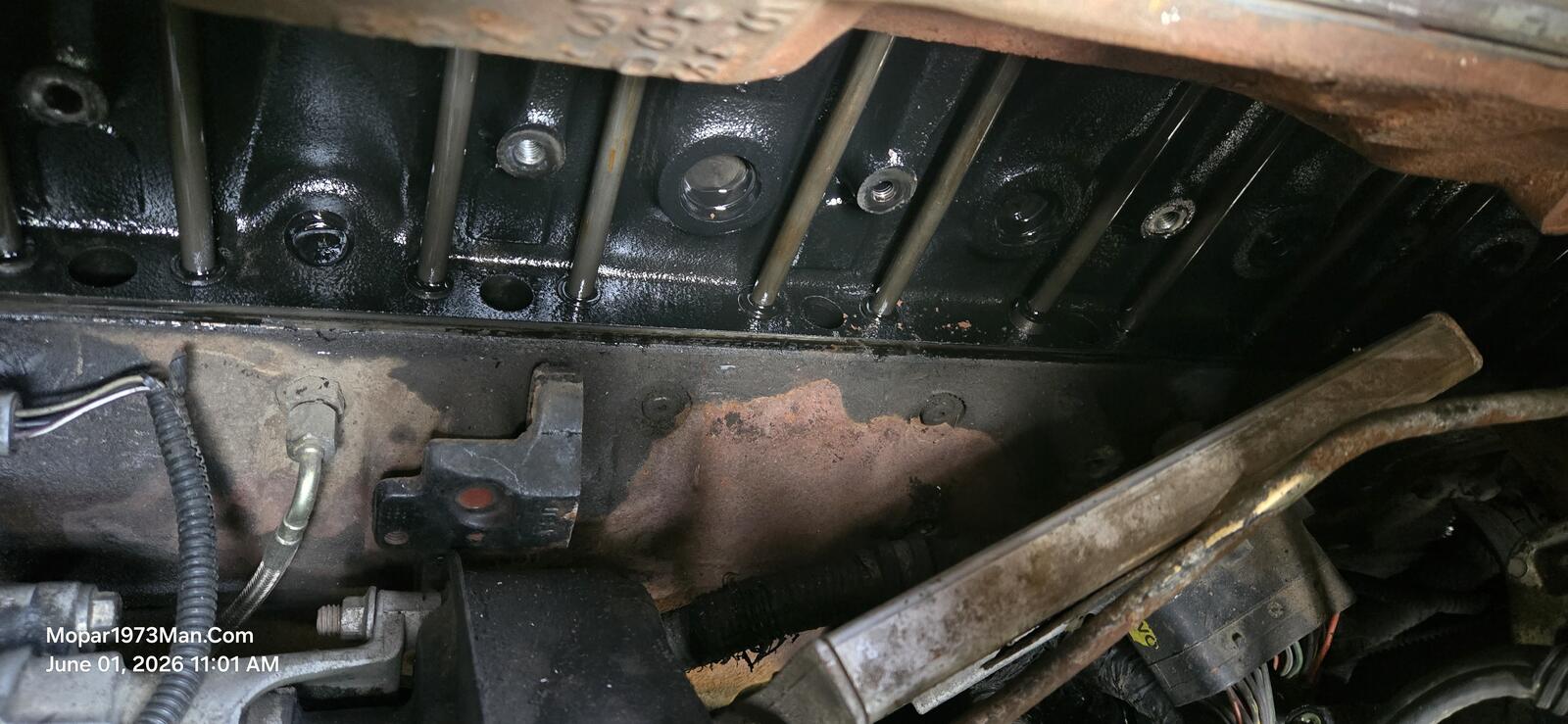
Beast got his new VP44 injection pump. Been a long while since I've done long work like this, wow! I can feel it all through my shoulders and arms from hanging upside down over the tappet cover and injection pump. Few flaws I did on that job. I got sidetracked by people coming and going, and then forgot to tighten the 1,2,4 injection lines at the pump, and couldn't figure out the diesel fuel smell. D'Uh! 🫣 Tighten all that up, and Beast came to life.
To test Beast out, I packed up the next day and went to the local C&M Lumber. No wire taps yet, but I will soon be reinstalling my BD Stealth Plate. I ran up and got 20 feet of 6 AWG wire and a few bags of copper ring terminals. Yeah, work time in the RV. The main power lead into the house is bad and dropping voltage. Since I already have the 6 AWG from the battery to the inverter I opted for making that my main lead in the house, which is double is size from the mere 14 AWG main line coming from the factory wiring. Rebuilt the entire power cabinet and re-laid out everything.
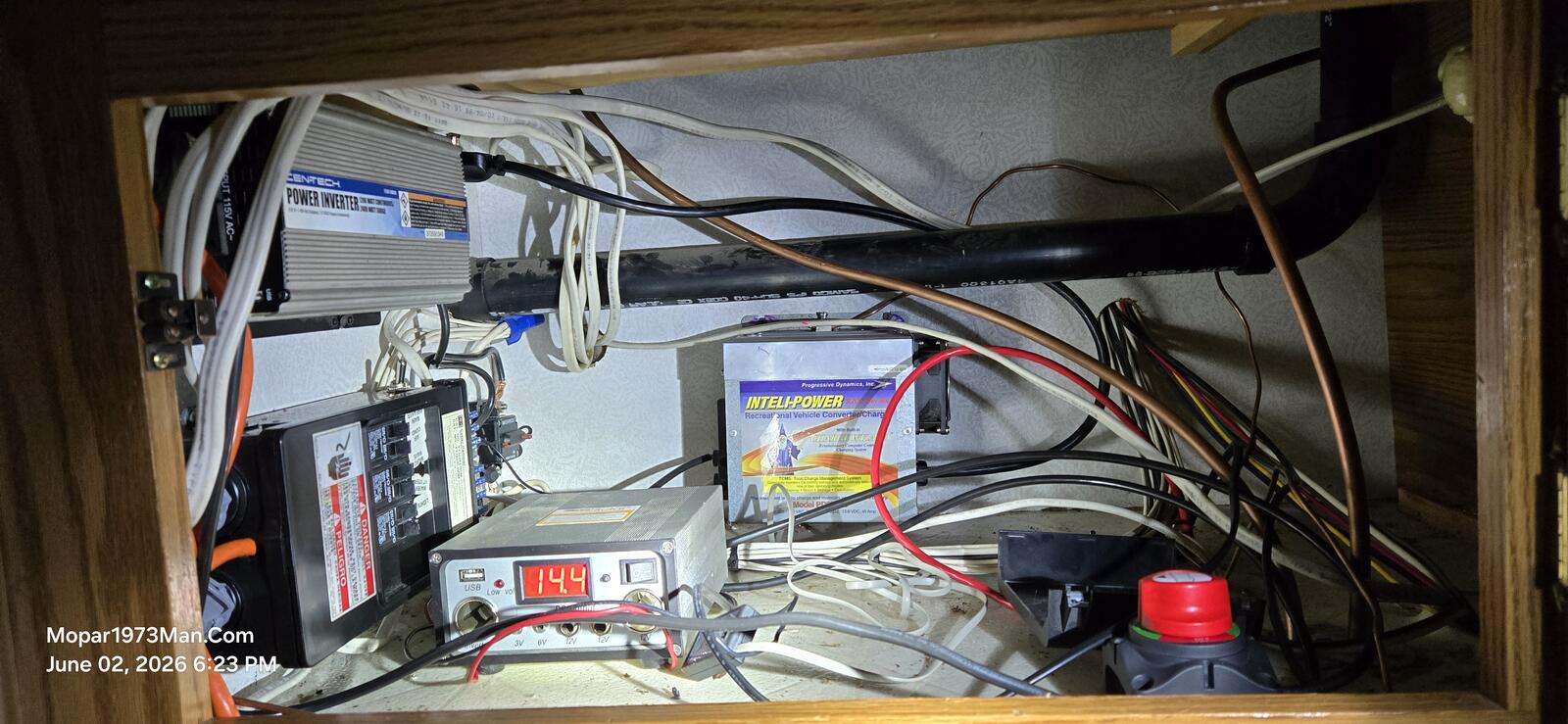
Now the power issues of the past RV trip are no longer an issue for our future trip to Boise for medical. Wife still has a shoulder issue that needs to be dealt with. All this was repairs from the failed trip to Boise, where we made it down to Boise, but the VP44 injection pump failed out with a P1689 code. While travelling back. Then, even the next time I wanted to move Beast to repair. VP44 threw the P1689 code again.
Images










Edited by Mopar1973Man
Recommended Comments