Skip to content
View in the app

A better way to browse. Learn more.

Mopar1973Man.Com

A full-screen app on your home screen with push notifications, badges and more.

To install this app on iOS and iPadOS
  1. Tap the Share icon in Safari
  2. Scroll the menu and tap Add to Home Screen.
  3. Tap Add in the top-right corner.
To install this app on Android
  1. Tap the 3-dot menu (⋮) in the top-right corner of the browser.
  2. Tap Add to Home screen or Install app.
  3. Confirm by tapping Install.

Happy Birthday to Tweety Bird

(0 reviews)

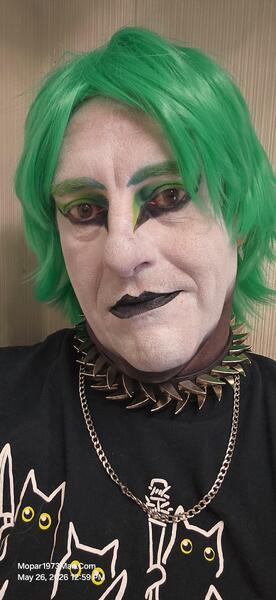
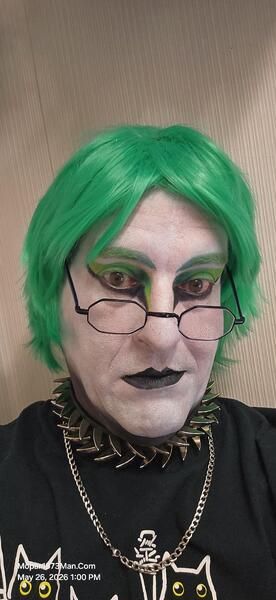
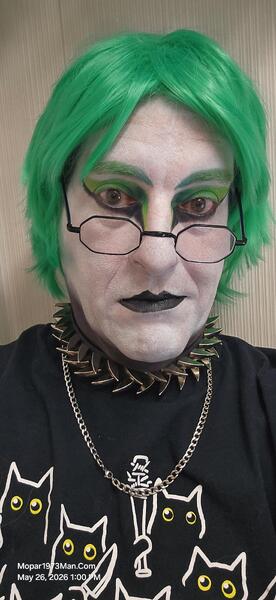
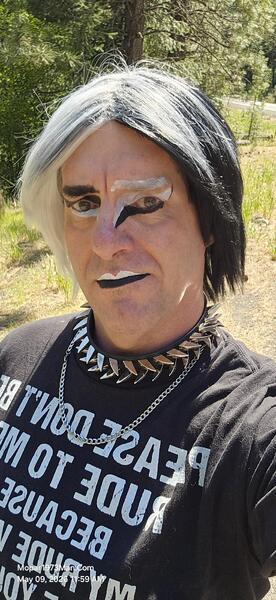
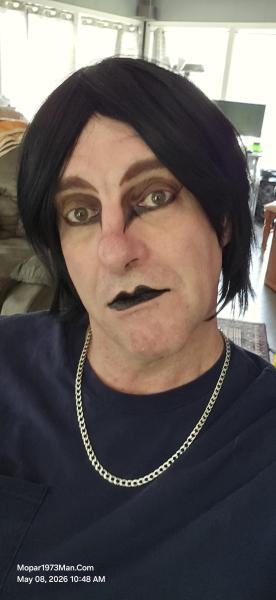
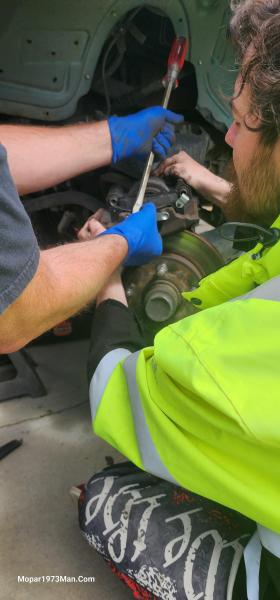
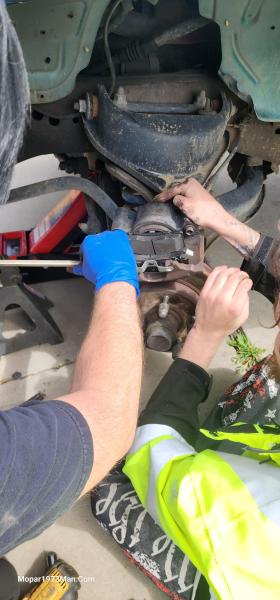
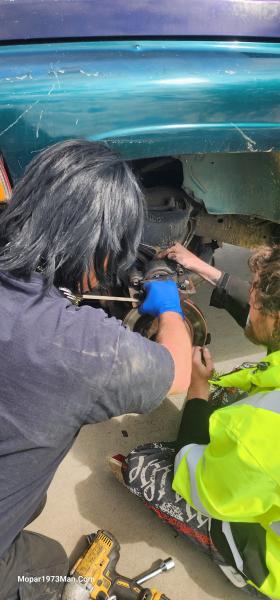
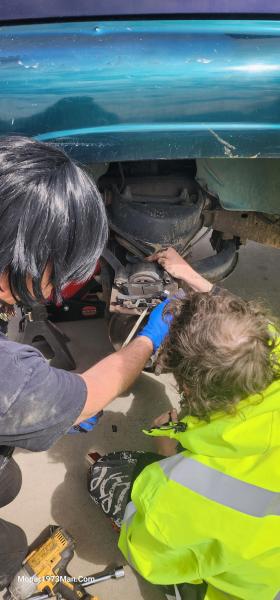
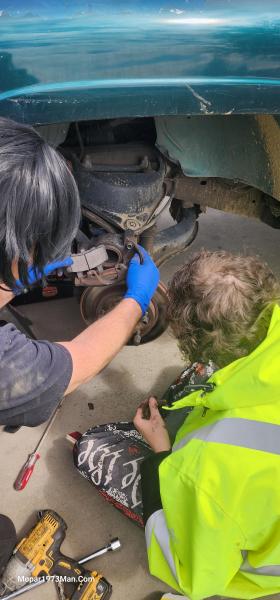
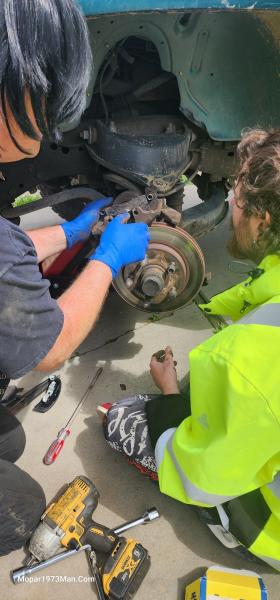
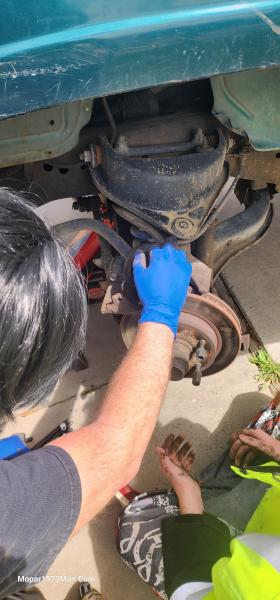
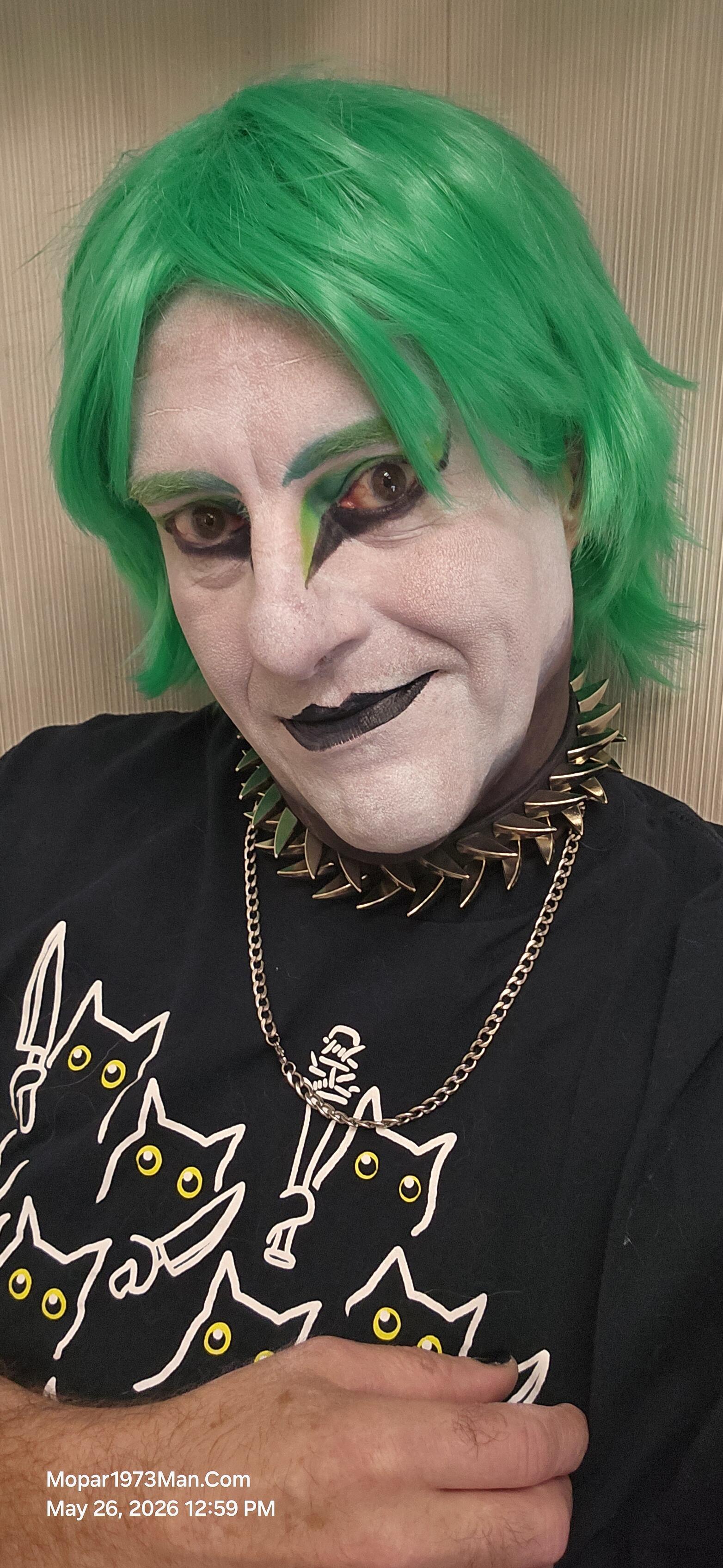
May 26th is her birthday. Strange that the two of us have the 26th for birthdays. Then, strangely enough, our wedding day is the same as when we met—the 25th of June. Yes, we are still going to get married in public. @Tweety Bird asked for green today and not the dark green.

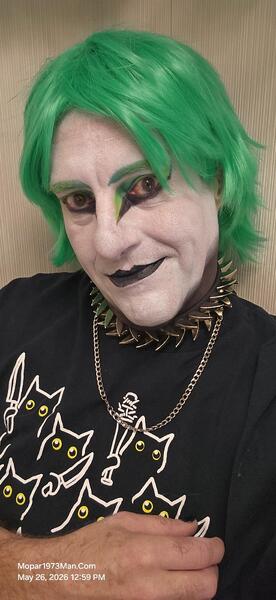

Images

  1. 20260526_125938.jpg
  2. 20260526_125948.jpg
  3. 20260526_125955.jpg
  4. 20260526_130025.jpg
  5. 20260526_130027.jpg
  6. 20260509_115941.jpg
  7. 20260509_115947.jpg
  8. 20260509_115952.jpg
  9. 20260508_104830.jpg
  10. 20260423_121209.jpg
  11. 20260423_121215.jpg
  12. 20260423_121218.jpg
  13. 20260423_121224.jpg
  14. 20260423_121238.jpg
  15. 20260423_121305.jpg
  16. 20260423_121330.jpg
  17. 20260423_124031.jpg
  18. 20260423_124053.jpg
  19. 20260423_124116.jpg
  20. 20260423_124141.jpg
View the entire Titanium album

0 Comments

Recommended Comments

There are no comments to display.

Account

Navigation

Search

Search

Configure browser push notifications

Chrome (Android)
  1. Tap the lock icon next to the address bar.
  2. Tap Permissions → Notifications.
  3. Adjust your preference.
Chrome (Desktop)
  1. Click the padlock icon in the address bar.
  2. Select Site settings.
  3. Find Notifications and adjust your preference.