Skip to content
View in the app

A better way to browse. Learn more.

Mopar1973Man.Com

A full-screen app on your home screen with push notifications, badges and more.

To install this app on iOS and iPadOS
  1. Tap the Share icon in Safari
  2. Scroll the menu and tap Add to Home Screen.
  3. Tap Add in the top-right corner.
To install this app on Android
  1. Tap the 3-dot menu (⋮) in the top-right corner of the browser.
  2. Tap Add to Home screen or Install app.
  3. Confirm by tapping Install.

Where is Titanium Hiding Now???

(0 reviews)

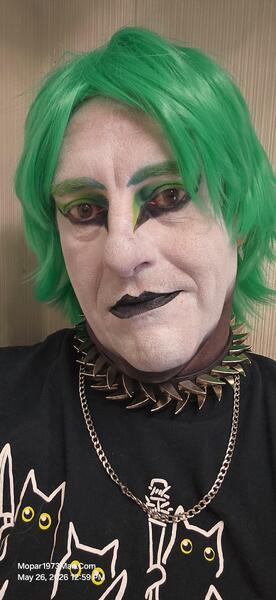
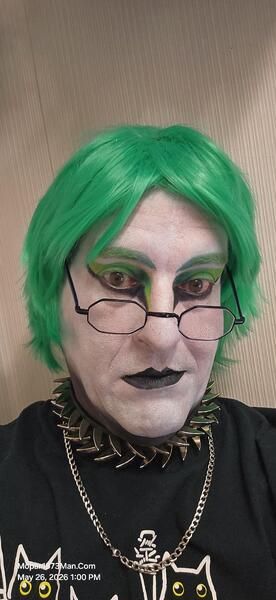
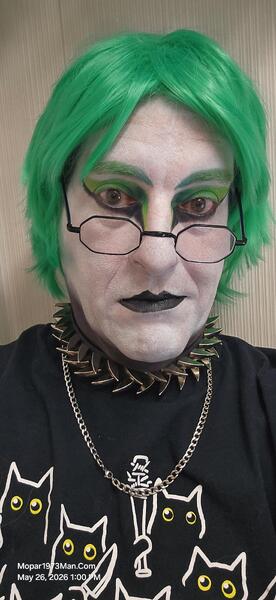
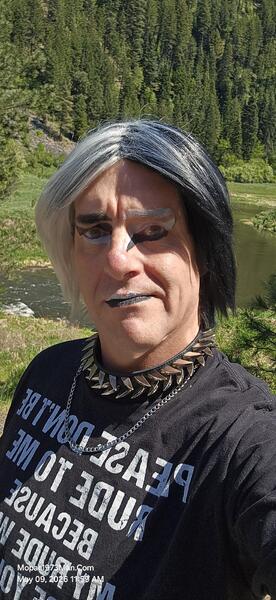
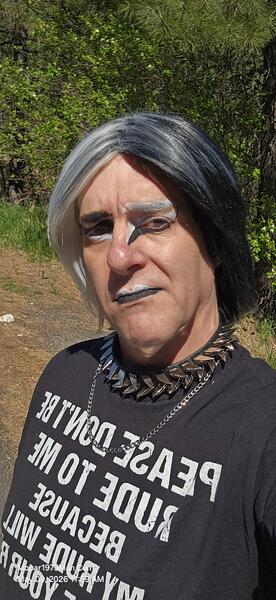
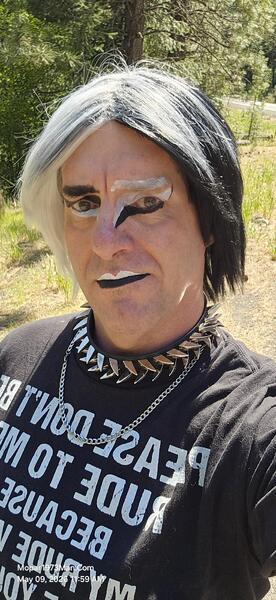
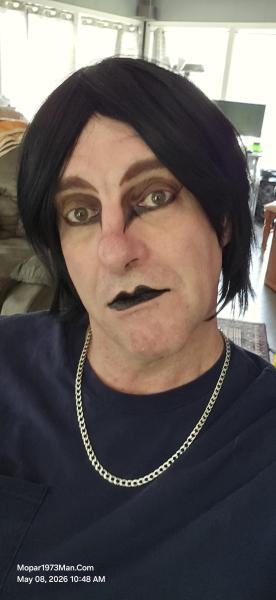
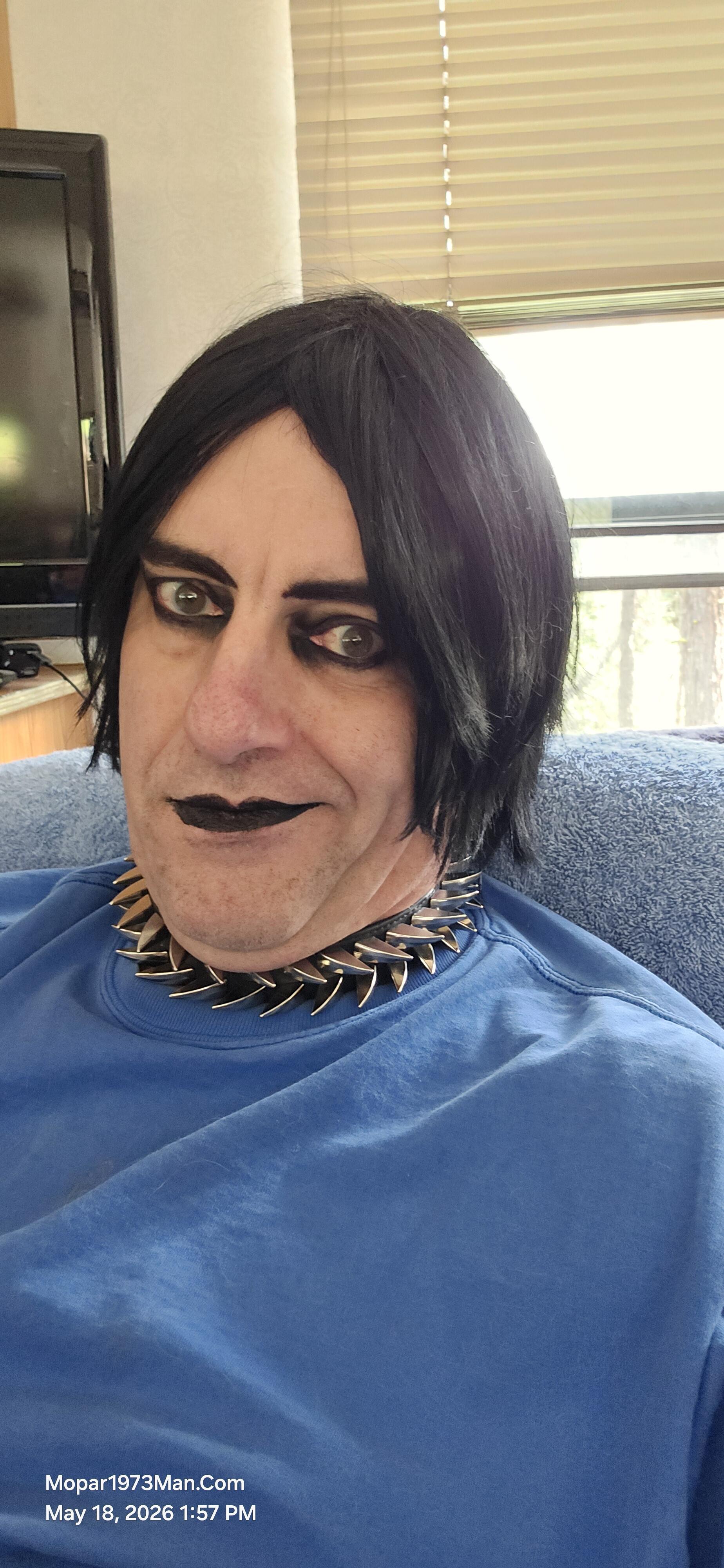
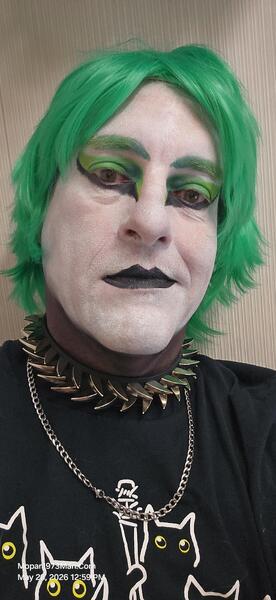
It was awesome to just take time away from the mess in my own yard. Even though both of us were worn out and really didn't do anything much while out here. The weather got cold and is snowing. We were up near Lost Valley Reservoir at an elevation of roughly 4,800 feet. The first two days were spent sitting at the dining table, looking out the windows at the storm rolling in and then rolling out and clearing up. Titanium was in hair and super simple, just black eyeliner and black eye shadow, then black lipstain. The focus was more on healing and rest. Which we did for the 4 days we were out there. We both enjoyed the dry camping so much that it will become a normal travel plan.

Even with our medical requirements and doctor's visits, we can pull the RV down towards Boise and dry camp somewhere. If we need a more solid home base, I still have my friend "Muddy" in Parma, who is always looking forward to us stopping in. There will be more travel with us using Beast and the RV, more so for even shopping in Lewiston, ID. We can dry camp anywhere or stay at the Clearwater Casino, which is a full hook-up spot too.
Images

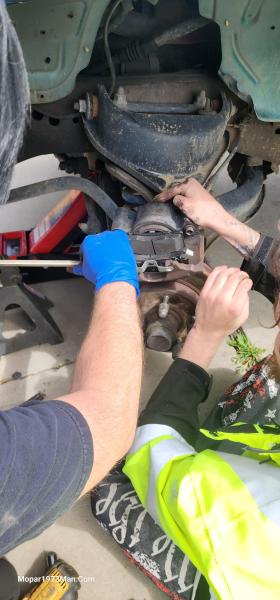
  1. 20260509_115941.jpg
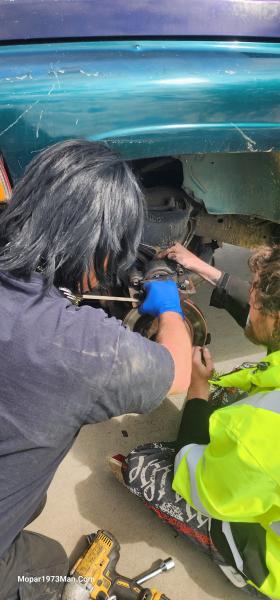
  2. 20260509_115947.jpg
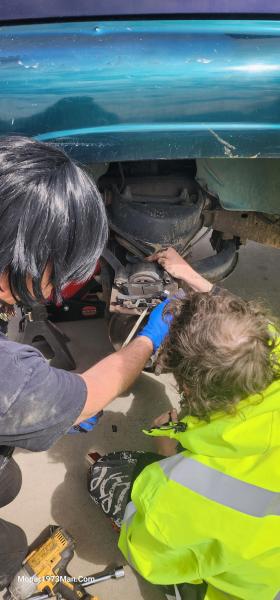
  3. 20260509_115952.jpg
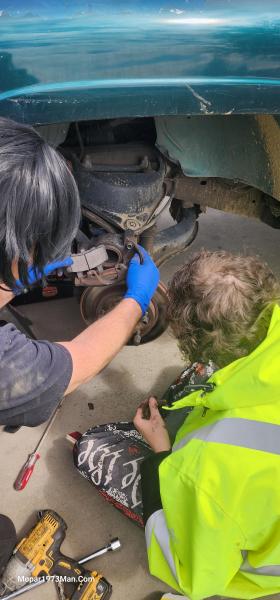
  4. 20260508_104830.jpg
  5. 20260423_121209.jpg
  6. 20260423_121215.jpg
  7. 20260423_121218.jpg
  8. 20260423_121224.jpg
  9. 20260423_121238.jpg
  10. 20260423_121305.jpg
  11. 20260423_121330.jpg
  12. 20260423_124031.jpg
  13. 20260423_124053.jpg
  14. 20260423_124116.jpg
  15. 20260423_124141.jpg
  16. 20260423_124145.jpg
  17. 20260423_124304.jpg
  18. 20260423_124331.jpg
  19. 20260423_124500.jpg
  20. 20260423_124552.jpg
View the entire Titanium album

0 Comments

Recommended Comments

There are no comments to display.

Account

Navigation

Search

Search

Configure browser push notifications

Chrome (Android)
  1. Tap the lock icon next to the address bar.
  2. Tap Permissions → Notifications.
  3. Adjust your preference.
Chrome (Desktop)
  1. Click the padlock icon in the address bar.
  2. Select Site settings.
  3. Find Notifications and adjust your preference.