Skip to content
View in the app

A better way to browse. Learn more.

Mopar1973Man.Com

A full-screen app on your home screen with push notifications, badges and more.

To install this app on iOS and iPadOS
  1. Tap the Share icon in Safari
  2. Scroll the menu and tap Add to Home Screen.
  3. Tap Add in the top-right corner.
To install this app on Android
  1. Tap the 3-dot menu (⋮) in the top-right corner of the browser.
  2. Tap Add to Home screen or Install app.
  3. Confirm by tapping Install.

The change that became permanent

(0 reviews)

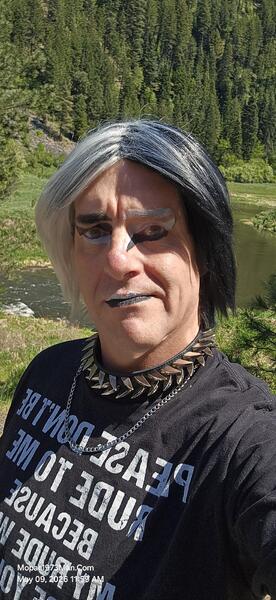
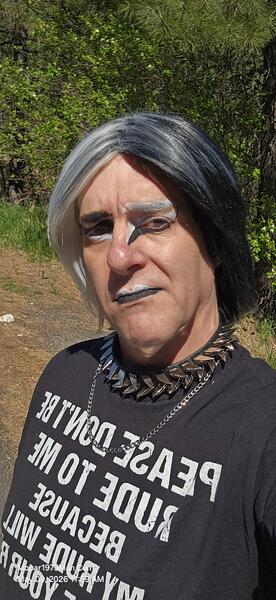
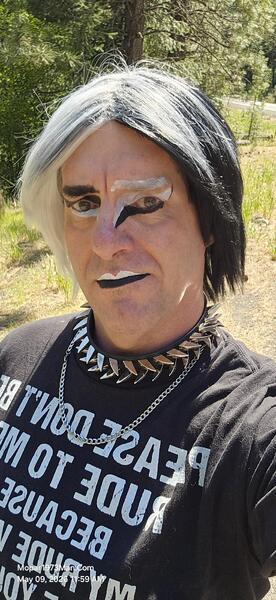
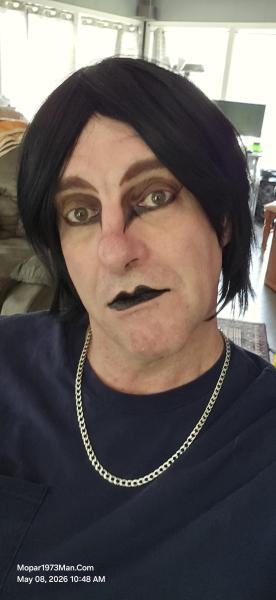
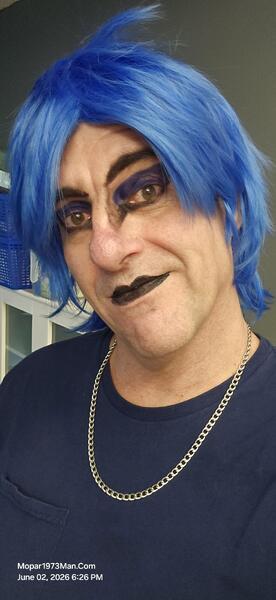
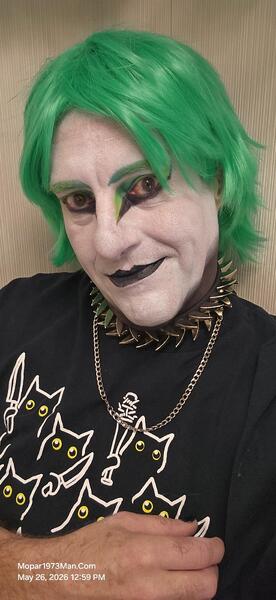
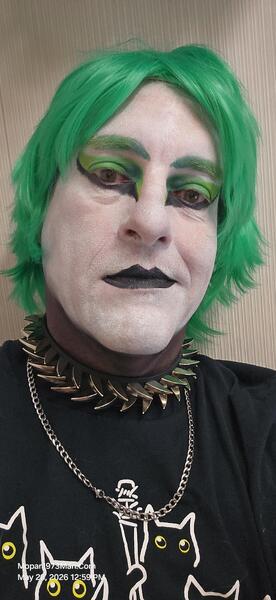
So, as I was packing up on my first trip, I was doing a lot of back and forth, loading stuff in the RV. For 2 days, I didn't wear any makeup at all. When I got going and realized I needed to stop at the local hardware store for a chunk of chain, like 6 feet or so. This was purchased to lock the generator to the truck or RV. When I walked into the store without makeup on, everyone kept coming up to me and asking, "Are you OK? Are you sick again? Cancer coming back?" Nope, just was super busy and didn't make up for the days of packing. Then, to find out during the trip, I left both eye shadow palettes at home. After returning home, I was so tired I spent one more day without makeup.

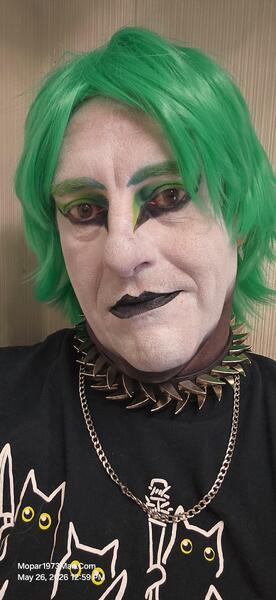
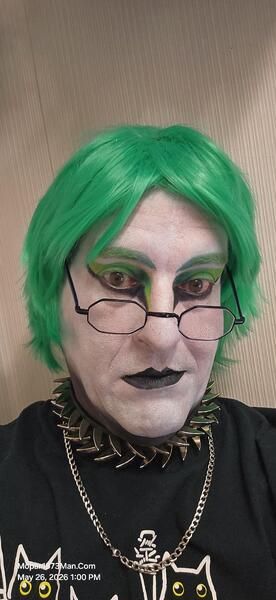
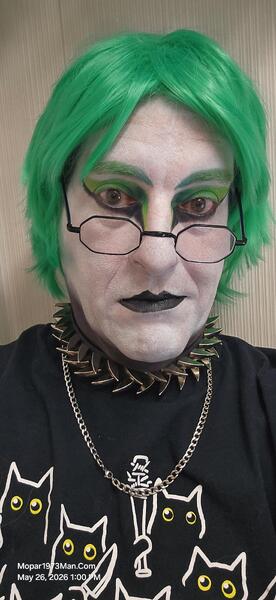
Then yesterday, May 14, I was in full Teal makeup and hair. Wearing my ripsaw collar again. Life was back to normal again. Sadly, I didn't take any photos. Yeah, I know, no photo, no proof, right?
Images

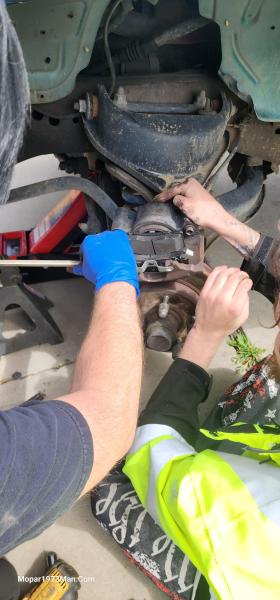
  1. 20260509_115941.jpg
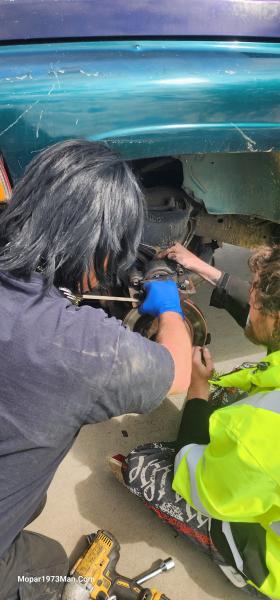
  2. 20260509_115947.jpg
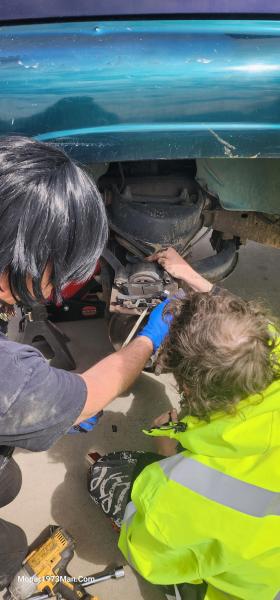
  3. 20260509_115952.jpg
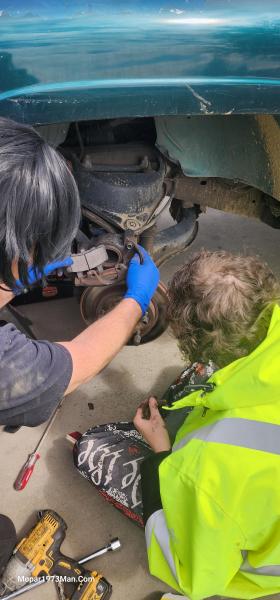
  4. 20260508_104830.jpg
  5. 20260423_121209.jpg
  6. 20260423_121215.jpg
  7. 20260423_121218.jpg
  8. 20260423_121224.jpg
  9. 20260423_121238.jpg
  10. 20260423_121305.jpg
  11. 20260423_121330.jpg
  12. 20260423_124031.jpg
  13. 20260423_124053.jpg
  14. 20260423_124116.jpg
  15. 20260423_124141.jpg
  16. 20260423_124145.jpg
  17. 20260423_124304.jpg
  18. 20260423_124331.jpg
  19. 20260423_124500.jpg
  20. 20260423_124552.jpg
View the entire Titanium album

0 Comments

Recommended Comments

There are no comments to display.

Account

Navigation

Search

Search

Configure browser push notifications

Chrome (Android)
  1. Tap the lock icon next to the address bar.
  2. Tap Permissions → Notifications.
  3. Adjust your preference.
Chrome (Desktop)
  1. Click the padlock icon in the address bar.
  2. Select Site settings.
  3. Find Notifications and adjust your preference.