Skip to content
View in the app

A better way to browse. Learn more.

Mopar1973Man.Com

A full-screen app on your home screen with push notifications, badges and more.

To install this app on iOS and iPadOS
  1. Tap the Share icon in Safari
  2. Scroll the menu and tap Add to Home Screen.
  3. Tap Add in the top-right corner.
To install this app on Android
  1. Tap the 3-dot menu (⋮) in the top-right corner of the browser.
  2. Tap Add to Home screen or Install app.
  3. Confirm by tapping Install.

We are out of here for a time.

(0 reviews)

@Tweety Bird has some shoulder issues we need to deal with. She has a few medical appointments to handle down in the Treasure Valley Idaho.

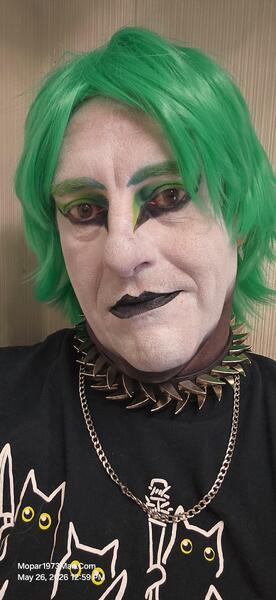
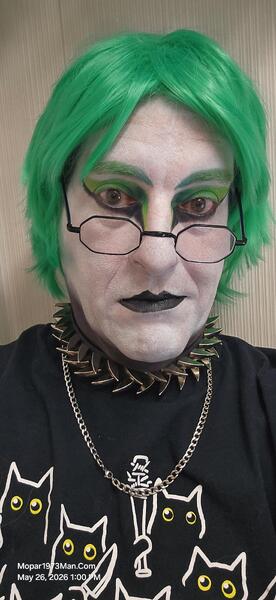
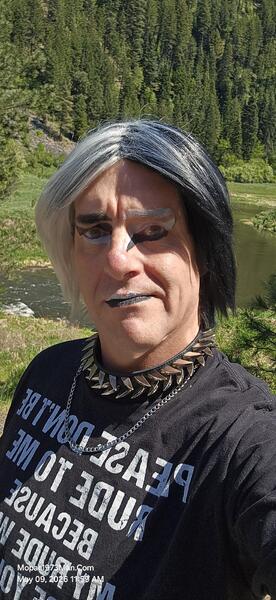
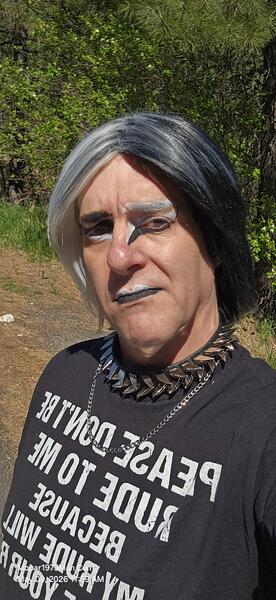
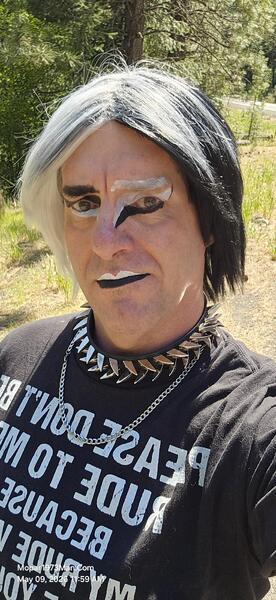
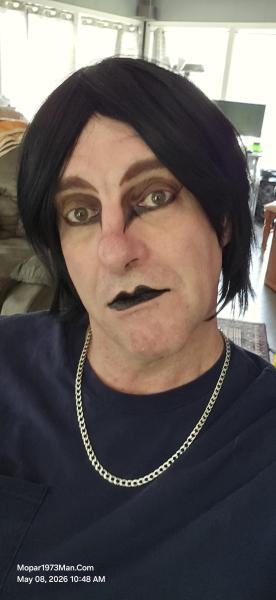
Don't fret, we have packed up the RV today and are nearly ready to start a travel trip down south. This is like a practice run because eventually we want to travel cross-country to see some of the members of this website. I know I have a spot with @Doubletrouble. I know I need to rattle some other members in the future. We are going to do as much as we can as a stand-alone RV, no RV parks, etc. Yesterday and today have been very busy, loading personal stuff in the RV and getting everything tucked away. As for Titanium, I've taken most of the wigs out of the house and loaded nearly all my makeup supplies with me. This is not just a few-day trip; it's going to be a long 2 to 3-week trip. Instead of driving back and forth, I'm going to rough it in the RV and do the best we can on our own. This will give us a break from the house and the mess here. Then handle the medical appointments. In the same token, get the RV ready for travel more so. More to come as Titanium Travels the state of Idaho down south. There is even discussion of "fishing" yup the fishing poles are packed.
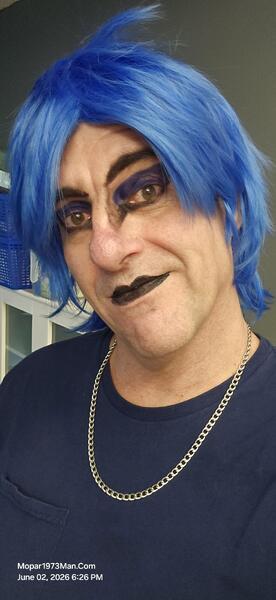
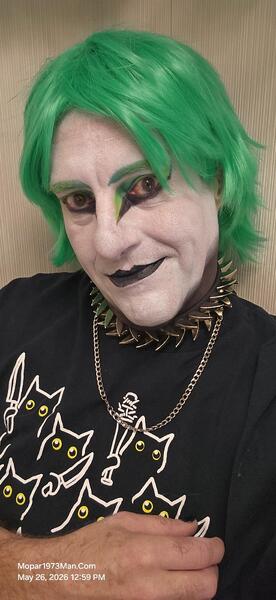
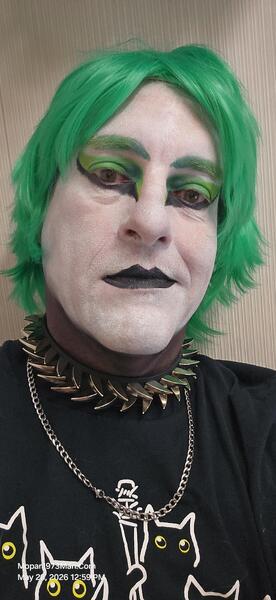
Images

  1. 20260509_115941.jpg
  2. 20260509_115947.jpg
  3. 20260509_115952.jpg
  4. 20260508_104830.jpg
  5. 20260423_121209.jpg
  6. 20260423_121215.jpg
  7. 20260423_121218.jpg
  8. 20260423_121224.jpg
  9. 20260423_121238.jpg
  10. 20260423_121305.jpg
  11. 20260423_121330.jpg
  12. 20260423_124031.jpg
  13. 20260423_124053.jpg
  14. 20260423_124116.jpg
  15. 20260423_124141.jpg
  16. 20260423_124145.jpg
  17. 20260423_124304.jpg
  18. 20260423_124331.jpg
  19. 20260423_124500.jpg
  20. 20260423_124552.jpg
View the entire Titanium album

1 Comment

Recommended Comments

  • Staff

Love to see you guys make it this far east sometime. 💯

Account

Navigation

Search

Search

Configure browser push notifications

Chrome (Android)
  1. Tap the lock icon next to the address bar.
  2. Tap Permissions → Notifications.
  3. Adjust your preference.
Chrome (Desktop)
  1. Click the padlock icon in the address bar.
  2. Select Site settings.
  3. Find Notifications and adjust your preference.