

Old CAT5 cables, replacing with CAT6 cables!
- Replies 4
- Views 880
- Created
- Last Reply
Top Posters In This Topic
-
Mopar1973Man 3 posts
-
Lund1990 1 post


Popular Days
Most Popular Posts
-
Cables came, and I just found out the TP-Link switch I have can manage up to 48 Gbit signal across the entire network. All ports are limited to 1Gbit signals. So the cables for the workstations are to
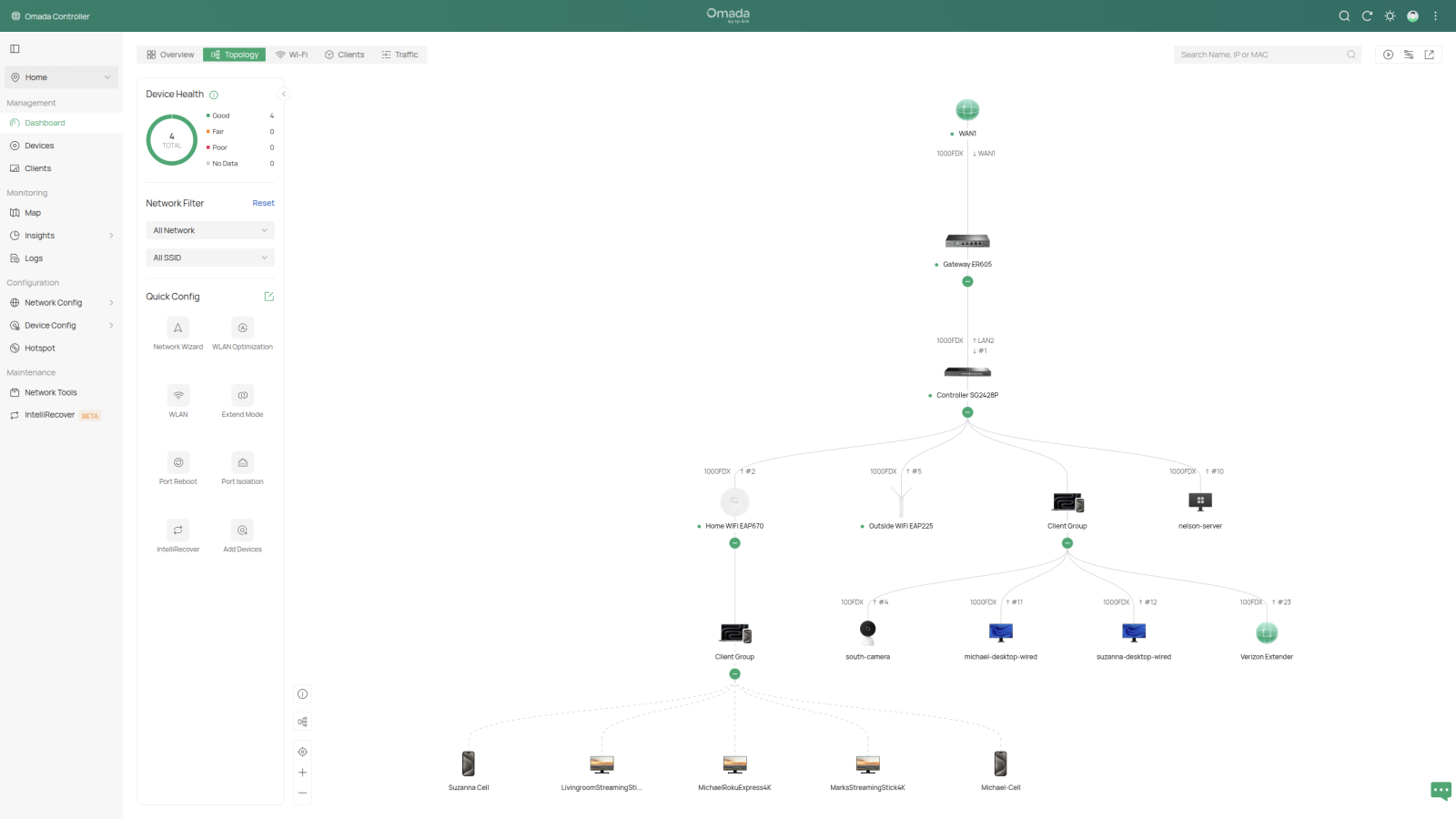
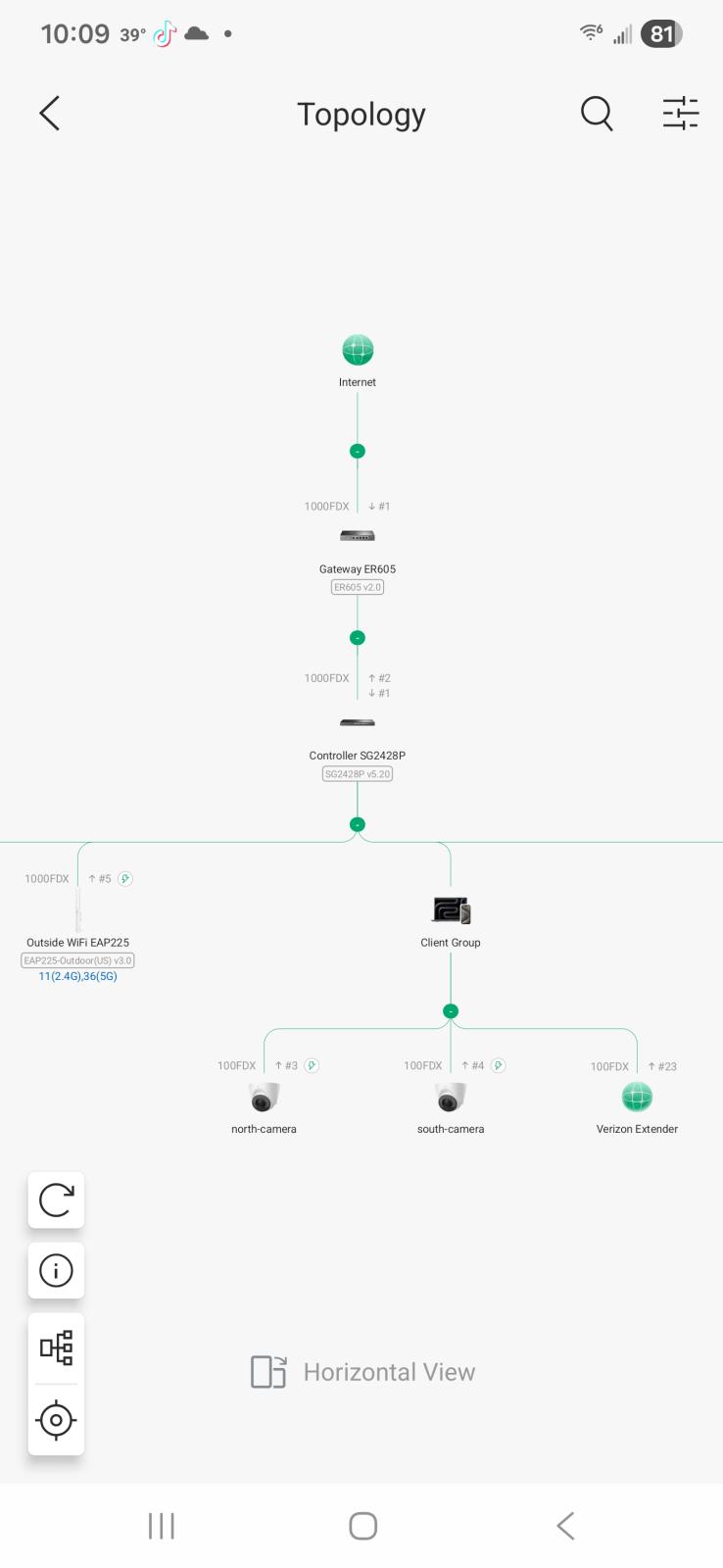
@Tweety Bird asked me to send some documents to her computer workstation. I'm getting a message of "No Route". I check the network switch for her PC to be present. Nope is not even registered in the network. I've been working with damaged scraps of cable, trying to get by. Nope! I'm done. I jumped out on Amazon and found a 10 GBit CAT6 cable rated for 10 GBit. I'm going to upgrade the 2 lines between the workstations so that large data moves can happen quickly. I just remember I need to order one more short cable about 6 feet tonight, so the server and the two stations will all have 10 GBit bandwidth, and I could move data like I have the internet backbone.
https://www.amazon.com/dp/B00G9BN4L6?th=1
Edited by Mopar1973Man