Jump to content
View in the app

A better way to browse. Learn more.

Mopar1973Man.Com LLC

A full-screen app on your home screen with push notifications, badges and more.

To install this app on iOS and iPadOS
  1. Tap the Share icon in Safari
  2. Scroll the menu and tap Add to Home Screen.
  3. Tap Add in the top-right corner.
To install this app on Android
  1. Tap the 3-dot menu (⋮) in the top-right corner of the browser.
  2. Tap Add to Home screen or Install app.
  3. Confirm by tapping Install.

Old CAT5 cables, replacing with CAT6 cables!

  • Owner

@Tweety Bird asked me to send some documents to her computer workstation. I'm getting a message of "No Route". I check the network switch for her PC to be present. Nope is not even registered in the network. I've been working with damaged scraps of cable, trying to get by. Nope! I'm done. I jumped out on Amazon and found a 10 GBit CAT6 cable rated for 10 GBit. I'm going to upgrade the 2 lines between the workstations so that large data moves can happen quickly. I just remember I need to order one more short cable about 6 feet tonight, so the server and the two stations will all have 10 GBit bandwidth, and I could move data like I have the internet backbone.

https://www.amazon.com/dp/B00G9BN4L6?th=1

Edited by Mopar1973Man

  • Replies 2
  • Views 18
  • Created
  • Last Reply

Top Posters In This Topic

Posted Images

Featured Replies

That works. When I installed my security Cameras I used CAT 6 for my video and power source as it was cheap and easier to hide. So I picked up a large 1000 ft box of cable, ends and the crimp tool. Its nice being able to make a cable to the exact length i need.

  • Author
  • Owner

Yeah. I would of bought a box and ends but I already have a 500 foot roll of direct bury outdoor CAT6 cable. I've even got two new cameras I want to mount to pole out in the yard. I need to clean up the yard in that spot so I can place a pole. Shop trash heap is in the way. Then run from the switch to both PCs is just barely 16 foot at the longest. 3 cables coming to replace the CAT5 cables.

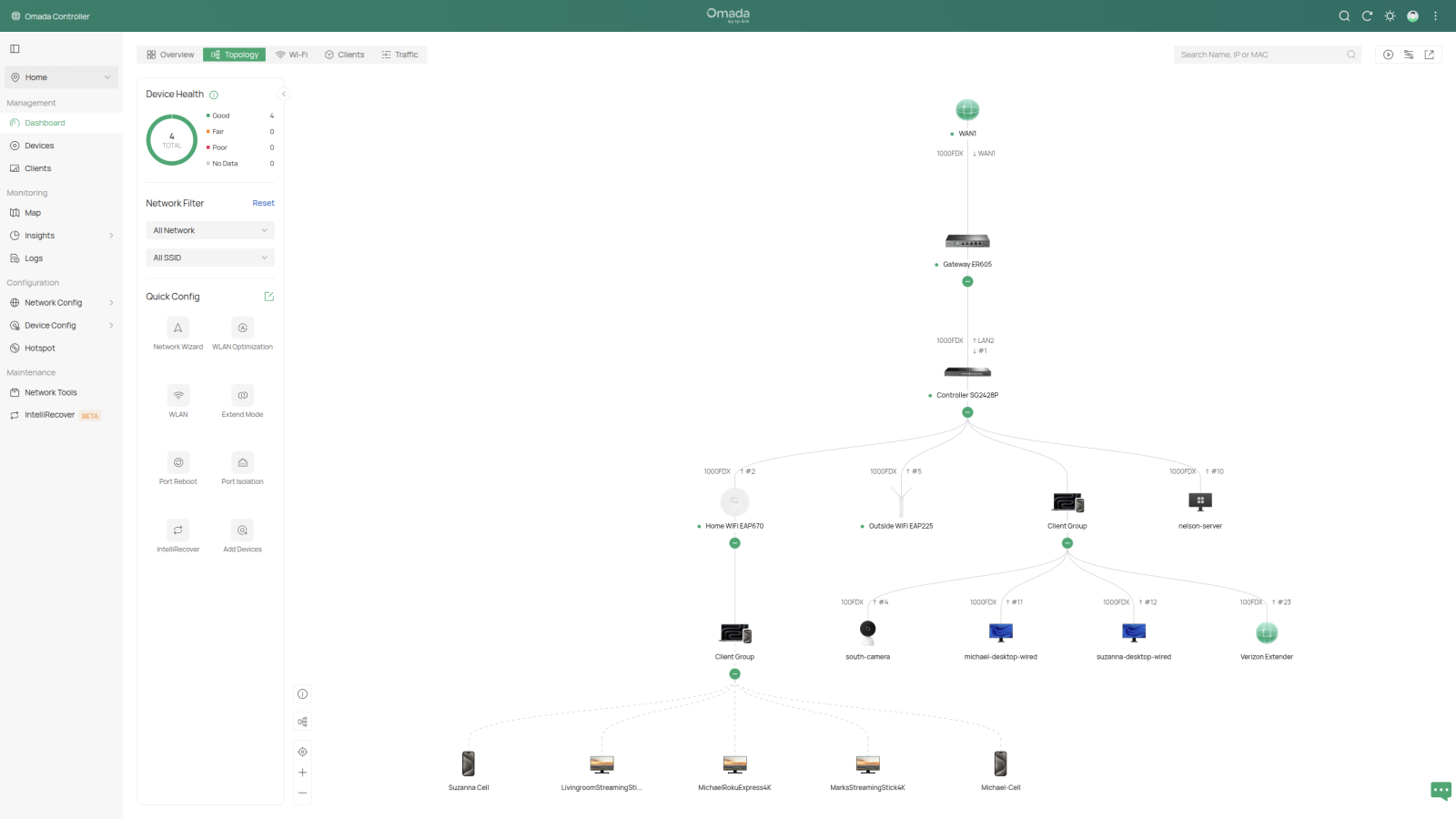
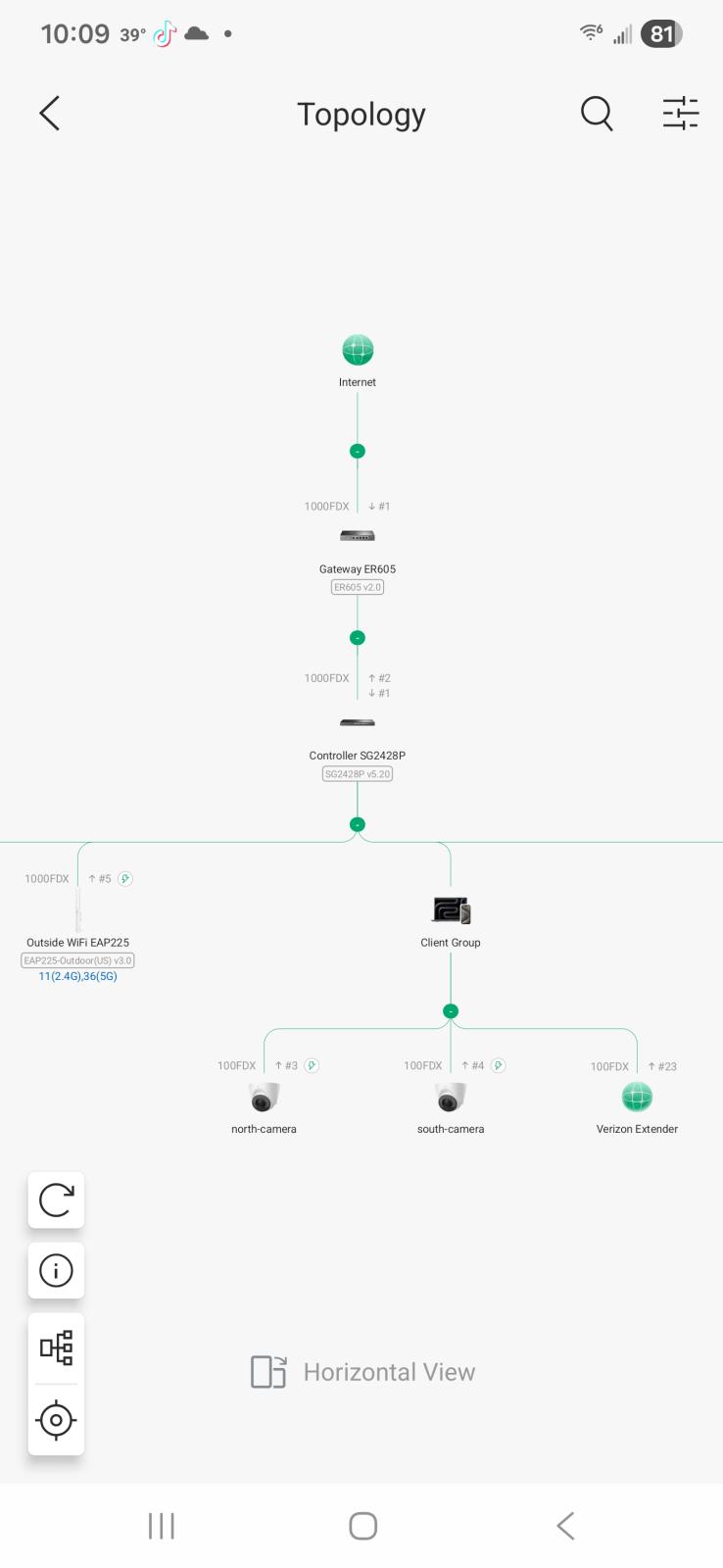
What bandwidth does your cameras run at? Mine seem to only hook up at 10/100 shown by the network. Just the Verizon extender too. Dang cheap CAT5.

Screenshot_20260225_100912_Omada.jpg

Edited by Mopar1973Man

Create an account or sign in to comment

Account

Navigation

Search

Configure browser push notifications

Chrome (Android)
  1. Tap the lock icon next to the address bar.
  2. Tap Permissions → Notifications.
  3. Adjust your preference.
Chrome (Desktop)
  1. Click the padlock icon in the address bar.
  2. Select Site settings.
  3. Find Notifications and adjust your preference.