

Building my own webserver
- Replies 2
- Views 499
- Created
- Last Reply
Top Posters In This Topic
-
Mopar1973Man 2 posts
A better way to browse. Learn more.
A full-screen app on your home screen with push notifications, badges and more.
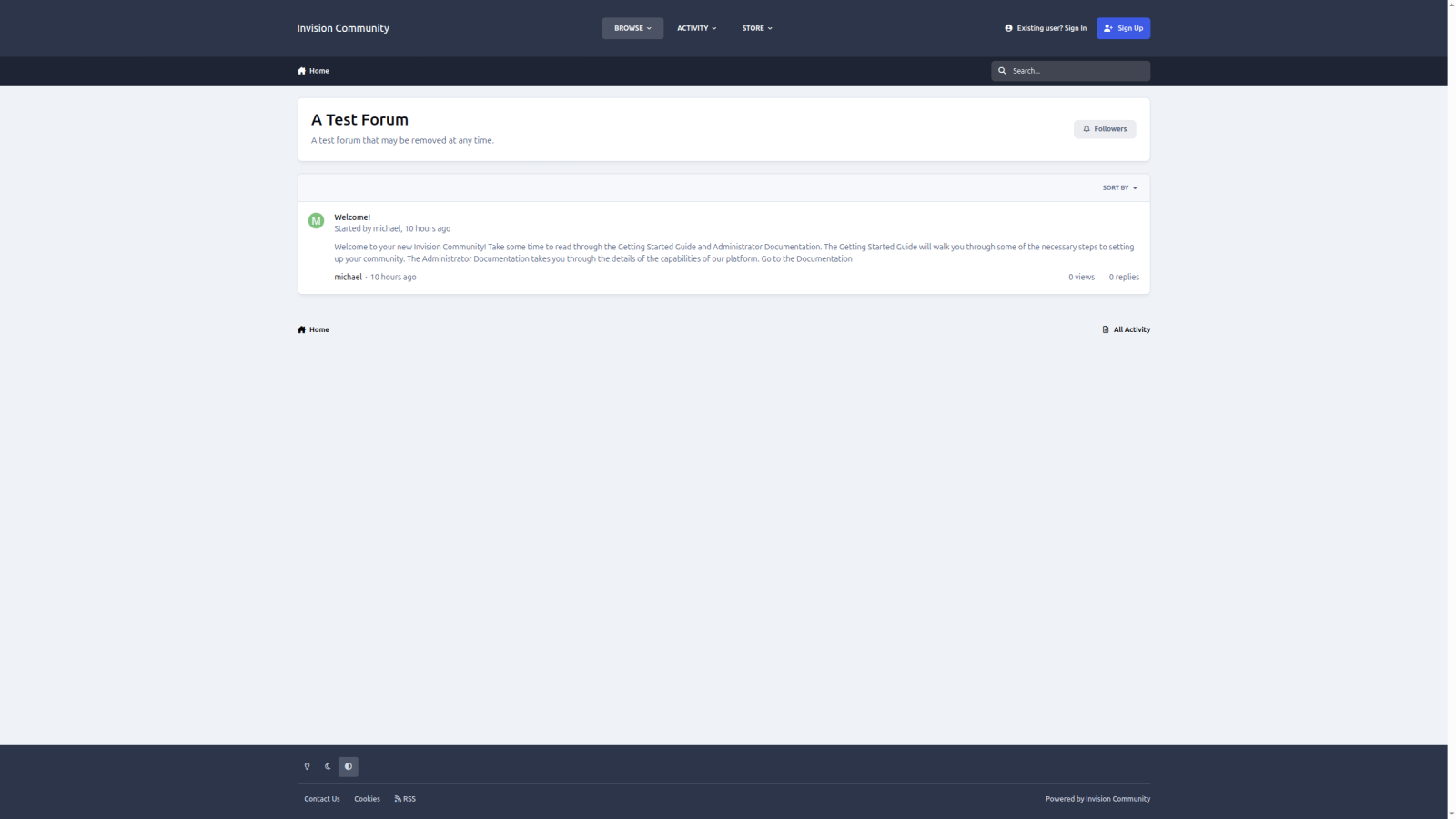

In all the years of being on hosting plans (GoDaddy, iPage, and Liquid Web). I have always had a premade server all set up for me. Yeah, I know hosting companies stamp these out quickly.
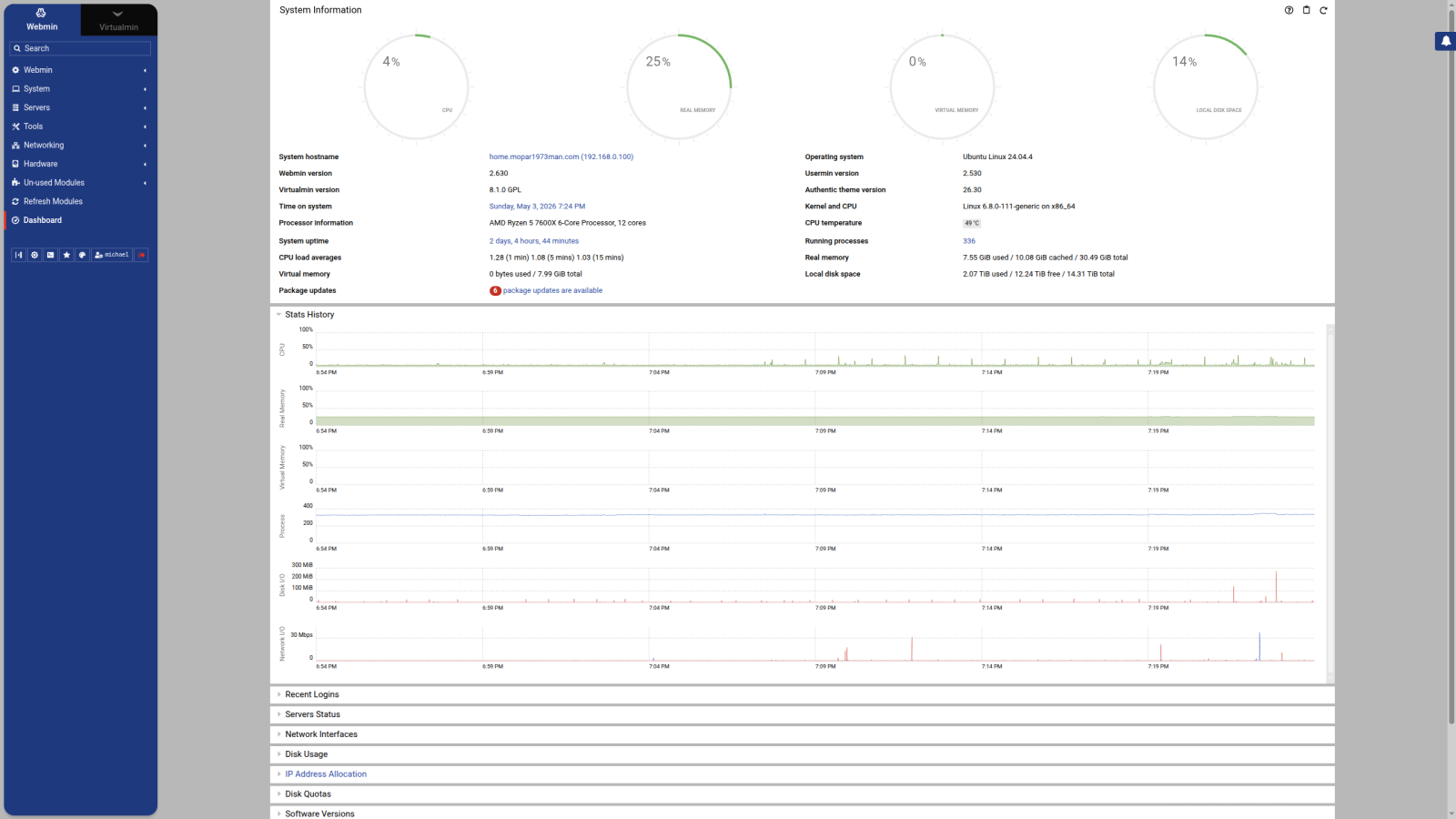
Since the home server has been up and running, it has done an excellent job of backing up data and doing basic tasks. I've got 32 GB of memory, 16TB of M.2 hard drives, and 16 CPU Cores. Now I'm installing the LAMP package (Linux, Apache, MySQL, and PHP). I'm using Webmin, Usermin, and Virtualmin for my control panel. So far, I've been doing well and getting things set up and ironed out on my own. I will admit that once you learn to use Google's AI features, you can diagnose a web server fairly quickly. Right now, the home.mopar1973man.com domain is only on the local server/network. This allows me to bench test all this server before hooking it up to the internet.
Now, in the study I've done, I found out I can still host data on the internet from my server even currently. As you see, the weather station here on the website is listed as Weather in the Mopar1973Man section. Then I've been able to check my security cameras. So this points out that there is something you can port out of the network here. From what I've found out, you can host data over Starlink, but you should have IPv6 set up and then have a full router, like what I've got here, a TP-Link ER605 gateway. The last step is to put Starlink into bypass mode. This should allow you to now control your data and port forwarding, which the Starlink box is missing. This keeps you locked out of doing something like hosting your own network on the internet.
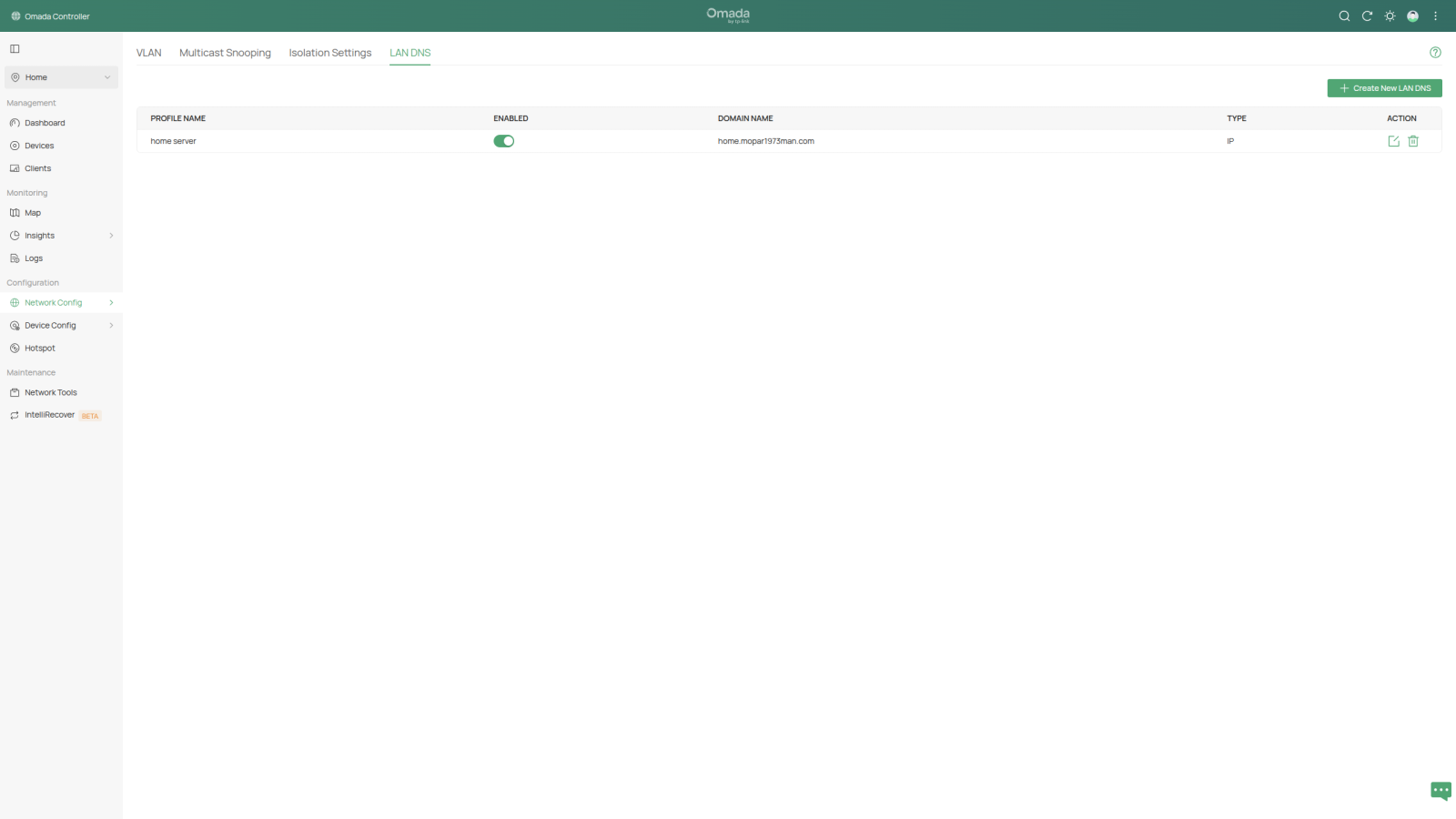
home.mopar1973man.com will be the address of my server here. Currently, I'm not listing this on the DNS server yet. Security must be handled first. Second, since Starlink is a dynamic IP address its hard to lock a server to a moving IP address. Fix! My TP-Link SG2428-P Switch has functions for hosting a dynamic domain through companies like DnuDNS, NO-IP, etc. I opted for DynuDNS, which you have to set up using the Custom section of LAN DNS section. I forced the local machines to use the hosts file in Linux as a fake way of handling the domain name for testing.
Currently Ubuntu Servers are down due to hacker strike.