Skip to content
View in the app

A better way to browse. Learn more.

Mopar1973Man.Com

A full-screen app on your home screen with push notifications, badges and more.
To install this app on iOS and iPadOS
  1. Tap the Share icon in Safari
  2. Scroll the menu and tap Add to Home Screen.
  3. Tap Add in the top-right corner.
To install this app on Android
  1. Tap the 3-dot menu (⋮) in the top-right corner of the browser.
  2. Tap Add to Home screen or Install app.
  3. Confirm by tapping Install.

Quadzilla Adrenaline - iQuad not powering on?

  • Staff

Hey!

So now that my truck is running great, I decided to buy a new quadzilla module since my last one was killed by me (jumped the truck off with it plugged in).

Once I got the new one installed I tried to connect to the app and I can't find the BT device (I'm on android).

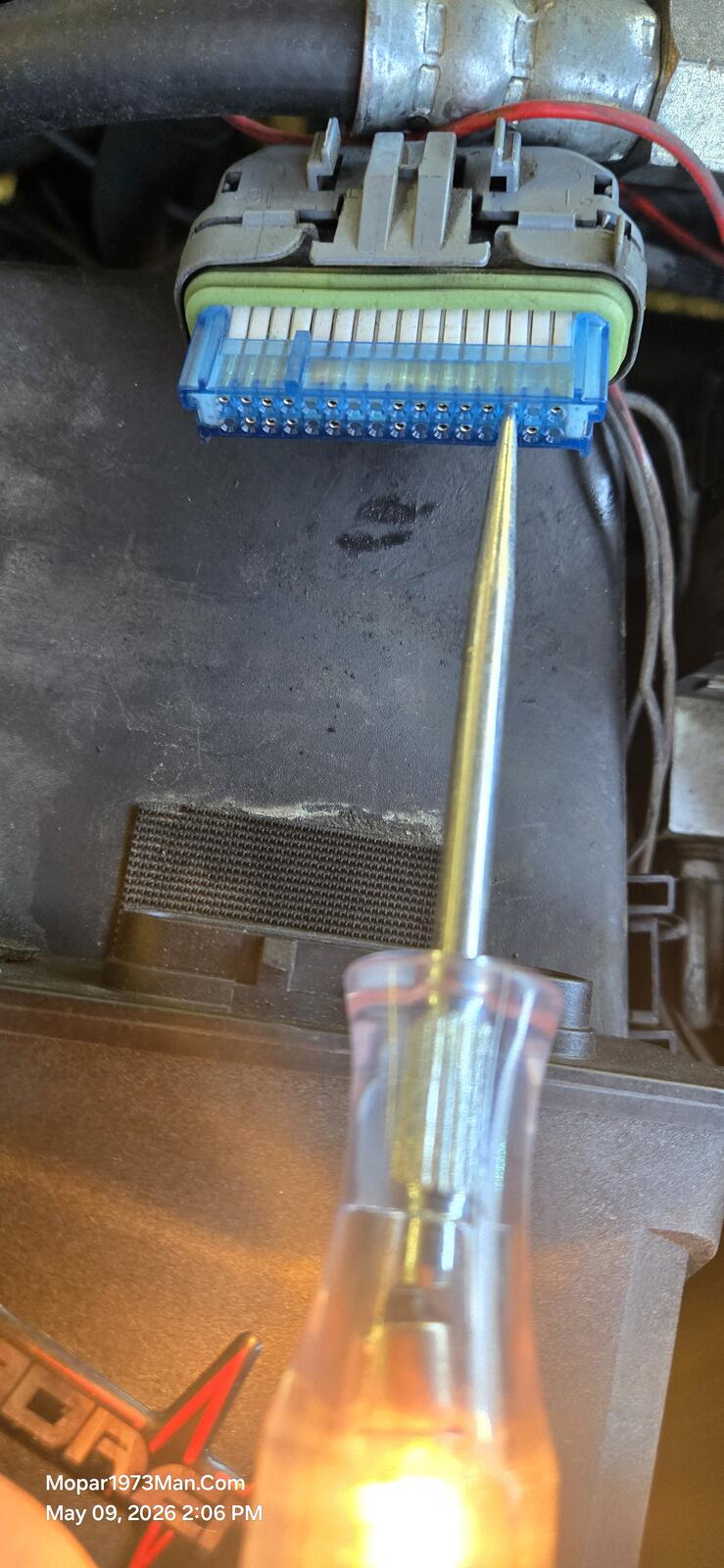
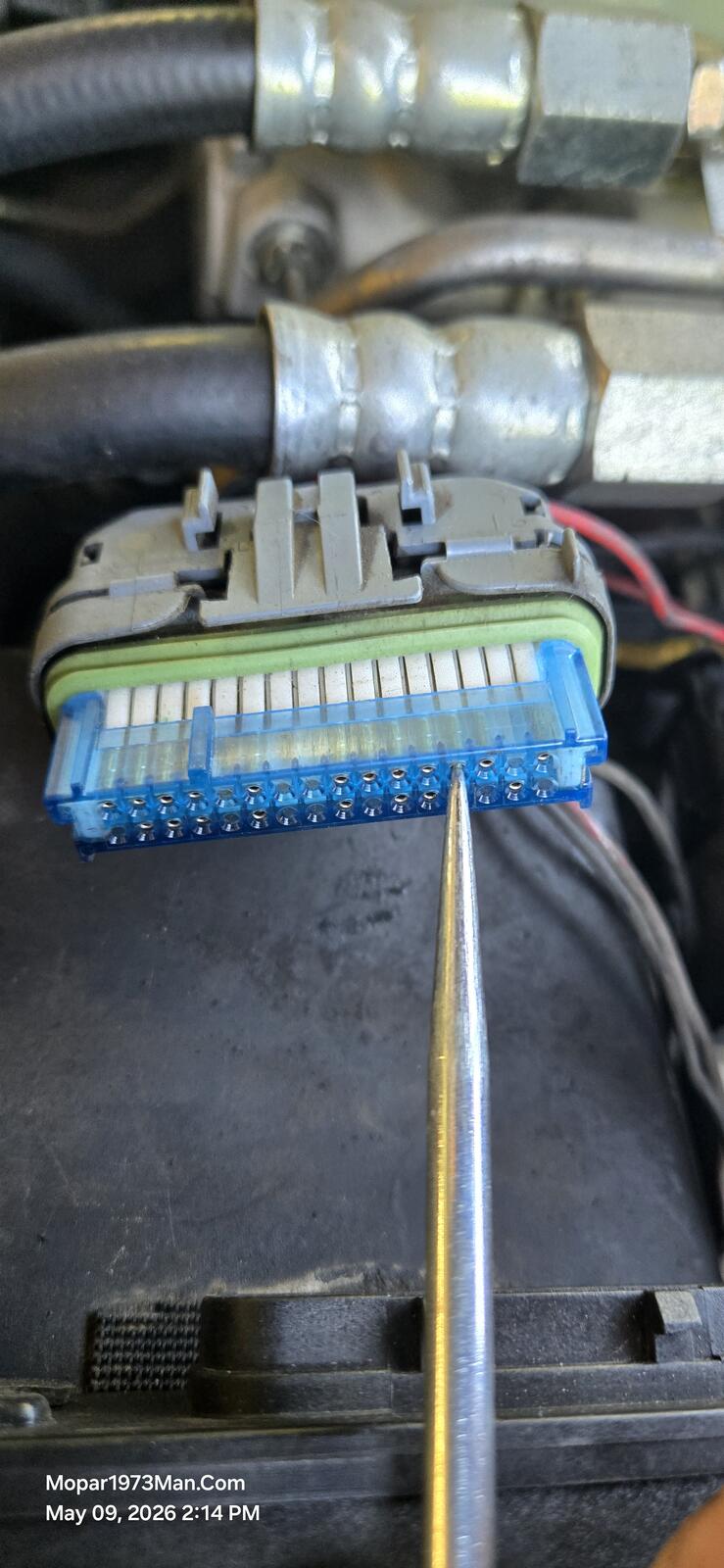
I tested power at the red/white wire. Yep, 12v there. I found that NONE of the wires going from the module to the iquad do NOT have any voltage. Is this normal? I would guess that at least ONE of the wires would have to have voltage.

  • Replies 1
  • Views 23
  • Created
  • Last Reply

Top Posters In This Topic

Popular Days

Posted Images

Featured Replies

  • Owner

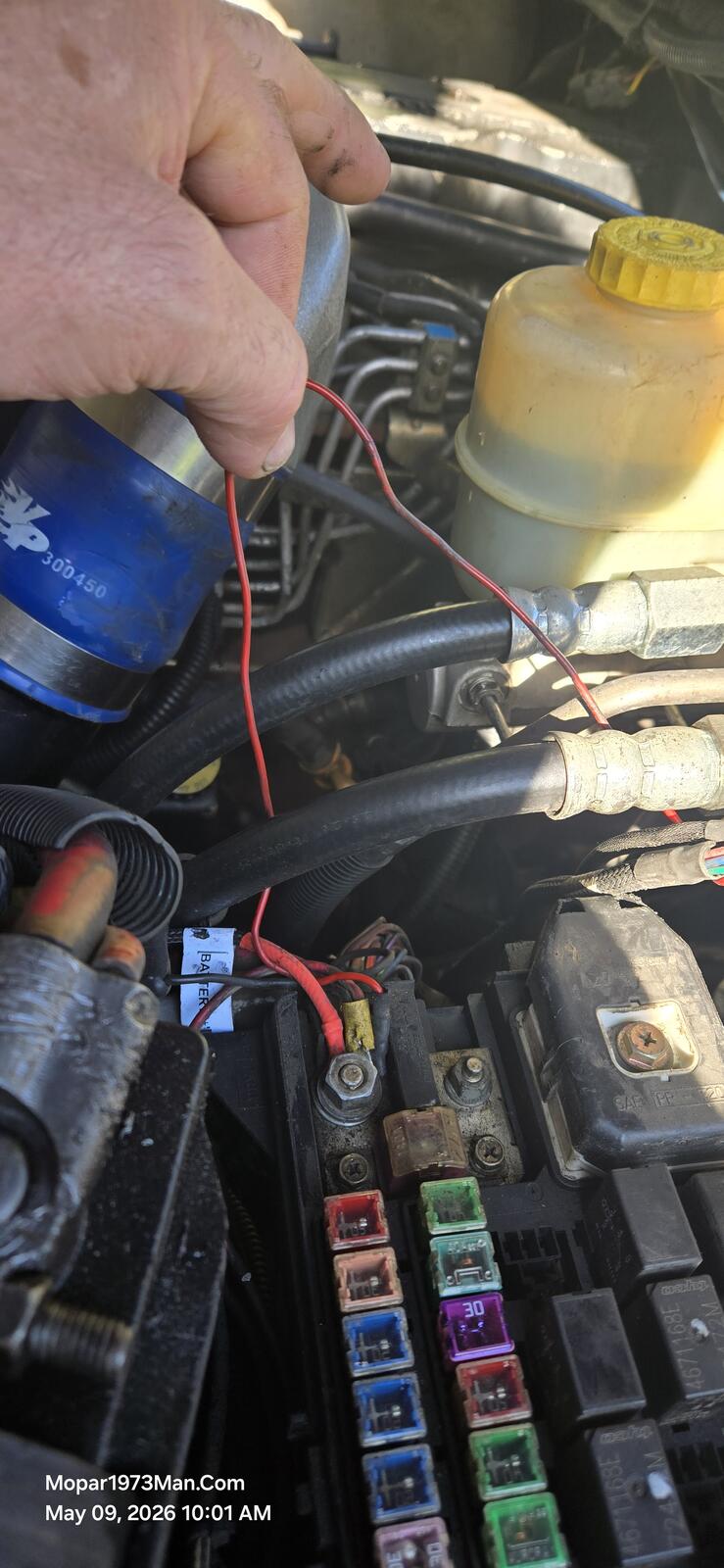
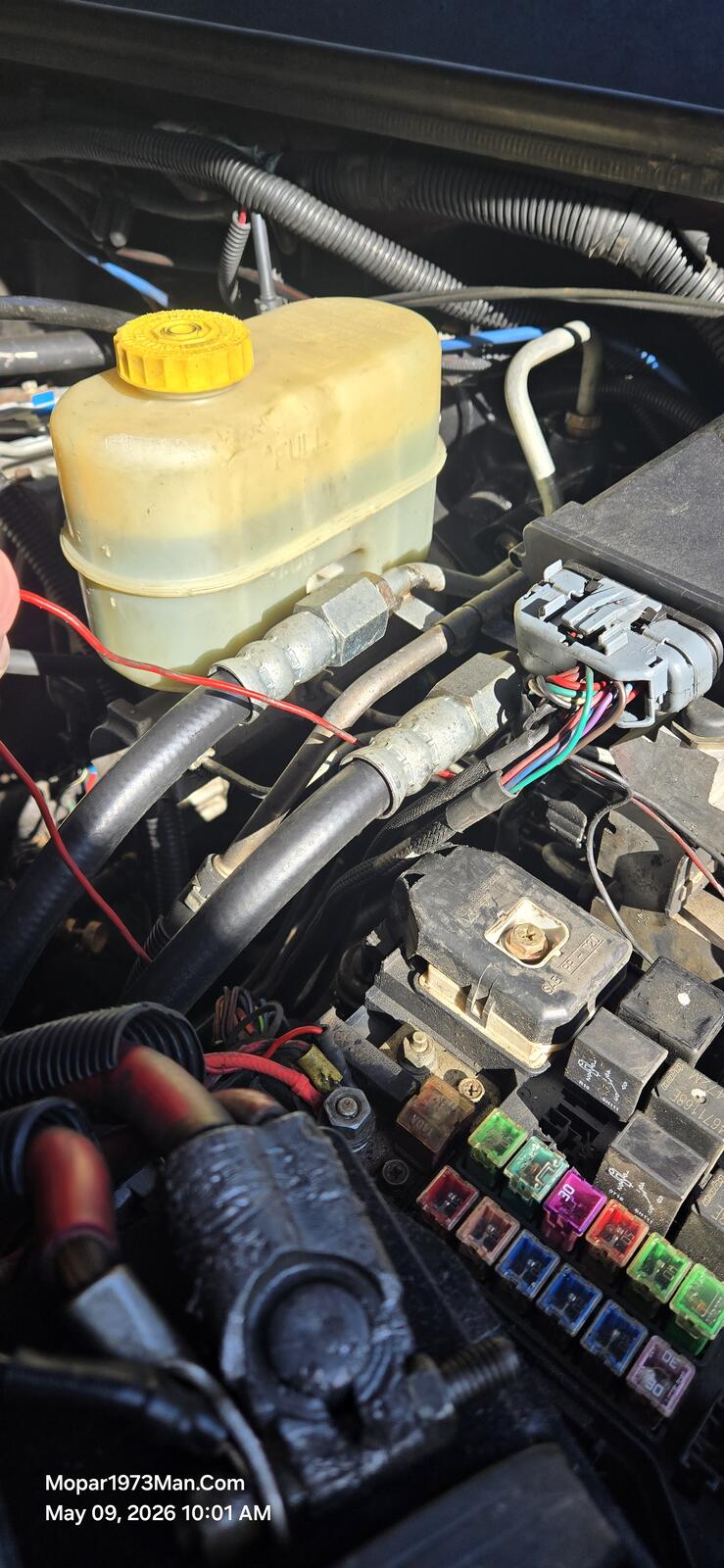
RED - To constant battery power - I typically hook that wire to the stud in the PDC with the red wire from the battery.

RED/WHITE - To keyed Hot typically in the fuse panel #12 (IIRC). This is the trigger on to fire up the Quadzilla.

Now the Quadzilla has the ooldown timer, which makes a connection between the red and red/white to keep the truck running. When the cooldown is reached, the connection is dropped.

20260509_100108.jpg

20260509_100104.jpg

Account

Navigation

Search

Search

Configure browser push notifications

Chrome (Android)
  1. Tap the lock icon next to the address bar.
  2. Tap Permissions → Notifications.
  3. Adjust your preference.
Chrome (Desktop)
  1. Click the padlock icon in the address bar.
  2. Select Site settings.
  3. Find Notifications and adjust your preference.