

Using Google Gemini AI on Ubuntu 24.04
- Replies 2
- Views 813
- Created
- Last Reply
Top Posters In This Topic
-
Mopar1973Man 2 posts

Popular Days
Most Popular Posts
-
Before in the old cabinet. Too hot too! Here is some eye candy of the personal server here at the house that will become the sandbox for testing software out and even building software to do other t
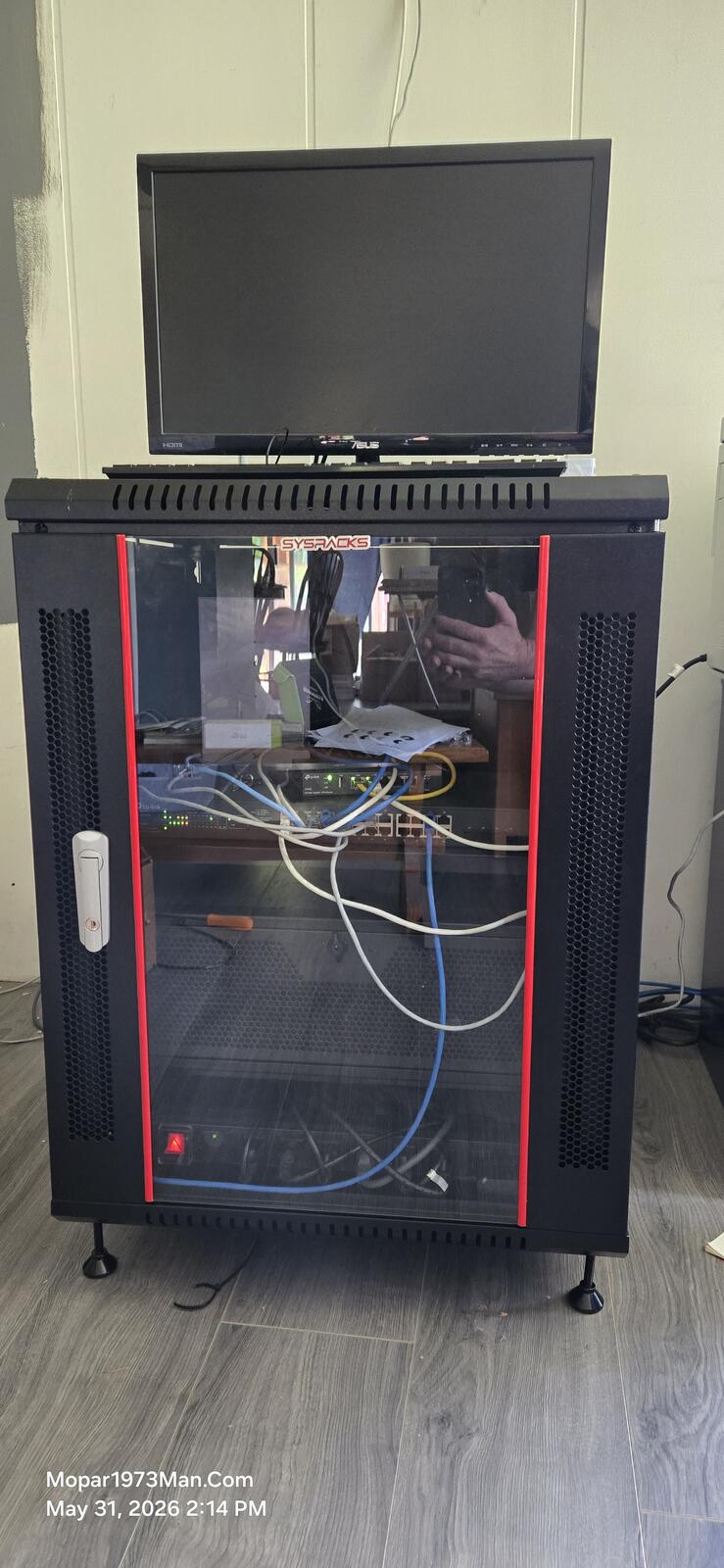
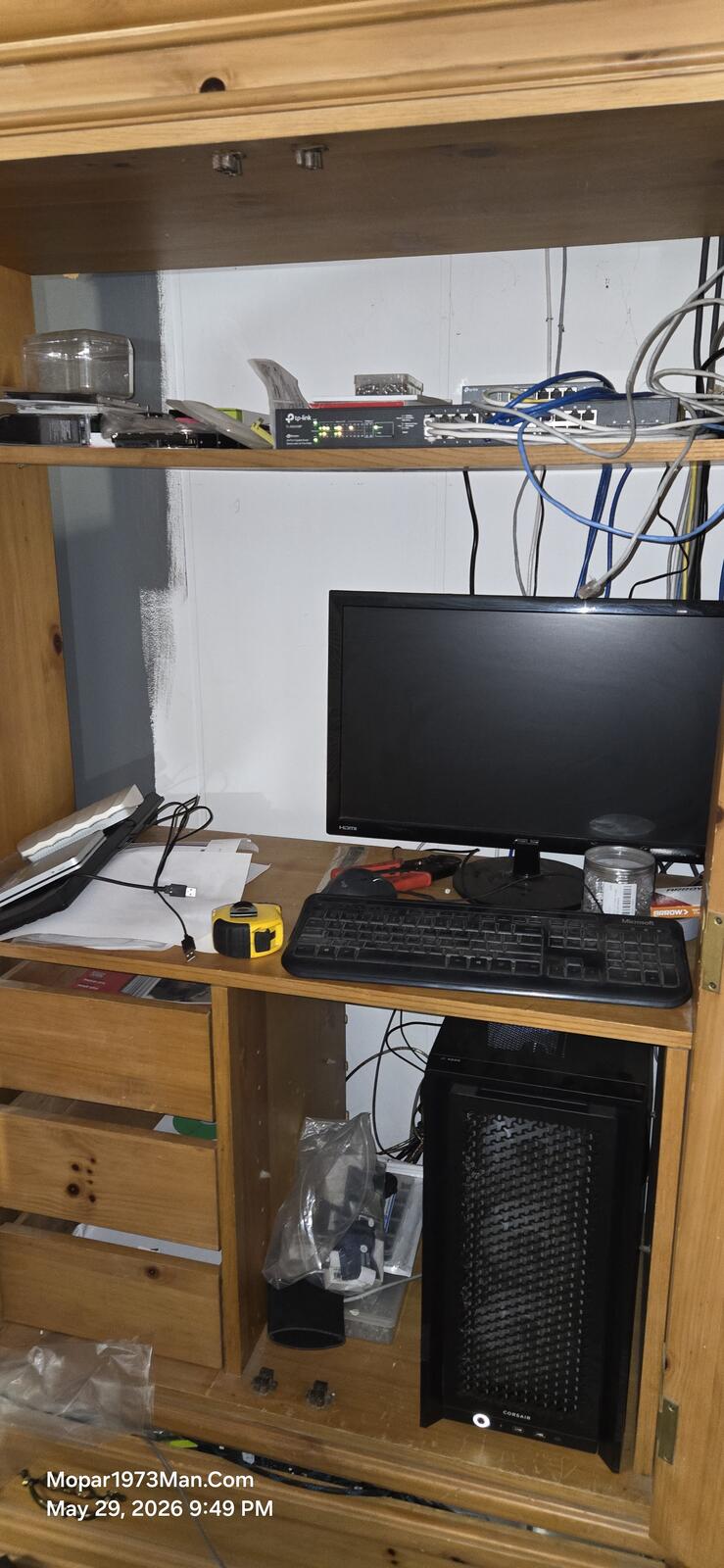
I opted for installing a AI app of Google Gemini AI on my workstation. This is done typing the below command into your terminal
Now I've been using Google Gemini AI quite a bit to solve server errors on my personal server here at home. Now, if you start a conversation using AI, make sure to explain what is going on. Example. "My home server website is throwing a 500 code. My server is Ubuntu 24.04" Now read over the response. You might catch errors in answers. Like in my case, I was asking about a software issue in Invision Community. I gave the version 4 answer. I had to tell AI, "Wrong. I'm using Invison community 5" Now AI corrects and shows proper information. In this case, the location of a control switch is relocated in version 5. Give it a try and start with a simple task. As I did above, I asked: "How do I install the Google Gemini app on Ubuntu 24.04?" The above answer was given, quick and to the point.
Edited by Mopar1973Man