

Not your typical air in fuel headache
- Replies 1
- Views 284
- Created
- Last Reply
Top Posters In This Topic
-
Stanley 1 post
A better way to browse. Learn more.
A full-screen app on your home screen with push notifications, badges and more.
1.thumb.jpg.74c1b7da4c75becf0655089ac29de0a1.jpg)
My truck has a Fleece SureFlo sending unit, FASS Titanium Signature Series 100G lift pump with Wix filters on it, 1/2in line from the sending unit to the injection pump (still using the factory filter canister), 3/8 return line from the T to the tank.
If the truck has been sitting for a while (couple days), it'll start fine. The longer you drive it, the harder it is to restart after you stop. If you drive it a couple hours and stop for gas, you might need to bleed the #3 injector to get it to restart. It does not seem to have any problems once it's running, just trying to get it started again.
It did the same thing (and left my partner stranded at the same gas station...) about a year ago and that's when I installed the new sending unit and return line, and rebuilt the return T while the truck was down. That seemed to fix the problem until now.
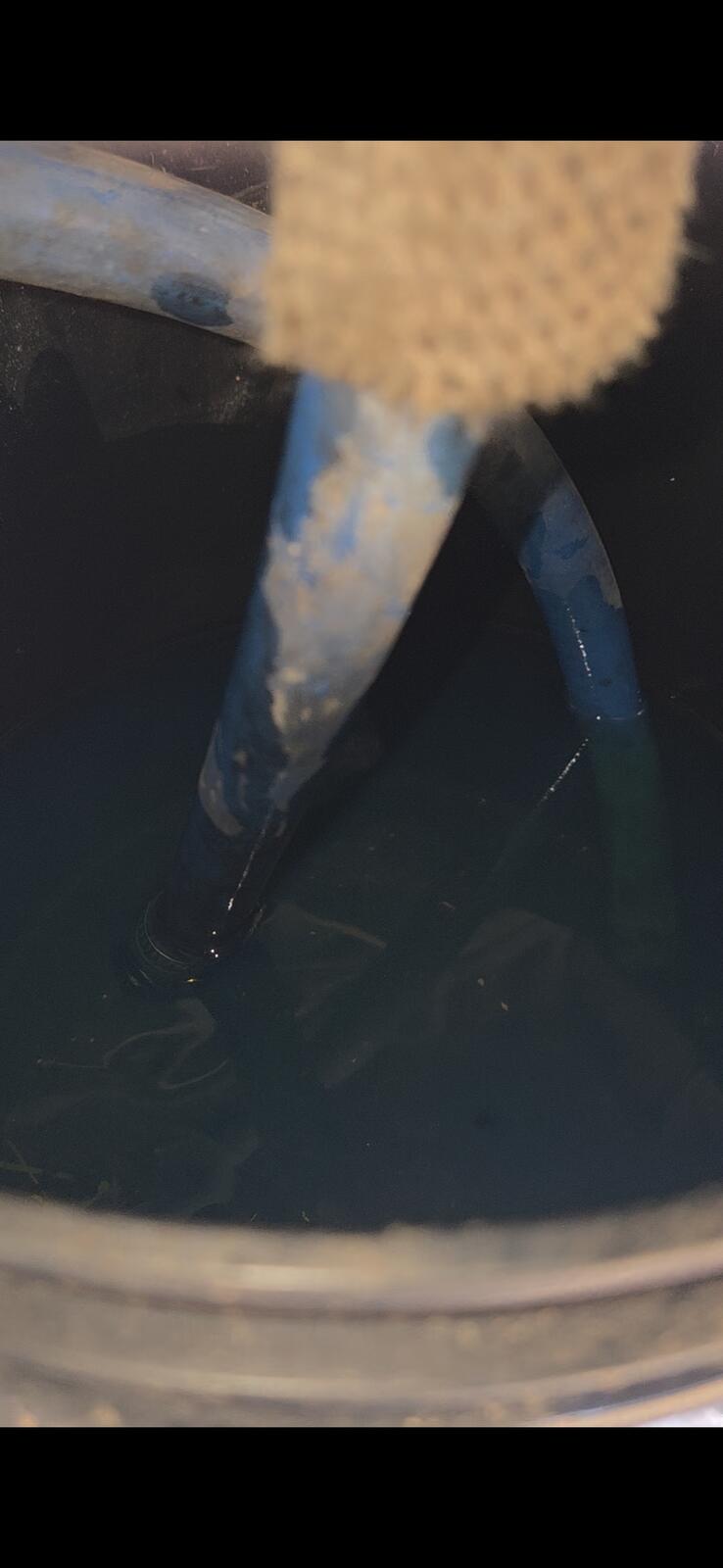
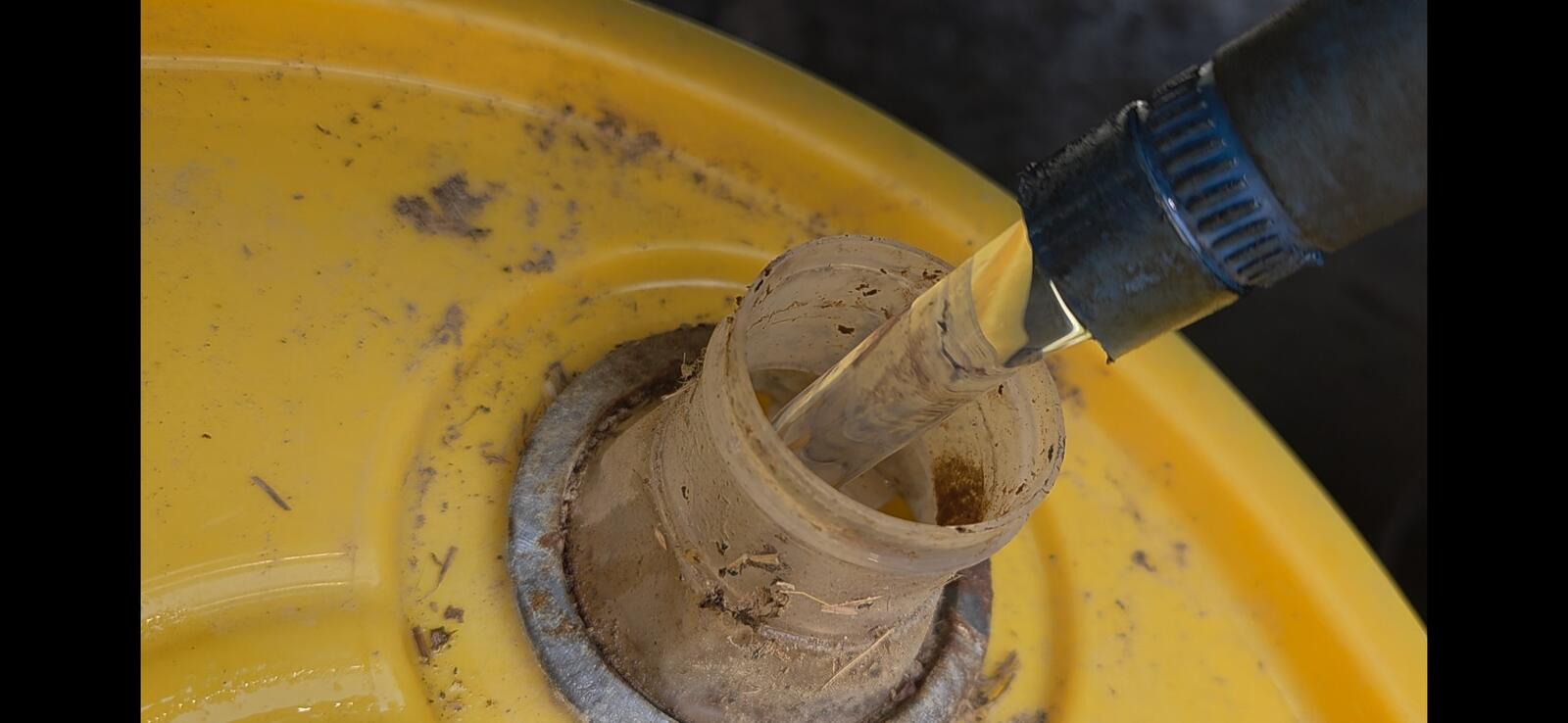
I did a bucket test with the suction and lift pump return lines both in a bucket and saw no air, and repeated the test with the suction line reconnected to the tank and just the pump return running into a bucket and saw no air. So I don't think the problem is with the tank/sending unit/lift pump/suction lines.
What is the next thing I should check?