PilotHouse2500
Yearly Subscription
-
Joined
-
Last visited
-
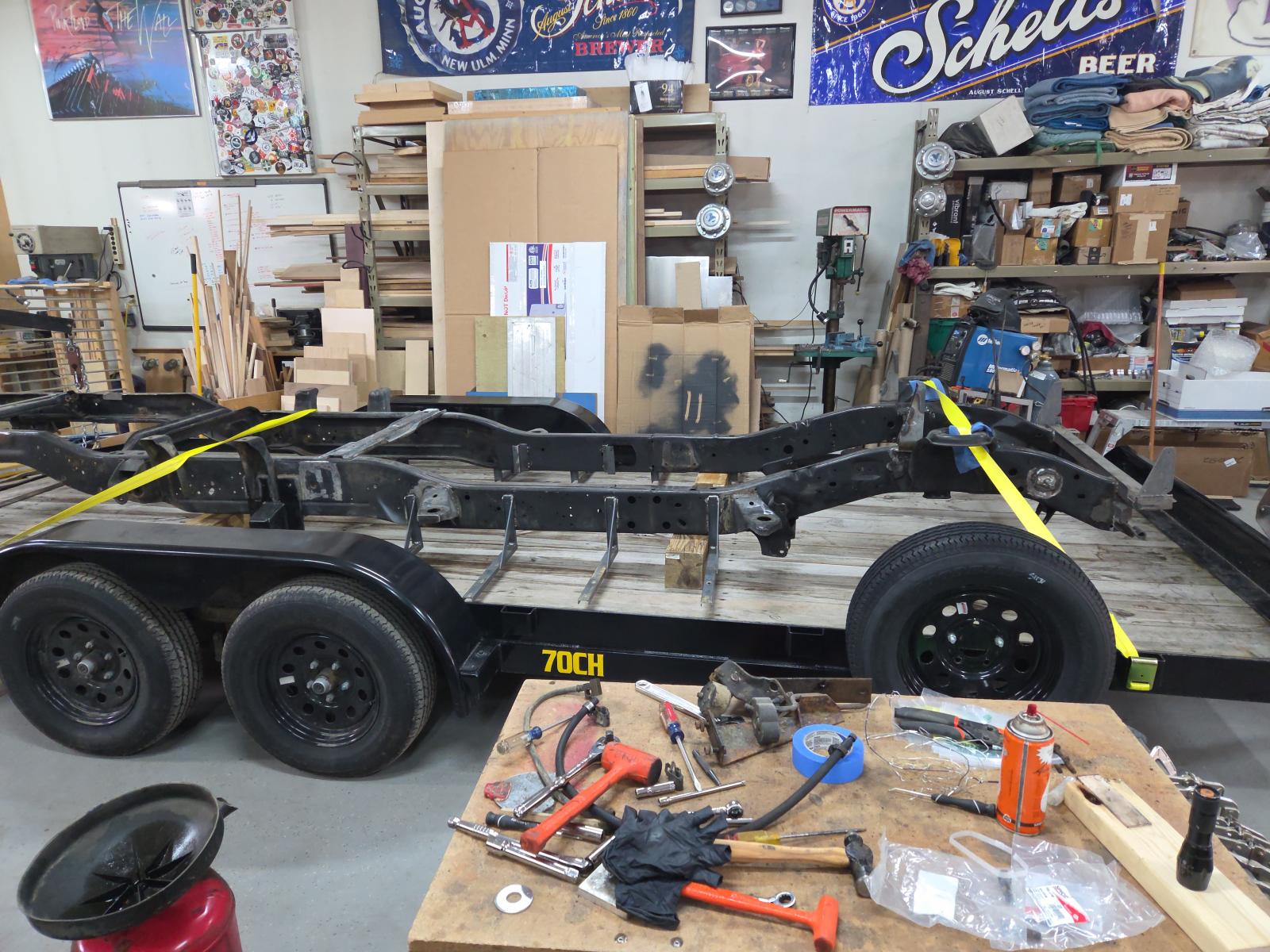
Frame ready to get a makeover
-
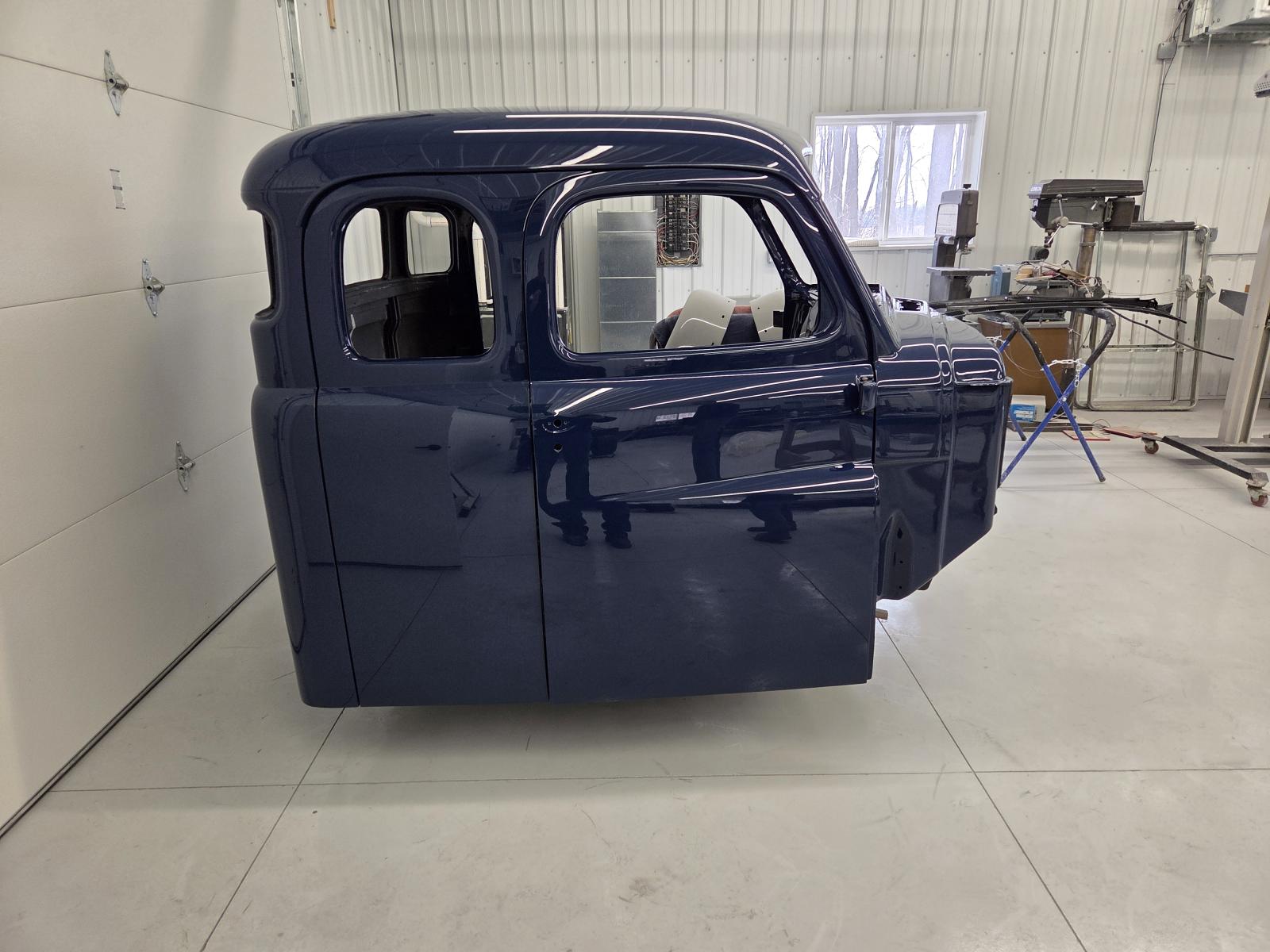
3 of 4 doors on!
-
Ok thanks all, Bluetop it will be. Nice thing is that is the same as the original and I don't have to worry about fitment.
-
I did find this one as well from Geno's....seems like mixed reviews? https://www.genosgarage.com/product/ram-cummins-borgeson-steering-box-800112/steering-box
-
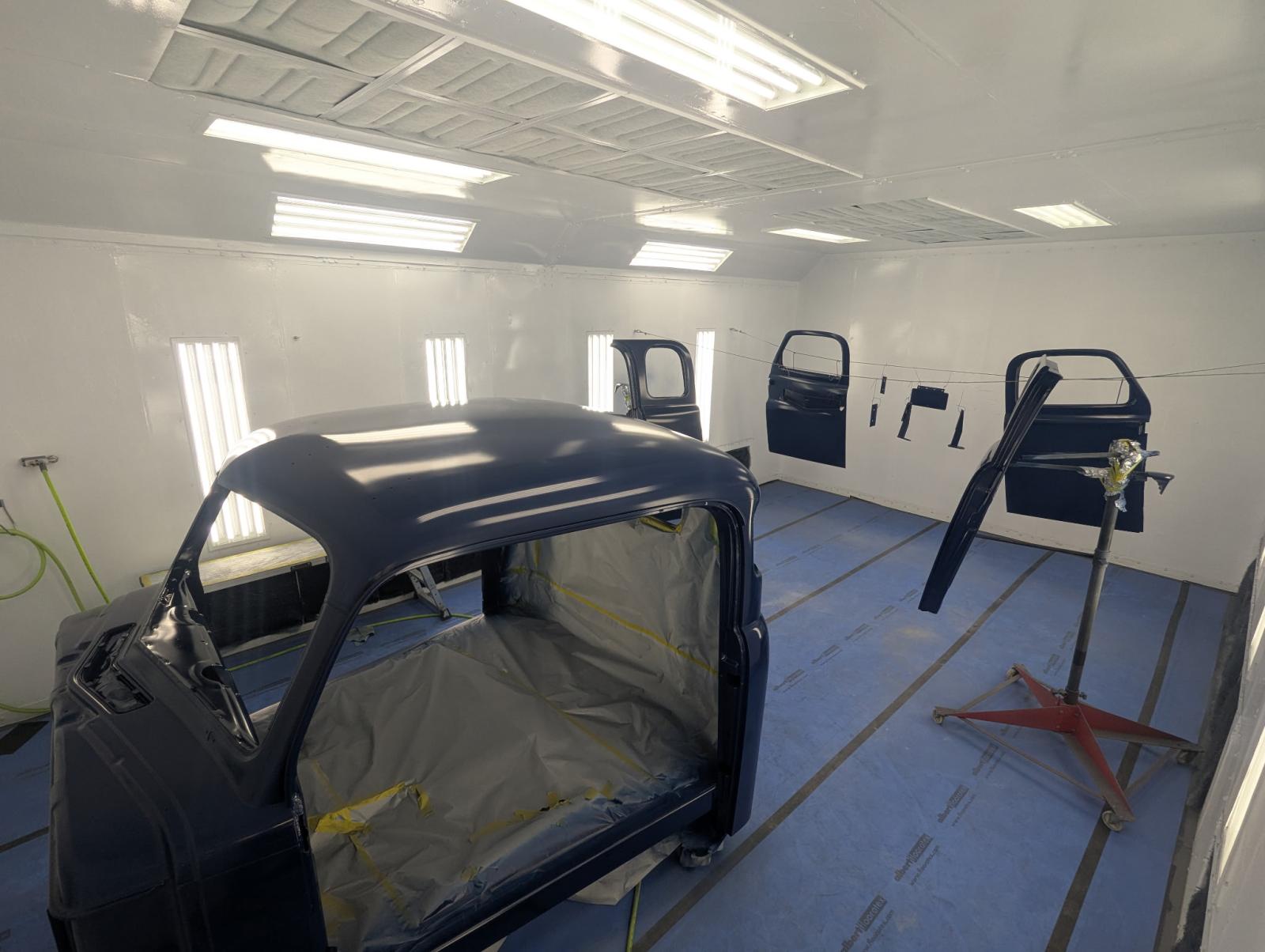
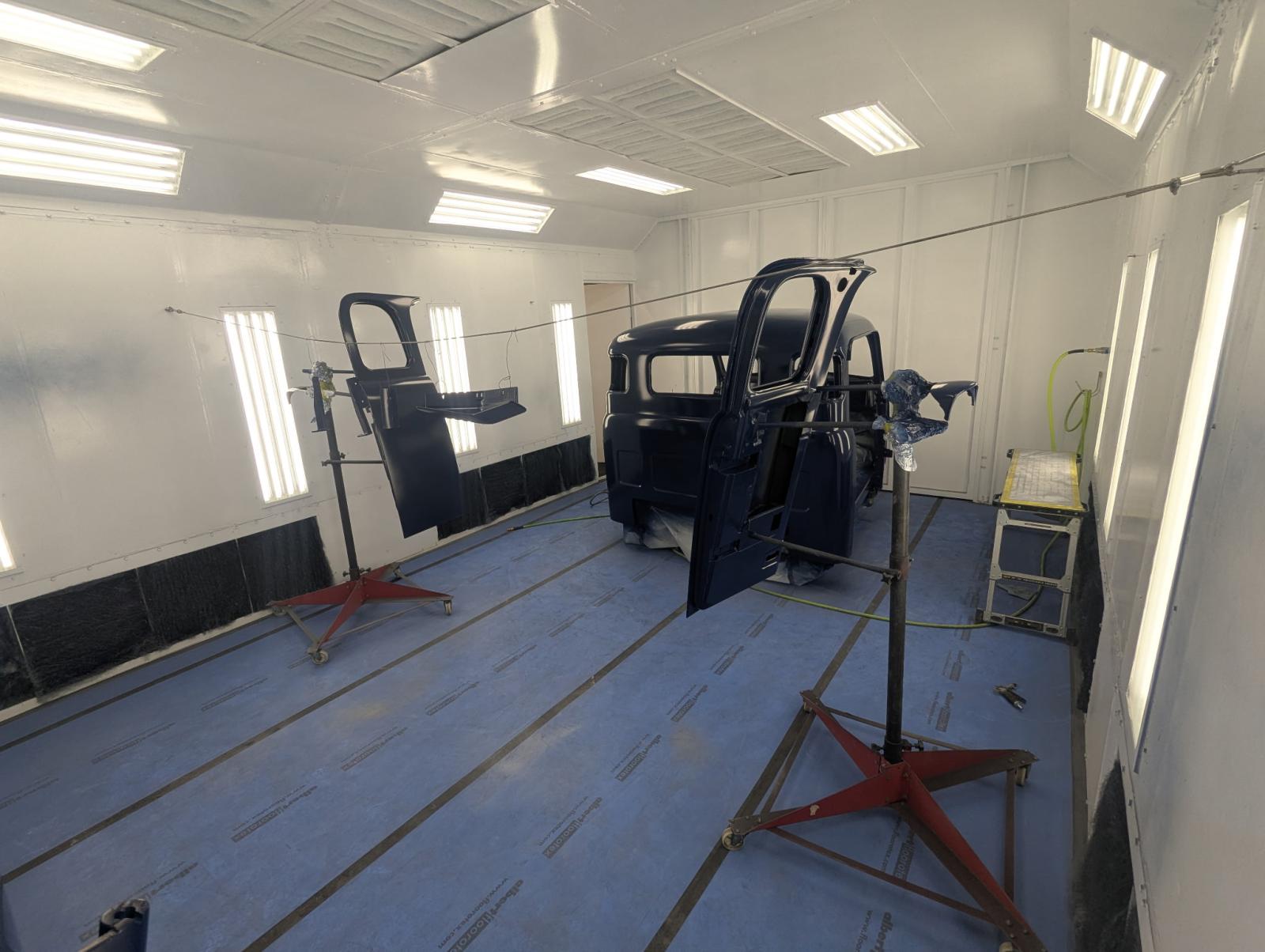
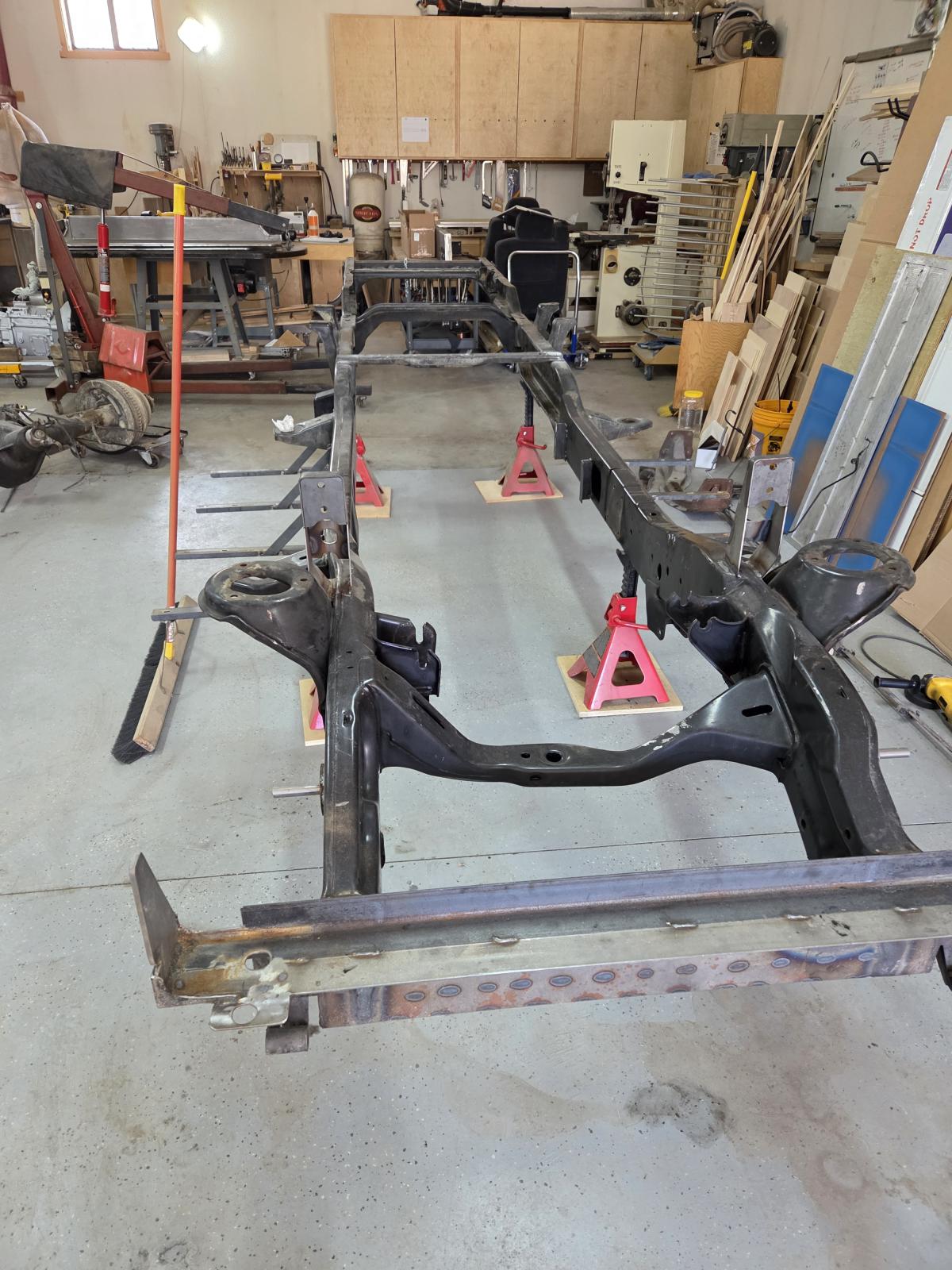
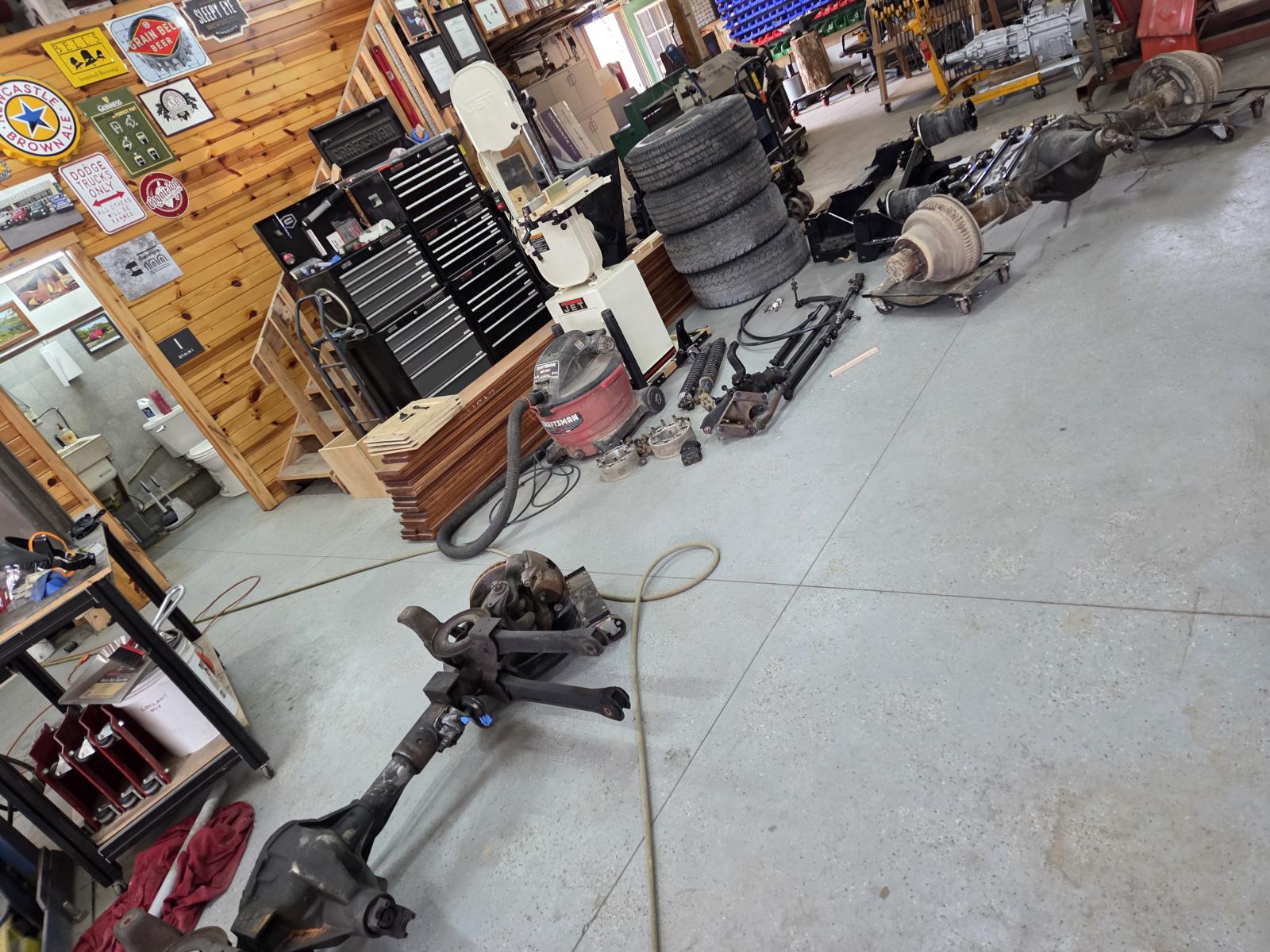
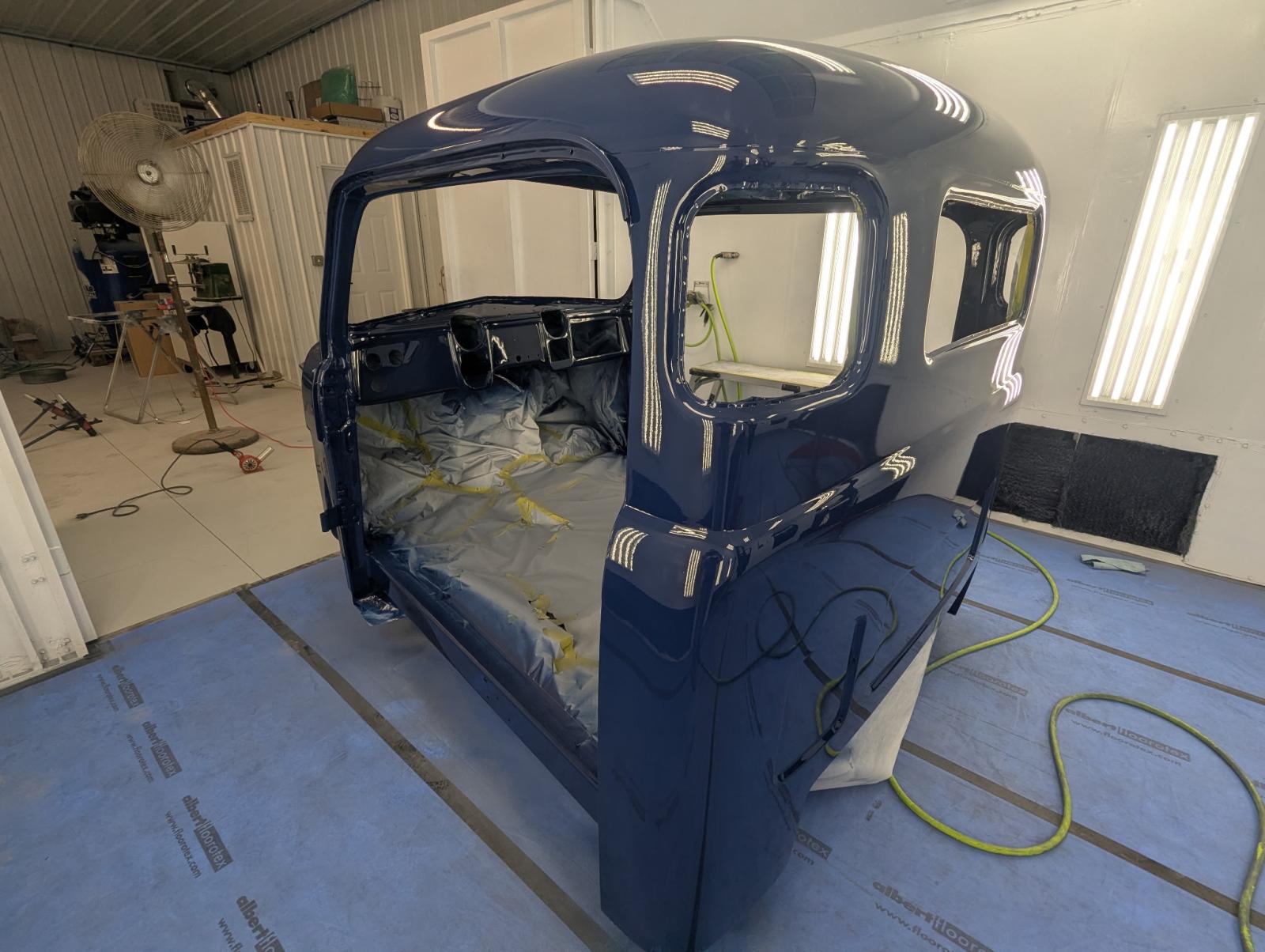
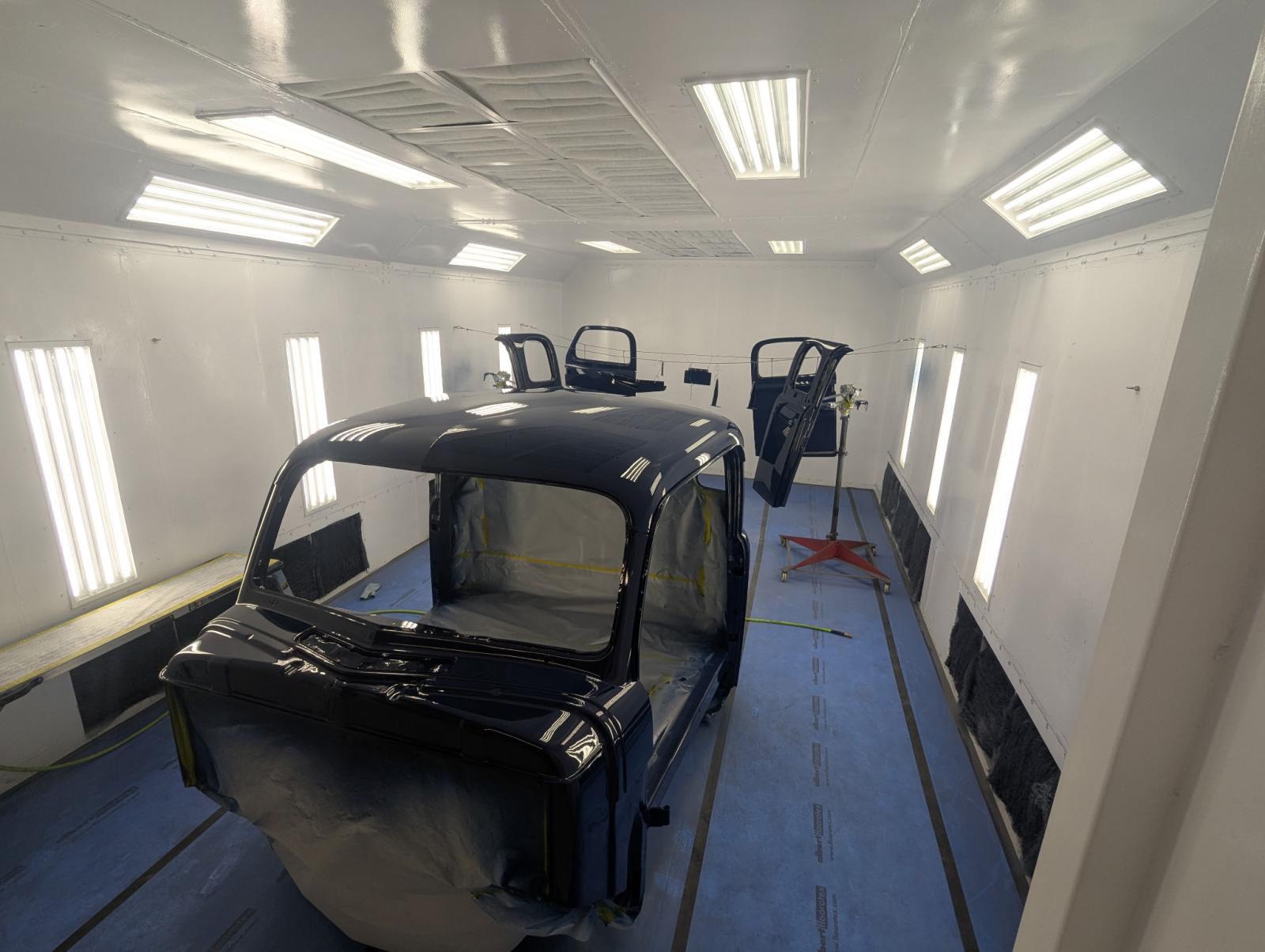
Getting ready for paint
-
Before I ship my frame off for paint, I know I need to replace my steering gearbox. Old one leaks and I've read plenty to know it's a good thing to replace. So the question is: what is the best replacement?
-
Yah I gave up on this concept when I got the 1st Gen 12V for the body work I did. No sense trying to reinvent the wheel. Yah not 6bt....sorry for the mixup
-
5.9 360 V8 if I remember right.
-
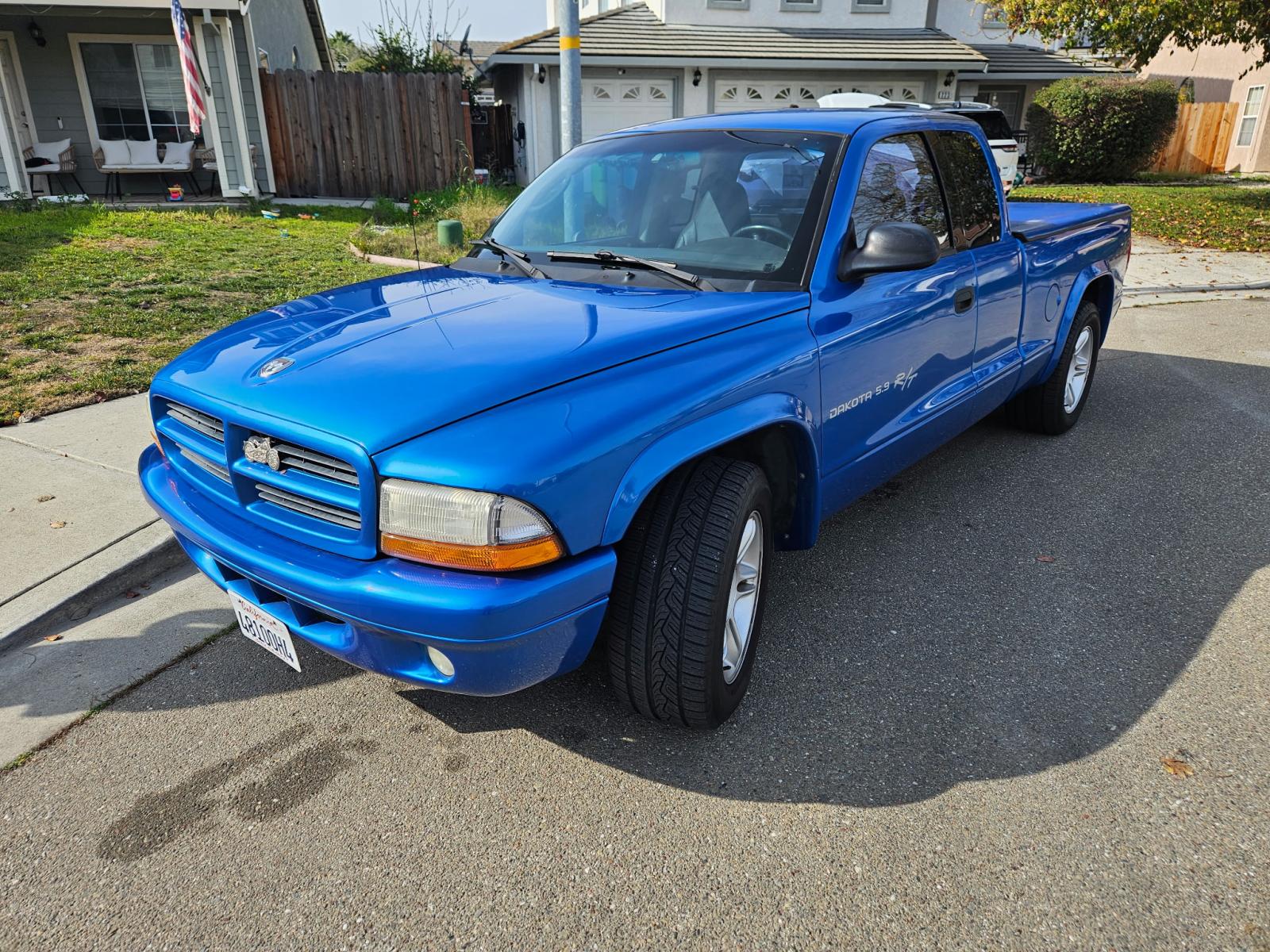
Just picked up this gem, well, WILL pick up in April, from Kalifornia. 2001 Dakota R/T with only 45k miles. Need around town scooter while I finish this project.
-
Awesome! Thank you much. It will be a bit till I get there, so I might have questions down the road. Excellent write up!
-
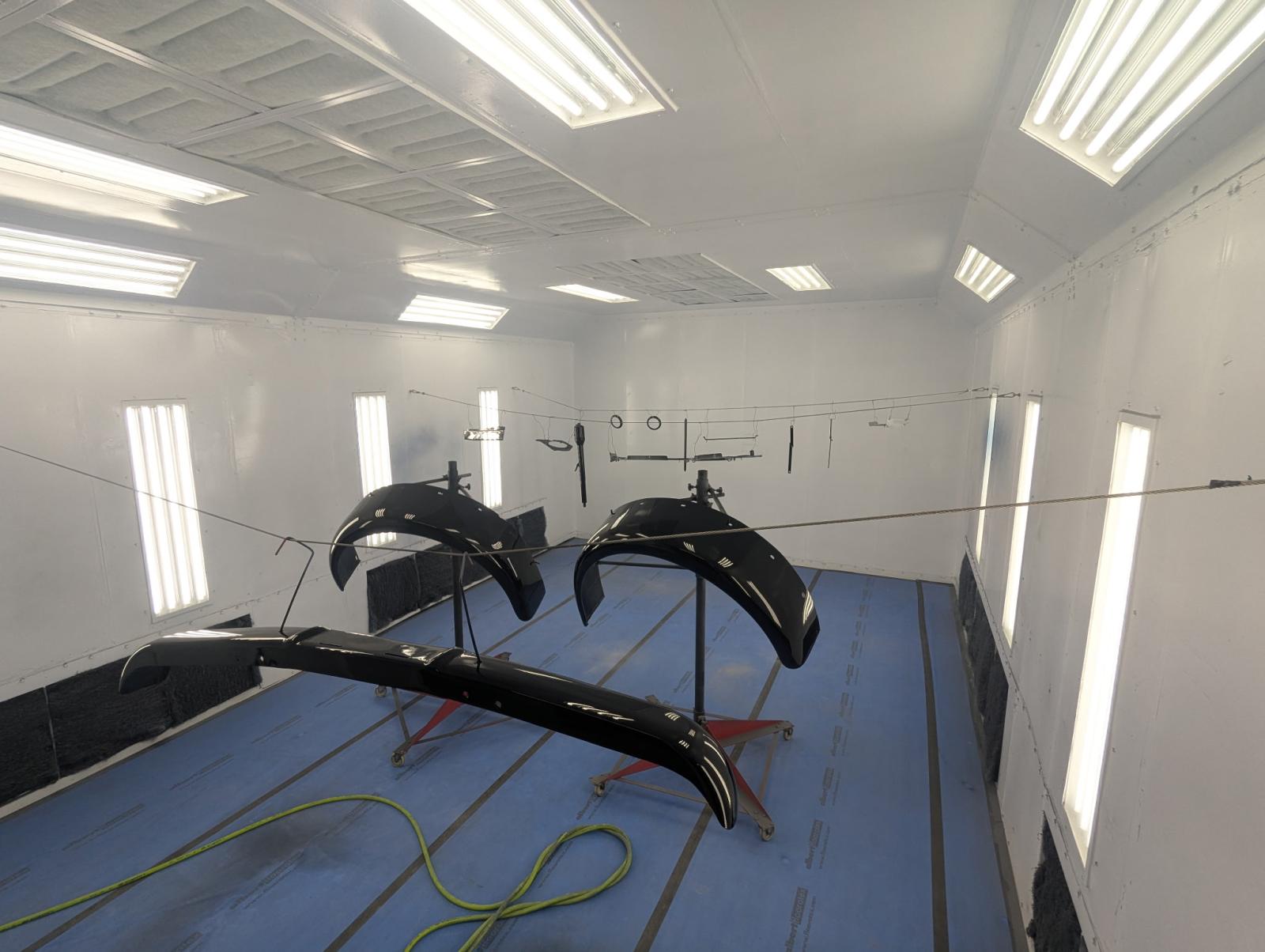
Black
-
I like that idea.....I'll drop you a message for more details!
-
I'm considering deleting the vacuum and going with a delete kit locking the front differential. Has anyone done this? Anything that screams DON'T DO THIS?
-
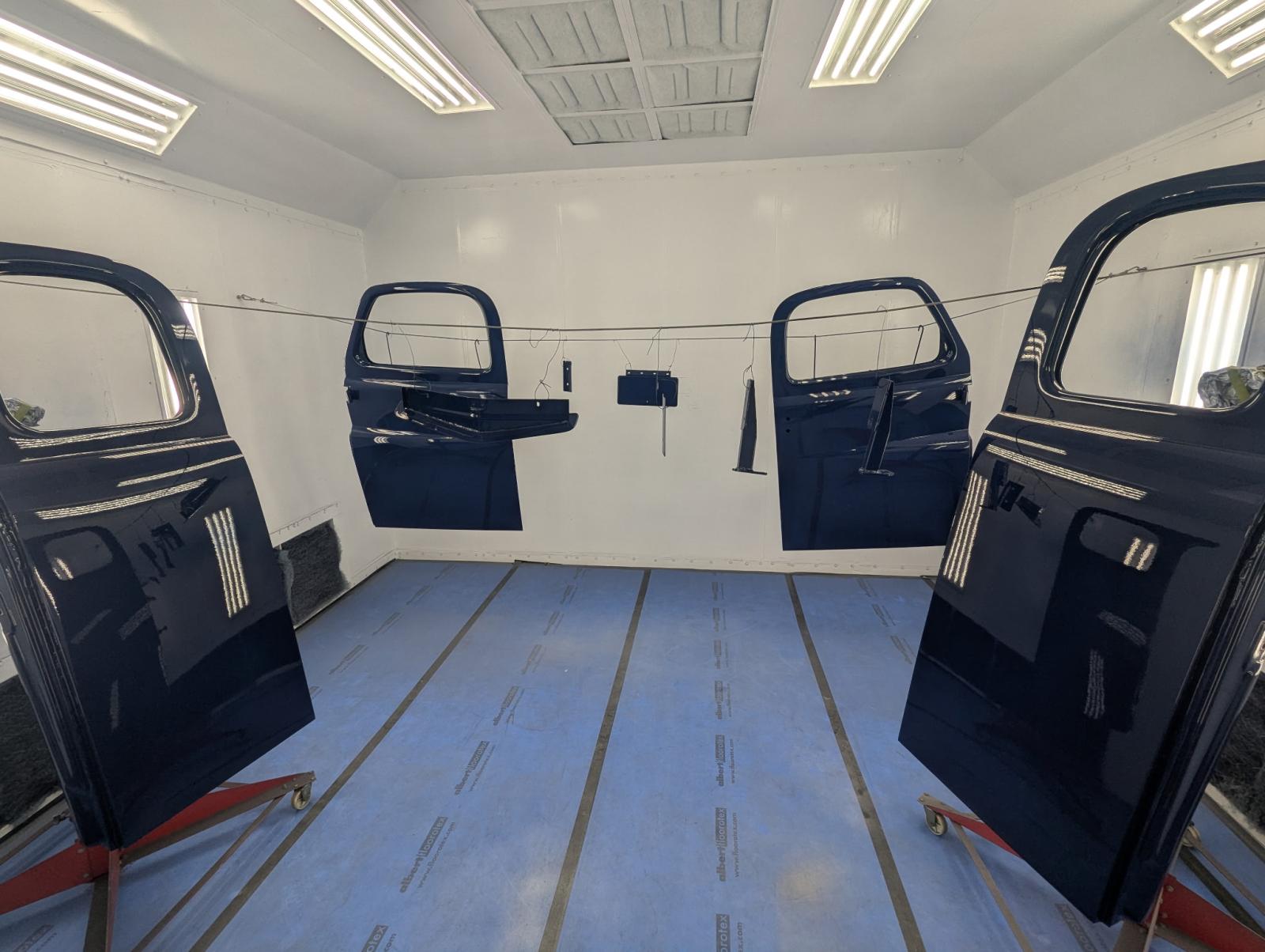
More
-
Ready for clear