



Rogan
-
Joined
-
Last visited
Posts posted by Rogan
-
-
-
-
They are extremely close in resemblance, yes. The B20B is a common "big-block" swap for the Civics, as is the B18C1 (Integra GS-R, 175hp) and the B18C5 (Type R, 195hp).Ill look and see but from looking at it in the pic they are 100% the same. At least on the out side
--- Update to the previous post...
Your right! I looked it up via the internet. I just got started with honda's this is my first honda (CAR) picked it up for 500 bucks!
My old Civic (96 CX, B18C5 + Turbo conversion. 320whp @ 12psi.)
http://desmond.imageshack.us/Himg240/scaled.php?server=240&filename=aug004ww8.jpg&res=landing
http://desmond.imageshack.us/Himg135/scaled.php?server=135&filename=april1534wo.jpg&res=landing
http://desmond.imageshack.us/Himg84/scaled.php?server=84&filename=april1511pn.jpg&res=landing
--- Update to the previous post...
Here's a 550whp @ 24psi Integra Type R B18C5 with a huge Garrett on it that I built from the ground, up..
http://desmond.imageshack.us/Himg148/scaled.php?server=148&filename=joehksbovegtaj7.jpg&res=landing
-
-
 1
1
-
-
-
1
-
-
screenshot this from my gmail account.. http://forum.mopar1973man.com/attachment.php?attachmentid=4054&d=1337803593

-
-
-
-
-
-
-
-
http://www.amazon.com/Garmin-Portable-Bluetooth-Navigator-Lifetime/dp/B005DIBHA6/ref=cm_cr_pr_product_top is another I'm looking at (Garmin)..
-
-
-
-
-
-
-
-
I have a netbook, and did consider using it (tethered to my phone) for GPS, or getting a standalone GPS/NAV application for it, and just use that.. Considered Microsoft Streets and Trips ($75 with GPS dongle) and a couple other commercial apps (CoPilot 8, etc) but haven't made a decision..I usually have my lap top and phone card. Google maps for in the city. Use them for cross country some times, but does not work well out in the middle of nowhere. I mostly use a regular fold up state map or road atlas. I guess I am mostly old school when it comes to navagation. I would have to agree that the Garmins and such are really good in town, but the highway just give me a map.
--- Update to the previous post...
gloShift gauge? which is the top one?I use Tom Tom.
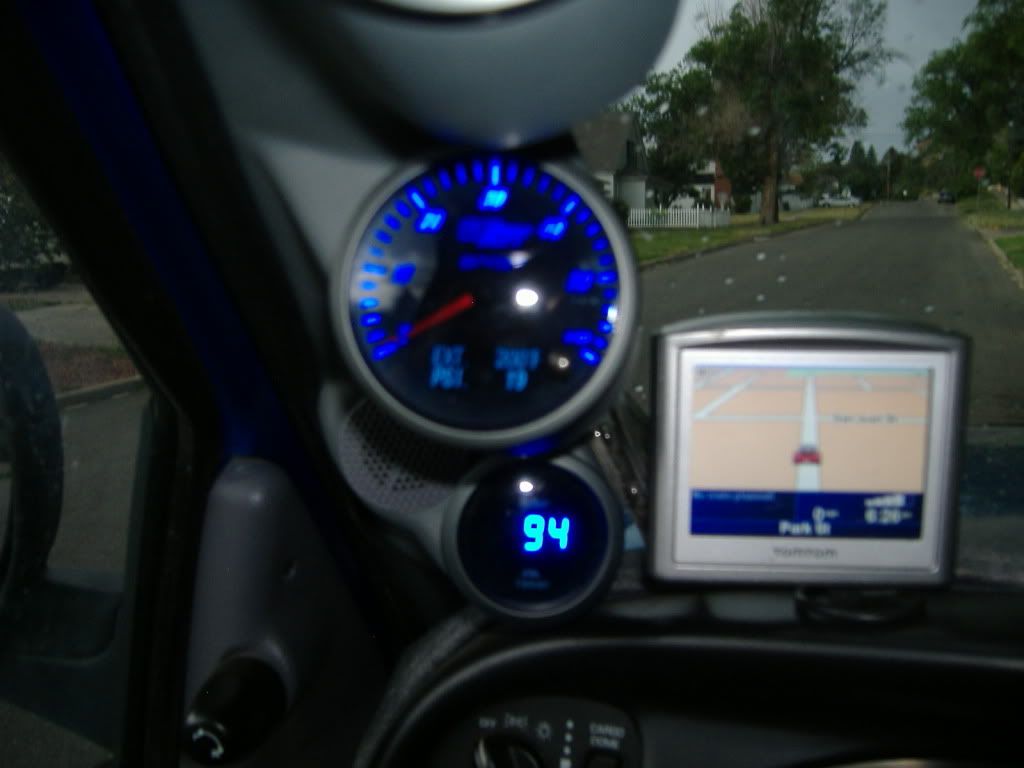
As f
or TomTom, I've considered that as well. I've just not had much luck with the Garmins in the past few years, and I'm tired of buying new ones. This last one (1350) is now taking forever to boot, and usually about 5 minutes to get signal and decide to display the map..
-
-
30 is the absolute best i can reach with my stock injectors and boost elbow.. and it's usually a "touch 30 then back to 28" kinda thing. Towing included. My 12V with 3K gsk and #10 fuel plate was another story. 40-45psi was quite easy.. and too high, obviously.I have stock injectors and could make 40 psi before i put in the boost elbow. Not sure why other than my mileage is quite a bit lower:shrug:
 My wife started out like that - now she normally tells me to be shut up
 Mine tells me that too.. all the time.





HX35 Max Boost?
in 2nd Generation Dodge Reliability / Performance
My 12V ran pretty close to 40 with the stock HX and a couple mods. Stock studs. I towed all the time with it.that's just my experience, however.Sent from my PC36100 using Tapatalk 2