Skip to content
View in the app

A better way to browse. Learn more.

Mopar1973Man.Com

A full-screen app on your home screen with push notifications, badges and more.

To install this app on iOS and iPadOS
  1. Tap the Share icon in Safari
  2. Scroll the menu and tap Add to Home Screen.
  3. Tap Add in the top-right corner.
To install this app on Android
  1. Tap the 3-dot menu (⋮) in the top-right corner of the browser.
  2. Tap Add to Home screen or Install app.
  3. Confirm by tapping Install.
  • Entries

    27
  • Comments

    4
  • Views

    31,172

About this blog

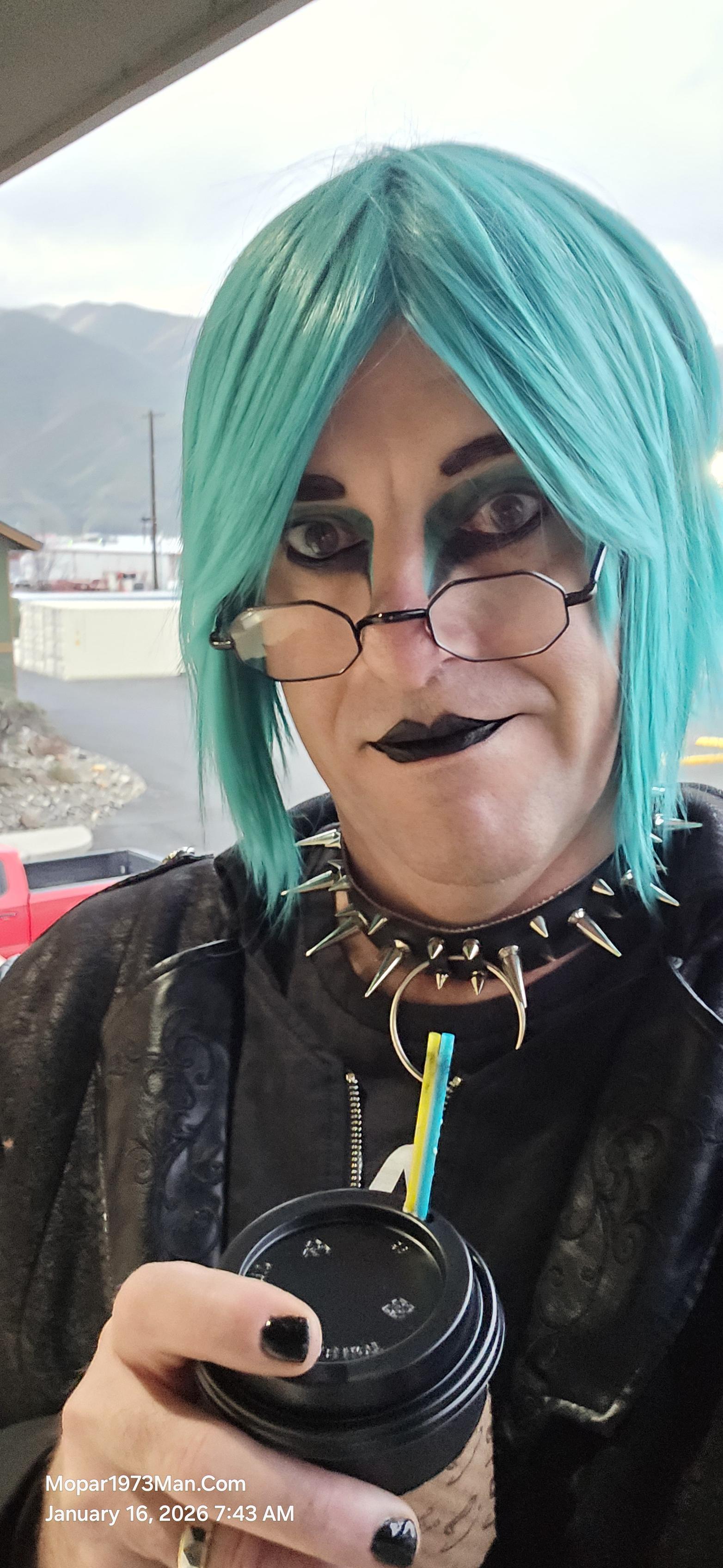
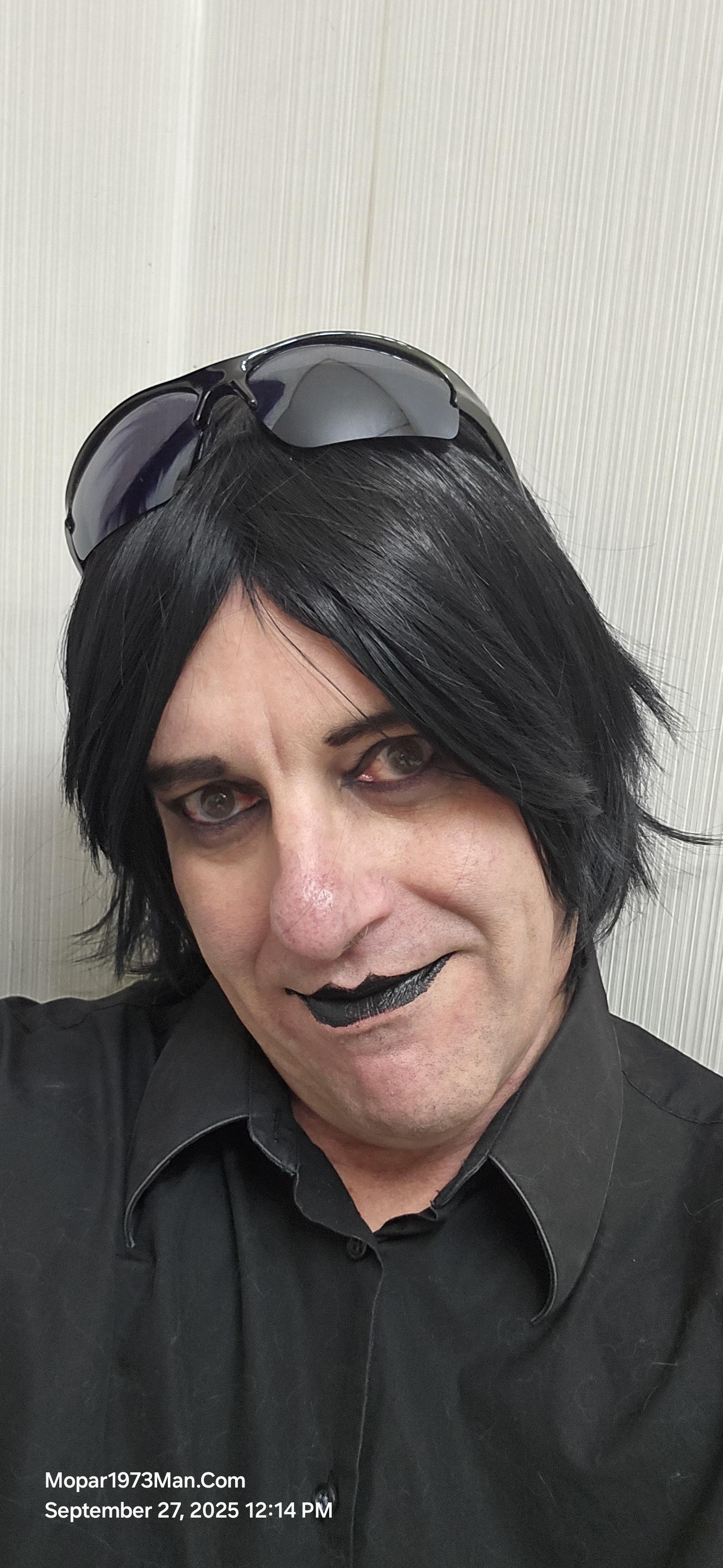
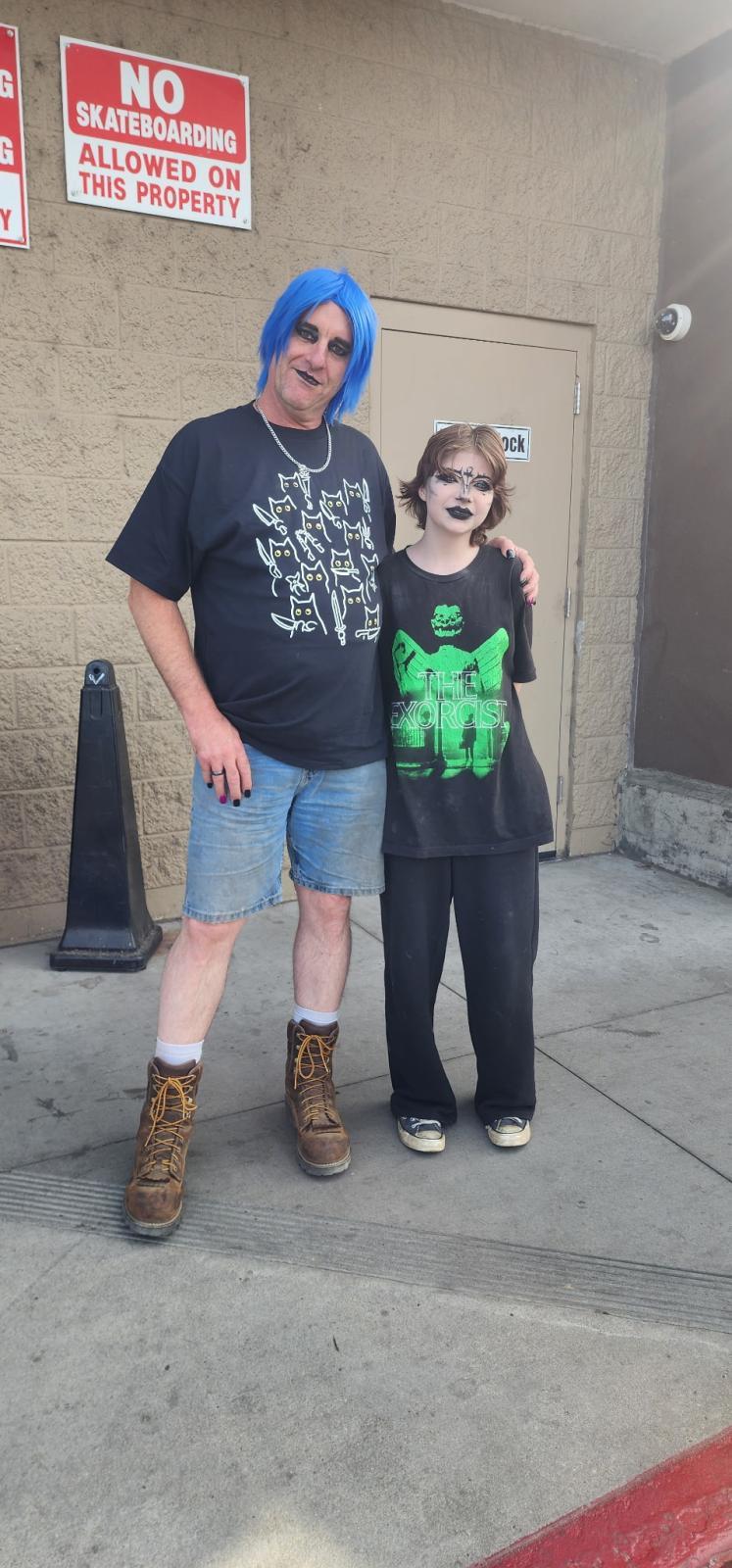
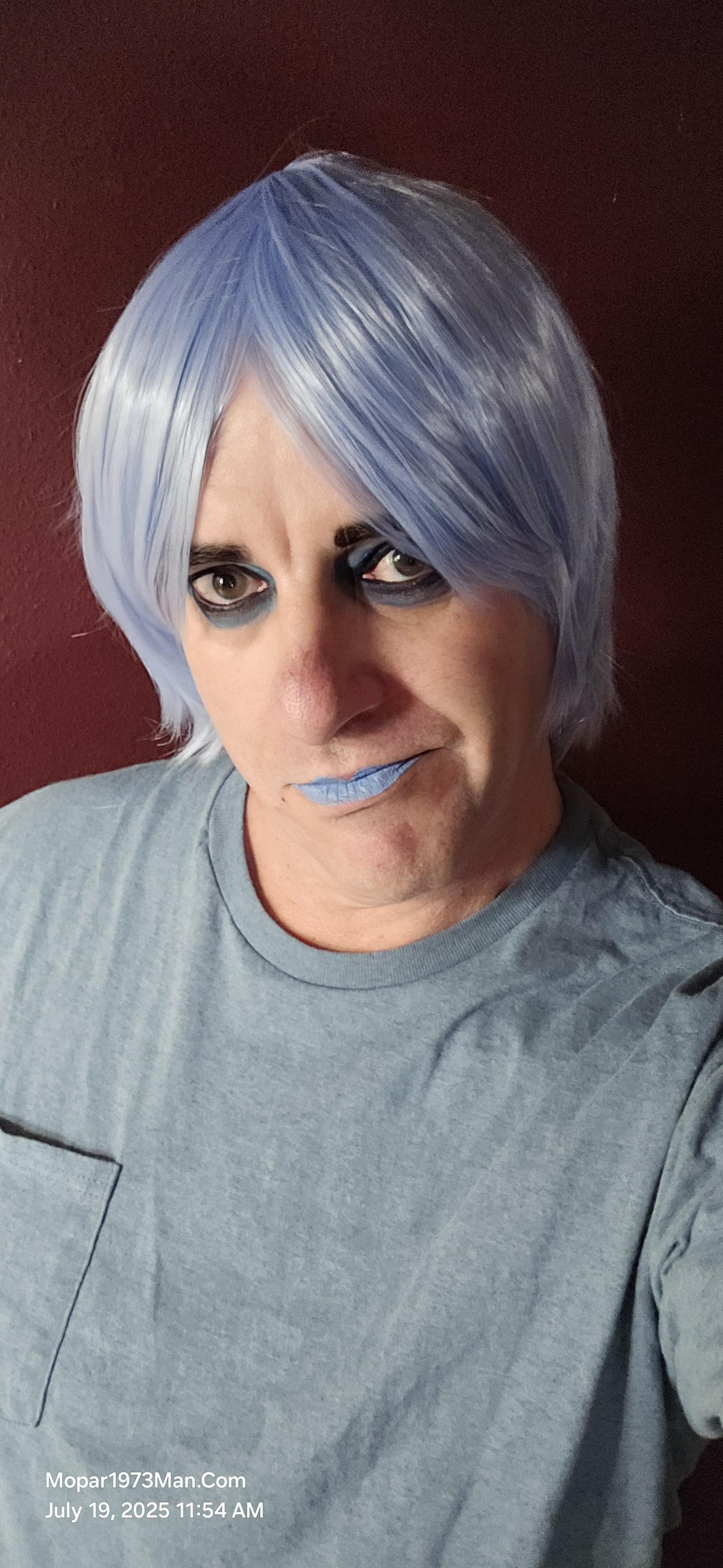
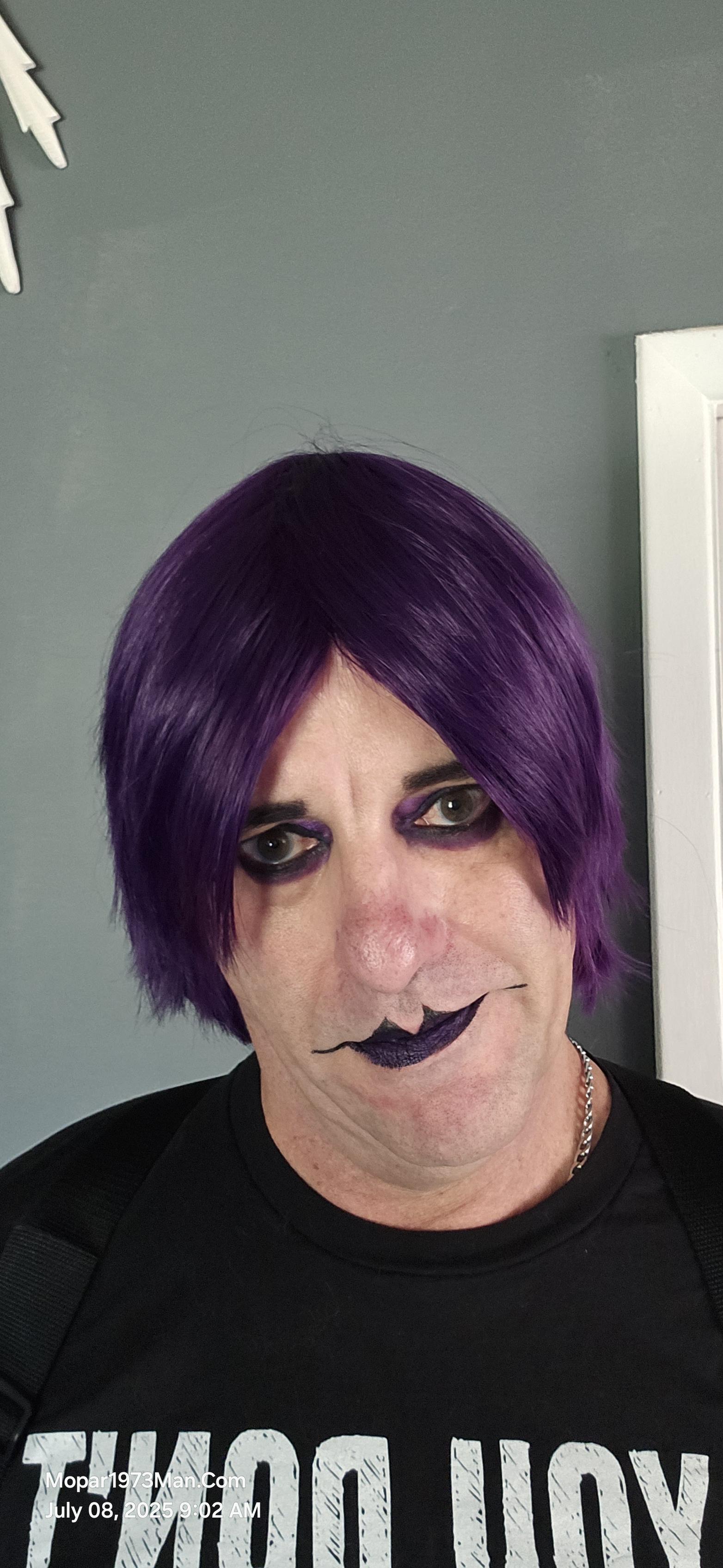
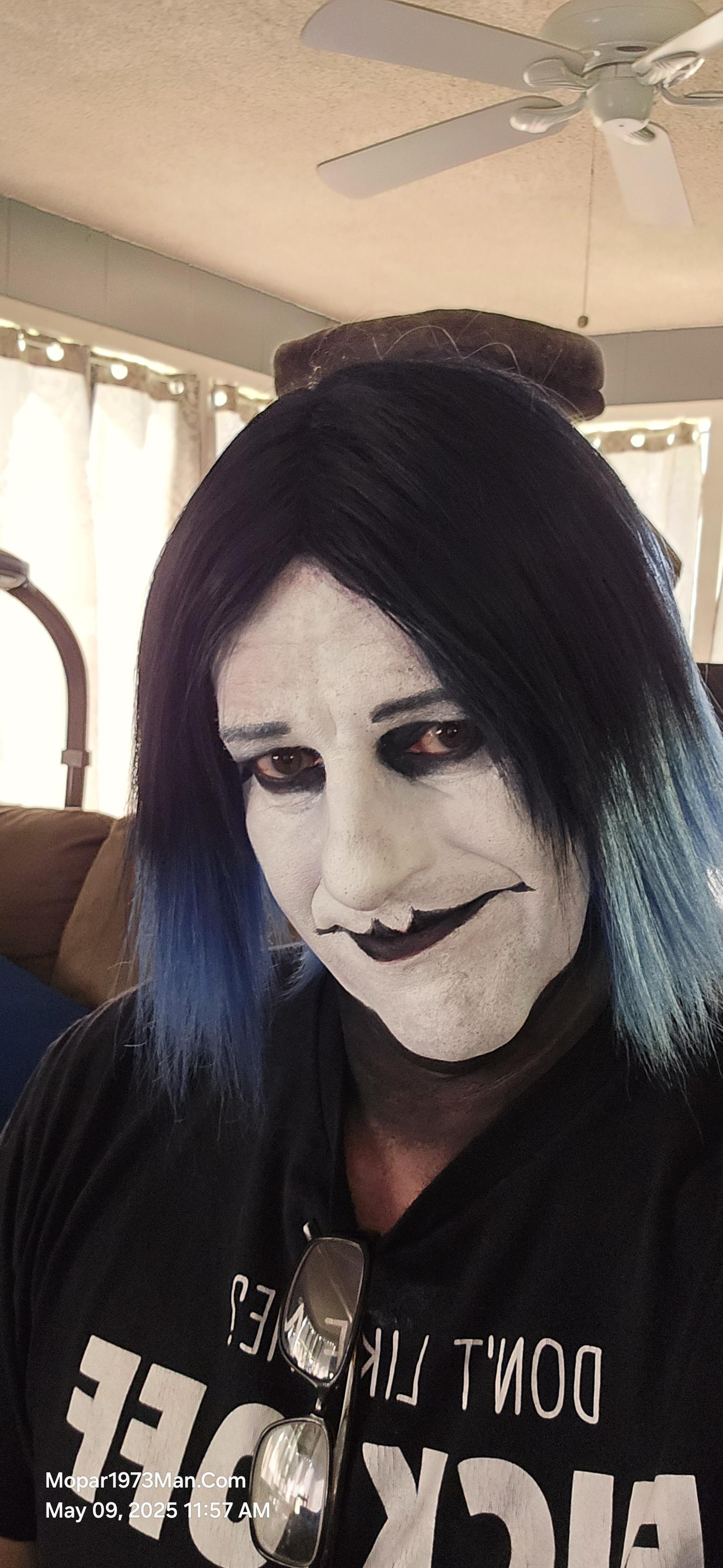
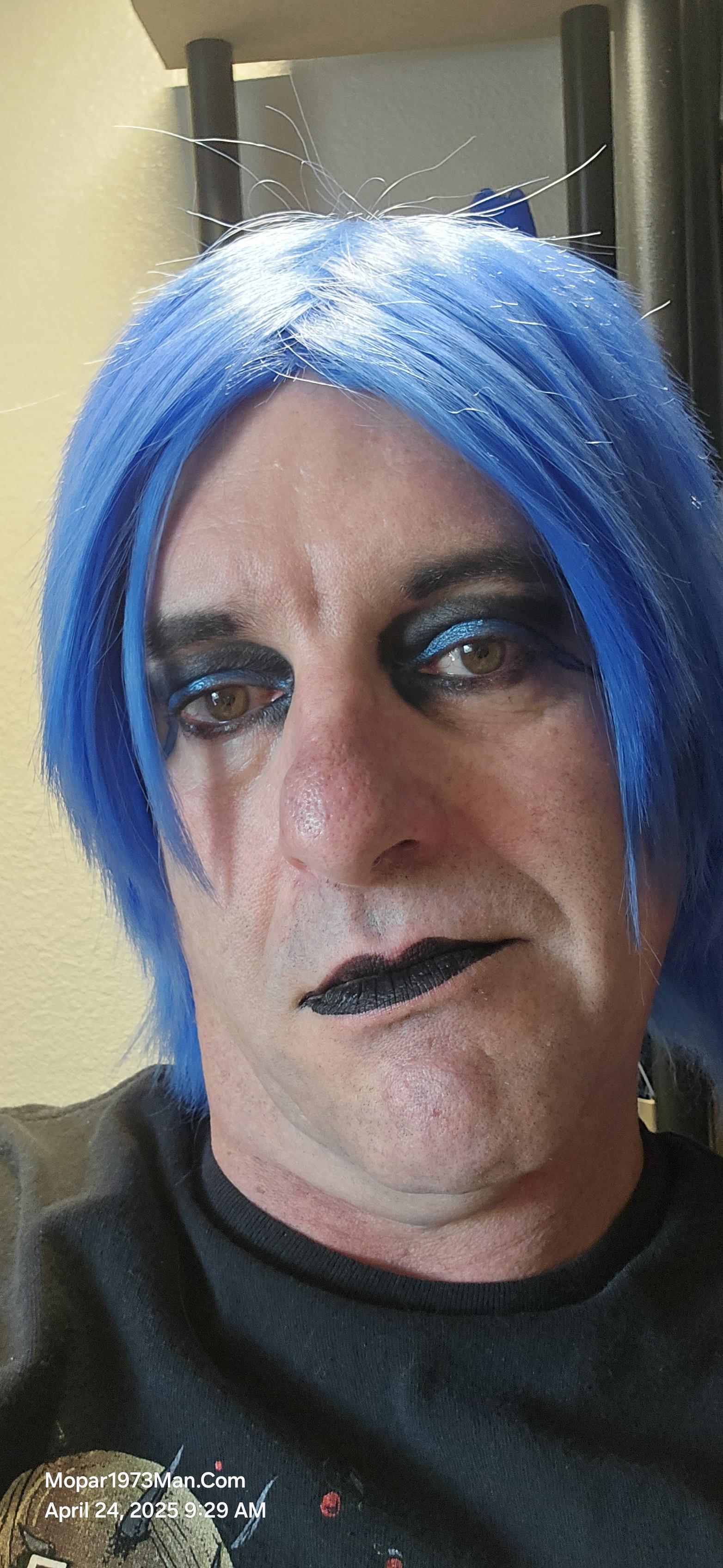
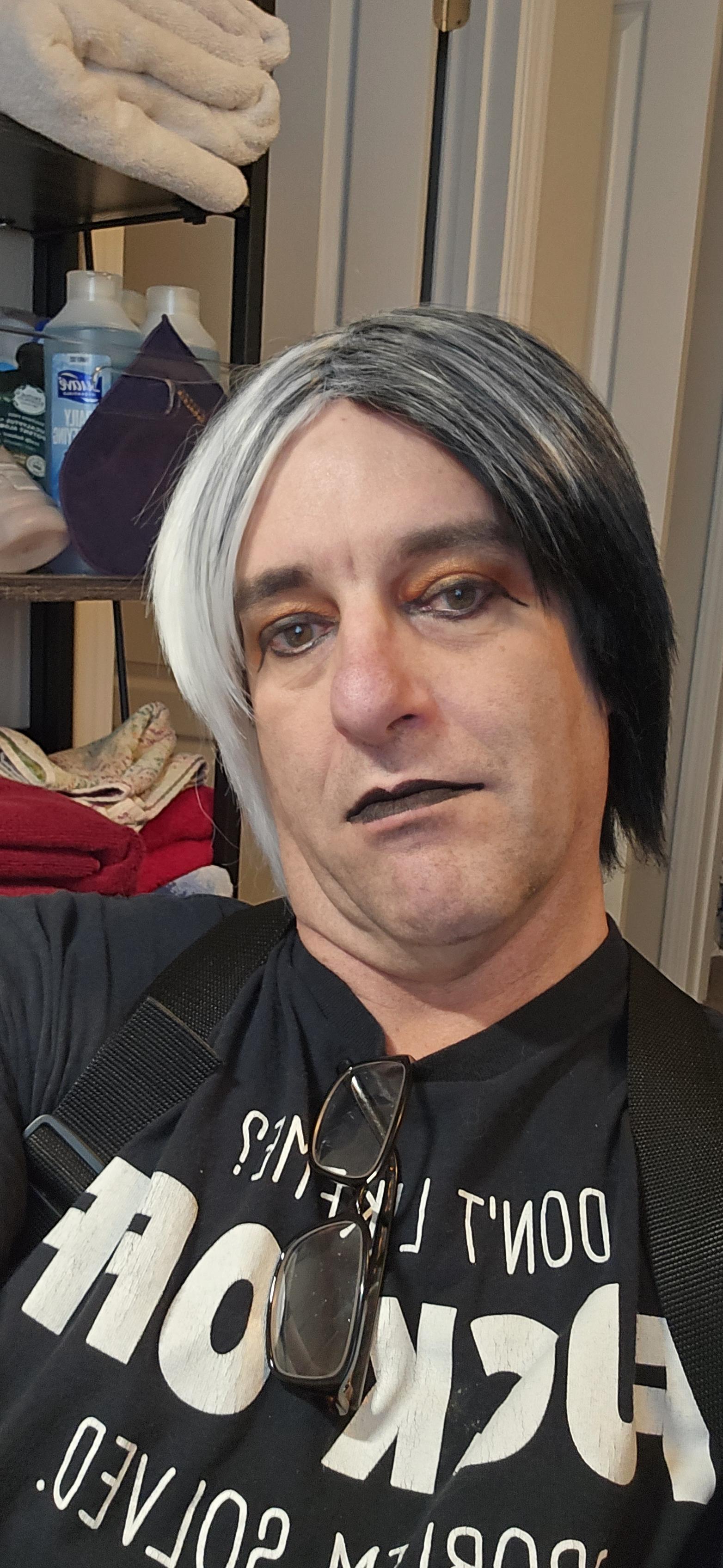
Titanium was created to deal with the isolation of my cancer and my depression that came from my cancer. I'm a two-time survivor of bladder cancer. I was told that my chances of survival were low and that the cancer might metastasize and end my story. Knowing I was facing chemotherapy, I was looking for ways to keep my spirit up, as I was sick for so long and alone. I became talented at creating this character and the smiles that came with it.

Entries in this blog

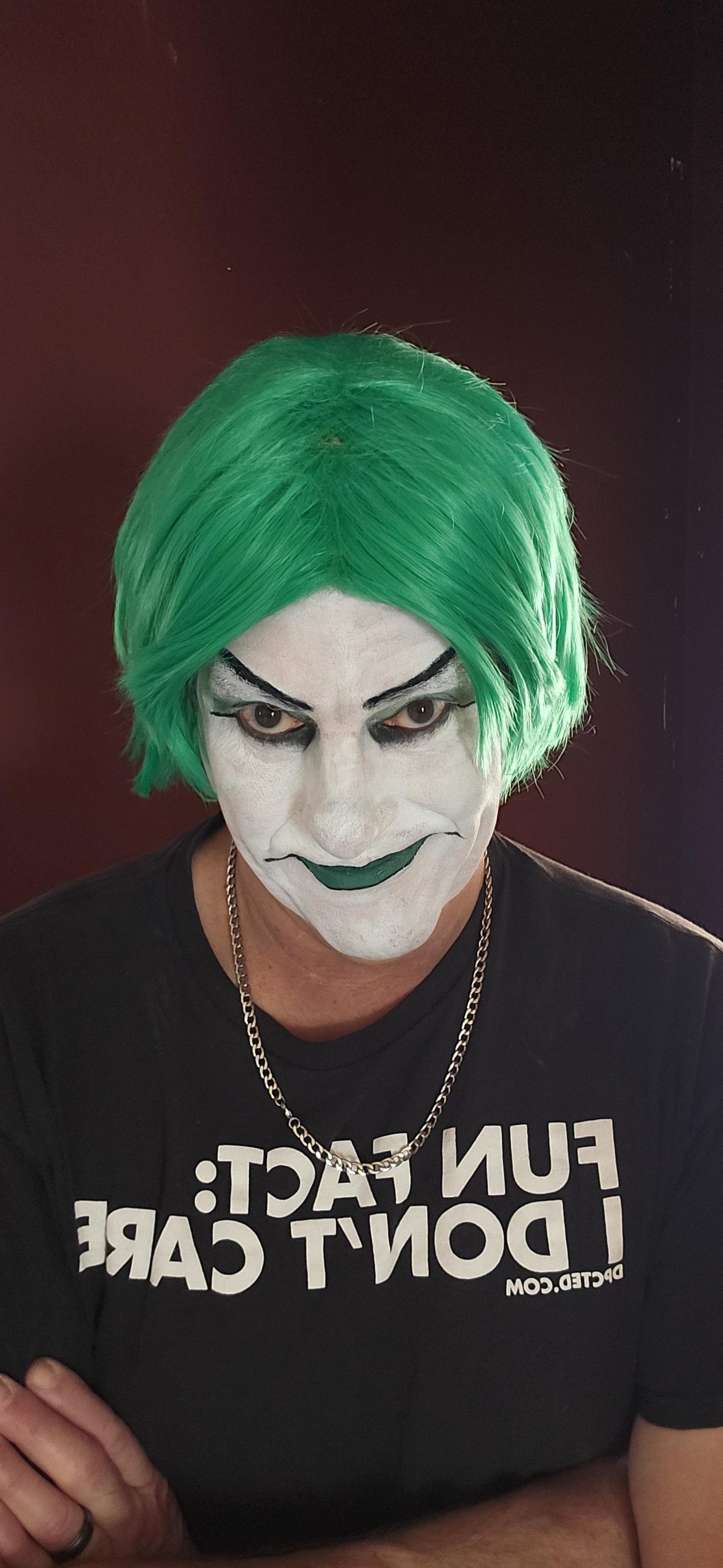
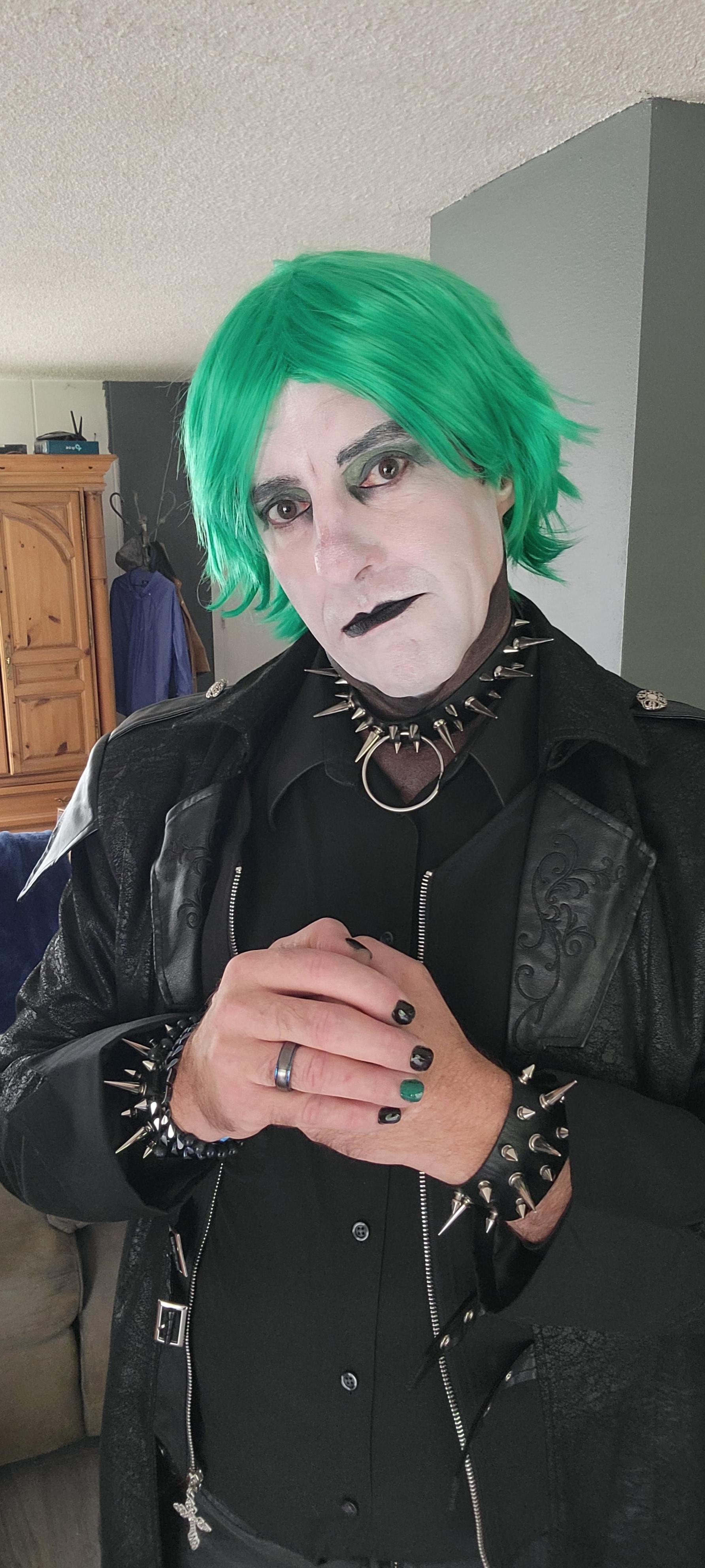
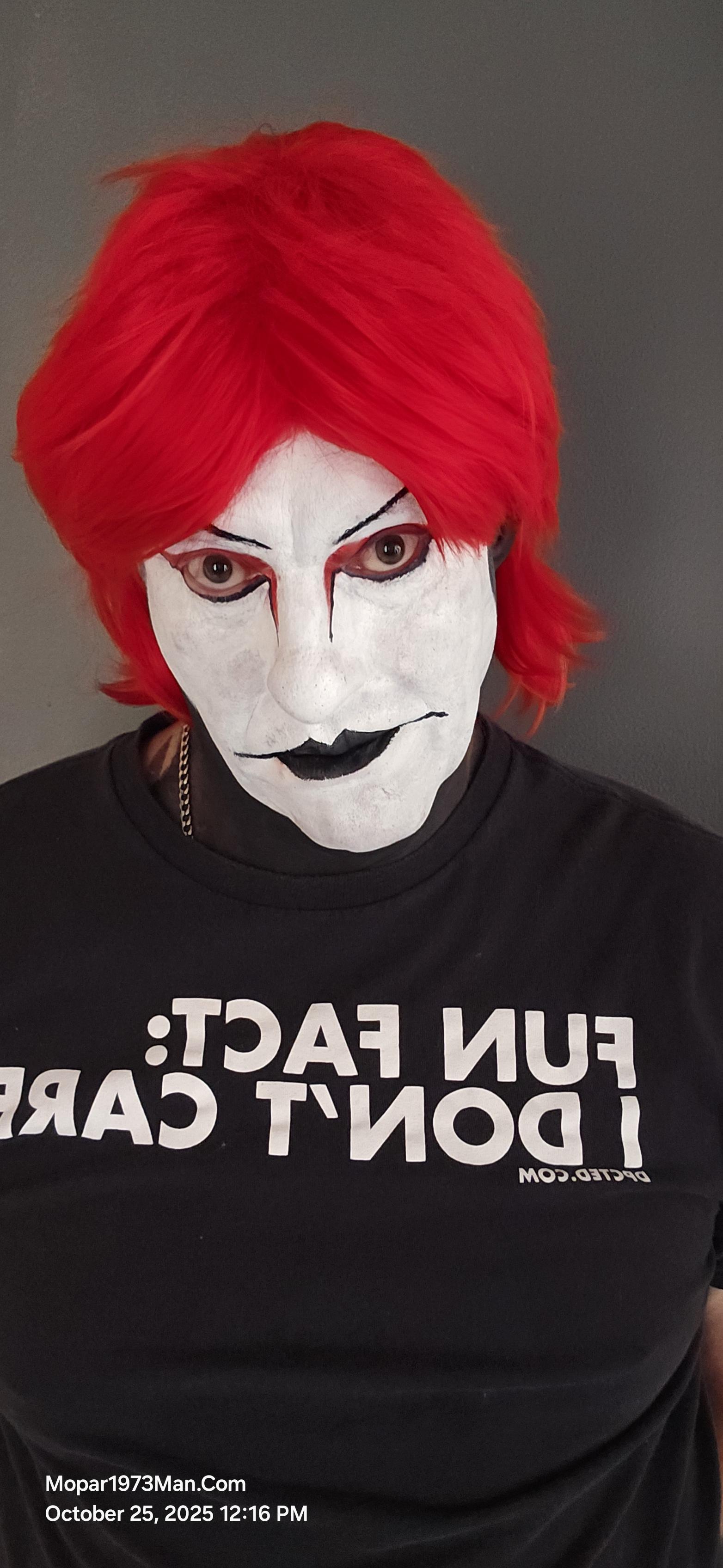
Yesterday was Sunday. I wanted to keep up with my makeup artistry, work with my white face foundation, and try a few tricks. It's not my best work, but it was an improvement compared to some of the other white face makeup I've done. I've added Mehron setting powder to set the white base and pull the extra moisture out of the body paint. Green is a tough color to work with being I've got very little in a green powder palette to do my eyeshadow. Then working with green lipstains is interesting, to
Let me introduce you to Titanium my other character I've created to deal with my cancer. Yes, I've had bladder cancer twice. The first one was on December 27th, 2019. I went in to have a cancerous tumor removed from my bladder covering my right ureter. Fast forward 4 years to December 17th 2023, and back in again to see my entire bladder consumed in cancer, and doctors were uncertain if I would survive. Now that I've been 6 months clean, I'm happy, but I still have kidney issues. My right kidney

Account

Navigation

Search

Search

Configure browser push notifications

Chrome (Android)
  1. Tap the lock icon next to the address bar.
  2. Tap Permissions → Notifications.
  3. Adjust your preference.
Chrome (Desktop)
  1. Click the padlock icon in the address bar.
  2. Select Site settings.
  3. Find Notifications and adjust your preference.