
Skip to content
View in the app

A better way to browse. Learn more.

Mopar1973Man.Com

A full-screen app on your home screen with push notifications, badges and more.

To install this app on iOS and iPadOS
  1. Tap the Share icon in Safari
  2. Scroll the menu and tap Add to Home Screen.
  3. Tap Add in the top-right corner.
To install this app on Android
  1. Tap the 3-dot menu (⋮) in the top-right corner of the browser.
  2. Tap Add to Home screen or Install app.
  3. Confirm by tapping Install.

We return home!

(0 reviews)

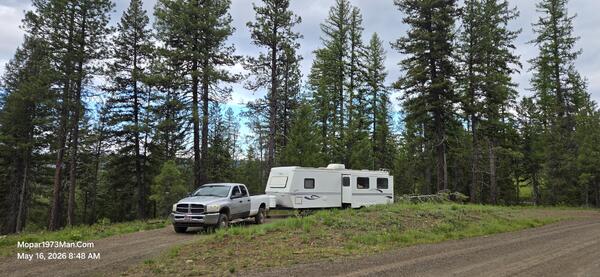
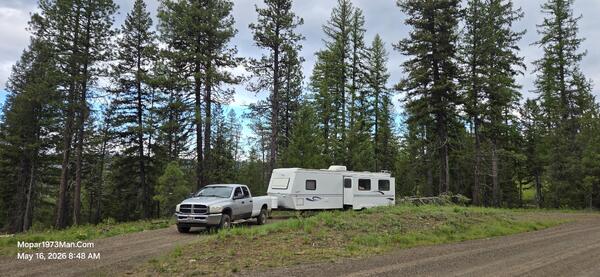
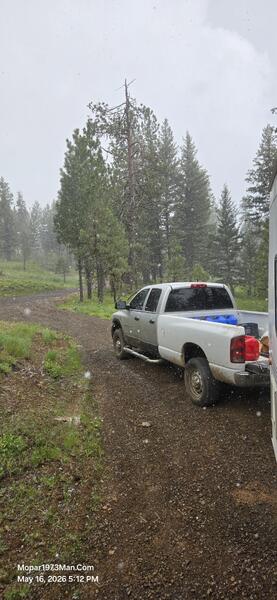
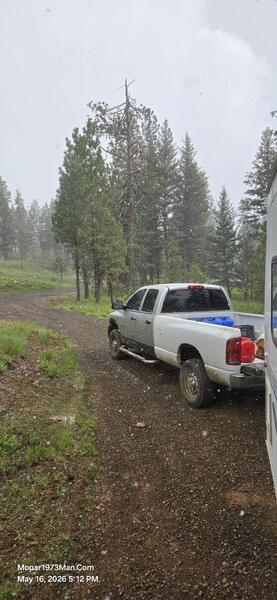
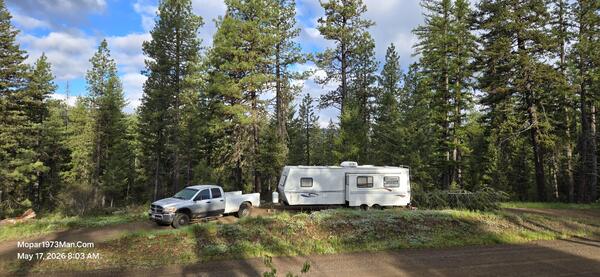
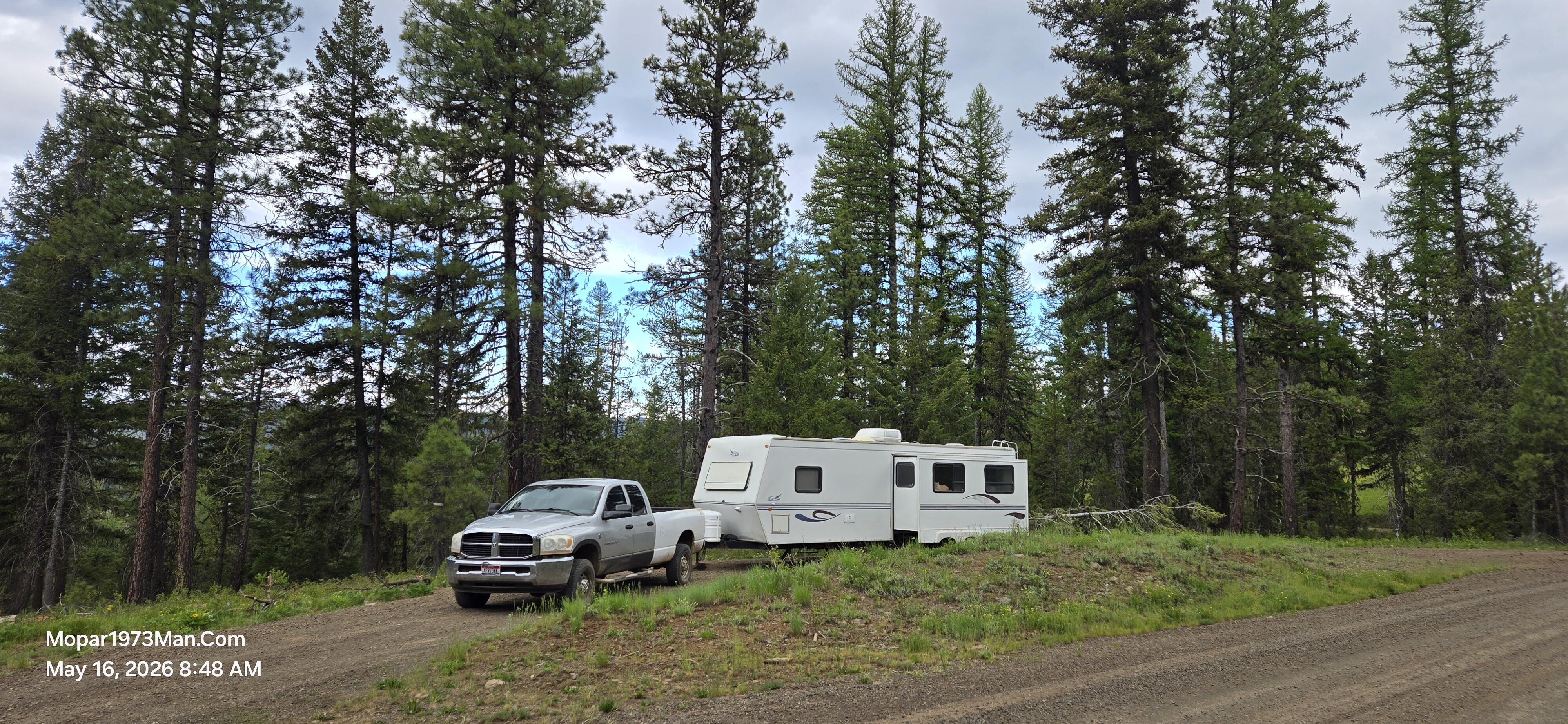
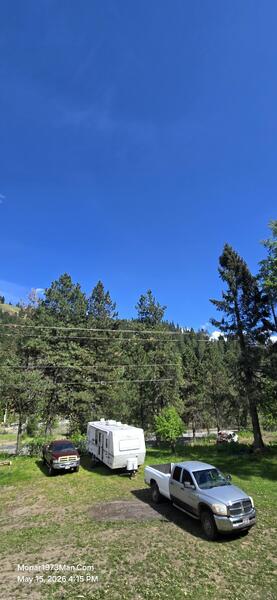
We are still currently living in the RV as we start to unpack into the house again, @Tweety Bird and I enjoyed the dry camping we did up at Lost Valley Reservoir. We needed the break so badly that we never went fishing at all. We just enjoyed the quiet and lack of cell service. My phone had just 1 bar, which barely would work, and I was able to text a few friends and communicate with them. We had two days of a very cold and windy snowstorm. Even back home, I was able to catch the Mopar1973Man weather station once to see 17 MPH winds during that storm.

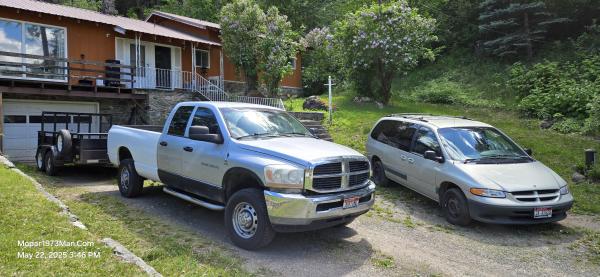
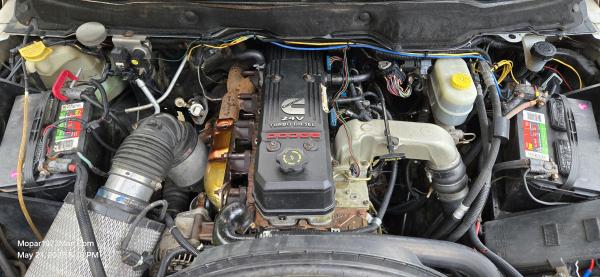
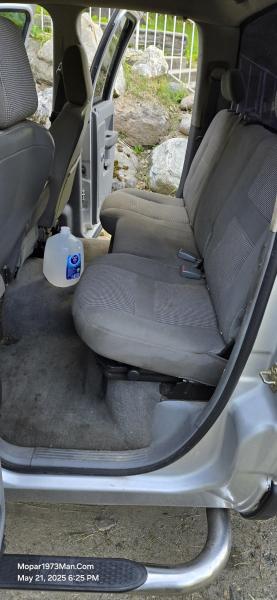
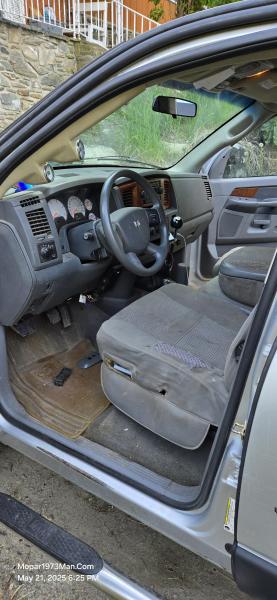
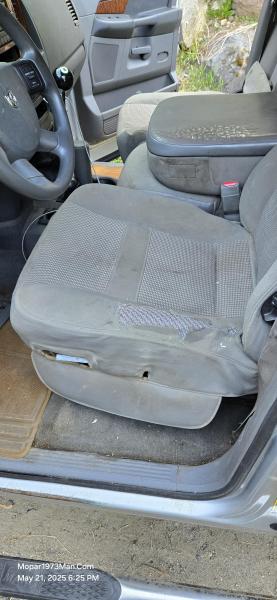
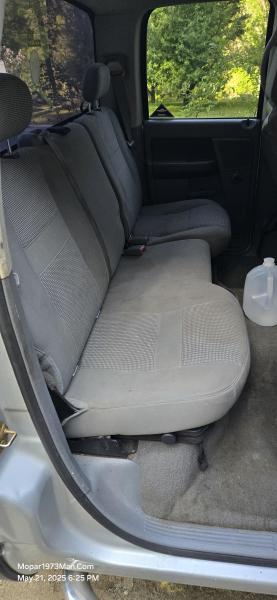
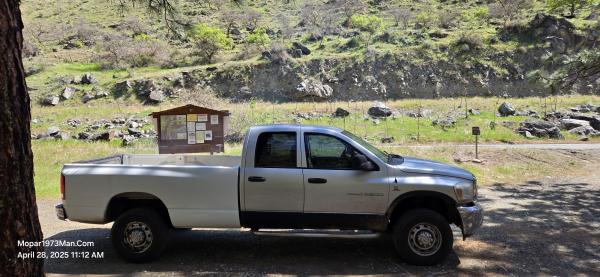
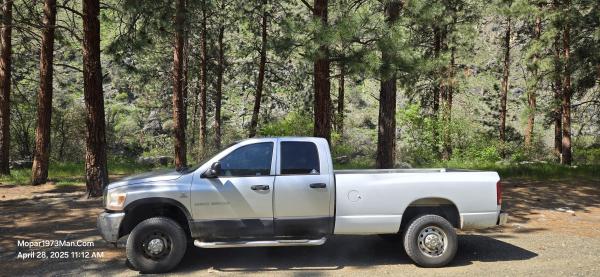
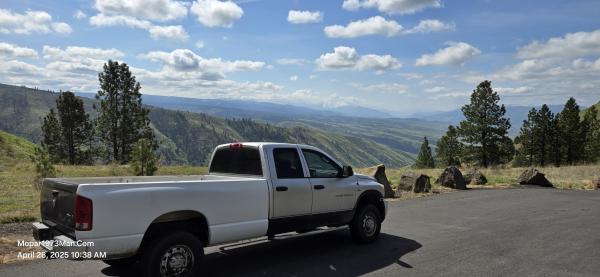
Thor managed to pull the RV but not hing like what Beast can. Remember, Thor is a stock truck with slightly larger injectors, like +50 HP. The RV at 8,3xx pounds was a good tug to get up to 4,800 feet from 2,8xx feet here at home. Still, Thor managed a mere 13.5 MPG on the run out for camping and only came into town to pick up gasoline for the generator.


Images
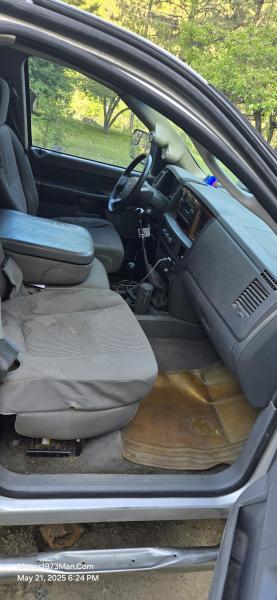
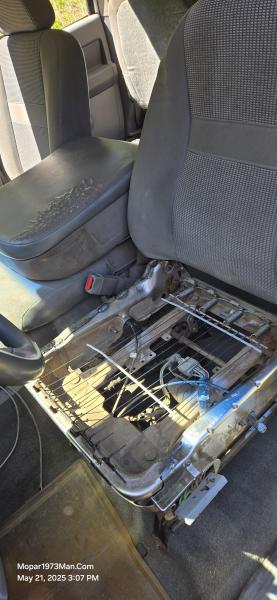
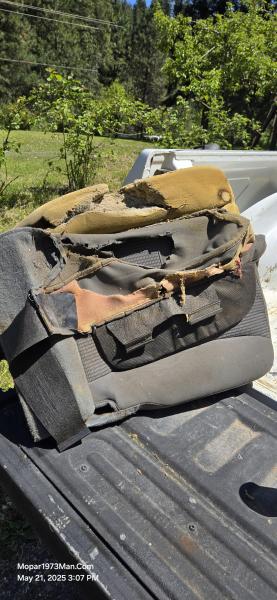
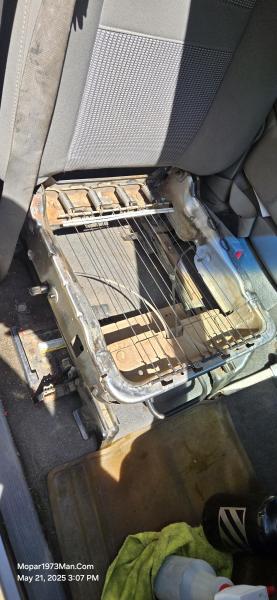
  1. 20260515_161544.jpg
  2. 20260516_084832.jpg
  3. 20260516_084833.jpg
  4. 20260516_171254.jpg
  5. 20260516_171257.jpg
  6. 20260517_080352.jpg
  7. 20250522_154622.jpg
  8. 20250521_201853.jpg
  9. 20250521_182653.jpg
  10. 20250521_182554.jpg
  11. 20250521_182544.jpg
  12. 20250521_182537.jpg
  13. 20250521_182511.jpg
  14. 20250521_182432.jpg
  15. 20250521_150756.jpg
  16. 20250521_150737.jpg
  17. 20250521_150707.jpg
  18. 20250428_111253.jpg
  19. 20250428_111231.jpg
  20. 20250428_103841.jpg
View the entire Thor - 2006 Dodge Ram 3500 album

Edited by Mopar1973Man

0 Comments

Recommended Comments

There are no comments to display.

Account

Navigation

Search

Search

Configure browser push notifications

Chrome (Android)
  1. Tap the lock icon next to the address bar.
  2. Tap Permissions → Notifications.
  3. Adjust your preference.
Chrome (Desktop)
  1. Click the padlock icon in the address bar.
  2. Select Site settings.
  3. Find Notifications and adjust your preference.