Skip to content
View in the app

A better way to browse. Learn more.

Mopar1973Man.Com

A full-screen app on your home screen with push notifications, badges and more.

To install this app on iOS and iPadOS
  1. Tap the Share icon in Safari
  2. Scroll the menu and tap Add to Home Screen.
  3. Tap Add in the top-right corner.
To install this app on Android
  1. Tap the 3-dot menu (⋮) in the top-right corner of the browser.
  2. Tap Add to Home screen or Install app.
  3. Confirm by tapping Install.

Titanium as a Technical Advisor

(0 reviews)

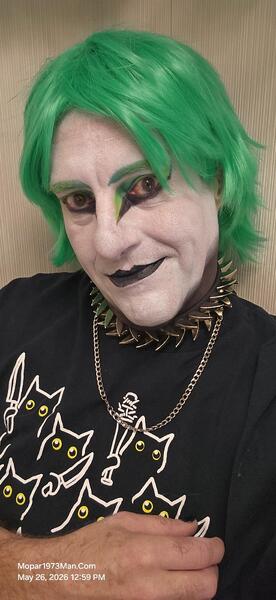
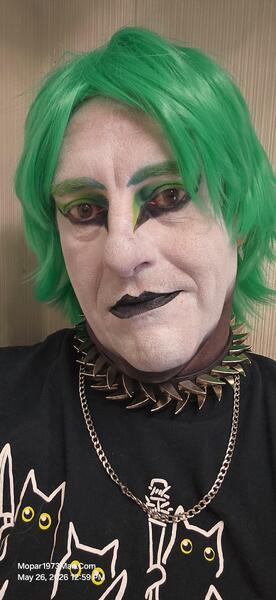
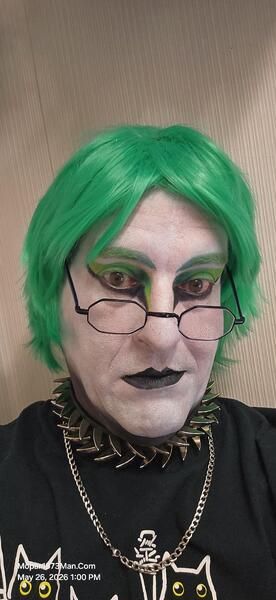
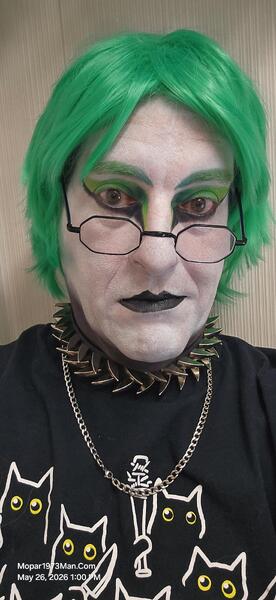
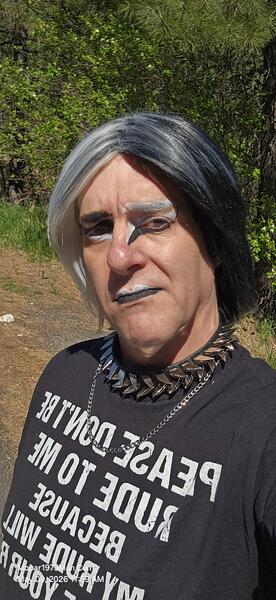
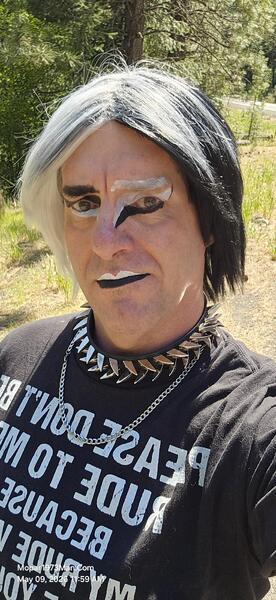
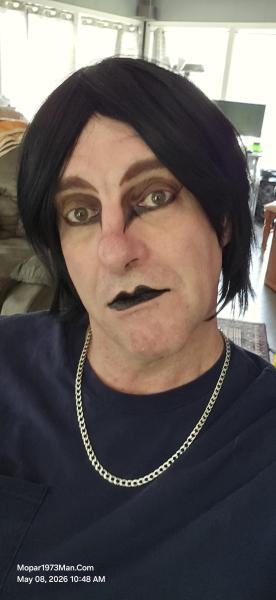
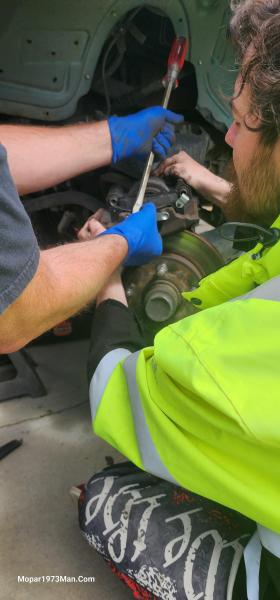
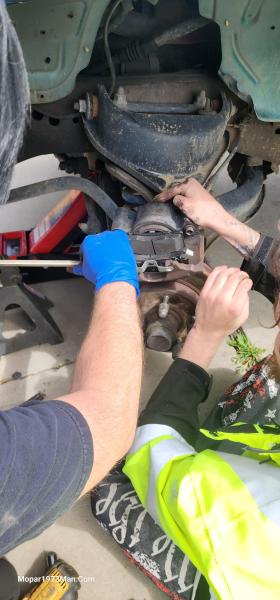
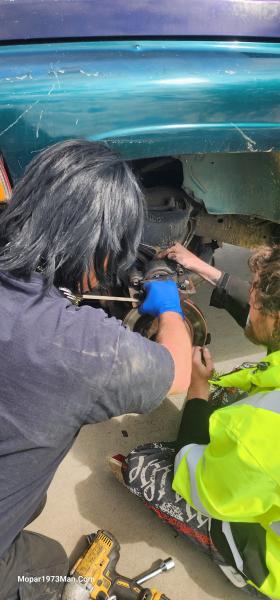
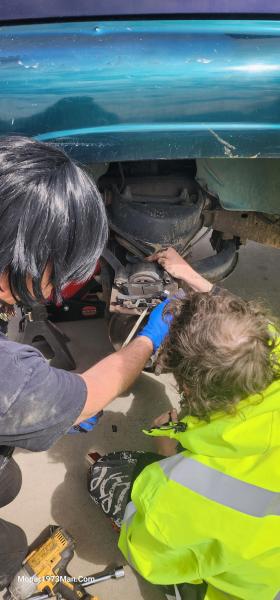
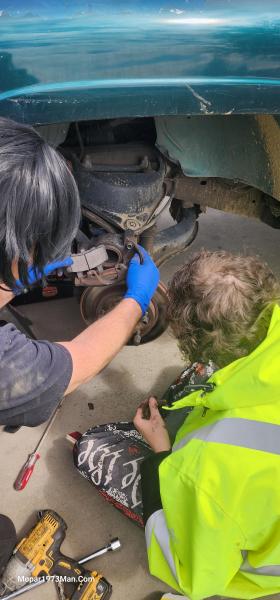
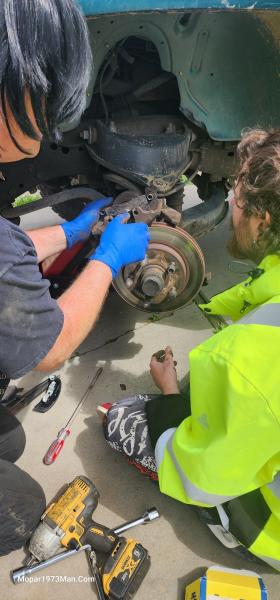
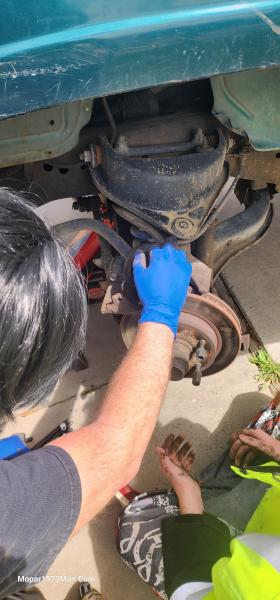
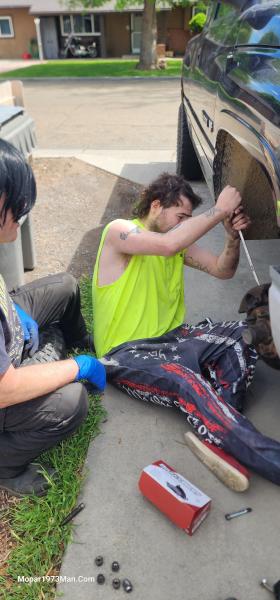
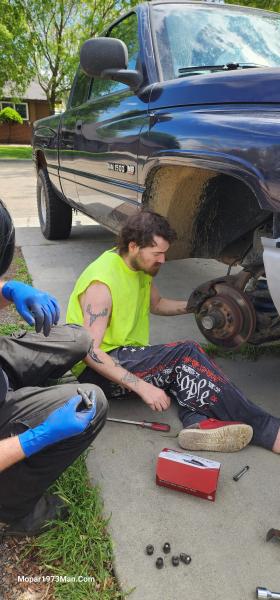
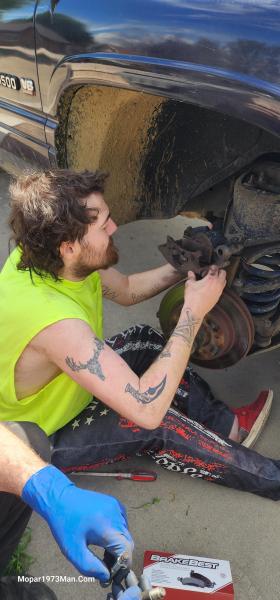
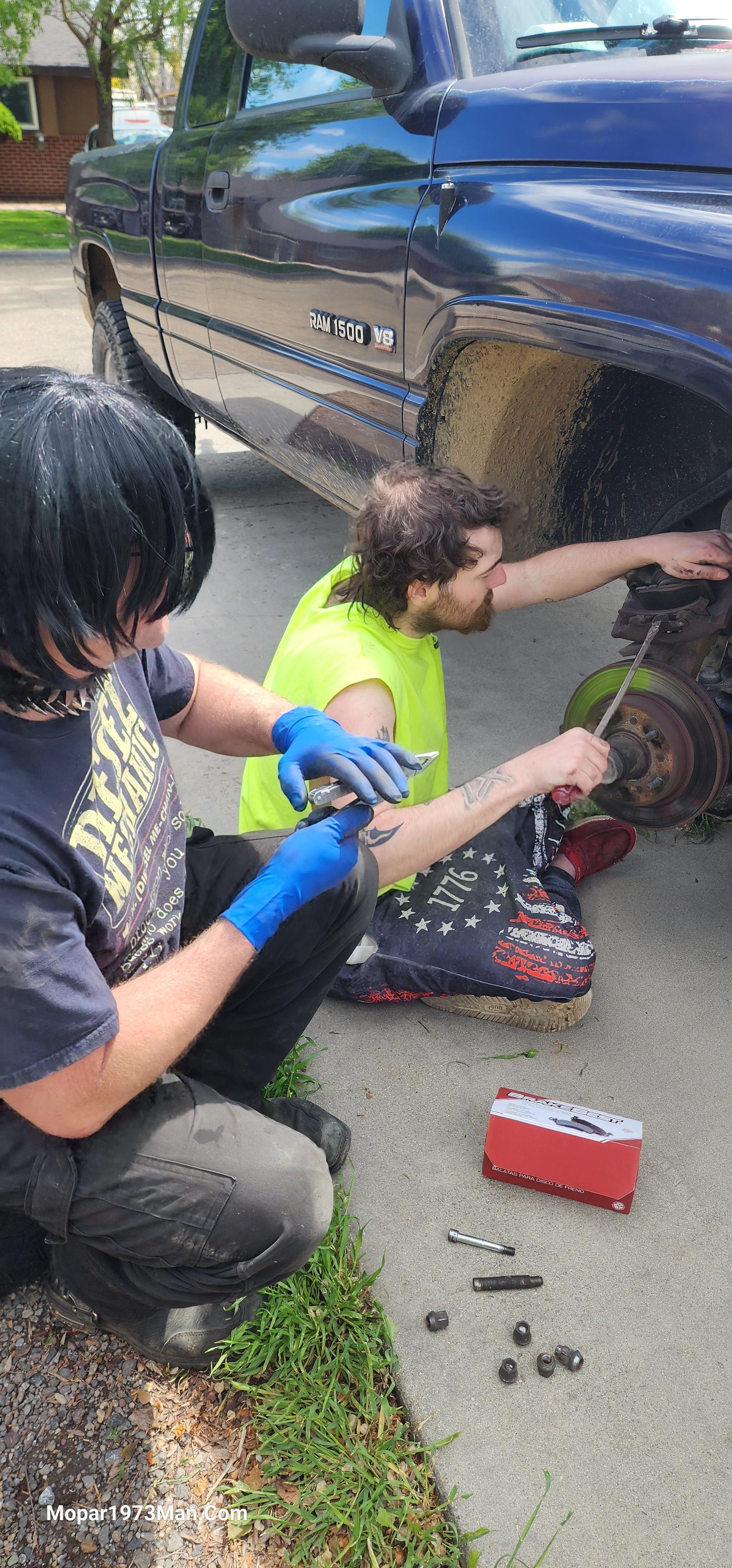
I'm finding that people don't really care what I look like as long as the knowledge keeps rolling. I've got friends requesting me to sit and watch them work and help where I can. First job was a friend in Caldwell, Idaho that had driver side brake pad start scraping metal-to-metal contact. Luck he was smart, drove home, and parked the truck. The truck is a 1999 Dodge 1500 V8 5.2L 2WD. Driver side I showed him the basics of how to remove, which is simple: get the truck jacked up and remove the wheel. Grab a 3/8" Allen Socket and remove the 2 caliper guide pins. Caliper comes off simple. Little fun with getting the large single piston back in fully to fit the new pads over. All the driver side rteplaced. Tire back on and torqued tight on the lug nuts. Moved to the other side and someone before him helicoiled one of the caliper bolts and the loctite didn't hold. Ugh! We ended up hunt all over Nampa - Caldwell for a helicoil kit to repair that knuckle. This is where I had to step up and do the tap work and get the helicoils in. He understand once he gets moved to Riggins, Idaho he NEEDS to replace that entire knuckle on the passenger side.


Images
  1. 20260423_121209.jpg
  2. 20260423_121215.jpg
  3. 20260423_121218.jpg
  4. 20260423_121224.jpg
  5. 20260423_121238.jpg
  6. 20260423_121305.jpg
  7. 20260423_121330.jpg
  8. 20260423_124031.jpg
  9. 20260423_124053.jpg
  10. 20260423_124116.jpg
  11. 20260423_124141.jpg
  12. 20260423_124145.jpg
  13. 20260423_124304.jpg
  14. 20260423_124331.jpg
  15. 20260423_124500.jpg
  16. 20260423_124552.jpg
  17. 20260423_124815.jpg
  18. 20260423_124845.jpg
  19. 20260423_125050.jpg
  20. 20260423_125105.jpg
View the entire Titanium album

0 Comments

Recommended Comments

There are no comments to display.

Account

Navigation

Search

Search

Configure browser push notifications

Chrome (Android)
  1. Tap the lock icon next to the address bar.
  2. Tap Permissions → Notifications.
  3. Adjust your preference.
Chrome (Desktop)
  1. Click the padlock icon in the address bar.
  2. Select Site settings.
  3. Find Notifications and adjust your preference.