

Mopar1973Man's Travel Log 2026
- Replies 3
- Views 756
- Created
- Last Reply
Top Posters In This Topic
-
Mopar1973Man 2 posts
-
Doubletrouble 1 post
A better way to browse. Learn more.
A full-screen app on your home screen with push notifications, badges and more.
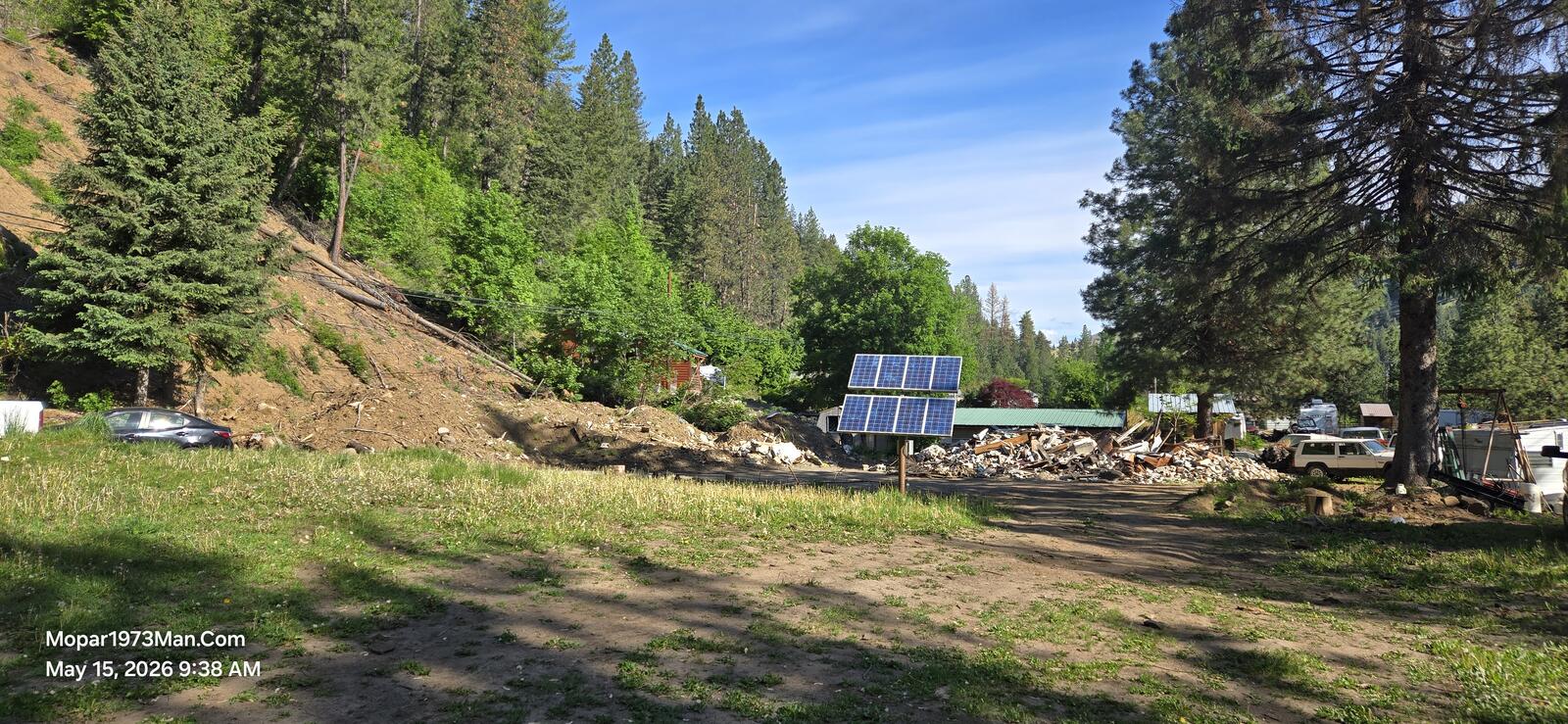
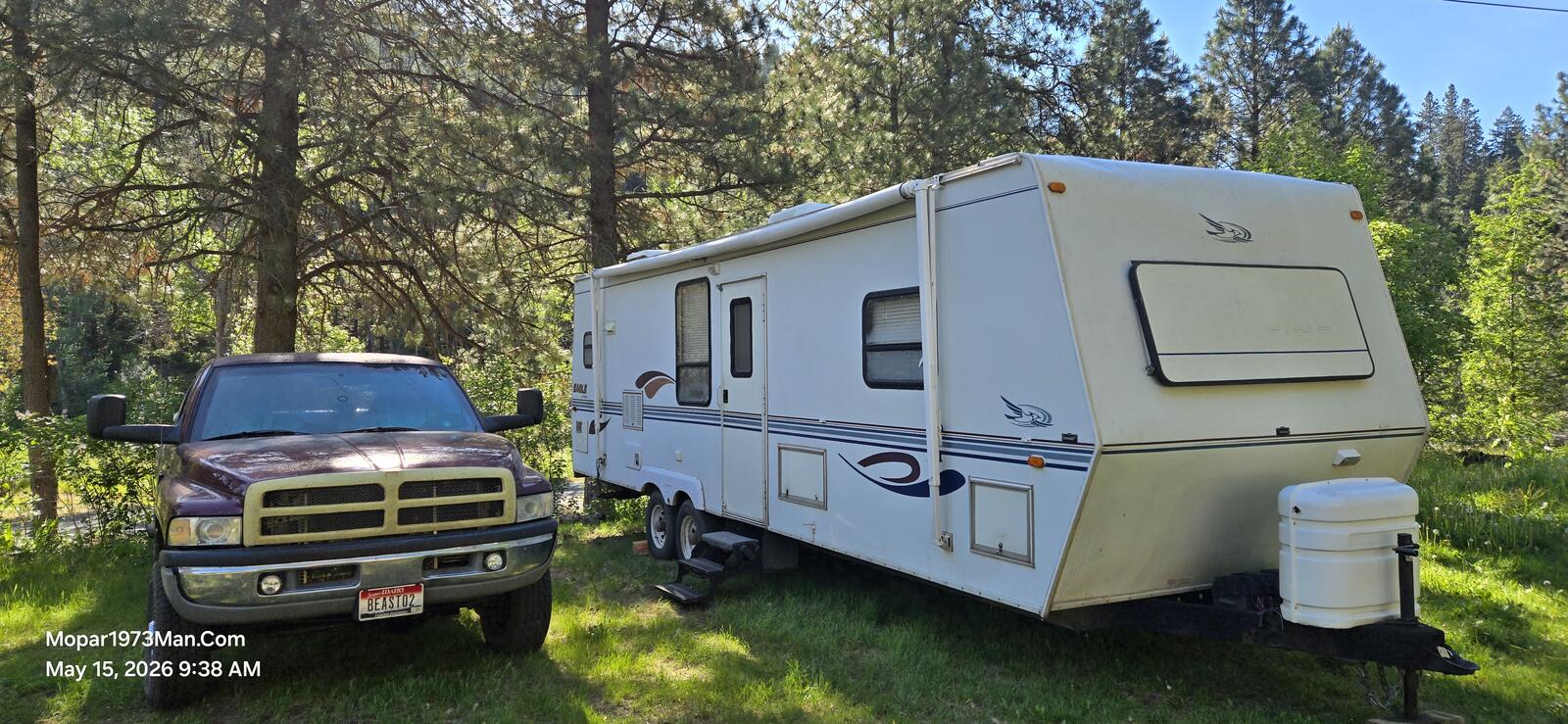
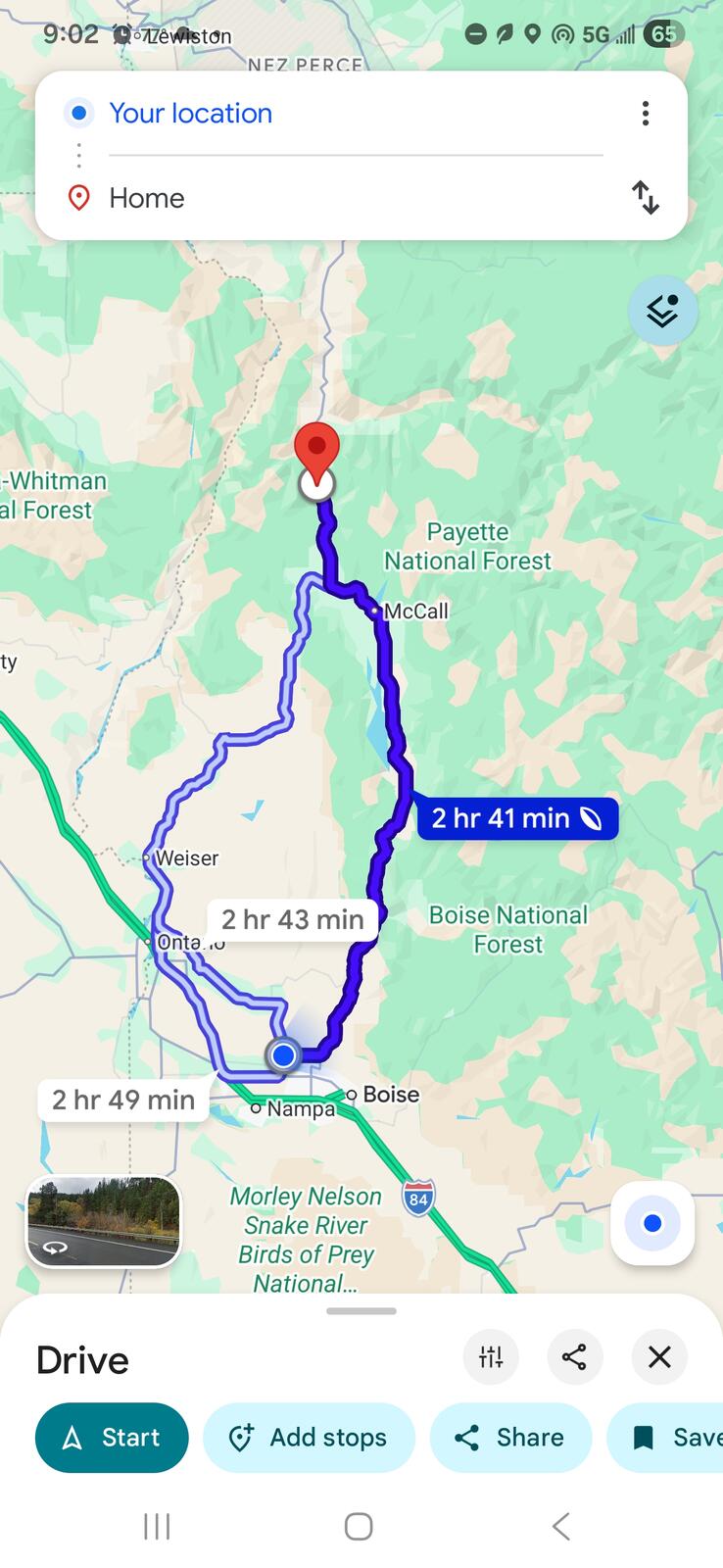
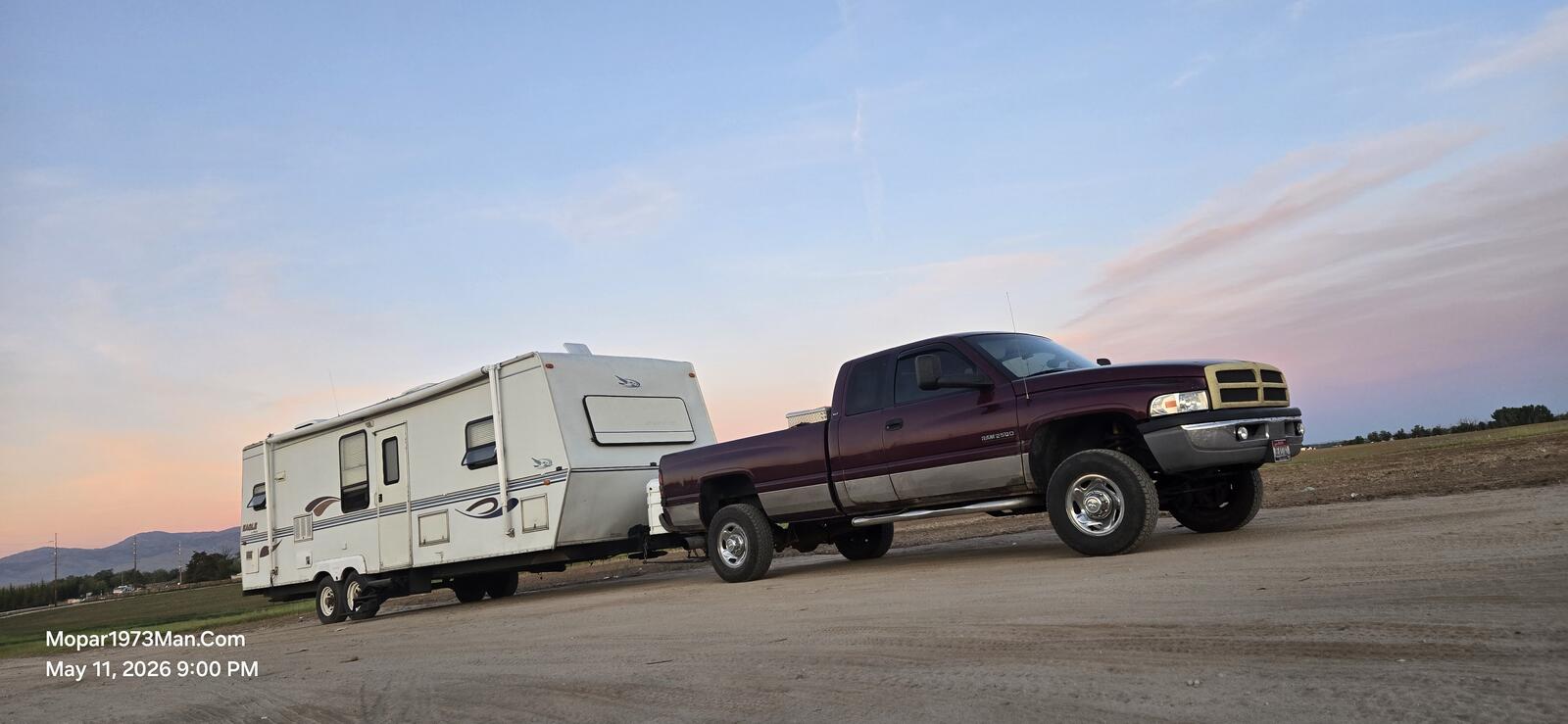

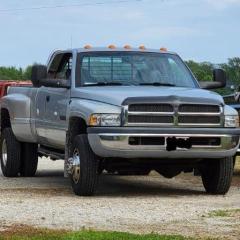
Fixed it for you. First leg down. We ran down hwy 55 figured on Emmett ID but that failed when we got there we found the RV park closed. I head down towards Eagle ID but found a Chevron with a dirt lot besides the store.I did the polite thing walked in and asked if I could park here. Gal said, "No problem.". Wife and I are going to dry camp as much as possible.
Scaled the truck bit heavy 8,880 pounds, trailer getting close 8,360 pounds. Total weight 17,240 pounds.
Running my custom tow tune. Level 2. Plenty of pulling power and roughly 12 MPG with the weight.
Edited by Mopar1973Man