

- Replies 4
- Views 853
- Created
- Last Reply
Top Posters In This Topic
-
Mopar1973Man 2 posts
-
Tim Waldo 1 post
-
Stanley 1 post
A better way to browse. Learn more.
A full-screen app on your home screen with push notifications, badges and more.


1.thumb.jpg.74c1b7da4c75becf0655089ac29de0a1.jpg)
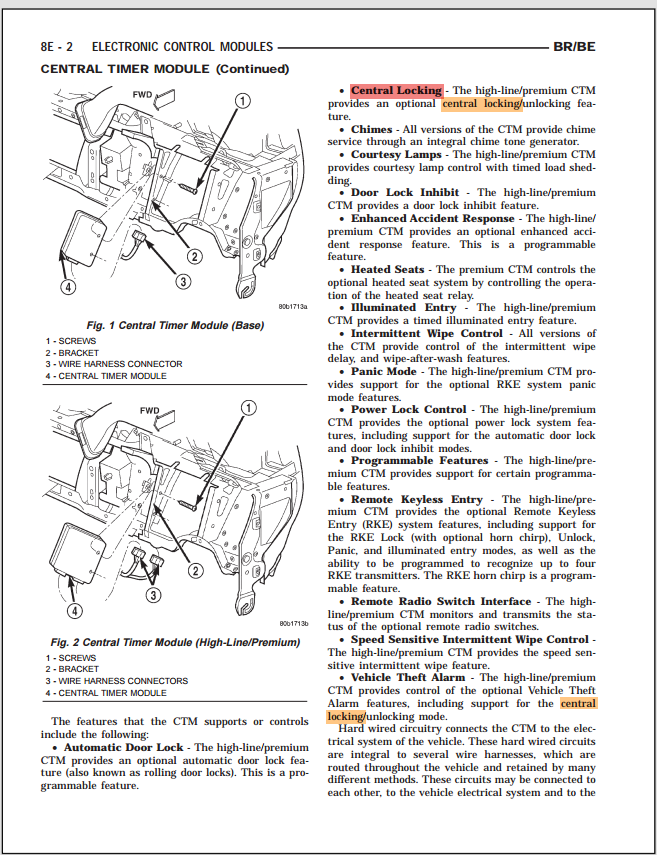
So the control switch for the power locks has NEVER worked on my truck from the time I got it in 2007, I just recently ordered a new switch (yeah, I never get in a hurry about stuff) and installed it today... hit the switch and NOTHING... I can lock the doors with the key and it will lock (or unlock) both sides... but the switch does nothing... its time to fix this, where should I start?