Skip to content
View in the app

A better way to browse. Learn more.

Mopar1973Man.Com

A full-screen app on your home screen with push notifications, badges and more.

To install this app on iOS and iPadOS
  1. Tap the Share icon in Safari
  2. Scroll the menu and tap Add to Home Screen.
  3. Tap Add in the top-right corner.
To install this app on Android
  1. Tap the 3-dot menu (⋮) in the top-right corner of the browser.
  2. Tap Add to Home screen or Install app.
  3. Confirm by tapping Install.

Guys im back and i need help

Ohhh my **** this is gona be bad if i cant post photos. Guess well just talk a out mikes hair

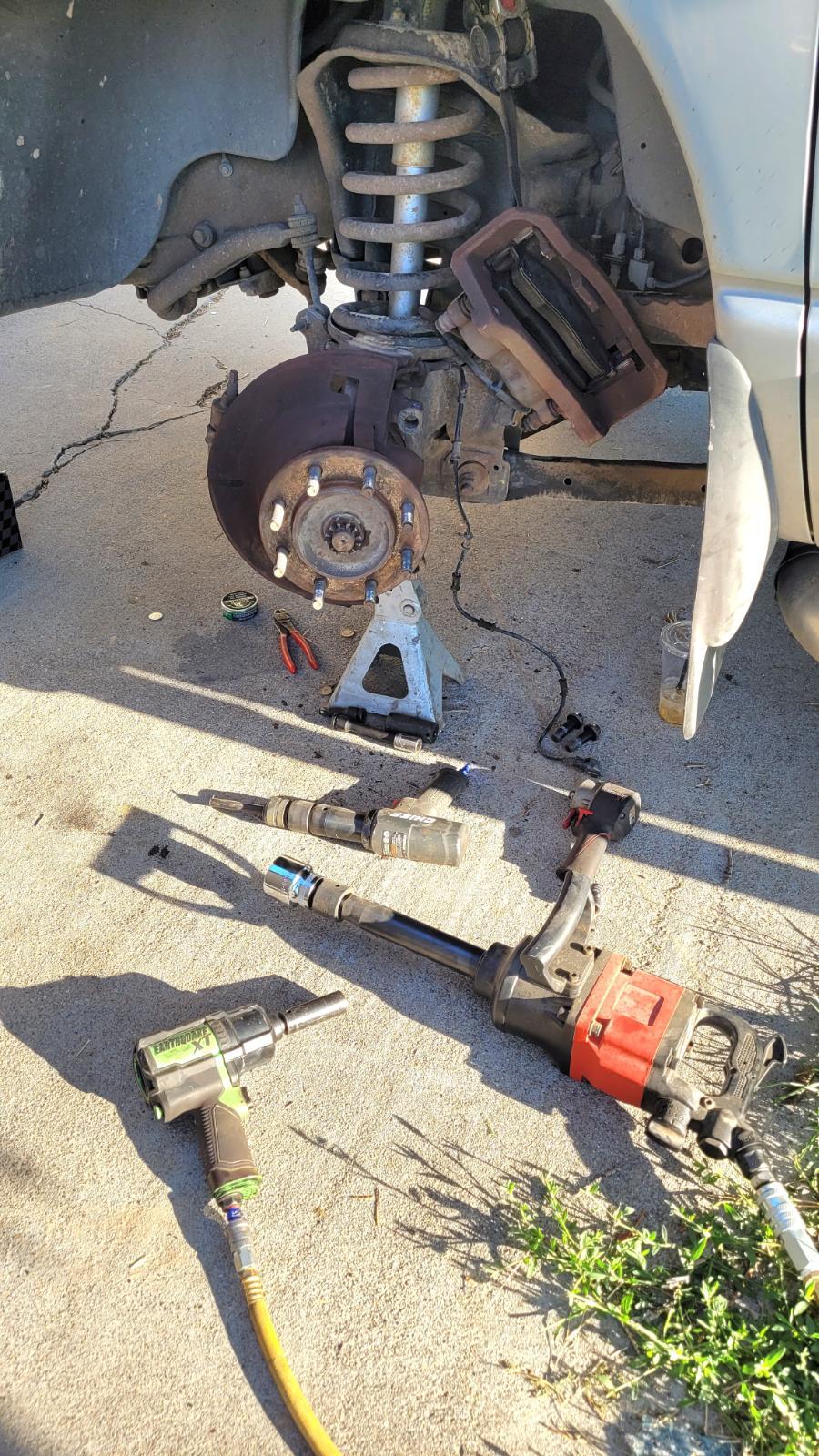
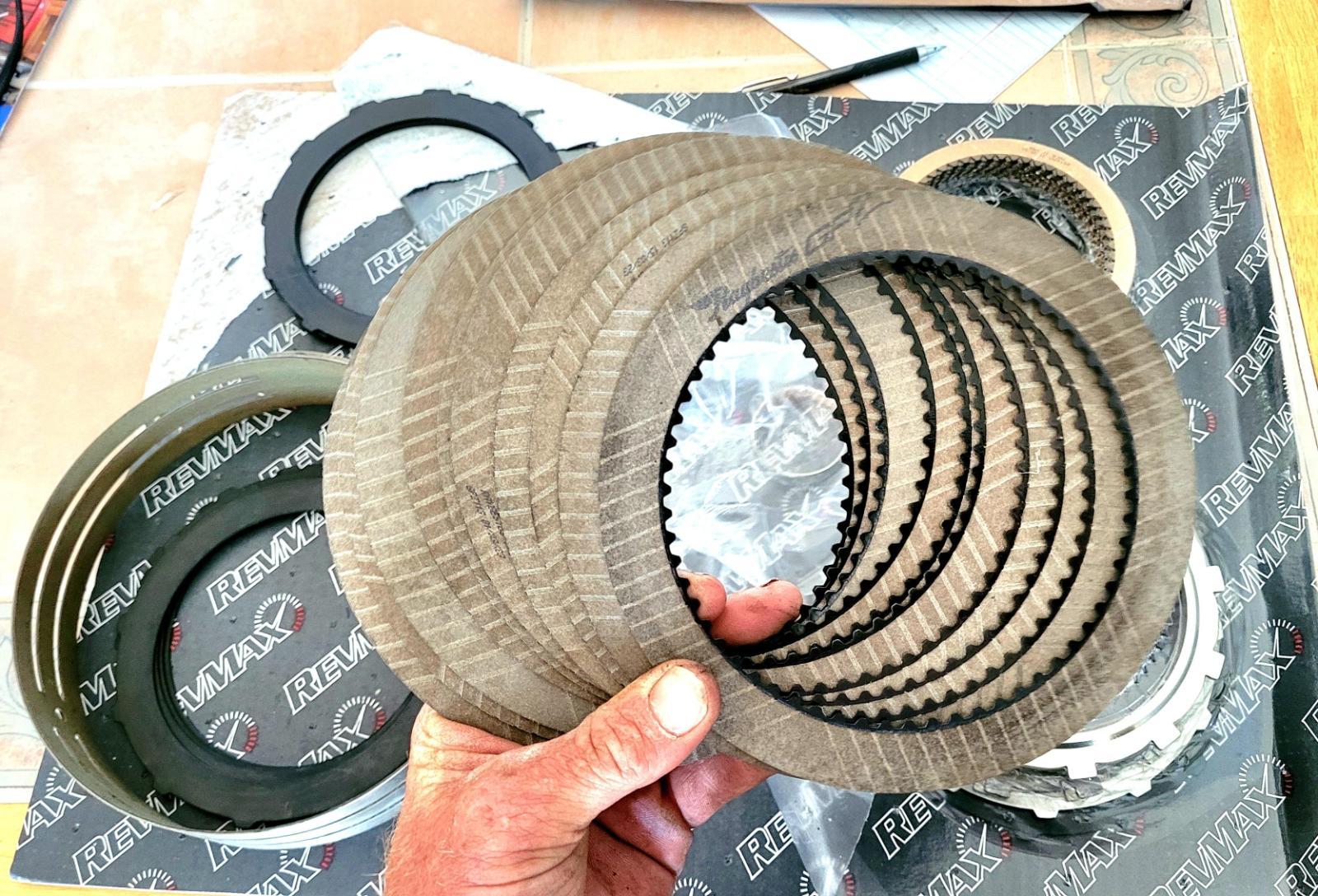
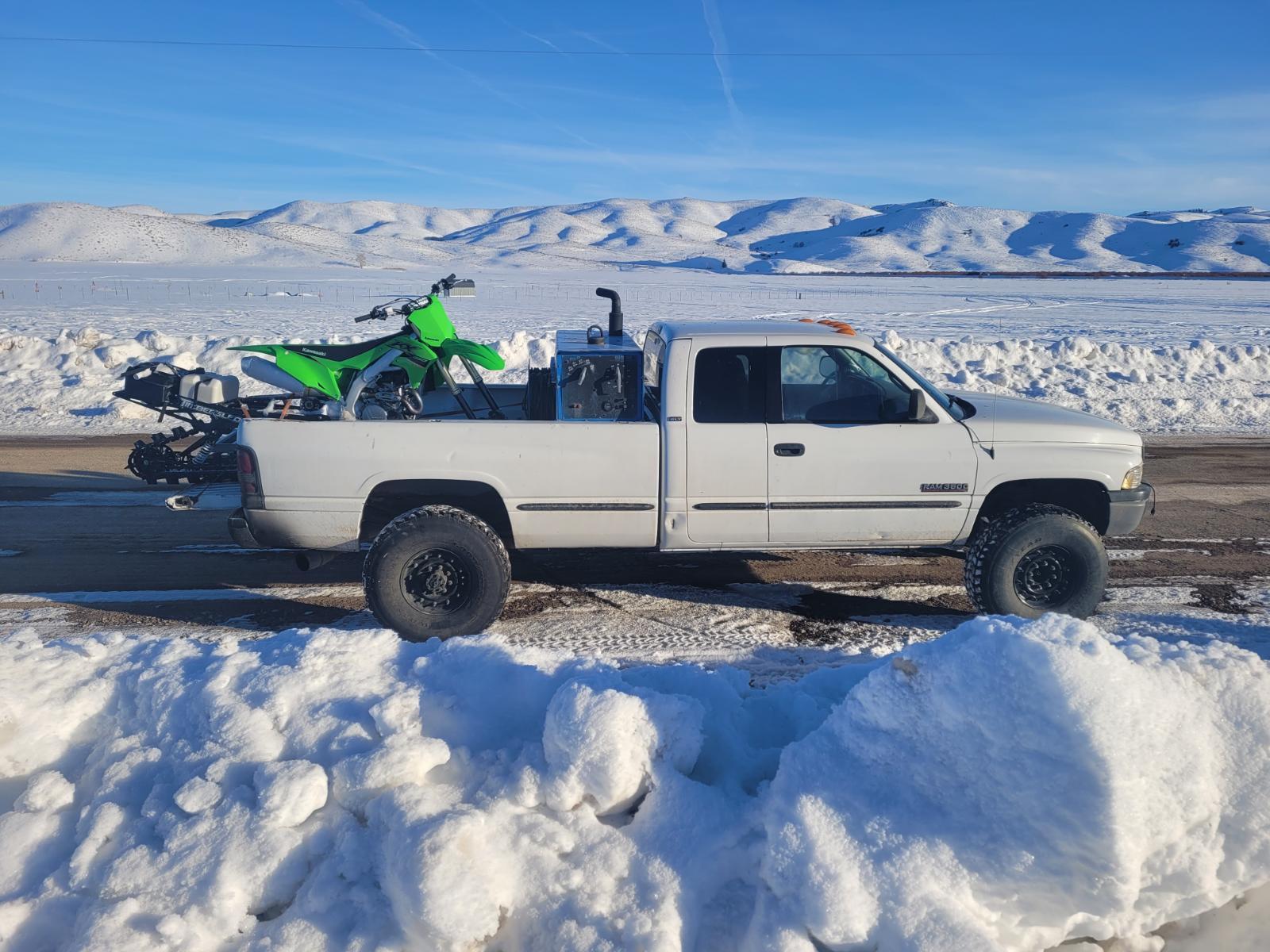
20210119_171218.jpg20211006_191719.jpg20220130_163532.jpgtapatalk_-1273830113.jpeg20230805_192109.jpg

Randamn tapatalk pictures over the years

My threads dead on arrival.

  • Replies 1
  • Views 38
  • Created
  • Last Reply

Posted Images

Featured Replies

  • Owner

Assuming the driven axle nut? You could break or burn the nut off right?

Hair comment? Today I was out having breakfast with a long time friend. @MUDDY

All four of us had a blast in Caldwell ID for breakfast at Mr.V's. Today was purple. We got to get back home. There is a new diesel being added to the property. 🤯
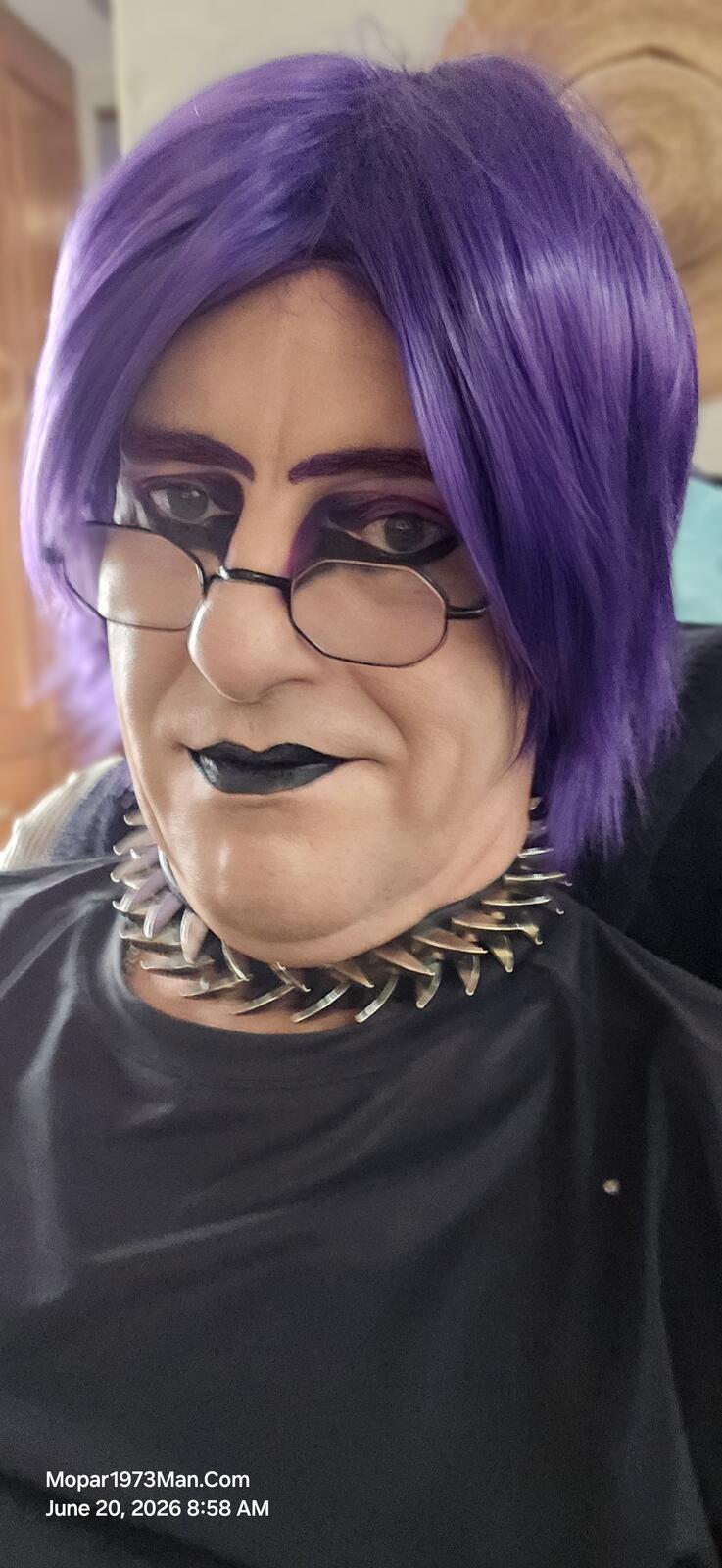
20260620_085850.jpg

Edited by Mopar1973Man

Account

Navigation

Search

Search

Configure browser push notifications

Chrome (Android)
  1. Tap the lock icon next to the address bar.
  2. Tap Permissions → Notifications.
  3. Adjust your preference.
Chrome (Desktop)
  1. Click the padlock icon in the address bar.
  2. Select Site settings.
  3. Find Notifications and adjust your preference.