Jump to content
View in the app

A better way to browse. Learn more.

Mopar1973Man.Com LLC

A full-screen app on your home screen with push notifications, badges and more.

To install this app on iOS and iPadOS
  1. Tap the Share icon in Safari
  2. Scroll the menu and tap Add to Home Screen.
  3. Tap Add in the top-right corner.
To install this app on Android
  1. Tap the 3-dot menu (⋮) in the top-right corner of the browser.
  2. Tap Add to Home screen or Install app.
  3. Confirm by tapping Install.

Mopar1973Man

Owner
  • Joined

  • Last visited

Everything posted by Mopar1973Man

  1. Like whats up with it? What kind of problems?
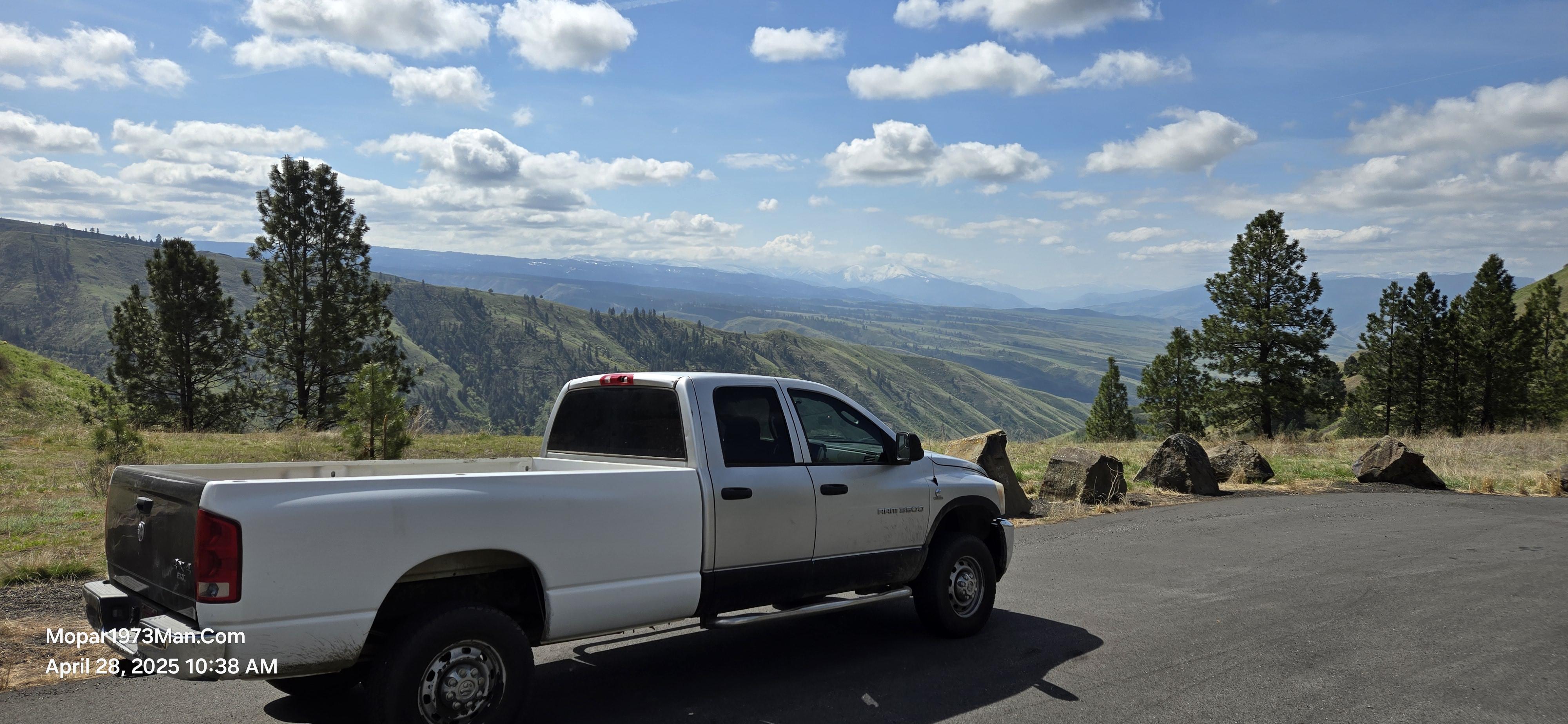
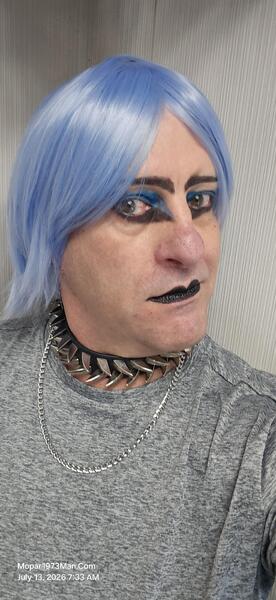
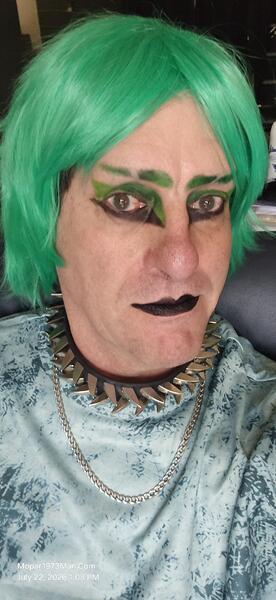
  2. Mopar1973Man posted a gallery image in Titanium
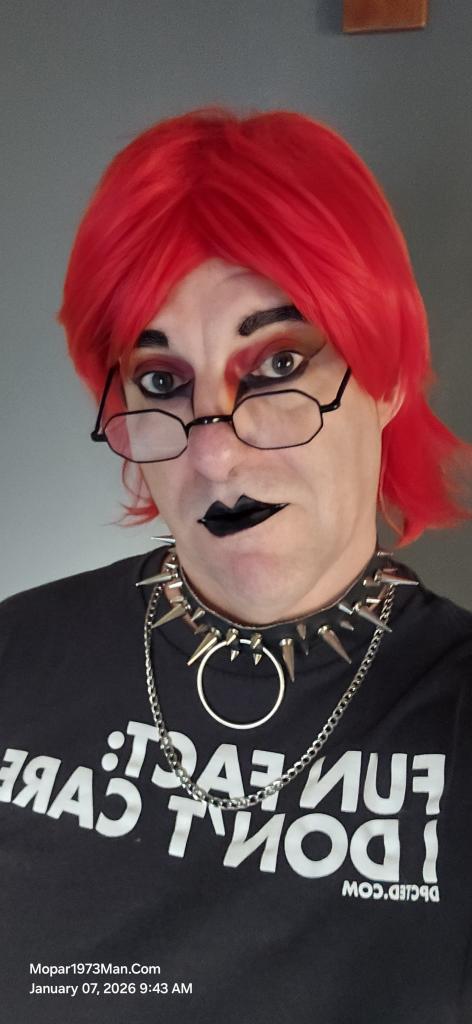
  3. Mopar1973Man posted a gallery image in Titanium
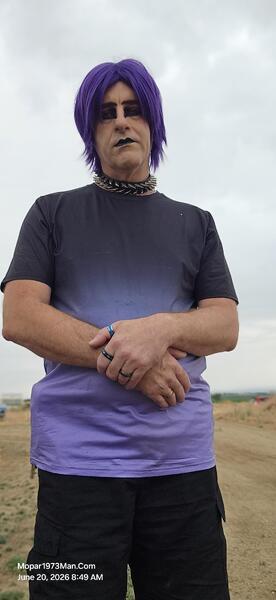
  4. Mopar1973Man posted a gallery image in Titanium
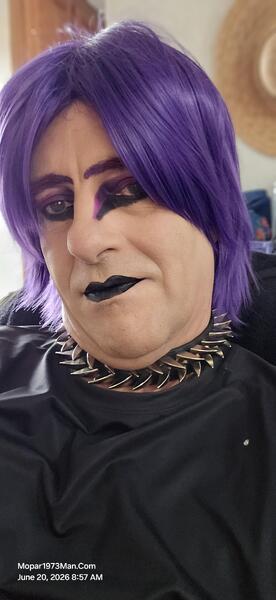
  5. Mopar1973Man posted a gallery image in Titanium
  6. Mopar1973Man posted a gallery image in Titanium
  7. I know there is the standard app that you can click on the menu, but I tend to like to do all at once kind of mode. #!/bin/bash sudo apt-get update sudo apt-get -y upgrade sudo apt-get -y autoclean sudo apt-get -y autoremoveThis simple script paste into a text editor like Gedit. Then save this file as "upgrade.sh" without the quotes preferred to save in a like a script folder. Now in terminal, go to your script folder. Example... cd /home/michael/scriptsThen you would run your script by... sh upgrade.shThis should have your Ubuntu going out to the internet to grab a new copy of the software database and check to see what is new, which is the update option. Next, the upgrade option is used, and the -y switch forces the answer "yes" to upgrading all files. Then it will download all files required, and still under this command, it will install all upgrades to all software on your Linux PC. The autoclean option will search for files no longer being used and automatically remove them, like old installation scripts. The autoremove hunts down the out-of-date files no longer used and removes the rest. This keeps your system clean! No more are the days of should I delete these .dll files on Windows just to find out you just nuked the entire system and had to rebuild. Then the whole upgrade Microsoft separately from your 3rd party programs because it's a commercial platform so all your 3rd party software you have hunt down. Nope, that is over two being that all Linux software is available typically free and covering many platforms. (Debian, Red Hat, etc.)
  8. Mopar1973Man commented on Tweety Bird's gallery image in Titanium
  9. Have you ran the methanol injection yet? I'm really curious on how that works for you.
  10. For all of you who have bad terminals, as I do on Thor. They have been over-tightened too much; the lead terminal is completely torn up and just cannot get them tight. This is typically because people overclean and cut away too much lead out of the center of the terminal, making them too big, or they never got shoved all the way down the terminal and are now too small. I've got the military terminal here, and copper lugs for the cables. Here is what I have currently just to keep the truck running. Extremely sad method, but it works for right now. Passenger side battery. Look at the ground cable held in place by a c-clamp because the bolt is rotten and seized up the nut the lead won't hold the terminal correctly. Then look at the driver side. The positive lead terminal is badly oxizided (blacken appearance) that oxidized layer is just like rust on a metal surface that ground wiring has problems with. We are going to change out the battery terminals all with military terminals and then copper lugs on all the wiring. The new military terminals will be treated with engine oil before installing. Just think a second what are the only two materials in the world that can contain sulphuric acid? Answer. Glass which is no longer used and plastic. Plastic is made from what? Oil! Just little engine oil will stop the sulphuric acid from oxidizing the battery terminals in the future if you keep a light coating of engine oil. That's all this will be a fix that will not require fixing again if you keep the oil on the terminals.
  11. Mopar1973Man commented on Tweety Bird's gallery image in Titanium
  12. Mopar1973Man commented on Tweety Bird's gallery image in Titanium
  13. The gentleman who made the video of me. I'll just call him by his handle Genetix. He confronted me on the streets of Ontario, OR, as my wife was shopping for jewelry supplies in a small shop. I was in the middle ofa phone call and ended my phone call to see what this gentleman wanted to know about me. Genetix wanted to understand why the appearance and what my story was about. So, for those that have not heard the story of my cancer, here you go. Video form on TikTok. I have to say this gentleman done a super job of telling the story and the whole edit was awesome! Look up Genetix on TikTok to meet this wonderful person! https://www.tiktok.com/t/ZThfhXKuo/
  14. Mopar1973Man commented on Tweety Bird's gallery image in Titanium
  15. Sweet looking truck. What engine does it have? 3.9L or ???
  16. Such a wonderful woman, very intelligent and well-versed in many different subjects. It is worth it to sit down and just ask @Tweety Bird what she knows! ☺️
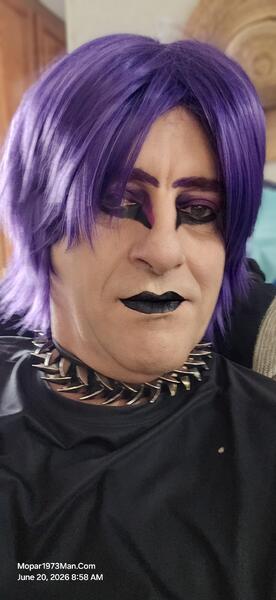
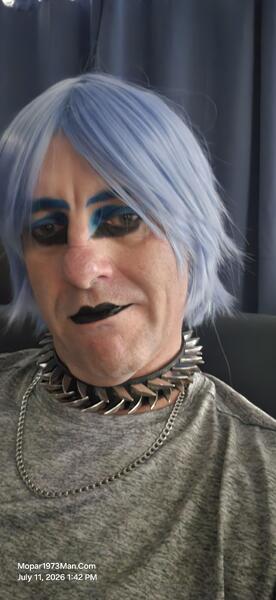
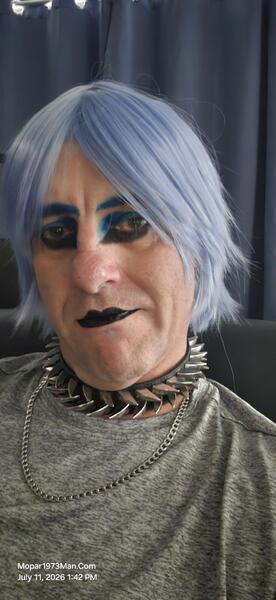
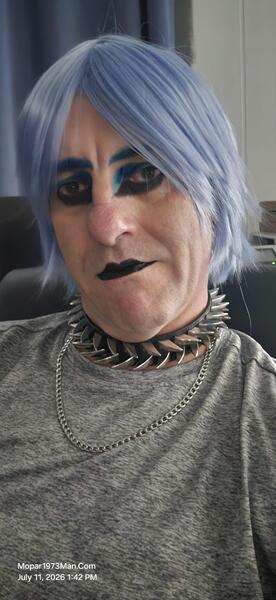
  17. I'm going to post this here. Mopar1973Man, Titanium my makeup artistry, and Cloud 10 Computer, which is my old computer shop name, I'm going bring back for Linux PCs and networking. Cloud 10 ComputersCloud 10 Computer I always said I'm cloud better than Cloud 9! I'm going to support all my computer users out there that have Linux operating systems, website management, network administration, etc. I'll be working in the Linux and Android realm of software which is nearly all for free. Want to learn more? Please stop by the Cloud 10 Computer forum and post your questions. 41 years of experience in computers, networking, and communications. If you want to join the Linux family, just let me know I'll even create a Linux thumb drive so you can ditch your Microsoft Windows. Come to the Linux side we don't have viri or malware! Mopar1973ManThe OG that started all this. The problem with the current article and work for me is very slow. Between my cancer and lack of dry space, so I'm not lying in the dirt or mud, is rather difficult (health risk) and requires some job to be delayed at this point. I'm going to keep the Mopar1973Man side going with any information I can provide. I'm still planning on expanding the articles on the 3rd Generation and moving forward the best I can with limited tools and dry space. TitaniumTitanium has its own small section of the website where I'm storing photos and posting blog posts about what's happening here in the Titanium world. If you would like to talk directly to Titanium, the posting will be open for comments and questions to the registered members. TikTok is my main place I share my videos but the photos will be here more so. This is more about the makeup artistry, Goth/Emo/Alt styles. This is due to my bladder cancer and how I deal with depression in my artistic way.
  18. Yeah my desk is a mess but I've hooked up our two XBox to the HDMI ports on the monitors of the Linux PCs they share the monitor great. I was stoked to see both XBoxes just pull over 100 Mbits worth of speed. Starlink reports 250 to 300 Mbit speeds while downloading, TV playing Pandora, TV downstairs Mark is watching TV and surfing his phone. While I post this message on the website with all this happening. Never mind the timer in the screenshot im making bread today.
  19. Grab a service manual. Here is the link.
  20. Correct. It's a Cascade system so yes the power steering pump to the hydrobooster. Then it leaves with a second line down to the steering box. There is two low pressure return lines back to the pump which you will see just spring clamps for return lines.
  21. We needed to get some groceries at Albertsons. Just as soon as we entered, we were quickly identified by two nice men who really liked our blue look. Ironically, these guys do construction work, so we got a contact phone number to get their advice on how we might build the new shop in the future.
  22. Mopar1973Man posted a gallery image in Titanium
  23. Mopar1973Man posted a gallery image in Titanium

Account

Navigation

Search

Configure browser push notifications

Chrome (Android)
  1. Tap the lock icon next to the address bar.
  2. Tap Permissions → Notifications.
  3. Adjust your preference.
Chrome (Desktop)
  1. Click the padlock icon in the address bar.
  2. Select Site settings.
  3. Find Notifications and adjust your preference.