Skip to content
View in the app

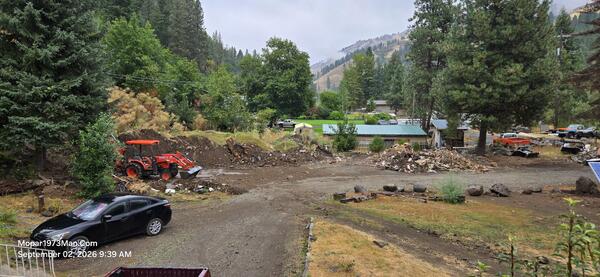
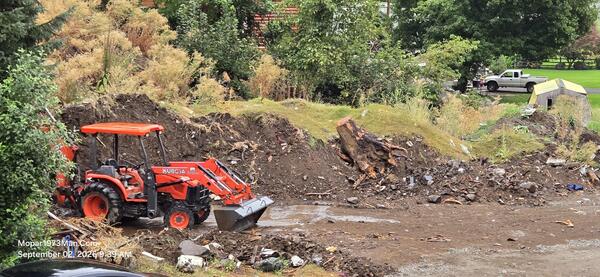
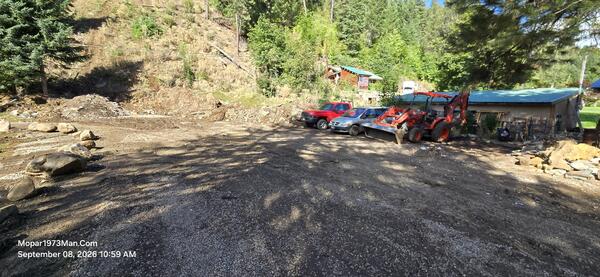
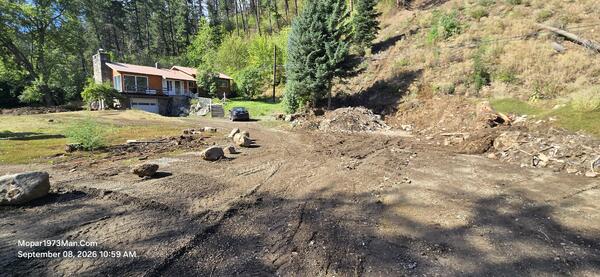
A better way to browse. Learn more.

Mopar1973Man.Com

A full-screen app on your home screen with push notifications, badges and more.

To install this app on iOS and iPadOS
  1. Tap the Share icon in Safari
  2. Scroll the menu and tap Add to Home Screen.
  3. Tap Add in the top-right corner.
To install this app on Android
  1. Tap the 3-dot menu (⋮) in the top-right corner of the browser.
  2. Tap Add to Home screen or Install app.
  3. Confirm by tapping Install.

Mopar1973Man

Owner
  • Joined

  • Last visited

Everything posted by Mopar1973Man

  1. Mopar1973Man posted a gallery image in Titanium
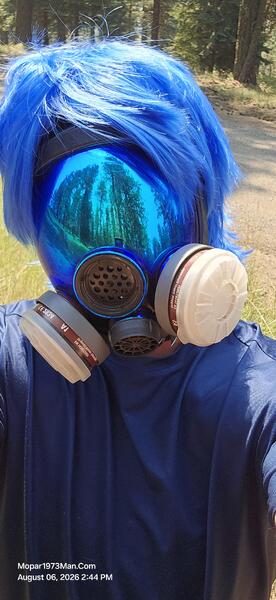
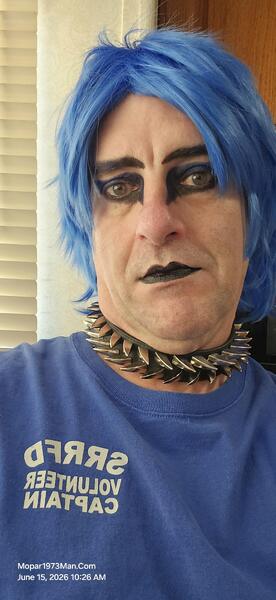
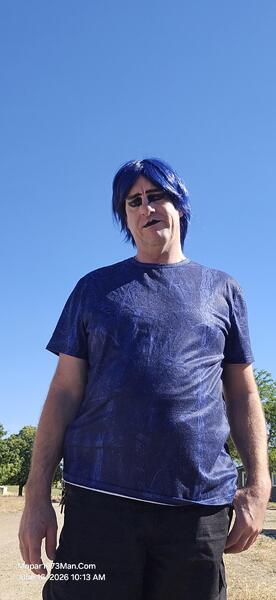
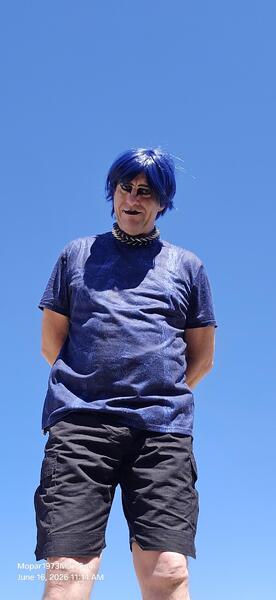
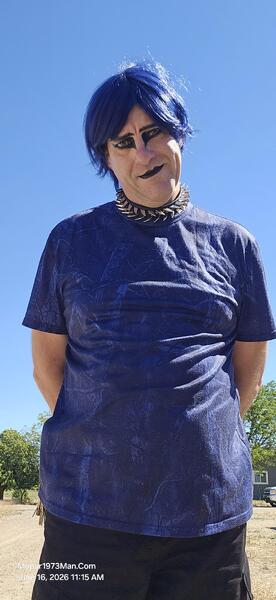
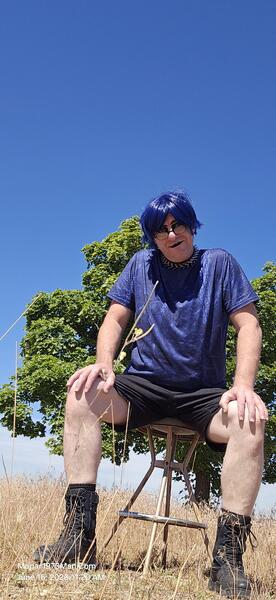
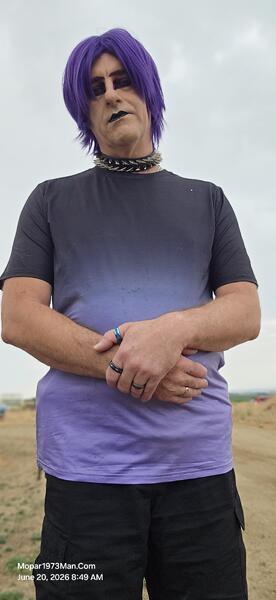
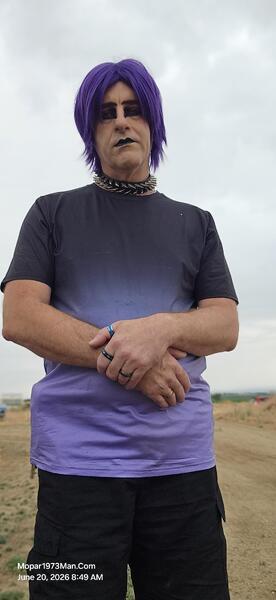
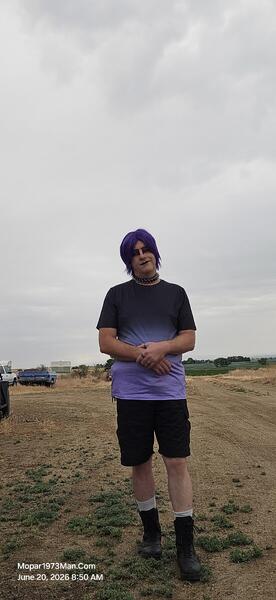
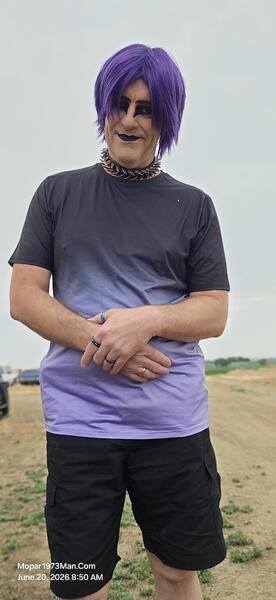
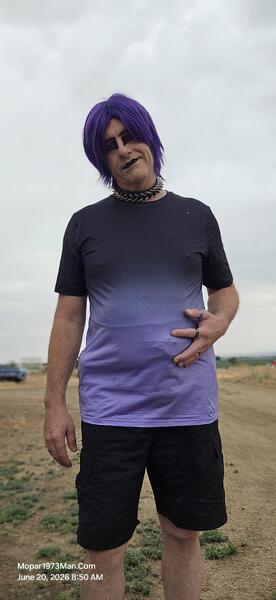
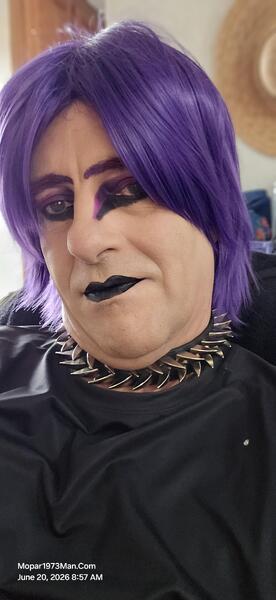
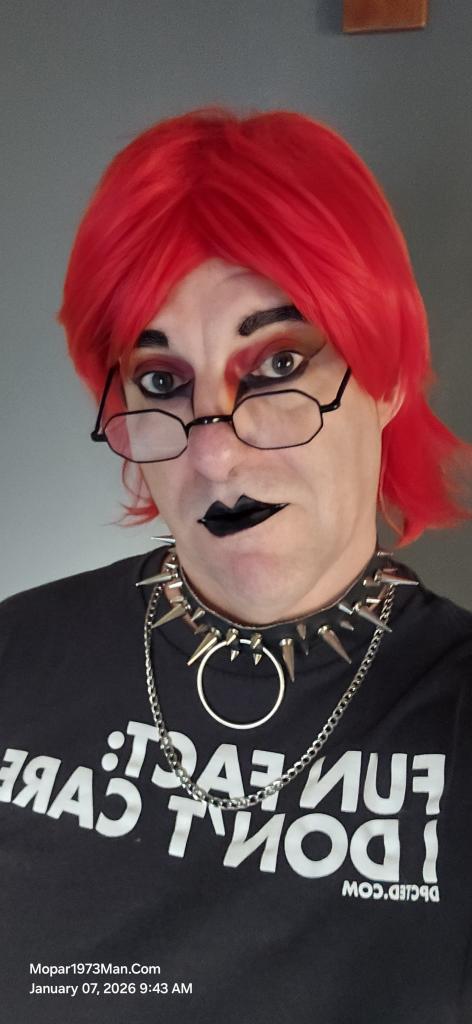
  2. What's Been Keeping Me BusyIt's been a busy stretch around here — more on the home server and infrastructure side than anything under the hood this time, but a lot of it ties back into keeping this site and my home network running smoother. Titanium here, with a rundown of what I've been working on. A Quick Note on the NameLong-time members know me as Mopar1973Man — that name goes back to a different chapter of my life. Since then, I've been through two rounds of bladder cancer, once at Christmas 2018 and again at Christmas 2023. That fight cost me my bladder and left me with permanent changes to how my body works, including a lasting weight-lifting limit. Titanium first showed up during chemo, honestly — a way to cover a bald head and hide just how sick I really was. Somewhere along the way it stuck. Then this past year, on top of all that, a landslide took out my diesel shop and everything in it. Hit twice by cancer, knocked down again by the slide, and still here rebuilding — like a phoenix rising from the ashes. Titanium is who I am now, on the other side of all of it. Same person behind the keyboard, just a name that fits where I'm at these days better than the old one does. Rebuilding Storage on ZFSThe home server had four identical 4TB NVMe drives, but they were set up in the least efficient way possible — one drive per person, fixed and un-resizable. If Suzanna's backup drive filled up, that was it, no room to borrow space from anywhere else. So I tore it down and rebuilt it right: pooled three of the drives into a RAIDZ1 array, then carefully reclaimed unused partition space off the system drive (without touching the OS or boot partitions) and folded that in too. End result is a single ~14TB pool with proper per-user quota slices for me, Suzanna, and the camera system, redundant against a single drive failure. It took staging data, wiping drives, and rebuilding in phases to make sure nothing important got lost along the way — and mostly nothing did. Automated Overnight Maintenance ("Pennywise")I've got a service account nicknamed "pennywise" that now handles maintenance across the whole house every night at 2AM: it wakes up both workstations over Wake-on-LAN, waits for their existing backup jobs to finish, pulls a fresh rsync backup of each machine's home folder straight into the new ZFS pool, then runs updates and cleanup, and finally puts everything back to sleep — but only if nobody's actually logged in and working late. Getting there wasn't totally painless. I chased down a nasty false positive where the SSH session running the login check was itself getting counted as a "logged in" session, dealt with a network bottleneck that turned out to be a switch-level bandwidth policy capping things at ~9Mbit instead of gigabit, and survived a motherboard firmware hang that wiped out the automation's SSH key mid-project. All sorted now — the whole pipeline runs unattended and reliably every night. Locking Down the Live ServerOn the production side (the actual server this site runs on), I put in some time on security upgrades to keep things locked down. Nothing dramatic to report, just steady hardening work behind the scenes. Centralizing the PrinterGot the network printer — a Canon Color imageCLASS MF665Cdw (MF660C series) — set up properly through the server instead of installing vendor drivers on every workstation — one queue, shared over IPP, no per-machine driver headaches. Chased down one weird gremlin where Chrome specifically refused to print even though everything else worked fine (turned out to just need a fresh relaunch), and now it's solid. Home Network on OmadaThe whole house runs on a TP-Link Omada network, tying together the home server, workstations, the network printer, the weather station hub, and internet service via Starlink. Keeps everything organized and easy to manage from one place. Hardware Under the HoodFor the curious: michael-desktop, suzanna-desktop, and the server are all matched builds — same ASUS ROG STRIX X870-A GAMING WIFI motherboard, AMD Ryzen 5 7600X (6-core), 32GB of Corsair DDR5, an NVIDIA GPU alongside the CPU's built-in AMD Radeon graphics, and Intel Gigabit Ethernet for the wired connection. The only real difference is storage: the workstations each run a single 4TB WD_BLACK SN7100 NVMe drive, while the server carries four of them, pooled into that ~14TB ZFS array I mentioned above. Personal Entertainment: My Rust ServerNot everything's been work — I've also got my own Rust game server running for personal entertainment, just for me for now, a nice break from staring at ZFS pool status and cron logs. My wife and I have also been enjoying gaming together on Ubuntu Linux using Steam. Up Next: Vehicle Maintenance Log Add-OnNow in progress: a proper vehicle maintenance tracker built right into this site's forum software, so members can keep a personal garage log — mileage, service history, costs, parts, reminders for what's due next. Building it as a full standalone application rather than a lightweight plugin since it needs its own permissions and content types, plus an admin view to see maintenance activity site-wide. More on that once it's further along. That's the rundown — quieter under-the-hood work, but it's the kind of stuff that keeps everything else running without me having to think about it. — Titanium
  3. What's Been Keeping Me BusyIt's been a busy stretch around here — more on the home server and infrastructure side than anything under the hood this time, but a lot of it ties back into keeping this site and my home network running smoother. Here's a rundown of what I've been working on. Rebuilding Storage on ZFSThe home server had four identical 4TB NVMe drives, but they were set up in the least efficient way possible — one drive per person, fixed and un-resizable. If Suzanna's backup drive filled up, that was it, no room to borrow space from anywhere else. So I tore it down and rebuilt it right: pooled three of the drives into a RAIDZ1 array, then carefully reclaimed unused partition space off the system drive (without touching the OS or boot partitions) and folded that in too. End result is a single ~14TB pool with proper per-user quota slices for me, Suzanna, and the camera system, redundant against a single drive failure. It took staging data, wiping drives, and rebuilding in phases to make sure nothing important got lost along the way — and mostly nothing did. Automated Overnight Maintenance ("Pennywise")I've got a service account nicknamed "pennywise" that now handles maintenance across the whole house every night at 2AM: it wakes up both workstations over Wake-on-LAN, waits for their existing backup jobs to finish, pulls a fresh rsync backup of each machine's home folder straight into the new ZFS pool, then runs updates and cleanup, and finally puts everything back to sleep — but only if nobody's actually logged in and working late. Getting there wasn't totally painless. I chased down a nasty false positive where the SSH session running the login check was itself getting counted as a "logged in" session, dealt with a network bottleneck that turned out to be a switch-level bandwidth policy capping things at ~9Mbit instead of gigabit, and survived a motherboard firmware hang that wiped out the automation's SSH key mid-project. All sorted now — the whole pipeline runs unattended and reliably every night. Centralizing the PrinterGot the network printer set up properly through the server instead of installing vendor drivers on every workstation — one queue, shared over IPP, no per-machine driver headaches. Chased down one weird gremlin where Chrome specifically refused to print even though everything else worked fine (turned out to just need a fresh relaunch), and now it's solid. Up Next: Vehicle Maintenance Log Add-OnNow in progress: a proper vehicle maintenance tracker built right into this site's forum software, so members can keep a personal garage log — mileage, service history, costs, parts, reminders for what's due next. Building it as a full standalone application rather than a lightweight plugin since it needs its own permissions and content types, plus an admin view to see maintenance activity site-wide. More on that once it's further along. That's the rundown — quieter under-the-hood work, but it's the kind of stuff that keeps everything else running without me having to think about it.
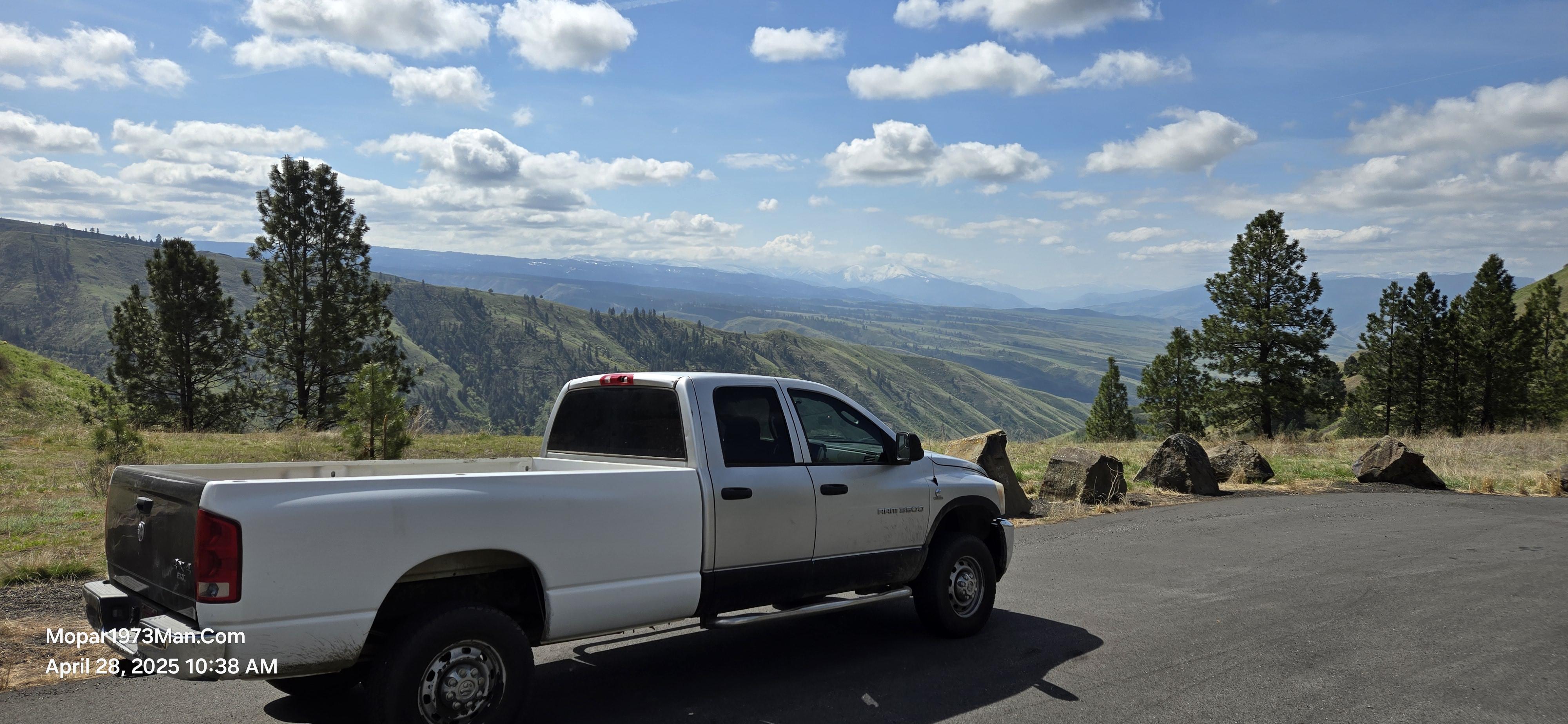
  4. As for fuel mileage I have to ask how many miles on the injectors? How is the lift pump pressure? I've seen Thor with a new in tank pump and was going into a vacuum trying to pull fuel. Might wanna check being you are towing trailers with it. 100k miles is about all CR injectors are good for.
  5. Would you be will to share your repairs as an article too? I'll even give you a $10 credit for each article we accept. Try to balance between a good amount of words in the page as well as good phots.
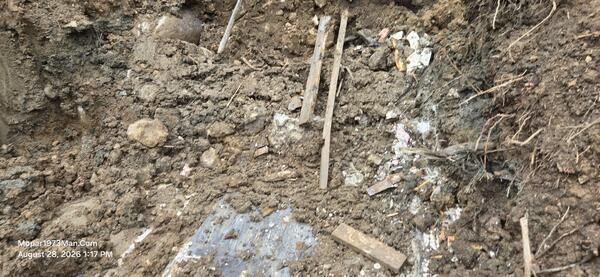
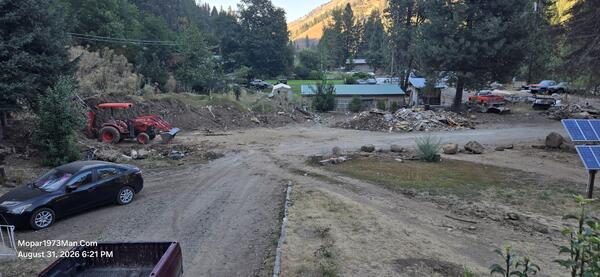
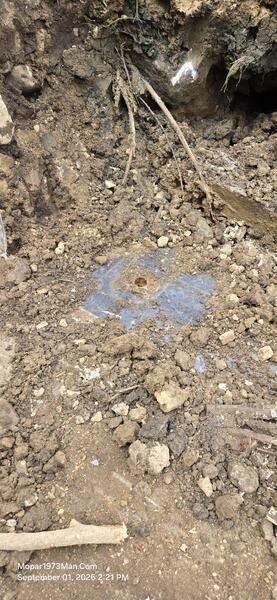
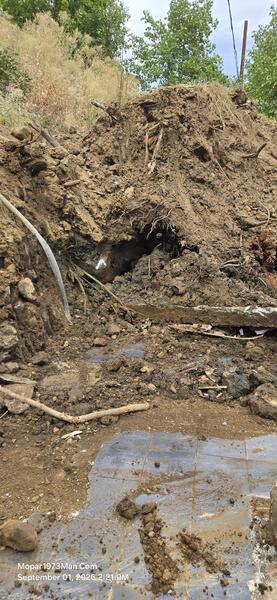
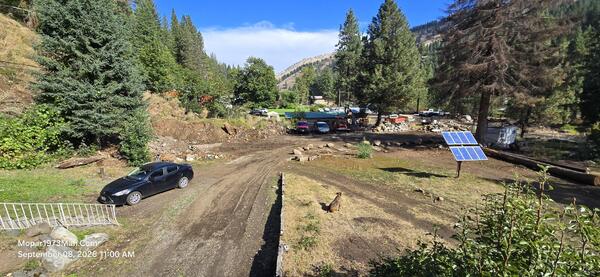
  6. Thank you. I'm a two time cancer survivor. 2018 Christmans & 2023 Christmas. Bladder cancer ruined my bladder and then had a ileum ostomy installed. I'm unable to commerically work any longer with my ostomy bag on my belly. I'm going to keep the website going the best I can to keep it going for all you. Currently I'm busy with the clean up of the landslide and getting all that dirt moved and garbage hauled.
  7. Would you be willing to write an article for here in the article section?
  8. Should try a trip to Seven Devils, Idaho too but you have to walk to all the lakes.

Account

Navigation

Search

Search

Configure browser push notifications

Chrome (Android)
  1. Tap the lock icon next to the address bar.
  2. Tap Permissions → Notifications.
  3. Adjust your preference.
Chrome (Desktop)
  1. Click the padlock icon in the address bar.
  2. Select Site settings.
  3. Find Notifications and adjust your preference.