


Mopar1973Man
Owner
-
Joined
-
Last visited
Everything posted by Mopar1973Man
-
Dude I love it that is a full size 3rd Gen fan basically to fit a 2nd gen.
-
Sorry I've been hung up working on many other things. @Mace what clutch did you get?
-
I know that the bad luck was there. After a long hard cold look at the tractor and started working it like a Cummins the problems sort its self out. Just makes it difficult when there is no Shop Manual for specs and information. I've got it running much better now and the project is still moving dirt.
-
ATF <-> Coolant cooler you can ditch if you have enough to keep your transmission temperature under control. ECM and PCM will need to be flashed to match what you are putting together.
-
Diesel Auto Power has the black fuel hose 1/2.
-
PCM that has the proper software for automatic Cummins. Basically you need the entire under hood wiring harness. This should have the transmission connectors. Make sure the ECM is ready for that PCM so it might be worth sending the two off to Auto Computer Specialist and let them flash them both. I've done one auto to manual swap which was easy. Personal Note. Sorry for being MIA I've been working hard here in the yard trying to get everything clean up after the landslide.
-
Winter's Coming — Time to Move Back InsideHey everyone, If you've been anywhere near my neck of the woods lately, you know the good warm weather isn't going to last much longer. Fall is creeping in fast, and it won't be long before the days turn cold and rainy for good. That means my outside work is on borrowed time. I've been putting in as many hours outdoors as I can while the weather holds, but once the rain and cold move in for the season, I'll be shutting that down and heading back inside. Before that happens though, I've still got a solid list of outdoor jobs to knock out while the weather allows it: Beast needs the driver side front wheel joint replaced Thor needs the passenger side wheel joint replaced before winter hits Get the snow plow installed on Thor Track down and fix the electrical gremlin in the plow controls Get the backhoe back up and running — it's currently down with a spool valve issue in the controls causing trouble with the left to right swing All of that has to happen outside, so it's taking priority while I've still got decent weather to work in. The upside for you all: once I'm off the outdoor projects, my attention is going right back into the site. I've got some updates and improvements I've been wanting to get to, and winter is exactly the stretch of time I need to knock them out. So while the outside work winds down, expect to see more happening here on Mopar1973Man.Com. As always, thanks for sticking around and being part of the community. More to come soon. — Mopar1973Man
-
Might double check the fuel relay in the PDC contacts can get flaky and make weak power.
-
From the album: Mopar1973Man Landslide
-
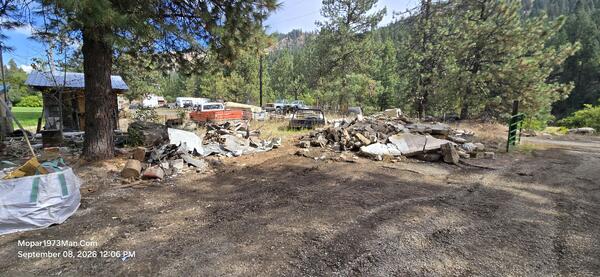
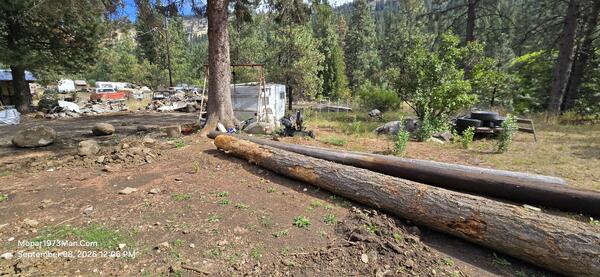
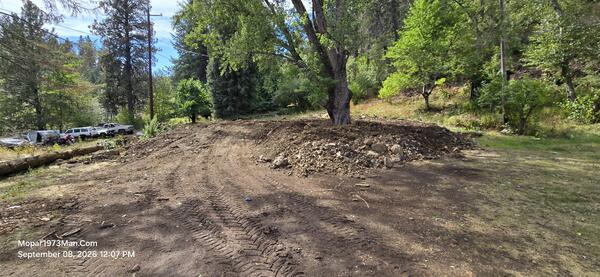
This is a collection of photos of what happened to my shop that I've worked out of for over 35 years doing mechanic work. This all took place on May 29th 2025 at 6:00am. A massive chunk of the mountain and 9 trees slammed into the back of the shop / guest house and destroyed the building. This is a photo blog of what has been happening for clean up and clearing the debris off my driveway to gain access to the main house which still standing.
-
20260908_120617.jpg
-
 20260908_120659.jpg
-
 20260908_120728.jpg
-
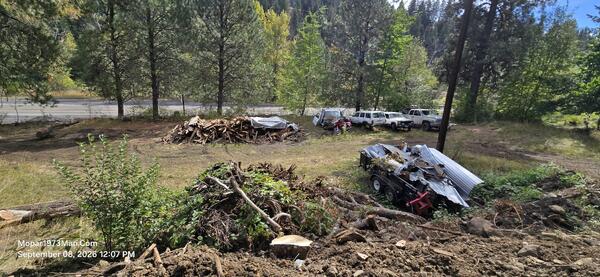 20260908_120751.jpg
-
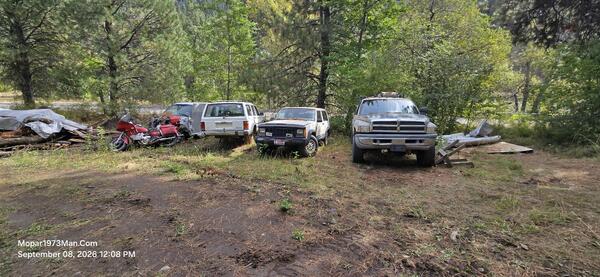 20260908_120820.jpg
-
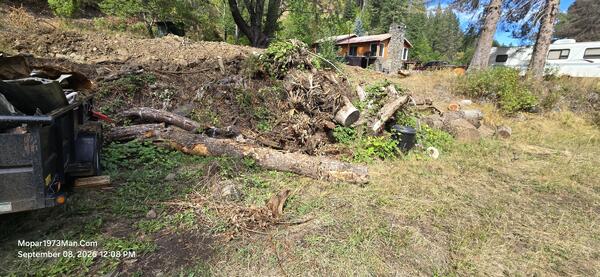 20260908_120833.jpg
-
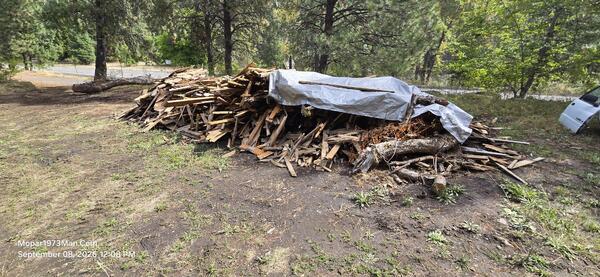 20260908_120837.jpg
-
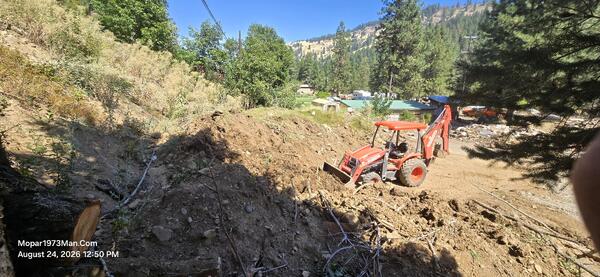 20260824_125014.jpg
-
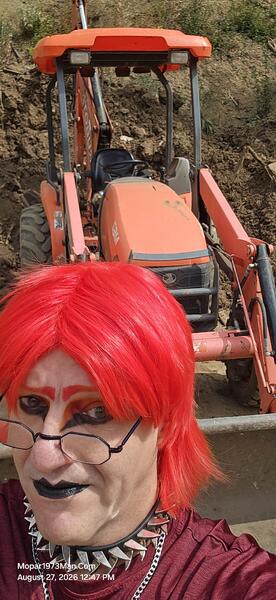 20260827_124754.jpg
-
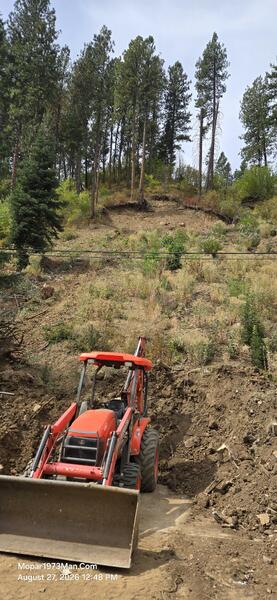 20260827_124812.jpg
-
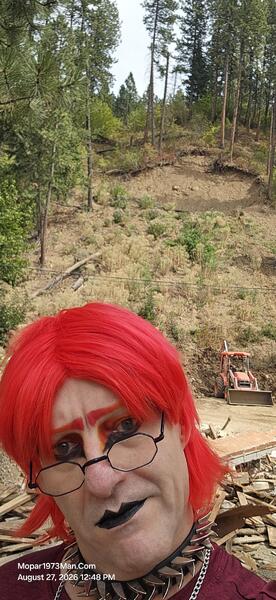 20260827_124855.jpg
-
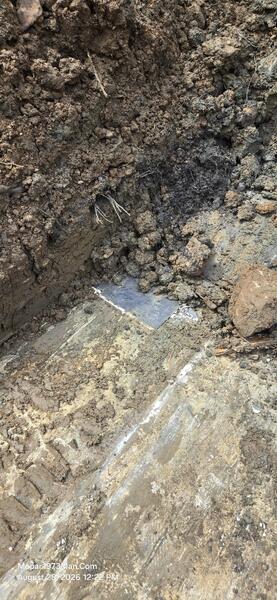 20260828_122223.jpg
-
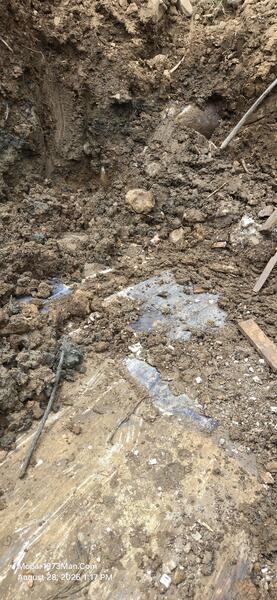 20260828_131728.jpg
-
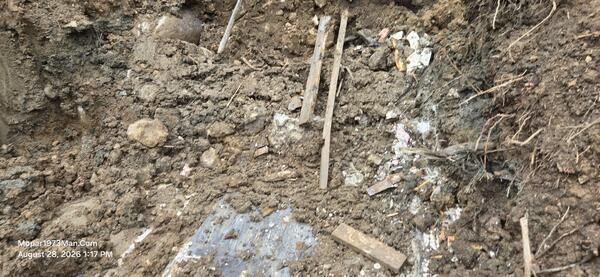 20260828_131734.jpg
-
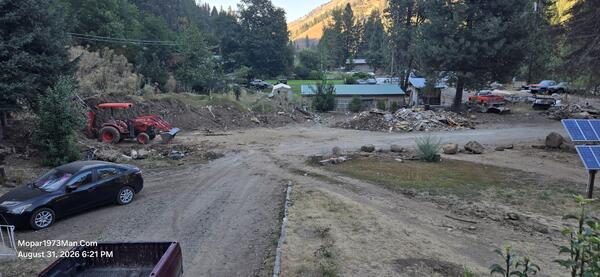 20260831_182130.jpg
-
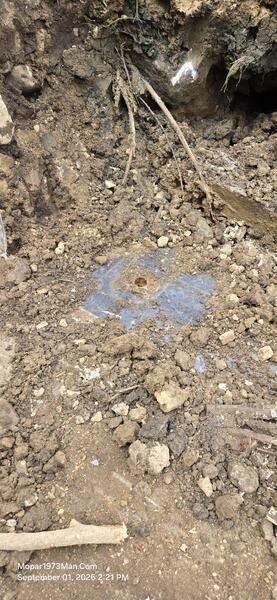 20260901_142105.jpg
-
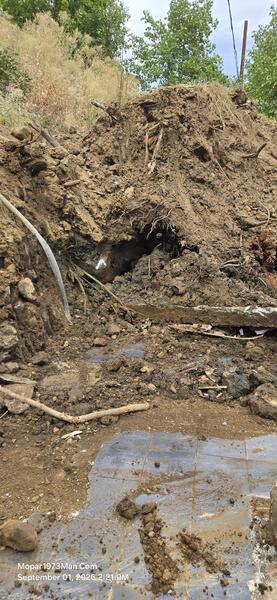 20260901_142146.jpg
-
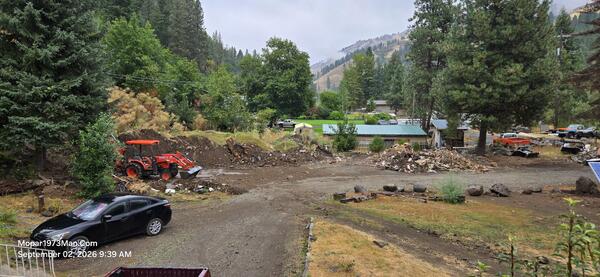 20260902_093953.jpg
-
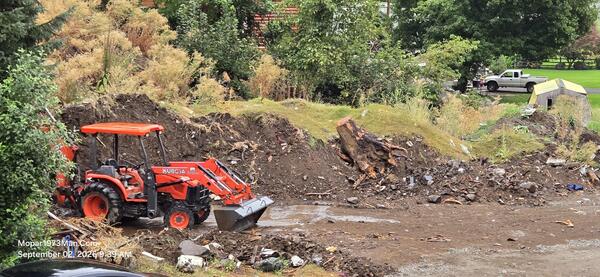 20260902_093959.jpg
-
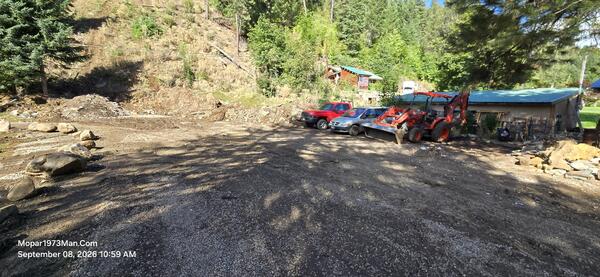 20260908_105915.jpg
-
-
From the album: Mopar1973Man Landslide
-
From the album: Mopar1973Man Landslide
-
From the album: Mopar1973Man Landslide
-
From the album: Mopar1973Man Landslide
-
From the album: Mopar1973Man Landslide
-
From the album: Mopar1973Man Landslide
-
Landslide Cleanup — Progress SummaryThe Slide (May 29, 2025, 8:15 AM)The first photo captures the immediate aftermath of the landslide that came down off the hillside behind the property. A section of the slope let go, taking several large pine and fir trees down with it — they're shown lying flattened across the debris field, still rooted at the base but toppled toward the yard. The slide plowed straight through the diesel shop, leaving it sheared apart and tipped at a steep angle, its wood siding torn open and insulation hanging out. In front of it, an old pickup truck sits crushed and half-buried under the debris pile. Scattered across the foreground is the material that had to be sorted afterward: broken cinderblock, sheets of pink foam insulation, coiled blue tubing, splintered lumber, a mattress, and general shop contents thrown clear by the slide. Bare dirt is exposed high on the hillside where the slope failed. The Site Today (September 8, 2026, 11:00 AM)The second photo, taken from an elevated spot on the property looking back over the same ground, shows how much has changed in the roughly fifteen months since. The debris field and the wrecked shop are gone — that whole section has been cleared, graded, and turned back into usable yard and driveway. Where the wreckage once sat, there's now a mounded dirt berm running along the base of the hill (likely holding back the remaining slide material), with a low stone retaining wall marking the edge of the driveway in the foreground. The driveway itself has been re-cut and is drivable, with a car parked partway up it. Off to the right, the property has clearly moved on to normal use again: a solar panel array is set up on a post, vehicles and a small tractor implement are parked near a shop-type building, and stacks of sorted rock and cinderblock sit staged nearby rather than scattered as rubble — material kept back for reuse. A dog sits in the yard, and the grass and fruit tree in the foreground show the place is lived-in and maintained again. What the Photos Show Getting DoneBetween the two shots, the work visible is: clearing the collapsed shop and downed trees, hauling out the debris pile, separating reusable material (stone/concrete) from junk, regrading and re-establishing the driveway, and rebuilding the yard's infrastructure (solar setup, parking area) on top of the cleared ground. What was a fresh disaster scene in May 2025 reads, by September 2026, as an active, functioning yard again — with a visible stockpile of salvaged stone/block still on hand, presumably for the next phase of work. Ongoing WorkThe cleanup isn't finished. Dirt from the slide is still being worked through — pulling remaining garbage and debris out of it — and the cleaned dirt is being moved to the back yard to level out the ground back there. So the front area shown in the September photo is largely squared away, but the back yard is now the active project, being built up and leveled with what's salvaged out of the slide dirt. There's also no shop or dry covered space to work out of the weather, so as fall turns toward winter, this work has to keep pushing forward as long as outdoor conditions allow before the weather shuts it down.
-
From the album: Mopar1973Man Landslide
-
From the album: Mopar1973Man Landslide
-
From the album: Mopar1973Man Landslide
-
From the album: Mopar1973Man Landslide
-
From the album: Mopar1973Man Landslide
-
From the album: Mopar1973Man Landslide
-
From the album: Mopar1973Man Landslide
-
From the album: Mopar1973Man Landslide
