Skip to content
View in the app

A better way to browse. Learn more.

Mopar1973Man.Com

A full-screen app on your home screen with push notifications, badges and more.

To install this app on iOS and iPadOS
  1. Tap the Share icon in Safari
  2. Scroll the menu and tap Add to Home Screen.
  3. Tap Add in the top-right corner.
To install this app on Android
  1. Tap the 3-dot menu (⋮) in the top-right corner of the browser.
  2. Tap Add to Home screen or Install app.
  3. Confirm by tapping Install.
  • Entries

    35
  • Comments

    10
  • Views

    36,050

About this blog

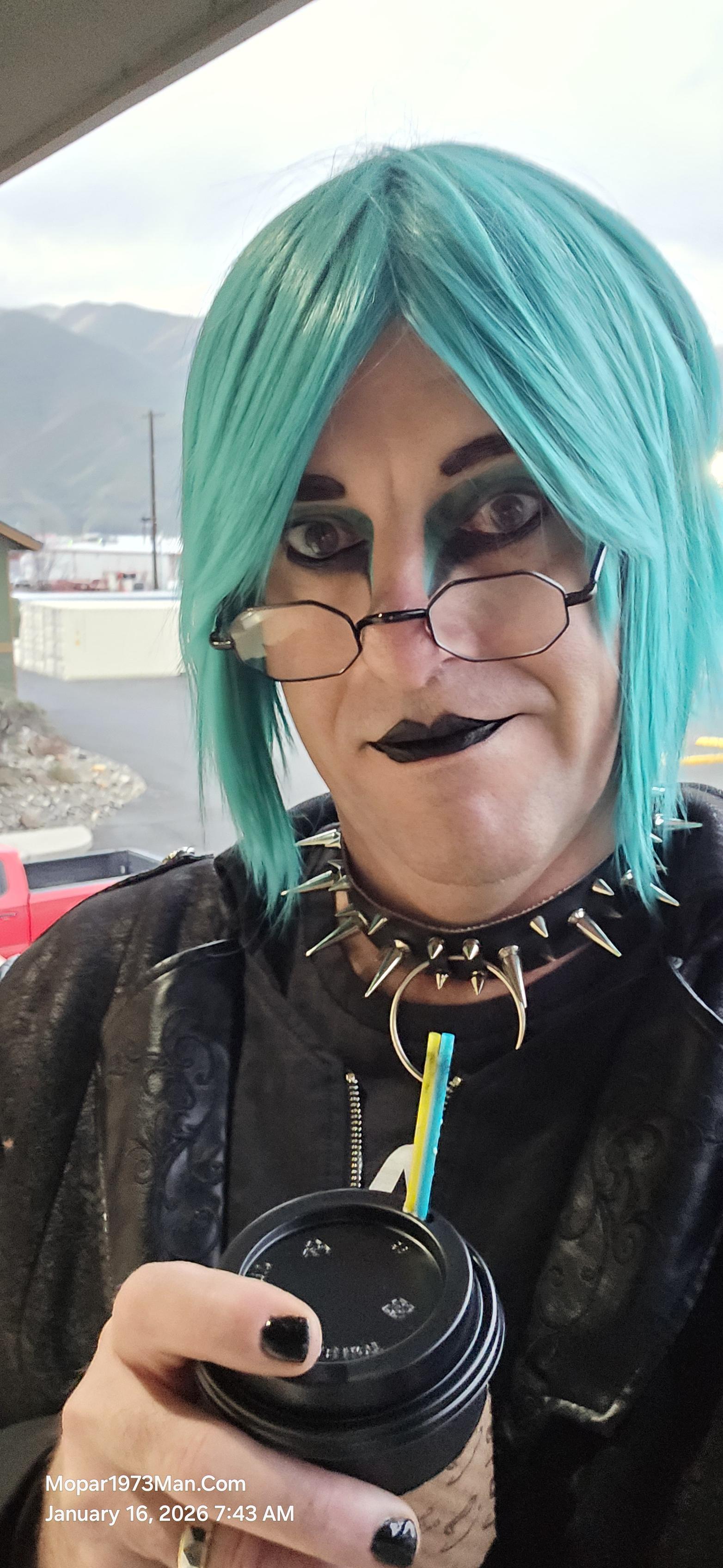
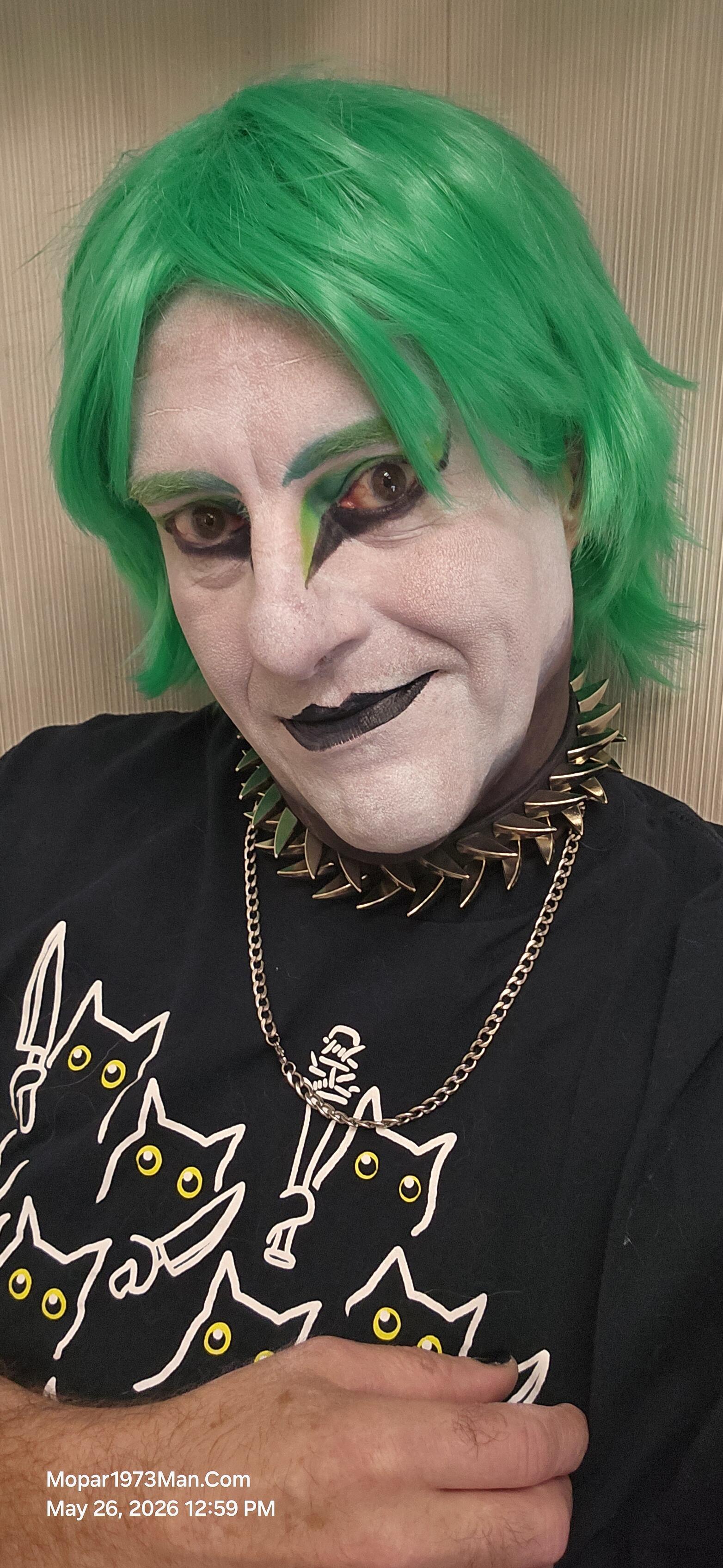
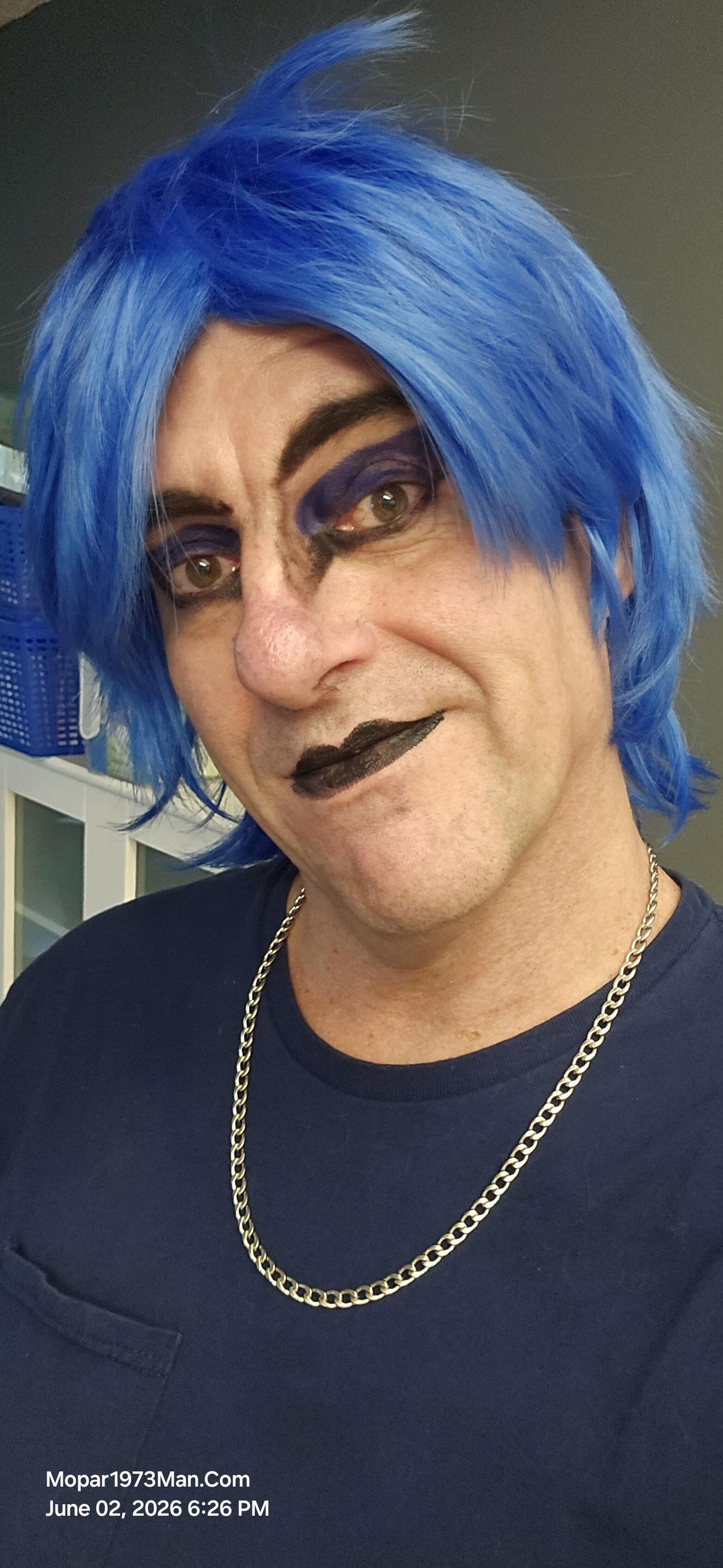
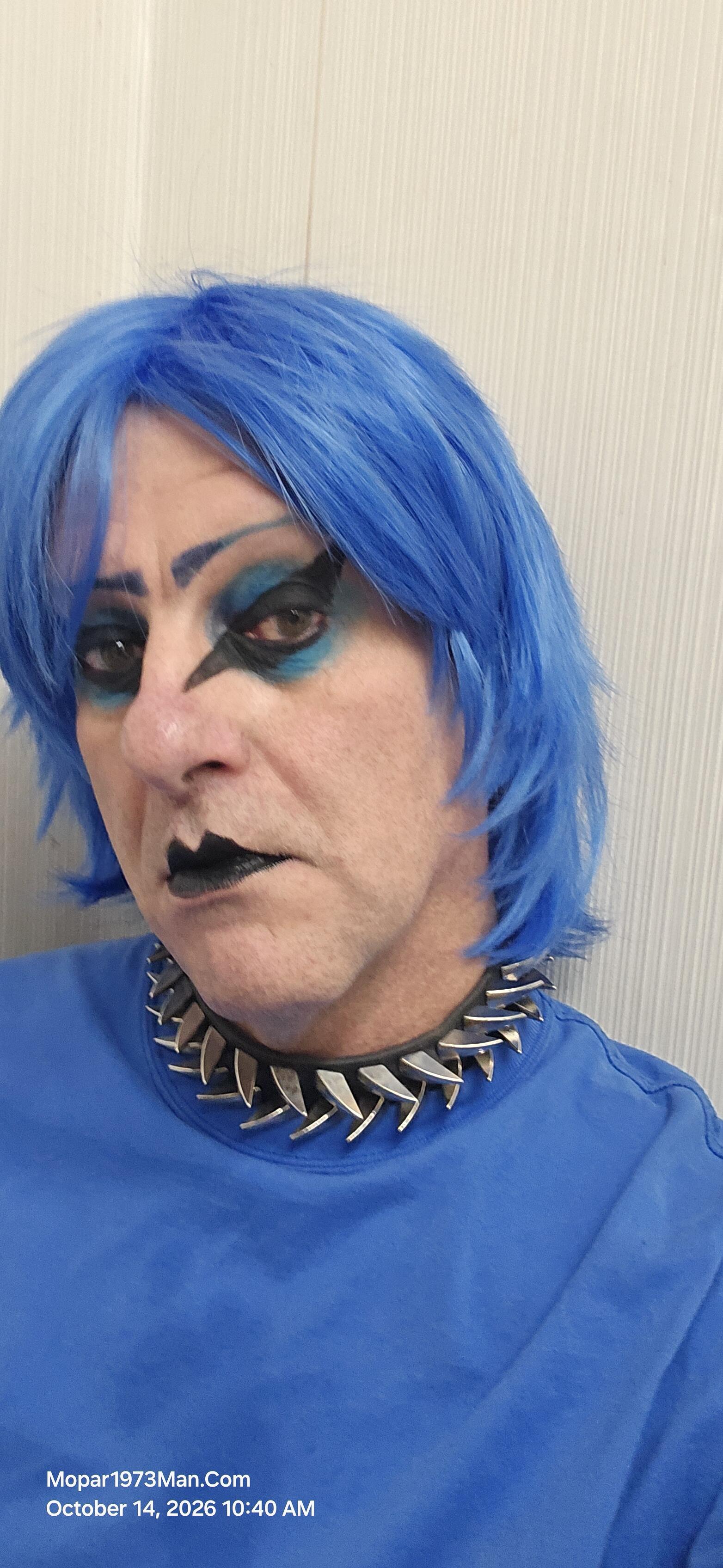
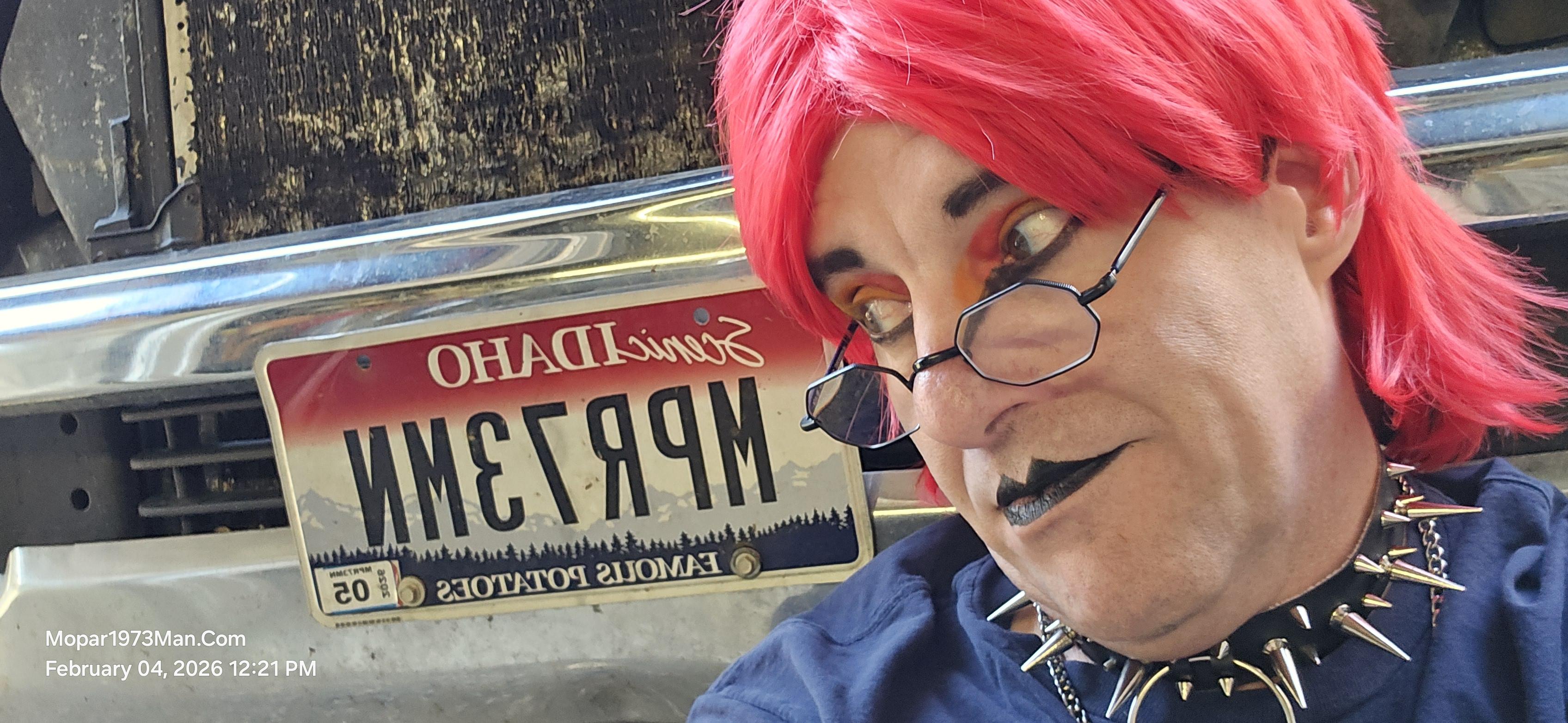
Titanium was created to deal with the isolation of my cancer and my depression that came from my cancer. I'm a two-time survivor of bladder cancer. I was told that my chances of survival were low and that the cancer might metastasize and end my story. Knowing I was facing chemotherapy, I was looking for ways to keep my spirit up, as I was sick for so long and alone. I became talented at creating this character and the smiles that came with it.

Entries in this blog

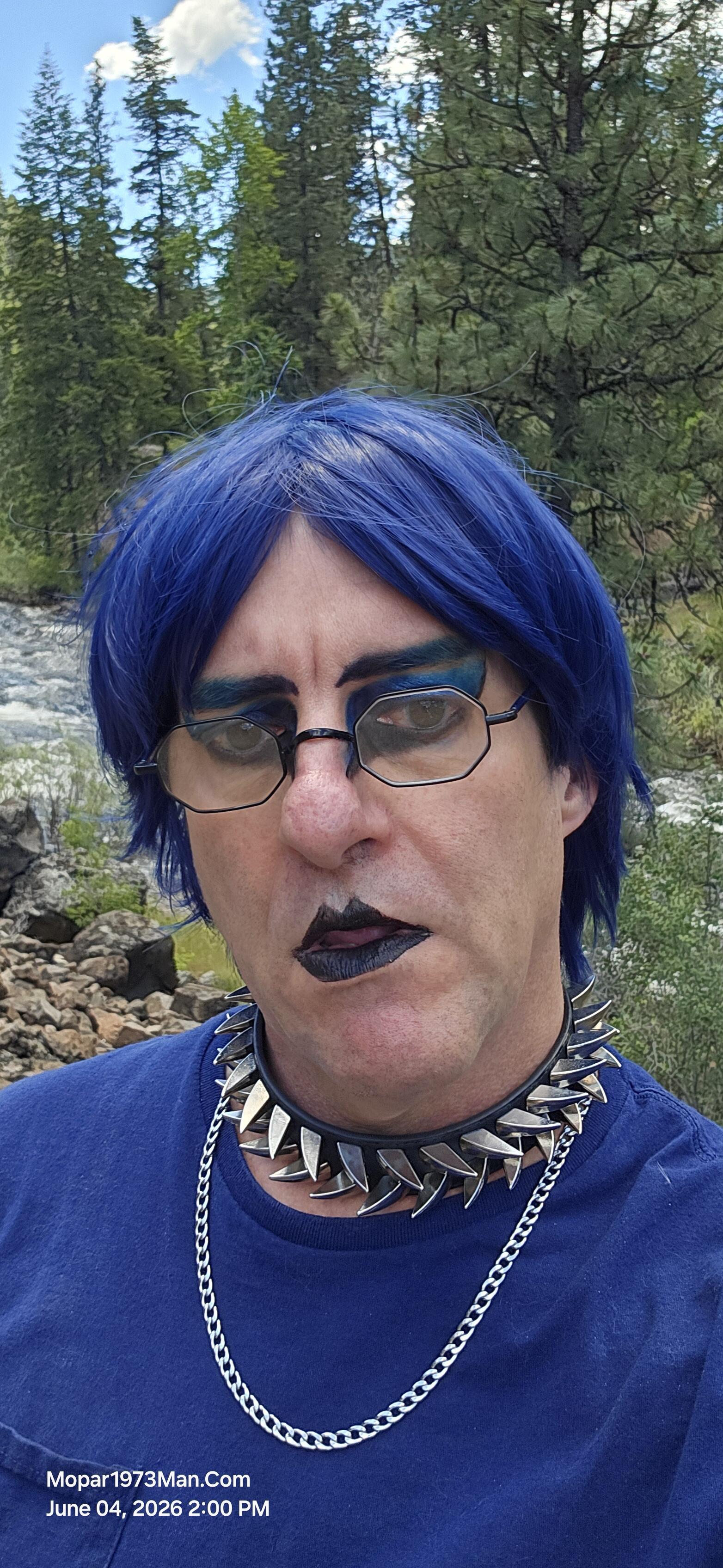
Today we are checking out of our RV space and heading back home with our cache of goodies we picked while in town. This has been a wonderful experience and teaching both of us what we need to travel on the road to see some of you. For a bench test I think we can get started traveling state to stay soon. As for makeup artistry wife and I enjoyed all the great comments as we been in town. Been nice for both us to escape the mess at home and take a break away from problems, phones, projects, etc.
@Tweety Bird has some shoulder issues we need to deal with. She has a few medical appointments to handle down in the Treasure Valley Idaho. Don't fret, we have packed up the RV today and are nearly ready to start a travel trip down south. This is like a practice run because eventually we want to travel cross-country to see some of the members of this website. I know I have a spot with @Doubletrouble. I know I need to rattle some other members in the future. We are going to do as much as we can
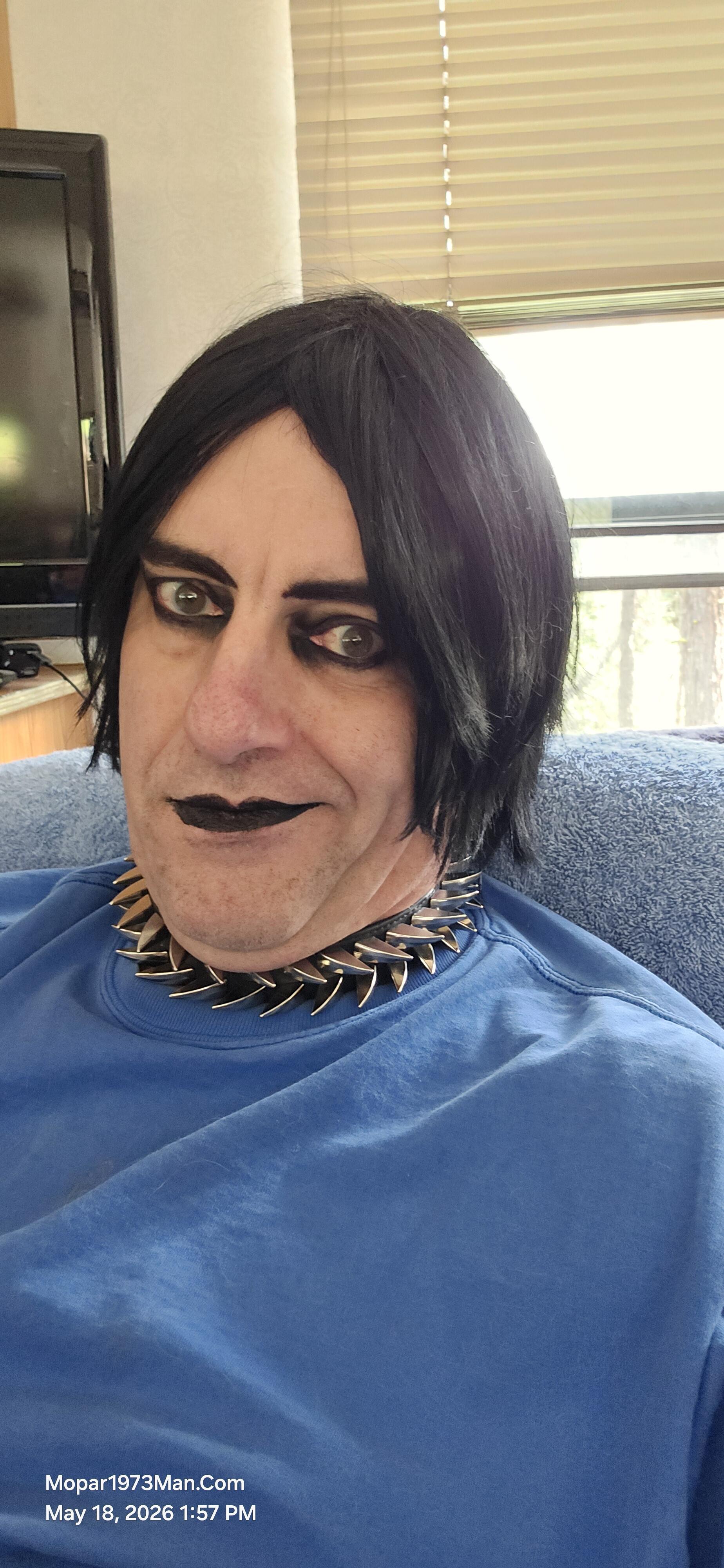
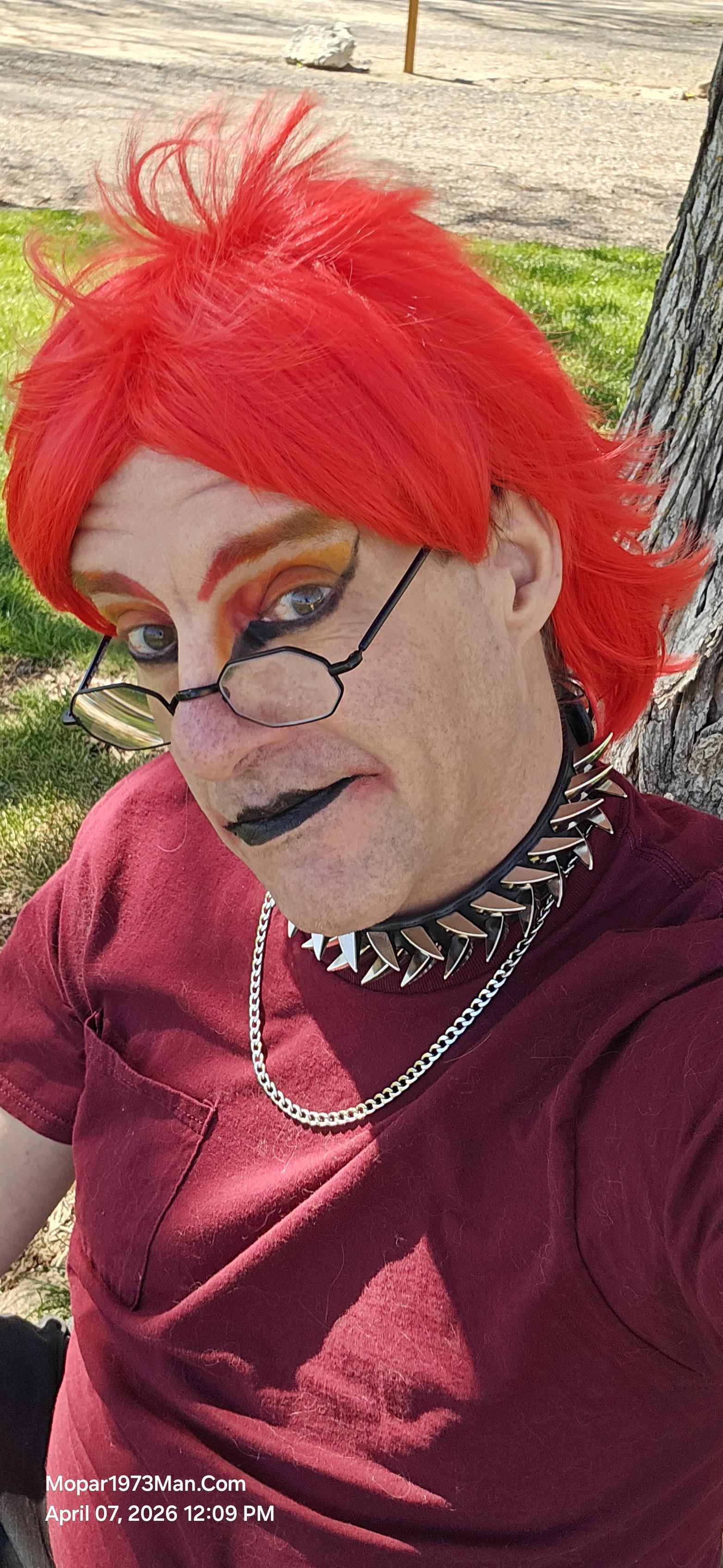
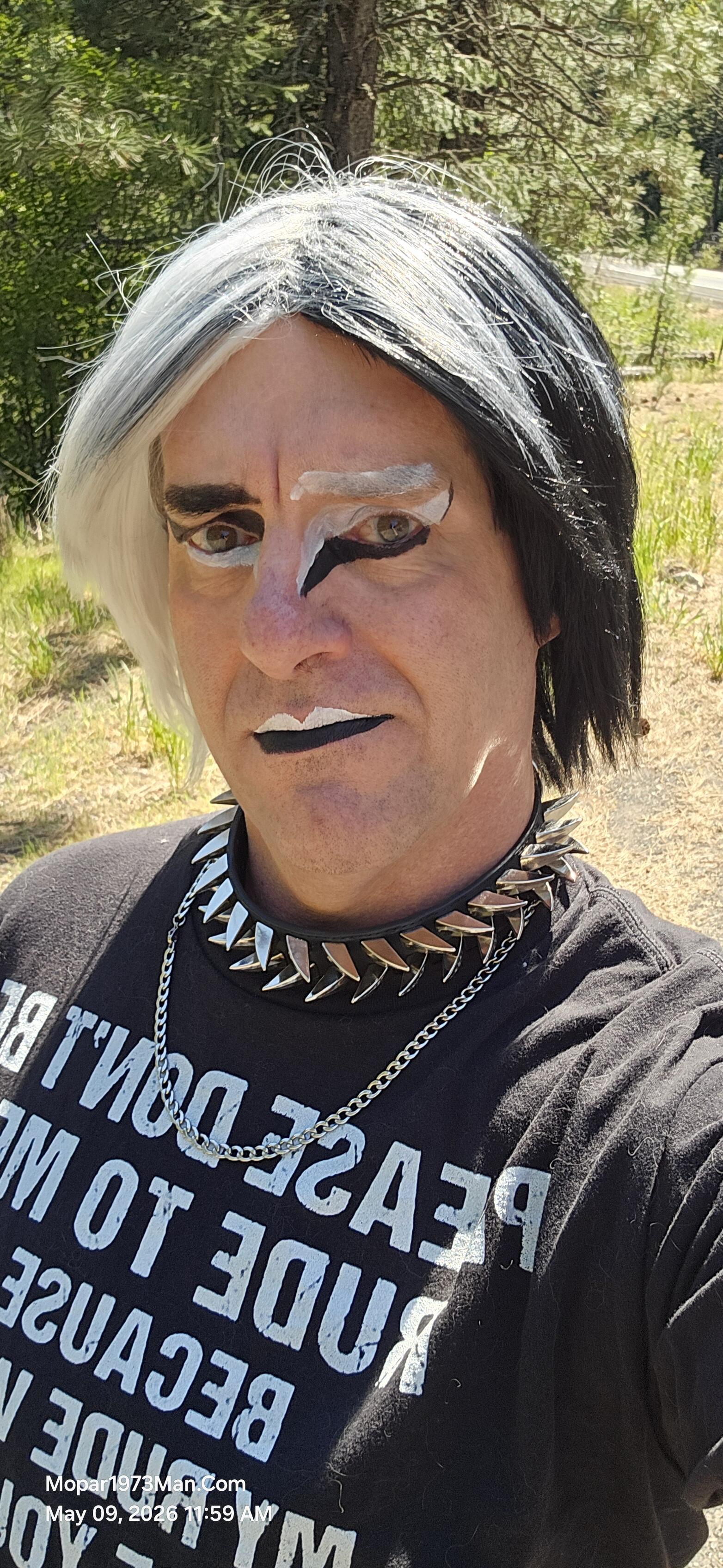
@Tweety Bird asked me what color today. She paused a bit, then said do something with a color you have not used in a while. Black and white hasn't been used in a long while. She asked me to do something to reverse the colors on the wig. Well, I came up with a wild idea using liquid makeup. It's a wild idea and just doing the crazy thoughts.
So, as I was packing up on my first trip, I was doing a lot of back and forth, loading stuff in the RV. For 2 days, I didn't wear any makeup at all. When I got going and realized I needed to stop at the local hardware store for a chunk of chain, like 6 feet or so. This was purchased to lock the generator to the truck or RV. When I walked into the store without makeup on, everyone kept coming up to me and asking, "Are you OK? Are you sick again? Cancer coming back?" Nope, just was super busy and
It was awesome to just take time away from the mess in my own yard. Even though both of us were worn out and really didn't do anything much while out here. The weather got cold and is snowing. We were up near Lost Valley Reservoir at an elevation of roughly 4,800 feet. The first two days were spent sitting at the dining table, looking out the windows at the storm rolling in and then rolling out and clearing up. Titanium was in hair and super simple, just black eyeliner and black eye shadow, then
Beast got his new VP44 injection pump. Been a long while since I've done long work like this, wow! I can feel it all through my shoulders and arms from hanging upside down over the tappet cover and injection pump. Few flaws I did on that job. I got sidetracked by people coming and going, and then forgot to tighten the 1,2,4 injection lines at the pump, and couldn't figure out the diesel fuel smell. D'Uh! 🫣 Tighten all that up, and Beast came to life. To test Beast out, I packed up the next da

Account

Navigation

Search

Search

Configure browser push notifications

Chrome (Android)
  1. Tap the lock icon next to the address bar.
  2. Tap Permissions → Notifications.
  3. Adjust your preference.
Chrome (Desktop)
  1. Click the padlock icon in the address bar.
  2. Select Site settings.
  3. Find Notifications and adjust your preference.