

- Replies 8
- Views 507
- Created
- Last Reply
Top Posters In This Topic
-
Mace 3 posts
-
Threadzy 2 posts
-
Mopar1973Man 1 post
-
IBMobile 1 post



Popular Days
Most Popular Posts
-
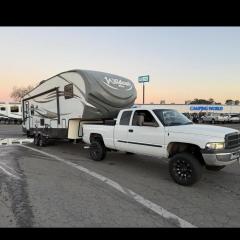
Have you had a chance to tow something yet? Or are you waiting to do the trans first? A few years ago I took off my rear sway bar. To soften the suspension a bit. With my 6,000lbs travel trailer it wa
-
I have the 6 spd so I’m not changing anything that way. I’m buying a new 3 axle toyhauler that’s about 44’ long and 16k lbs. I’m gonna buy some extended Synergy rear sway bar links and the Timbrens
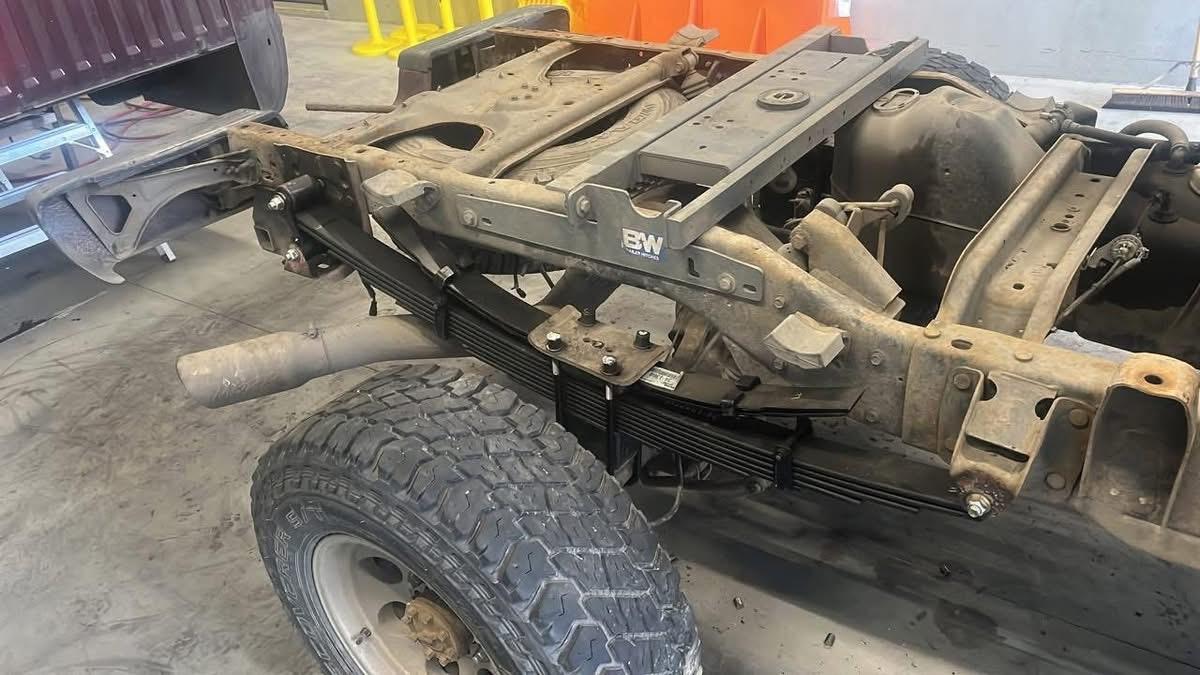
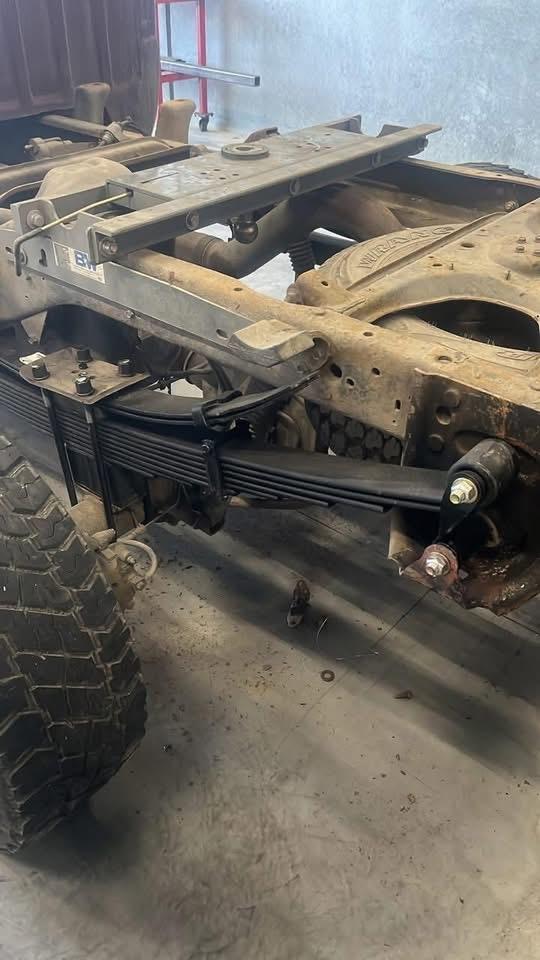
It’s time to “spring” into action!
8 leaf 4000 lb pack
2 leaf 1150 lb overloads
New shackles (All from Rockauto)
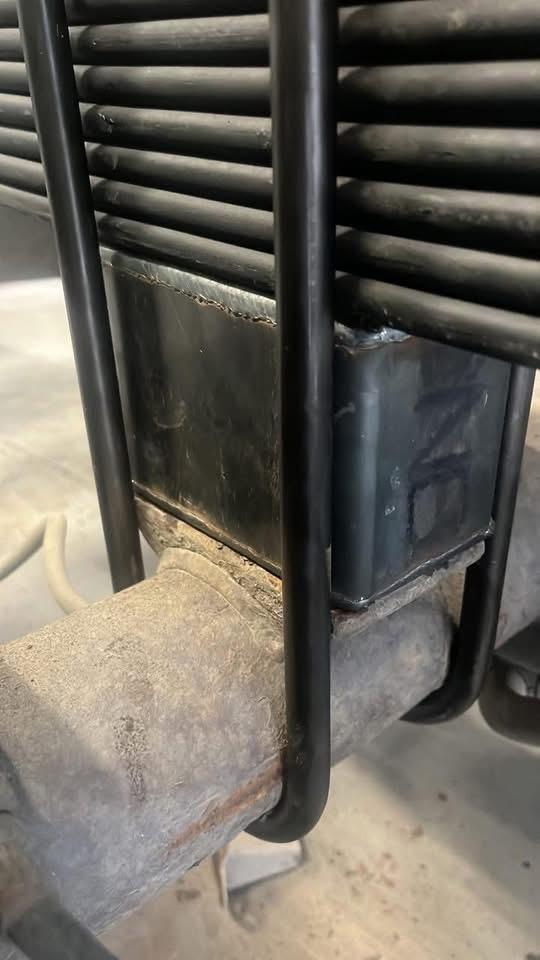
I used 4” blocks from ProForm Fabrication (they’re also tapered to get the pinion angle straight too).
I didn’t want the *** end to sit up super duper high so to compensate for the thicker pack I used slightly shorter blocks (my oem blocks are 4.5” tall). Old leaf pack is 2” thick and the new ones are 3-9/16“.
The bolt by the fuel tank is not really an issue. Just cut it off flush with the hanger and you can drive it all the way in without hitting the tank. You can fish it out with a magnet and then put the new bolt in from the outside.
I used locally made 5/8” ubolts and my old Barnes4wd top plates to keep the flip. For the eyelets I used 5/8”x 5” fine thread bolts with stover nuts. Removed the old bump stops since they do nothing now.
My truck is a 2001, so it’s time for new springs. I can’t use airbags because unless it’s the c&c kit my gooseneck hitch interferes with the mounting plates. Also the c&c kit sits on the oem block pedestals and I don’t have those anymore now.
Next up: Rebuilt NV5600 & clutch from LRG.
Enjoy!
Edited by Mace