

Mopar1973Man
-
Joined
-
Last visited
Everything posted by Mopar1973Man
-

From the album: Mopar1973Man Landslide
-
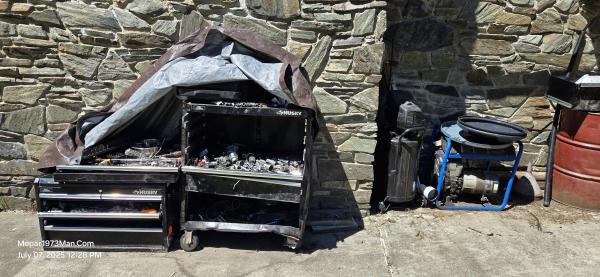
From the album: Mopar1973Man Landslide
-
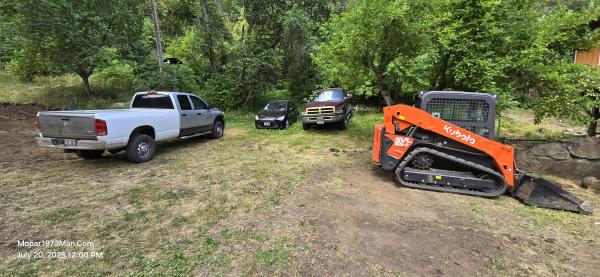
From the album: Mopar1973Man Landslide
-
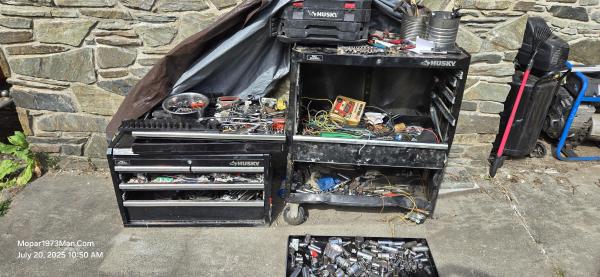
From the album: Mopar1973Man Landslide
-
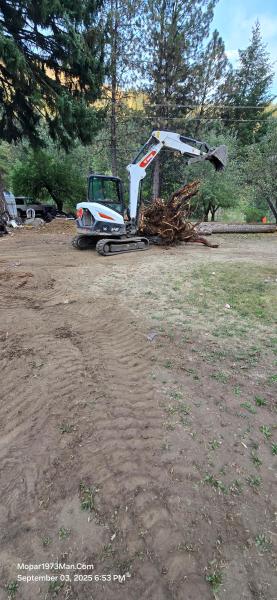
From the album: Mopar1973Man Landslide
-

From the album: Mopar1973Man Landslide
-
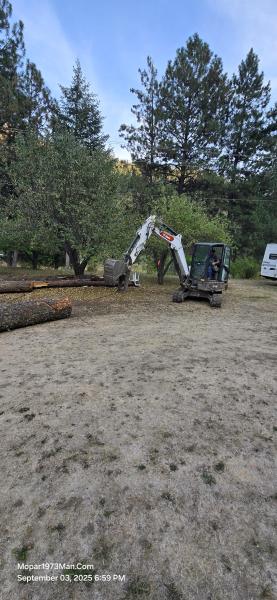
From the album: Mopar1973Man Landslide
-
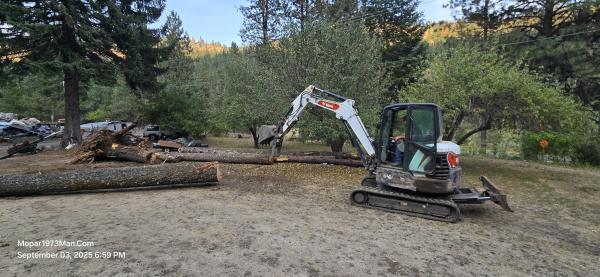
From the album: Mopar1973Man Landslide
-
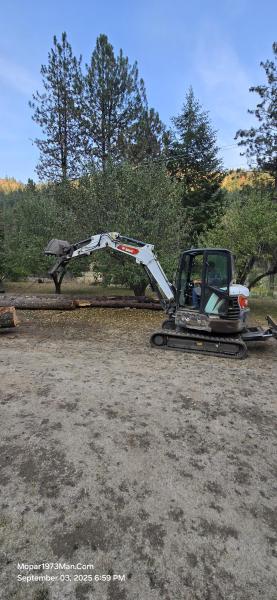
From the album: Mopar1973Man Landslide
-

From the album: Mopar1973Man Landslide
-

From the album: Mopar1973Man Landslide
-
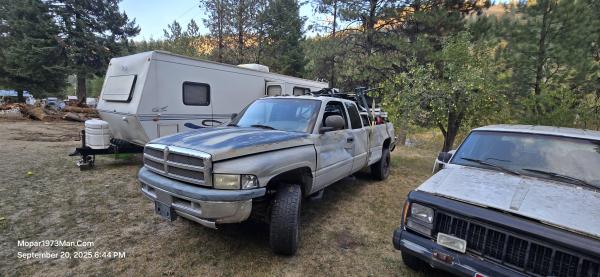
From the album: Mopar1973Man Landslide
-
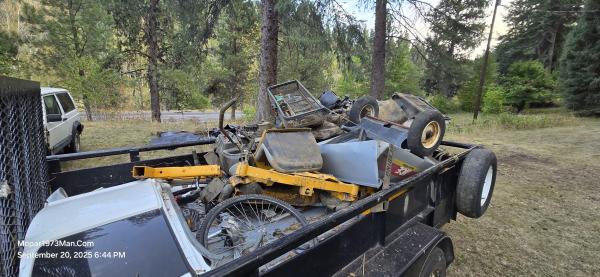
From the album: Mopar1973Man Landslide
-
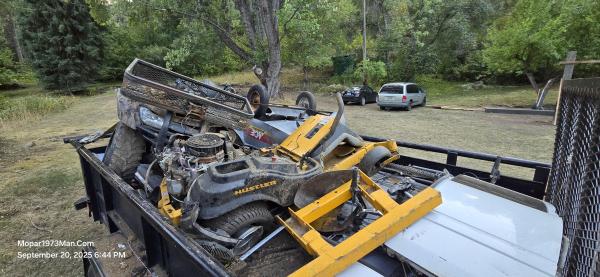
From the album: Mopar1973Man Landslide
-
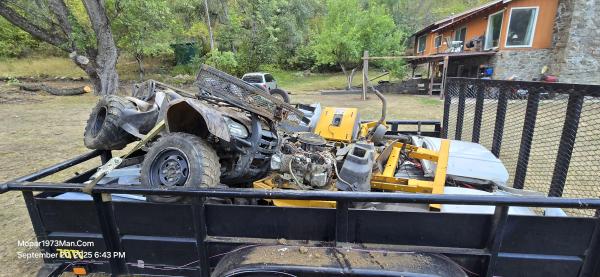
From the album: Mopar1973Man Landslide
-

From the album: Mopar1973Man Landslide
-

From the album: Mopar1973Man Landslide
-

From the album: Mopar1973Man Landslide
-
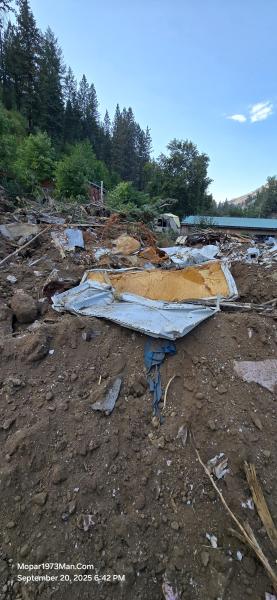
From the album: Mopar1973Man Landslide
-

From the album: Mopar1973Man Landslide
-
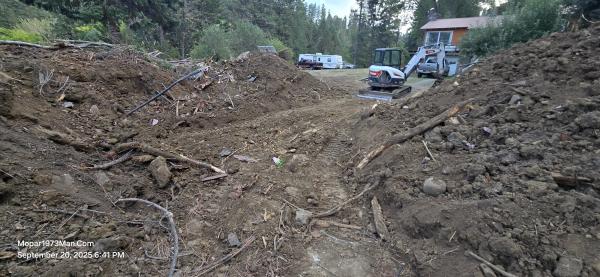
From the album: Mopar1973Man Landslide
-
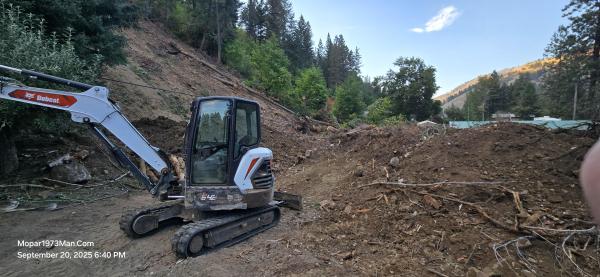
From the album: Mopar1973Man Landslide
-
Double-check any of the suction side lines. Remember, these lines don't typically leak outwards. Being a vacuum allows it to lose its prime. Do you have metal JIC fittings or plastic quick-lock fittings? On those types of fittings, if you suspect a fitting to be leaking air, you can wipe a bit of grease on the smooth bore and leave it a bit thick. This typically fixes an air leak temporarily. Metal fittings you might want to double check the mating faces and make sure there is no damage. These must be smooth both sides! Any bad faces you'll end up replacing both fittings.
-
Your welcome.
-
Transfer case in neutral?