Skip to content
View in the app

A better way to browse. Learn more.

Mopar1973Man.Com

A full-screen app on your home screen with push notifications, badges and more.

To install this app on iOS and iPadOS
  1. Tap the Share icon in Safari
  2. Scroll the menu and tap Add to Home Screen.
  3. Tap Add in the top-right corner.
To install this app on Android
  1. Tap the 3-dot menu (⋮) in the top-right corner of the browser.
  2. Tap Add to Home screen or Install app.
  3. Confirm by tapping Install.

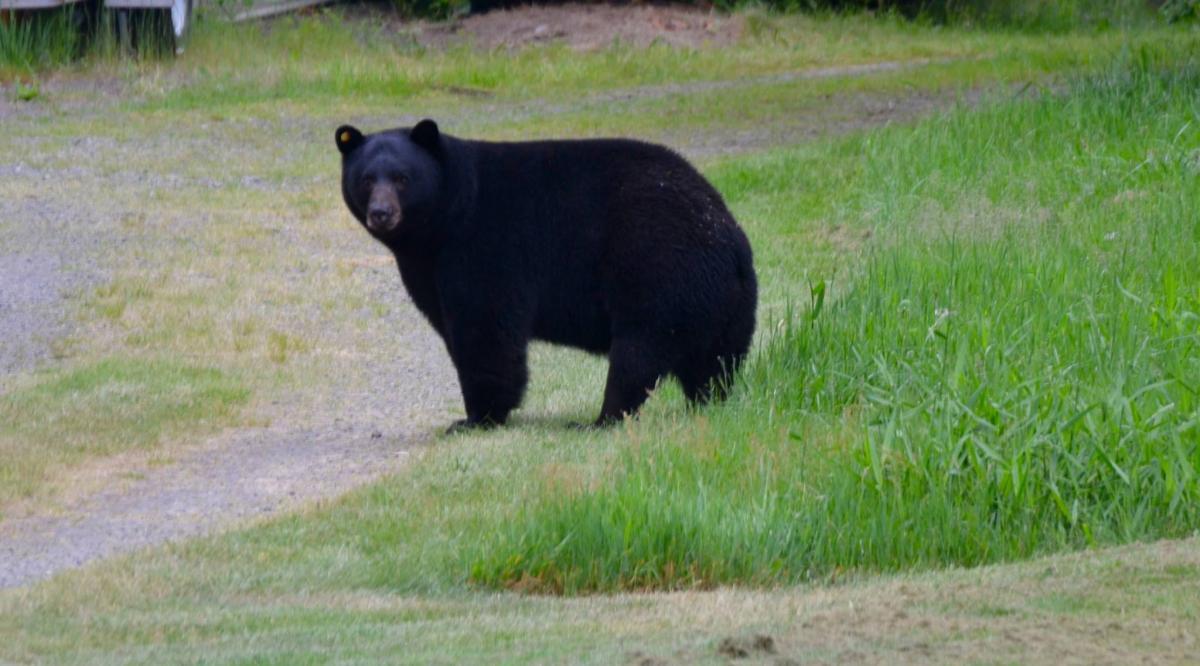
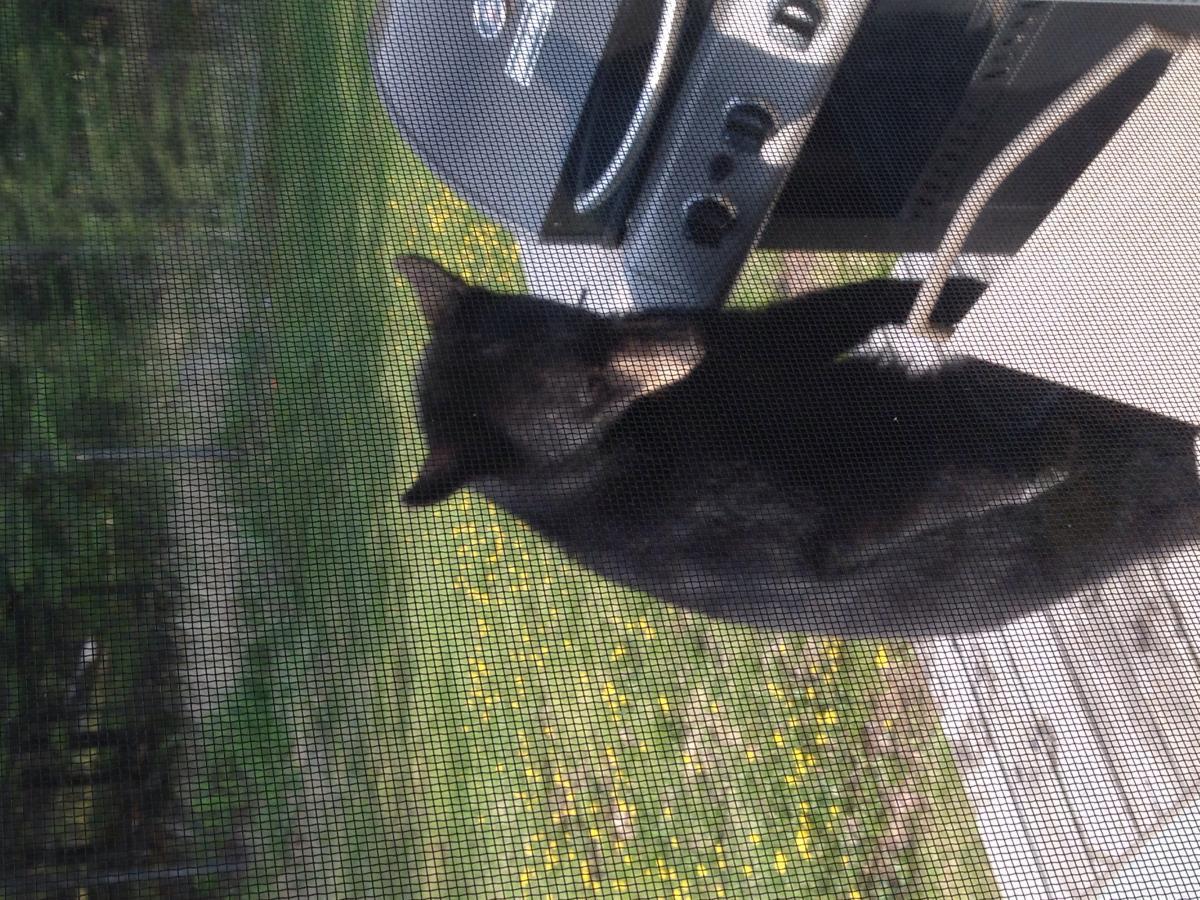
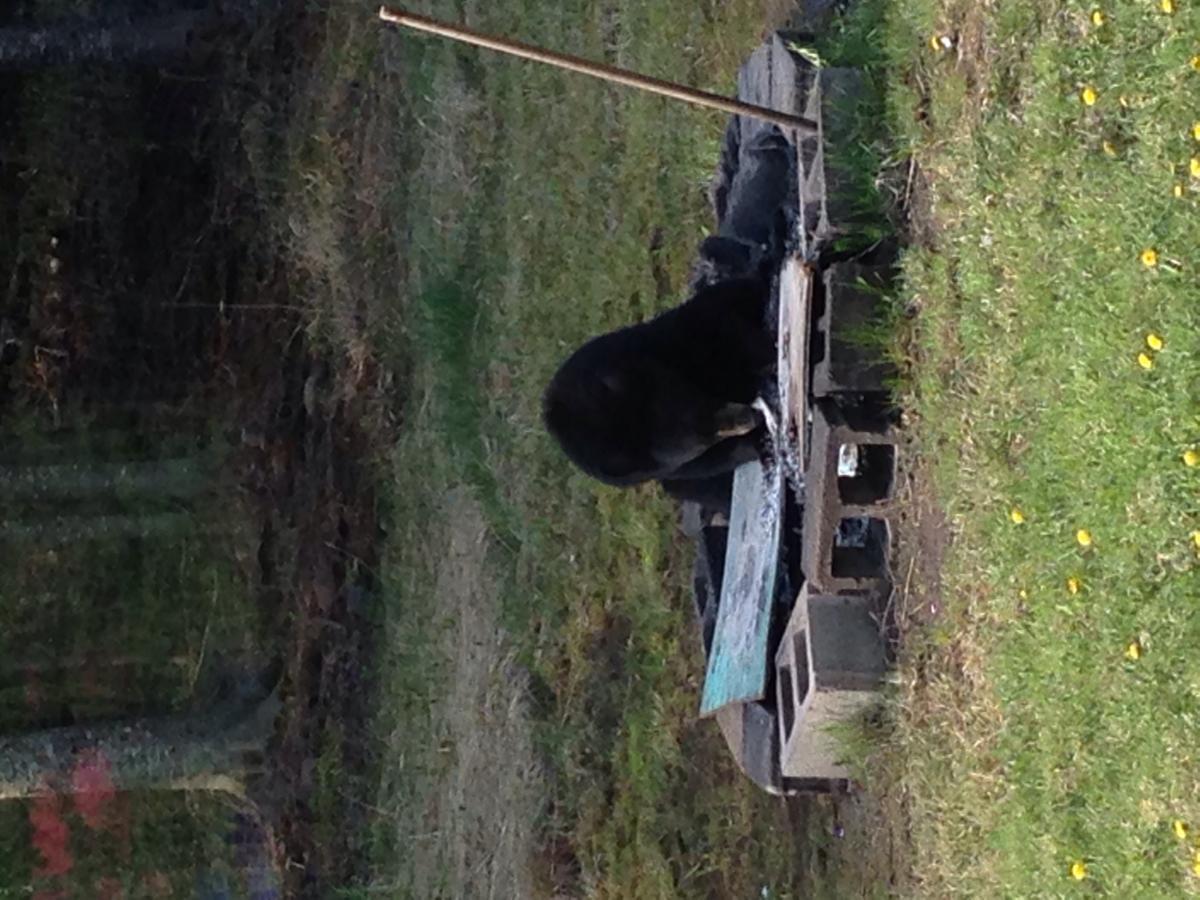
Suprise guest to the BBQ

  • Replies 15
  • Views 3.3k
  • Created
  • Last Reply

Top Posters In This Topic

Posted Images

Featured Replies

It's all fun and games until someone steals your picnic basket.

no pics of the critter yet, but it's been in my driveway. guessing about a 200 pounder.

I get those critters too. :duh::rolleyes:

 Can't blame him for trying to eat healthy   :)

Night vision scope will fix that. Guys down in the south do it with wild pigs all the time.

Account

Navigation

Search

Search

Configure browser push notifications

Chrome (Android)
  1. Tap the lock icon next to the address bar.
  2. Tap Permissions → Notifications.
  3. Adjust your preference.
Chrome (Desktop)
  1. Click the padlock icon in the address bar.
  2. Select Site settings.
  3. Find Notifications and adjust your preference.